🧠 AI Quiz
Think you really understand Artificial Intelligence?
Test yourself and see how well you know the world of AI.
Answer AI-related questions, compete with other users, and prove that
you’re among the best when it comes to AI knowledge.
Reach the top of our leaderboard.


















Dashnode

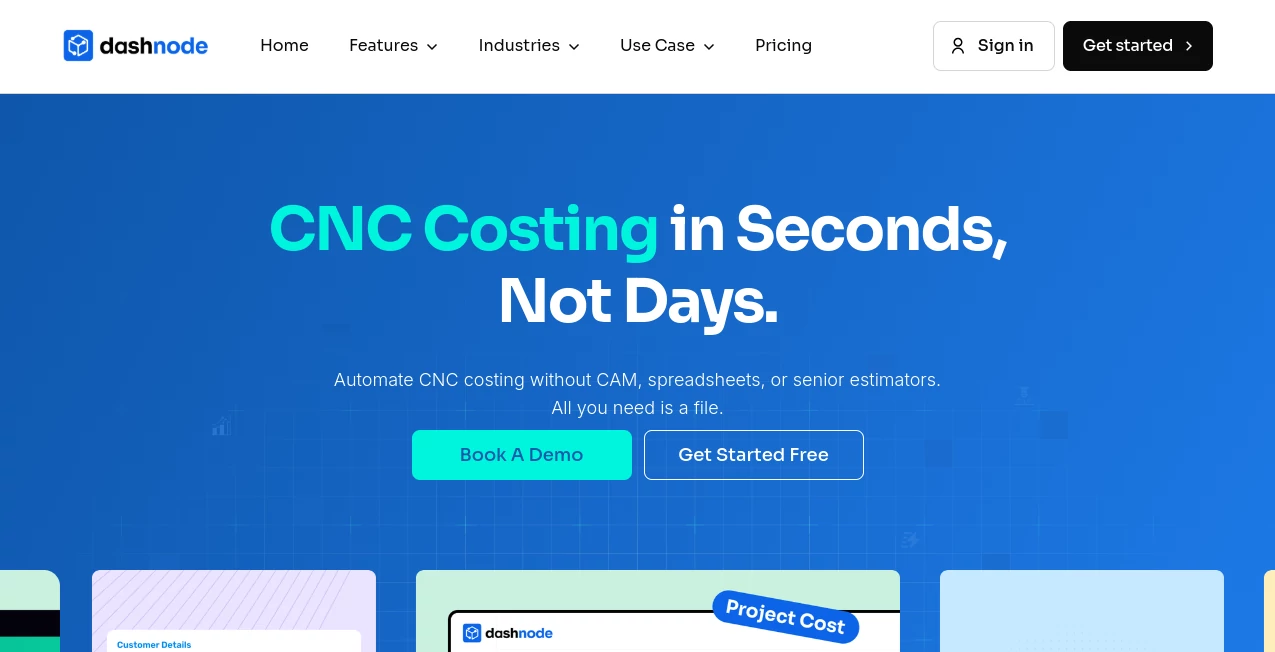
What is Dashnode?
Picture this: a complex part lands on your desk, the client wants a quote yesterday, and instead of spending half the day buried in spreadsheets and manual calculations, you upload the CAD file and get a detailed, accurate cost breakdown in seconds. That's the daily reality this tool creates for shops of all sizes. It feels almost unfair how much time it saves—I've talked to estimators who used to dread urgent RFQs; now they look forward to them because the heavy lifting is done instantly, leaving room for the real decisions that grow the business.
Introduction
In manufacturing, the bottleneck often isn't the machine—it's everything around it: quoting, costing, spotting design issues before they become expensive headaches. This platform changes that equation with AI that actually understands CNC realities. Built from the ground up in India for job shops and larger players alike, it pulls together instant estimates, smart material choices, and manufacturability checks that rival what a seasoned programmer might flag. Shops using it report slashing quoting time from days to seconds, winning more work because they respond faster and quote more confidently. It's not hype; it's the kind of practical edge that turns tight margins into steady growth.
Key Features
User Interface
The flow is refreshingly simple: drag your STEP or IGES file in, pick quantity and material if you want overrides, and the breakdown appears almost instantly. No cluttered dashboards or hidden menus—just the essentials upfront, with a clean report you can share or tweak on the spot. It's built so even the busiest floor manager can jump in without training; the first time I saw it in action, the estimator literally said "that's it?" with a grin.
Accuracy & Performance
It simulates machining logic like a veteran CAM operator, delivering cycle times and costs that land within 90-95% of real outputs. Raw stock optimization picks the smartest size and shape to minimize waste, and the DFM flags—like thin walls or tool access problems—come early enough to fix designs before prototypes fail. Speed is the standout: average under 10 seconds per part, even for batches, so urgent jobs don't stall the shop.
Capabilities
Beyond basic quotes, it analyzes material efficiency, flags manufacturability risks across a wide range of features, and supports bulk uploads for quoting multiple parts at once. Custom inputs let you set shop-specific rates, labor, and margins so estimates reflect your reality. Reports are export-ready for clients or internal review, making it a bridge between engineering, procurement, and the floor that keeps everyone aligned.
Security & Privacy
Your CAD files stay protected with standard encryption and compliance measures—nothing gets shared or stored beyond what's needed for your session. It's reassuring for shops handling sensitive designs or client IP, knowing the tool respects boundaries while delivering speed.
Use Cases
Small job shops crank out quotes for walk-ins in minutes instead of days, landing work they used to lose to slower competitors. Larger manufacturers batch dozens of parts for supplier negotiations, spotting cost drivers and DFM issues early. Robotics and medical device teams get precise estimates for tight-tolerance components, while general shops use it to optimize material buys and reduce scrap on high-volume runs. It's the difference between reacting and staying ahead.
Pros and Cons
Pros:
- Dramatic time savings that turn quoting from a chore into a strength.
- Estimates that align closely with real CAM outputs, building real trust.
- Smart DFM feedback that prevents costly rework downstream.
- Flexible inputs that adapt to any shop's economics.
Cons:
- Best with clean CAD files; very messy imports may need quick prep.
- Focused on CNC milling/turning—other processes get less depth.
Pricing Plans
It starts approachable with a free tier to test the waters and see the speed firsthand. Paid plans scale sensibly for higher volume or advanced features, keeping the value clear as shops grow. No punishing lock-ins—just options that match real usage, so you're always paying for what actually moves the needle.
How to Use Dashnode
Head to the upload area, drag your CAD file in (STEP or IGES works great), set quantity and any material preferences, then hit go. The report pops up fast—review the breakdown, check DFM flags, adjust inputs if needed, and export or share the quote. For batches, upload multiple files at once; tweak shop rates once and reuse them. It's so quick that urgent jobs become routine.
Comparison with Similar Tools
Traditional spreadsheets and manual CAM checks take hours and leave room for error; this delivers consistent, data-backed estimates in seconds while spotting issues early. Compared to other quoting software, it stands out with AI-driven simulation that mimics real machining logic, plus better material optimization and DFM depth—making quotes sharper and more competitive without the extra overhead.
Conclusion
This tool quietly shifts the balance for shops that live or die by speed and accuracy in quoting. It removes the guesswork, cuts non-productive time, and lets teams focus on what they do best: making parts that matter. If quoting has ever slowed you down or cost you work, this is the practical upgrade that pays for itself fast. Give it a real file and see the difference—it's one of those changes you wonder how you managed without.
Frequently Asked Questions (FAQ)
What file formats does it accept?
STEP and IGES are the go-tos; clean files yield the best results.
How accurate are the estimates?
90%+ alignment with real CAM outputs, often closer on standard parts.
Can I customize shop rates?
Yes—machine, labor, margins, and more, so it reflects your setup.
Does it handle batches?
Absolutely; upload multiple parts and get quotes in one go.
What about DFM feedback?
It flags issues like thin walls, deep holes, undercuts—early warnings that save headaches.
AI Developer Tools , AI Research Tool .
These classifications represent its core capabilities and areas of application. For related tools, explore the linked categories above.
Dashnode details
This tool is no longer available on submitaitools.org; find alternatives on Alternative to Dashnode.
Pricing
- Free
Apps
- Web Tools
Categories

Dashnode Alternatives Product

Hirescope.te…

Kimi K2.5

AISEOMate

CodeProt

DiRe-RAPIDS

Devplan

Chrome Sidek…

Website Traf…

CoinIQ