
🧠 AI Quiz
Think you really understand Artificial Intelligence?
Test yourself and see how well you know the world of AI.
Answer AI-related questions, compete with other users, and prove that
you’re among the best when it comes to AI knowledge.
Reach the top of our leaderboard.


















Editto
Instruction-Based Video Editing Made Effortless

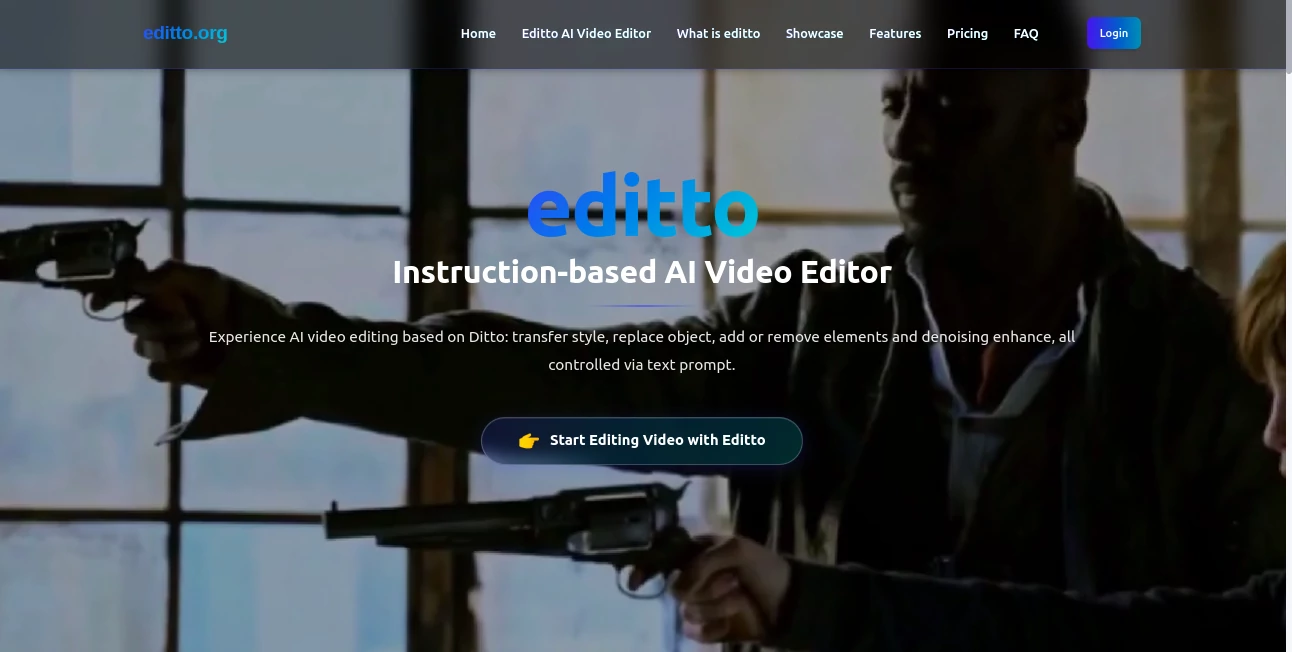
What is Editto?
Editto steps in as a breath of fresh air for anyone wrestling with video clips that need a quick polish, letting you describe changes in plain words and watch the magic unfold. This online spot turns the usual editing headache into a simple chat, where you spell out swaps or tweaks, and it handles the rest without dragging you through endless menus. Creators who've dipped in often come out buzzing about how it frees up their flow, turning rough footage into something share-ready before the coffee goes cold.
Introduction
Editto came together from a crew of filmmakers and tech tinkerers who'd hit their limit with clunky software that ate up days on basic fixes. They launched it not long ago, aiming to bottle that pro-level touch into something anyone could grab without a degree in timelines. Word spread through creator corners, with stories of folks nailing ad spots or social clips in minutes, not marathons. At its heart, it's about handing over the reins to smart helpers that listen to your ideas, making those "what if" moments real without the sweat, and it's quickly become a quiet staple for turning everyday shoots into standout stories.
Key Features
User Interface
The front door opens to a welcoming upload bay, where you slide in your clip and start typing your wishes in a box that feels like texting a buddy. No buried buttons or steep scrolls—just a clean pane that shows your changes as they brew, with easy picks for what to tweak next. It's the kind of setup that clicks after one try, keeping things light whether you're on a laptop or phone, so you stay in the zone without fighting the frame.
Accuracy & Performance
When you lay out a swap or fix, it grabs the gist and runs with it, nailing the spots you meant without chasing shadows or missing marks. Jobs wrap up smooth and swift, often in under a minute for short pieces, holding steady even on busier scenes. Those who've pushed it with real runs talk about how it sticks the landing on tricky bits, like smoothing shakes or blending new bits, delivering clips that look handcrafted without the hours.
Capabilities
It juggles everything from swapping scenes to freshening up fuzzy spots, letting you nudge colors, motions, or whole backdrops with a few words. Dive into style shifts for that cinematic glow or quick object pulls, and it layers in fixes like steadying wobbles or sharpening details on the fly. The real charm shines in mixing big picture changes with fine touches, opening doors for everything from quick social bites to fuller tales, all without you lifting a finger beyond the description.
Security & Privacy
Your uploads get a quick pass through the system, handled fresh and cleared out right after, with no lingering looks or shares unless you nod yes. It's built with that quiet care in mind, keeping your raw takes under wraps so you can experiment bold without a whisper of worry. Folks trust it for those private previews, knowing their work stays theirs until they're ready to roll it out.
Use Cases
Content makers whip up reel-ready shorts by swapping dull backdrops for eye-catchers, saving the scramble for perfect shoots. Marketers test ad angles on the fly, tweaking products or tones to see what pulls without reshooting days. Newbies craft family clips with easy fixes, like pulling out distractions or adding a warm filter, turning home videos into keepsakes. Even pros lean in for speed rounds, blending effects that would drag in bigger suites, keeping their edge sharp without the slog.
Pros and Cons
Pros:
- Cuts the clutter of timelines, letting words do the heavy work.
- Hits precise spots without wide misses, keeping changes clean.
- Boosts quality in one go, from shaky to sharp with little wait.
- Welcomes all hands, from fresh faces to seasoned cutters.
Cons:
- Shorter clips shine brightest; epics might need a break down.
- Prompts need a clear voice—fuzzy ones can fetch fuzzy fits.
- No offline mode, so steady links keep the flow going.
Pricing Plans
It kicks off free for light dips, letting you test the waters with a handful of runs before any ask. From there, plans likely step up for steady streams, though the entry stays easy to match your pace without a big upfront bite. The setup rewards quick tries, growing as your clips do, keeping things open for occasional users or daily drivers alike.
How to Use Editto
Slide over to the start spot and drop your video in, then jot down what you want—like "swap the sky for sunset" or "smooth the jitters." Give it the go, watch the preview spin up with your tweaks, and fine-tune if the first pass needs a nudge. Grab the finished file when it clicks, ready for your feed or folder, and swing back for the next round with fresh footage.
Comparison with Similar Tools
Where some setups demand drags and drops for every shift, Editto's word-way skips the sweat, trading tools for talk though those might edge on hands-on hones. Against bigger benches, it lightens the load for quick hits, missing deep dives but winning on wing-it ease. It lands sweet for prompt chasers, blending speed with smarts where others sprawl or stall.
Conclusion
Editto nudges video work from chore to charm, wrapping smart shifts in simple spells that let your story shine. It turns the tangle of takes into tales that tell themselves, proving a few well-placed words can cut through the clip chaos. As more eyes chase moving moments, this one's poised to keep the pace, inviting creators to craft with confidence and a lighter load.
Frequently Asked Questions (FAQ)
What kinds of changes can I make?
From backdrop swaps to motion mends, anything you describe in words.
Does it work for long videos?
Short bursts best, but longer ones break down easy for the same spark.
Need editing experience to start?
Not a bit—just your ideas and a steady description.
How quick is the turnaround?
Snappy for most, wrapping tweaks in moments to keep you moving.
Can I share my results right away?
Yep, files drop ready for social or storage, no extra steps.
AI Animated Video , AI Video Editor , AI Video Enhancer , AI Video Generator .
These classifications represent its core capabilities and areas of application. For related tools, explore the linked categories above.
Editto details
This tool is no longer available on submitaitools.org; find alternatives on Alternative to Editto.
Pricing
- Free
Apps
- Web Tools
Categories

Editto Alternatives Product

Runway Gen-4…

Seedance 2

Seedance 2.0…

videodance

seedance 2

Seedream 6.0

Nano Banana …

gemini video

Sora 2 AI
