🧠 AI Quiz
Think you really understand Artificial Intelligence?
Test yourself and see how well you know the world of AI.
Answer AI-related questions, compete with other users, and prove that
you’re among the best when it comes to AI knowledge.
Reach the top of our leaderboard.


















Embedful
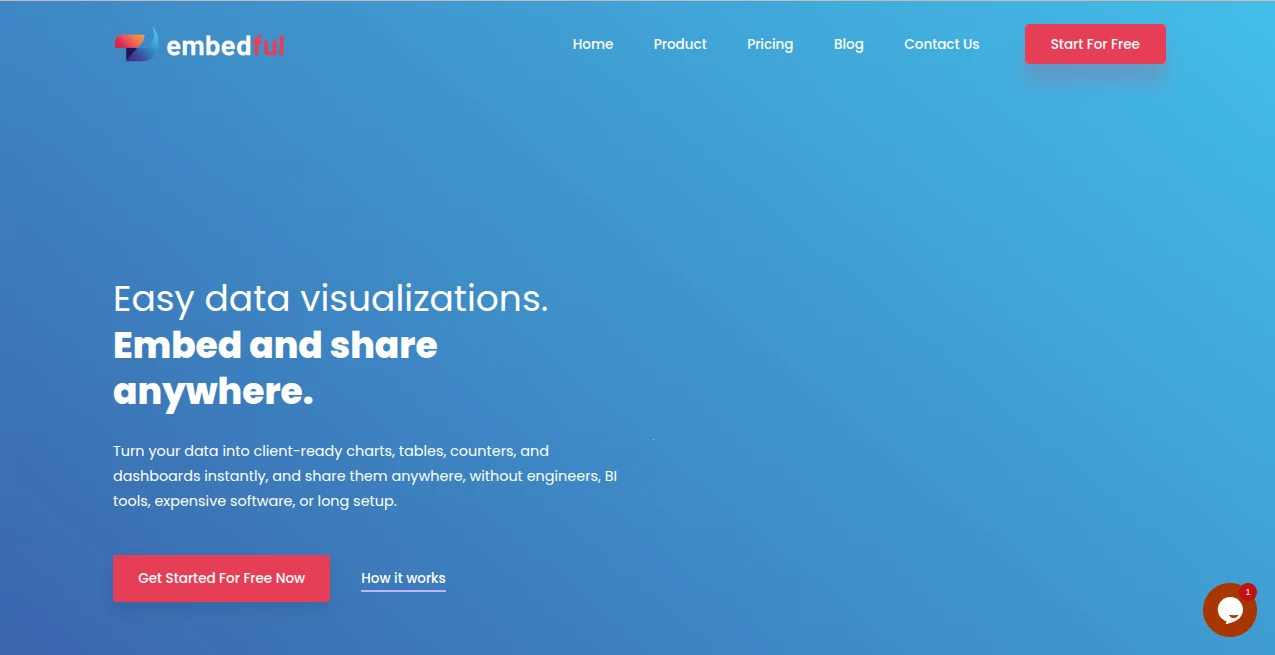
What is Embedful?
Turning raw data into something your clients or team can actually understand and interact with used to be a headache. You’d spend hours in spreadsheets or complicated dashboard tools, then struggle to share it nicely. This platform changes that completely. You connect your data, build clean charts, tables, counters, or full dashboards in minutes, and then embed them anywhere—on your website, in Notion, or share a simple link. It feels like giving your data a beautiful, professional home without the usual technical hassle. I’ve seen product teams use it to show live metrics to customers and suddenly get much better engagement and feedback.
Introduction
Most analytics tools are built for internal teams—powerful but clunky when you want to show insights to clients or users. Embedful flips that. It’s designed specifically for customer-facing analytics: fast, beautiful, and embeddable. Whether you’re a SaaS founder wanting to give users their own usage dashboard, an agency sharing campaign results, or a marketer displaying live stats, it makes the process feel effortless. The best part? It doesn’t require coding or design skills. You focus on the story your data tells, and the tool handles the rest with clean, modern visuals that look custom-built.
Key Features
User Interface
The interface is refreshingly straightforward and fast. Connect Google Analytics, upload a CSV or Excel file, or even add manual values for counters. Then drag and drop to build charts, tables, or full dashboards. Everything updates in real time as you tweak, with instant previews. No steep learning curve—just a clean workspace that lets you go from data to shareable visual in minutes. It feels like the tool was made by people who actually hate complicated analytics platforms.
Accuracy & Performance
The visualizations are sharp, responsive, and update reliably. Data connections stay accurate, and the rendering is smooth even with larger datasets. Live refresh options keep everything current without manual work. Users consistently mention how professional the final embeds look—no janky charts or slow loading that kill credibility with clients.
Capabilities
You can create line charts, bar charts, pie charts, tables, big number counters, and combine them into rich dashboards. It supports multiple data sources in one view, custom branding, and easy embedding via simple code or links. Exports to PDF or image are available, and it works beautifully inside Notion, websites, or client portals. The flexibility makes it suitable for everything from simple KPI shares to comprehensive customer analytics portals.
Security & Privacy
Your data connections are secure, and embeds can be made public or private depending on your needs. There’s no unnecessary data sharing, and you maintain full control over who sees what. For teams handling client data, that balance of ease and security is a big relief.
Use Cases
A SaaS company embeds live usage dashboards inside their app so customers can see their own metrics. An agency builds monthly campaign reports that clients can view and interact with directly. A content creator displays real-time subscriber growth or engagement stats on their website. An e-commerce store shows top products and revenue trends to their team or partners. Wherever data needs to be seen and understood quickly, this tool makes it look polished and professional.
Pros and Cons
Pros:
- Extremely fast from data to beautiful, embeddable visuals.
- Clean, modern designs that look custom-made.
- Simple embedding that works almost anywhere.
- Great balance between power and simplicity.
- Affordable even for growing teams.
Cons:
- Advanced custom calculations may still need some setup.
- Free tier has usage limits suitable for lighter needs.
Pricing Plans
It starts with a generous free plan that lets you test the waters and create real embeds. Paid plans unlock higher limits, more data sources, custom branding, priority support, and advanced features. The pricing feels fair for the time and professionalism it adds to your client communications or internal reporting.
How to Use Embedful
Sign up (quick and painless), connect your data source or upload a file, then start building. Drag charts and counters onto a dashboard, customize colors and labels to match your brand, and preview how it will look. Once happy, copy the embed code or share the link. Your audience can view live, interactive visuals without any extra accounts. It’s straightforward enough that you’ll be creating your first dashboard in under 10 minutes.
Comparison with Similar Tools
Many analytics platforms are either too complex for client-facing use or too basic to look professional. This one sits in the sweet spot: powerful enough for real insights, simple enough for fast creation, and polished enough to impress clients. Unlike heavy BI tools that require training, or basic chart generators that look cheap, Embedful delivers visuals that feel intentional and high-quality every time.
Conclusion
Data is only as valuable as how well it’s communicated. Embedful makes sharing insights beautiful, easy, and interactive. It turns “here’s the spreadsheet” into “here’s your live dashboard,” and that difference builds trust and engagement. For anyone who needs to show data clearly and professionally—whether to customers, bosses, or partners—this tool is a genuine time-saver and impression-maker. Simple, reliable, and surprisingly powerful.
Frequently Asked Questions (FAQ)
How fast can I create my first dashboard?
Most people have something shareable in under 10–15 minutes.
Do I need coding skills?
Not at all. Everything is visual and drag-and-drop.
Can I embed on my own website?
Yes—simple embed code works on almost any site.
Is my data secure?
Yes, connections are secure and you control visibility.
What data sources are supported?
Google Analytics, CSV, Excel, Google Sheets, and manual entry.
AI Productivity Tools , AI Analytics Assistant .
These classifications represent its core capabilities and areas of application. For related tools, explore the linked categories above.
Embedful details
Pricing
- Free
Apps
- Web Tools
Categories

Embedful Alternatives Product

AyeWatch AI

Friendify

Pinpoint Ans…

ChatGPT

Flow Veo 3

Read

Zivy

Resyfy AI

CoinIQ