
🧠 AI Quiz
Think you really understand Artificial Intelligence?
Test yourself and see how well you know the world of AI.
Answer AI-related questions, compete with other users, and prove that
you’re among the best when it comes to AI knowledge.
Reach the top of our leaderboard.


















Enhance Forensics
Sharpen Clues with Pro-Level Media Boosts

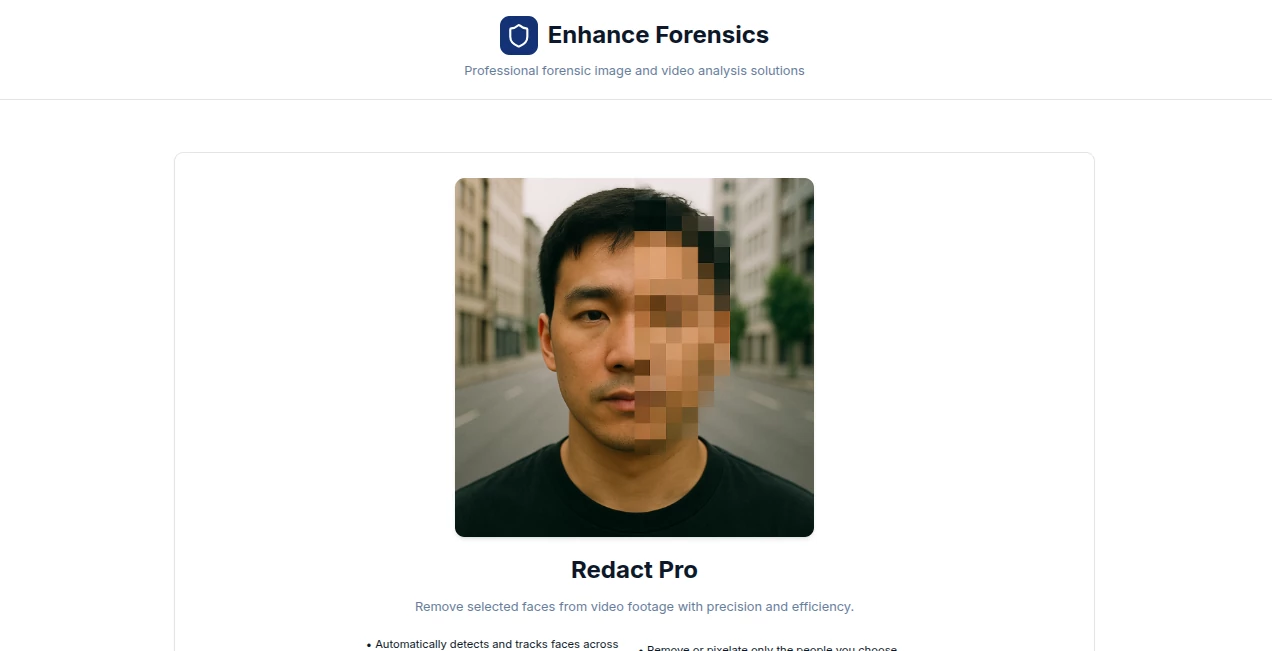
What is Enhance Forensics?
EnhanceForensics steps in as a trusty sidekick for investigators piecing together puzzles from grainy footage or faint traces, turning hazy hints into clear leads with a few clicks. This platform caters to those in the thick of casework, offering ways to lift details from everyday recordings without the need for high-end labs. Teams on the ground often turn to it for those breakthrough moments, where a sharper view can shift the whole story, making it a quiet staple in folders full of files that matter most.
Introduction
EnhanceForensics took shape from the real-world gripes of field pros who'd stare at blurry clips for hours, wishing for something quicker than sending off to specialists. It launched a few years back, fine-tuned by folks who knew the stakes, and soon found its way into briefcases and badges across agencies. What started as a niche helper for video tweaks has grown into a go-to for handling all sorts of media mishaps, with users swapping notes on how it uncovered faces in crowds or voices in the wind. At its heart, it's about bridging the gap between rough captures and courtroom-ready proof, keeping the focus on facts while easing the load on those chasing them.
Key Features
User Interface
The dashboard opens with a simple upload bay that takes videos or snaps without a fight, guiding you through steps with plain prompts like "pick your clip" or "choose the spot." Once loaded, a timeline lets you scrub to the key frame, with sliders for zoom or tweak that respond right away, all laid out in a no-nonsense grid that fits on a laptop screen. It's the kind of setup that feels steady under pressure, with quick saves and shares tucked in corners where you need them most, without drowning you in options.
Accuracy & Performance
It pulls fine lines from fog without faking them, holding onto the original's truth while brightening what's there, often spotting details that slip past the eye alone. Jobs run smooth on standard gear, wrapping bigger files in minutes rather than hours, so you can loop back fast if a hunch needs chasing. Pros in the field nod to how it keeps colors true and edges crisp, dodging the over-sharpened looks that raise eyebrows later, making outputs that stand up to close looks.
Capabilities
From stabilizing shaky handheld takes to teasing out plates from afar, it covers the basics like noise cuts and light lifts, plus deeper dives into masking sensitive bits or syncing audio threads. You can batch a stack of clips for review, or zero in on one frame for pixel hunts, with tools that layer enhancements without losing the chain of changes. It's built for the mix of media that shows up in cases, handling everything from dash cam dashes to interview room echoes with a steady hand.
Security & Privacy
Files get locked down from the upload, processed in sealed spaces that wipe clean after, with logs you control for chain-of-custody trails. It follows the tight rules for sensitive work, letting you tag who sees what and when, so nothing slips out unintended. That built-in caution gives users peace, knowing their case pieces stay safe from stray eyes or system slips.
Use Cases
A patrol team grabs a nighttime pursuit vid, runs it through to clarify the getaway route, turning a wild guess into a solid lead. Detectives sift security feeds for fleeting figures, masking bystander faces while sharpening the suspect's stride. Court prep folks polish exhibit clips, ensuring the jury sees the same clear cut as the expert witness. Even training sessions use it to demo how small boosts big reveals, building skills without the real stakes.
Pros and Cons
Pros:
- Handles heavy files without hitching, fitting field workflows.
- Keeps enhancements traceable, easing report writes.
- Covers video and stills in one spot, no app swaps.
- Quick on basics, saving hours over manual grinds.
Cons:
- Shines on standard stuff; wild angles might need extra passes.
- Full suite waits behind logins for casual tries.
- No mobile magic yet, tied to bigger screens for best bites.
Pricing Plans
Entry comes free for light lifts, like a few frames to test the touch, with no card upfront. Monthly subs start low for agencies, bumping for unlimited runs and team tags, while yearly locks in savings for steady users. Trials stretch a week with full access, letting you weigh the worth before the wallet opens.
How to Use EnhanceForensics
Sign in to your spot, drag the clip or shot to the loader, and pick the fix from the menu—say, sharpen or steady. Scrub to the meat, apply the pass, and preview side-by-side to check the change. Tag your notes, export with the watermark if needed, and file it away for the folder. Repeat for the next piece, building a chain that tracks every tweak.
Comparison with Similar Tools
Where desktop beasts demand downloads and degrees, EnhanceForensics keeps it cloud-light for quick grabs, though those might muscle more for mega-edits. Against free filters that fuzz the fine print, it holds the line on proof-grade polish, but could yield to open kits in raw tweak freedom. It fits the fast-lane pro, blending speed with substance where others lag or loose.
Conclusion
EnhanceForensics lights the path through media murk, arming truth-seekers with tools that clarify without complicating. It turns the tide on tough traces, proving that a clearer view can close cases quicker and cleaner. As scenes get messier, this steady hand stays essential, turning pixels into progress one sharpened frame at a time.
Frequently Asked Questions (FAQ)
Works on phone footage?
Yes, pulls details from dash cams or body mics without a hitch.
Keeps the original safe?
Always—edits layer on, with backups baked in for backtracks.
Batch for big cases?
Handles stacks smooth, queuing for off-hours if the load's large.
Exports for court?
Formatted tidy, with logs that log every lift for the record.
Offline options?
Cloud-first, but downloads let you dip local for low-signal spots.
Photo & Image Editor , AI Photo Enhancer , AI Video Enhancer , AI Speech to Text .
These classifications represent its core capabilities and areas of application. For related tools, explore the linked categories above.
Enhance Forensics details
This tool is no longer available on submitaitools.org; find alternatives on Alternative to Enhance Forensics.
Pricing
- Free
Apps
- Web Tools
Categories

Enhance Forensics Alternatives Product

Ultra Face S…

Editaimg

poseup

Sora Waterma…

GTA AI

Logo Animati…

Use Nano Ban…

Banana 2

ImgEnhancer
