
🧠 AI Quiz
Think you really understand Artificial Intelligence?
Test yourself and see how well you know the world of AI.
Answer AI-related questions, compete with other users, and prove that
you’re among the best when it comes to AI knowledge.
Reach the top of our leaderboard.


















Everfind

What is Everfind?
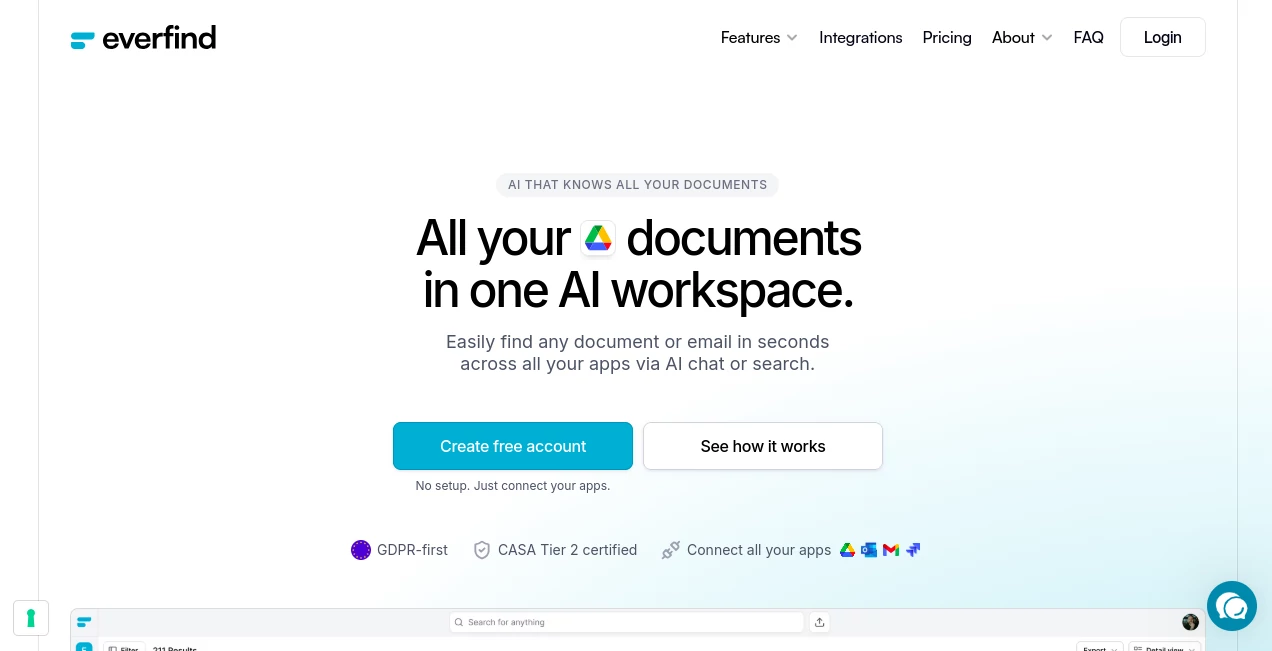
Everfind pulls together the scattered threads of your workday, letting you hunt down files and messages from across apps with a simple question or keyword. This setup acts like an extra set of eyes for teams juggling inboxes and folders, surfacing just what you need without the usual digging. Users often mention how it cuts down the frustration of lost threads, turning hours of scrolling into seconds of clarity, all while keeping everything in its place.
Introduction
Everfind came about from the daily grind of folks buried under emails and docs, who dreamed of a spot where everything clicked without the chaos. It launched quietly but picked up steam among small outfits and growing crews, where sharing know-how often meant endless forwards or forgotten attachments. What draws people in is the way it listens to casual queries, like asking for that one contract from last quarter, and delivers not just the file but the context too. Over time, it's become a quiet staple for those who value flow over folders, evolving with tweaks that make cross-app hunts feel almost second nature.
Key Features
User Interface
The dashboard opens with a clean search bar front and center, inviting you to type or speak your need, surrounded by quick links to connected spots like inboxes or drives. Results land in flexible formats—a single deep dive, a tidy list, or a grid for numbers-heavy pulls—each one easy to flip through or sort on the fly. It's the kind of setup that rewards a glance, with previews that let you scan without opening, keeping the pace brisk even when juggling multiple threads.
Accuracy & Performance
Queries hit the mark with a reliability that surprises, pulling relevant hits from vast pools without the fluff, often shaving search times down to a fraction of what they used to be. It handles the nuances of dates or names smoothly, delivering spot-on lists or summaries that hold up under a second look. Even with heavy loads from team shares, responses come quick, ensuring you stay in the groove rather than waiting on a wheel.
Capabilities
Beyond basic hunts, it sorts incoming items into sensible groups, like pulling bills into a ready-to-scan table or flagging key pacts for easy review. You can probe deeper with follow-ups, getting breakdowns like growth trends from old notes or highlights from scattered chats, all tied back to the originals. It bridges gaps between tools seamlessly, letting you query across borders without switching tabs, and even crunches simple figures on the spot for that extra insight.
Security & Privacy
Everything stays locked with layers of protection from the ground up, ensuring your pulls don't leave traces where they shouldn't. It follows strict rules for handling sensitive bits, giving you controls over who sees what and wiping temps clean after use. Teams rest easier knowing their shared spaces stay secure, with checks that keep things compliant without adding extra hoops to jump through.
Use Cases
Accountants lean on it to round up scattered receipts into overviews that balance books faster, spotting patterns without manual tallies. Project leads query team threads for updates on deals, pulling threads that keep everyone looped without the email avalanche. New hires dive into archives for onboarding nuggets, finding policies or past plays that speed their ramp-up. Even sales folks track client notes across inboxes, surfacing details that close conversations quicker.
Pros and Cons
Pros:
- Bridges apps without the hassle of moving stuff around.
- Turns vague asks into precise pulls with handy backups.
- Groups like-minded items for overviews at a glance.
- Boosts team speed without skimping on safeguards.
Cons:
- Shines brightest once hooked up; setup takes a few minutes.
- Relies on clear connections—spotty links might slow things.
- Deeper dives work best with straightforward queries.
Pricing Plans
It starts with a no-cost entry for solo explorers to test the waters, covering basics like single-app links and light queries. Team tiers likely step up for shared access and heavier pulls, though reaching out for tailored fits keeps options open. The approach stays flexible, scaling with your crew's needs without upfront walls, often with trials to ease the shift.
How to Use Everfind
Link your first spot, like an email hub or file nest, and pick what to scan—indexing kicks off right away. Drop a question into the bar, like details on a recent bill, and sift through the hits in your chosen layout. Follow up for more, export what clicks, or share views with the group. Swing by regularly to add sources, building a fuller picture that anticipates your next ask.
Comparison with Similar Tools
Where some setups demand you haul everything into one bin, Everfind lets it sit pretty in place, trading that for quicker setups but maybe less total control. Against broader note hubs, it zeros in on hunts across borders, skipping the blank-page blues but perhaps missing built-in scribbles. It fits snug for query chasers, edging out the sprawlers with focus and finesse.
Conclusion
Everfind wraps the workday's loose ends into a tidy loop, handing teams a sharper way to chase down what matters without the mess. It turns the hunt from headache to habit, proving that a well-tuned search can lift the whole operation. As work keeps spreading across screens, this one's primed to keep pace, making sure nothing slips through the cracks.
Frequently Asked Questions (FAQ)
What spots does it link up?
Email flows, file vaults, chat streams, and more—plug in what you use most.
How does it know what's what?
It spots patterns in the pile, grouping bills or briefs without a nudge.
Safe for team shares?
Built with locks and rules that keep access tight where it counts.
Quick to get rolling?
First tie-in takes moments, with scans starting on the spot.
What if I ask something tricky?
It draws from the lot, offering hits or breakdowns with ties back to sources.
AI Search Engine , AI Knowledge Base , AI Productivity Tools , AI Documents Assistant .
These classifications represent its core capabilities and areas of application. For related tools, explore the linked categories above.
Everfind details
This tool is no longer available on submitaitools.org; find alternatives on Alternative to Everfind.
Pricing
- Free
Apps
- Web Tools
Categories

Everfind Alternatives Product

ChatGPT

Image to URL…

Document Chat

Toolquix

UPDF AI

MyMap.AI

Graph Maker

Black Screen

WhispriNote
