
🧠 AI Quiz
Think you really understand Artificial Intelligence?
Test yourself and see how well you know the world of AI.
Answer AI-related questions, compete with other users, and prove that
you’re among the best when it comes to AI knowledge.
Reach the top of our leaderboard.

















GPT Image 2
What is GPT Image 2?
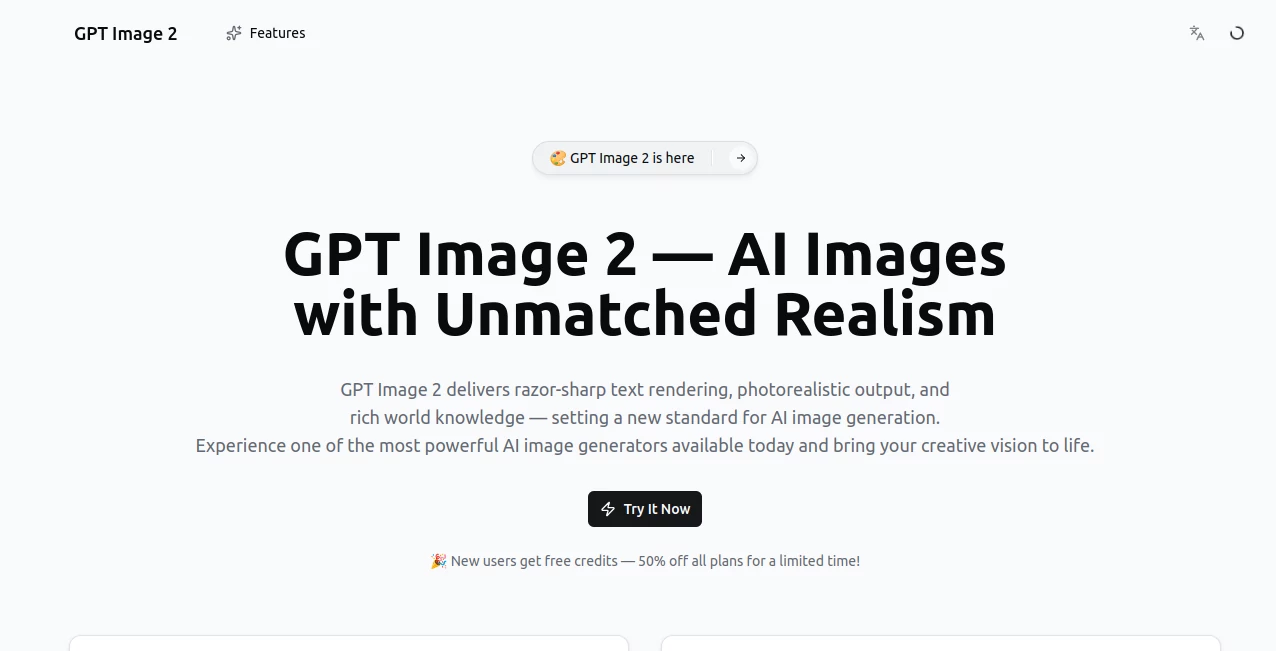
I still remember the first time I typed a half-baked idea into a tool like this and got back an image that actually matched what I was imagining. It felt a bit like magic. This platform brings that same feeling reliably. You describe what you want in plain words, and it delivers crisp, detailed, often surprisingly artistic images that you can use right away. Whether you're brainstorming visuals for a project, making custom social media graphics, or just having fun turning wild thoughts into pictures, it consistently produces results that look polished and professional.
Introduction
Creating good visuals used to mean hiring a designer, learning complex software, or settling for stock photos that never quite fit. GPT Image removes all that friction. It lets anyone — from complete beginners to experienced creatives — generate high-quality images simply by describing them. The results are clean, creative, and often better than what you expected. It has quickly become a favorite for marketers needing fast campaign visuals, writers illustrating stories, teachers making lesson materials, and everyday people turning random ideas into shareable art. The best part? It feels approachable rather than intimidating, so you actually enjoy using it instead of fighting with it.
Key Features
User Interface
The design is refreshingly straightforward. A large prompt box sits front and center with helpful examples below so you never stare at a blank screen. You can choose aspect ratios, styles, or quality levels with simple clicks. Generated images appear in a clean gallery where you can compare variations side by side. Everything loads quickly and feels responsive, whether you're on desktop or mobile. It never overwhelms you with options — it just gets out of the way so you can focus on your idea.
Accuracy & Performance
It understands context remarkably well. Ask for a cozy coffee shop at golden hour and you’ll get warm lighting, realistic steam, and inviting details. The images maintain good composition and avoid the weird distortions that still plague some tools. Generation speed is solid — most images appear in just a few seconds — and the quality stays consistent even with longer or more artistic prompts. It’s reliable enough that you can use it for client work or important projects without constant re-rolls.
Capabilities
You can create photorealistic scenes, artistic illustrations, product mockups, fantasy art, portraits, logos, and much more. It handles different aspect ratios for social media, prints, or presentations. Style controls let you guide the aesthetic — cinematic, watercolor, minimalist, vintage, etc. You can also generate multiple variations from the same prompt to pick the best one. The output is high-resolution and ready to download for personal or commercial use.
Security & Privacy
Your prompts and generated images are handled with care. The platform doesn’t store your creations long-term unless you choose to save them, and there’s no aggressive data collection. For personal projects or client work, that respectful approach gives you confidence to experiment freely without worrying about where your ideas end up.
Use Cases
A small business owner quickly generates professional product images and social media graphics without hiring a photographer. A children’s book author creates custom illustrations for each chapter as they write. A marketer mocks up ad concepts in minutes instead of days. Teachers build engaging visual aids for lessons. Content creators produce eye-catching thumbnails and posts that actually stand out. The possibilities feel almost endless because the tool is so easy to reach for whenever you need a visual.
Pros and Cons
Pros:
- High-quality, detailed images that often exceed expectations.
- Fast generation that keeps your creative flow going.
- Great balance between realism and artistic styles.
- Simple interface that works for both beginners and pros.
- Generous free access makes it easy to try and use regularly.
Cons:
- Very complex or highly specific scenes sometimes need prompt refinement.
- Daily limits on the free plan may require planning for heavy use.
- Advanced features like priority generation are behind paid plans.
Pricing Plans
The free tier gives you a good number of generations every day — enough for regular personal use and testing. Paid plans remove limits, offer faster processing, higher resolution options, and priority during busy times. The pricing feels fair for the creative freedom it unlocks. Many users find that even the basic paid tier saves them money compared to hiring designers for simple visuals.
How to Use GPT Image
Start by typing a clear, descriptive prompt. The more details you give about lighting, style, mood, and composition, the better the result usually is. Choose your preferred aspect ratio if needed. Hit generate and review the variations. Like one? Download it immediately. Want something different? Tweak a few words in the prompt and try again. You can generate multiple versions quickly until you find the perfect match. The whole process is fast enough that you can experiment with several ideas in one session.
Comparison with Similar Tools
While there are many AI image generators available, this one stands out for its balance of quality, speed, and ease of use. Some tools produce impressive results but feel slower or more restricted. Others are faster but lack the refinement and artistic understanding you get here. The clean interface and reliable output make it a strong daily choice for both casual users and professionals who need visuals without hassle.
Conclusion
Visuals have incredible power to communicate ideas, evoke emotion, and capture attention. This tool makes creating those visuals accessible and enjoyable for everyone. It removes the old barriers of skill, time, and cost, letting your imagination lead the way. Whether you’re building a brand, teaching a class, telling a story, or just having creative fun, it consistently delivers beautiful results worth sharing. In a world that runs on images, having a tool this capable and easy to use feels like a real advantage.
Frequently Asked Questions (FAQ)
How detailed should my prompt be?
The more specific you are about subject, style, lighting, and mood, the better and more accurate the results tend to be.
Can I use the images commercially?
Yes — check the terms for your plan, but most users successfully use generated images for commercial projects.
What if I don’t like the first results?
Simply refine your prompt or generate more variations. Small changes often lead to big improvements.
Is there a daily limit on free use?
Yes, the free tier has a reasonable daily allowance. Paid plans remove restrictions.
Does it support different art styles?
Absolutely — from photorealistic to cartoon, painting, minimalist, and many more artistic directions.
AI Photo & Image Generator , AI Art Generator , AI Design Generator , AI Text to Image .
These classifications represent its core capabilities and areas of application. For related tools, explore the linked categories above.
GPT Image 2 details
Pricing
- Free
Apps
- Web Tools
Categories

GPT Image 2 Alternatives Product
upscayl

AI Polaroid …
Nano Banana 2

Flux 2 Klein
String Art

SAM 3D

Nano Banana 2

CozAIPhoto

GPT Image 1.5
