
🧠 AI Quiz
Think you really understand Artificial Intelligence?
Test yourself and see how well you know the world of AI.
Answer AI-related questions, compete with other users, and prove that
you’re among the best when it comes to AI knowledge.
Reach the top of our leaderboard.


















Grain AI
Create Engaging Lessons in Minutes

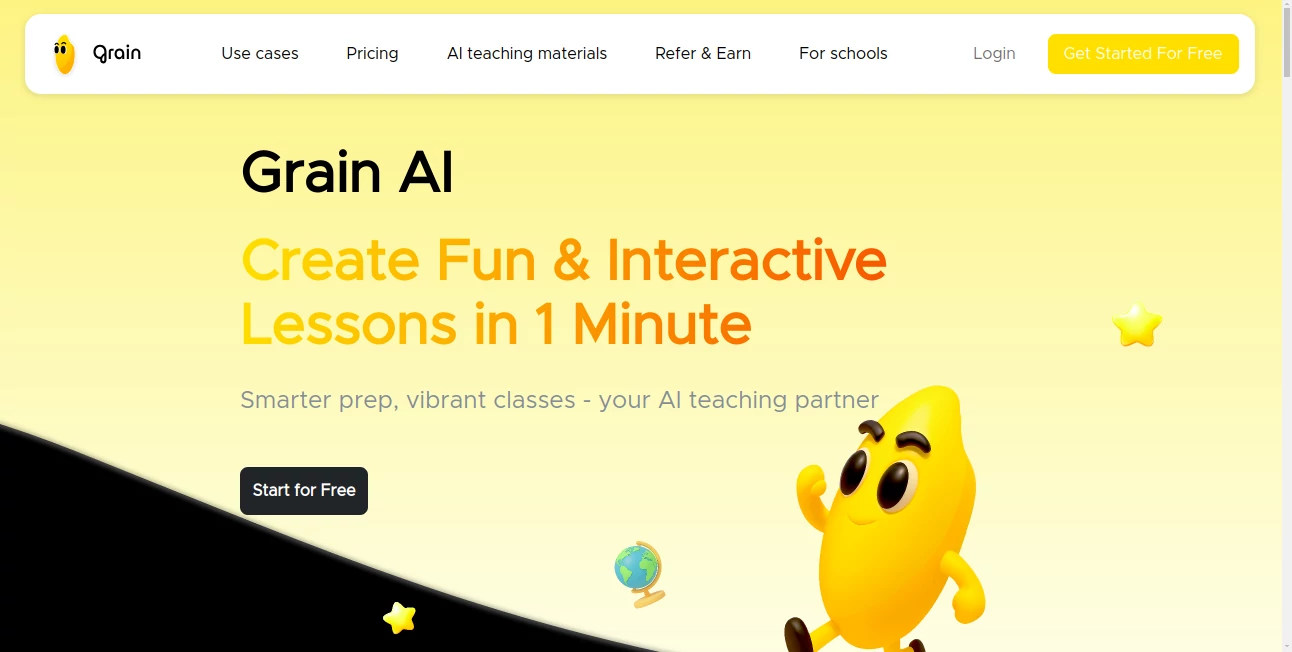
What is Grain AI?
Grain steps in as a thoughtful companion for classroom creators, turning a single topic into a full set of lively resources that keep students hooked. This platform eases the load on educators by handling the heavy prep work, so they can pour energy into what really matters—sparking those aha moments. Many who've tried it share stories of lessons that once took hours now coming together over a quick coffee, making teaching feel fresh and less like a race against the clock.
Introduction
Grain took root from the daily grind of teachers juggling endless planning, dreamed up by folks who knew the drill all too well. It landed quietly a short while back, drawing in a wave of educators tired of piecing together scraps from scattered sources. What started as a simple way to speed up slides has grown into a go-to for crafting whole sessions that blend fun with facts, with users swapping tips on how it breathed life into dry topics like math curves or plant cycles. At its heart, it's about giving back time, letting the focus shift from frantic formatting to genuine connections in the room, and it's already helping shape classrooms that hum with curiosity rather than routine.
Key Features
User Interface
The dashboard opens with a welcoming prompt box that asks for your topic in plain words, no fancy phrasing needed, and a few toggles for grade fit or style vibes. As you confirm choices, the screen fills with a tidy workspace where previews stack up neatly, each one clickable for a closer look or quick edit. It's the kind of setup that feels intuitive after one spin, with export buttons right at hand and a clean flow that works just as well on a laptop during lunch as on a tablet in the lounge.
Accuracy & Performance
It tunes right into what you describe, pulling together bits that match the level and aim without straying off course, often nailing the tone on the first go. The whole build wraps in under a minute, even for packed packs, keeping things snappy so you can tweak and teach without the wait. Teachers note how it holds steady on specifics, like weaving in just the right examples for young minds, turning what could be hit-or-miss into reliable rounds that land every time.
Capabilities
From comic strips that unpack big ideas to clickable maps or sound bites that bring stories alive, it covers a wide spread of formats that mix seeing, hearing, and doing. You can layer in goals or scenes to shape the output, and it even handles full lesson sets with quizzes or cards that fit seamless. The real draw is how it turns flat facts into something students can poke at, making sessions that stick longer than a standard slide show.
Security & Privacy
For group setups, it offers shared spaces where teams can tweak together, all locked down with role checks and options to keep things on your own servers if needed. Personal projects stay private by default, with no extras shared unless you say so, giving that peace of mind when handling class notes or custom bits. It's built with the everyday worries in mind, ensuring your teaching treasures remain just yours until ready to roll out.
Use Cases
A science teacher drops in a unit on green processes, watching it spin up visuals and hands-on bits that make the invisible pop for curious kids. Math folks craft interactive puzzles around tricky equations, turning homework dread into discovery play. History buffs build audio tours of old events, letting classes wander timelines without leaving desks. Even club leaders whip up quick sessions for after-school groups, blending fun facts with easy exports to keep everyone engaged.
Pros and Cons
Pros:
- Shrinks prep from long hauls to short bursts, freeing up real teaching time.
- Mixes formats that grab different learner styles in one go.
- Auto-fits to your crowd, cutting down on one-size-fits-all flops.
- Easy shares and tweaks make team or solo work a breeze.
Cons:
- Credit caps on free runs might nudge quicker upgrades for heavy hitters.
- Deeper custom dives need a bit of back-and-forth to perfect.
- Best on clear topics—fuzzy ones call for sharper starting points.
Pricing Plans
The entry level runs free, packing a thousand credits monthly for light lifts and a handful of projects to test the waters. Step to pro for under ten bucks a month and double the credits with no limits on builds, ideal for steady classroom rhythms. Higher tiers around fifteen add endless runs and team tools, with school packs tailored for groups that need shared setups. Trials sweeten the start at a buck for the first stretch, keeping things approachable without big commitments.
How to Use Grain
Sign in to your spot, then type out the lesson hook like a plant's inner workings, picking the age group and any twists. Give the nod on the preview prefs, and sit back as the pack assembles—comics, sounds, all in a flash. Dive in to adjust colors or add notes, then snag the files for your board or handouts. Loop back weekly to refresh old favorites, building a library that lightens the load year after year.
Comparison with Similar Tools
Where some platforms stick to slides or quizzes alone, Grain weaves a fuller web of ways to teach, though those might edge for super-simple single shots. Against big education suites, it skips the clutter for quick hits, trading bells for that focused flow but perhaps missing deep analytics. It shines for hands-on helpers craving variety without the overwhelm, landing that sweet middle ground for modern makers.
Conclusion
Grain quietly reshapes the rhythm of readying rooms, handing educators a shortcut to sessions that sing with life and learning. It turns the tide on tired prep, proving that a bit of borrowed brains can unlock hours for heartier connections. As classrooms keep craving that creative kick, this one's poised to keep the momentum, one topic at a time.
Frequently Asked Questions (FAQ)
What topics does it tackle best?
Anything from science sparks to math mazes—clear ideas yield the brightest bursts.
Can I tweak after the build?
Yes, hop in to shift styles or spotlight sections for that personal polish.
How many formats come in a pack?
Over ten, from visual stories to practice prompts, all tied to your theme.
Is it for teams too?
Spot on—higher plans pool access for group grooves and shared sparks.
What if credits run low?
Plans scale easy, or dip into free for lighter lifts till you reload.
AI Tutorial , AI Course , AI Quizzes , AI Education Assistant .
These classifications represent its core capabilities and areas of application. For related tools, explore the linked categories above.
Grain AI details
This tool is no longer available on submitaitools.org; find alternatives on Alternative to Grain AI.
Pricing
- Free
Apps
- Web Tools
Categories

Grain AI Alternatives Product

Keepmind

Gochu

Mexty AI

Lexi4

Quso AI

ModelsLab

Gizmo

ChatGPT

Connections …
