🧠 AI Quiz
Think you really understand Artificial Intelligence?
Test yourself and see how well you know the world of AI.
Answer AI-related questions, compete with other users, and prove that
you’re among the best when it comes to AI knowledge.
Reach the top of our leaderboard.


















Happy Horse
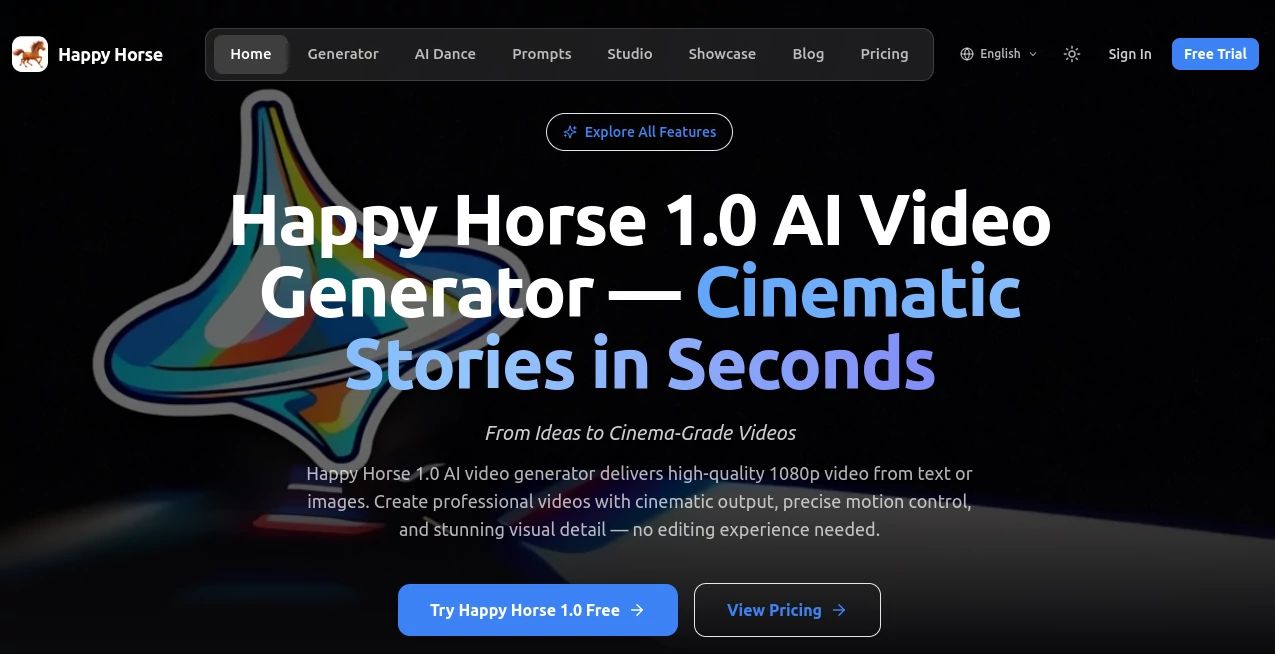
What is Happy Horse?
There’s a special kind of excitement when you describe a scene in plain words and moments later a smooth, cinematic clip plays back that actually feels directed. Lighting falls naturally, characters move with purpose, and the whole thing carries real mood instead of the usual AI jitter. This tool delivers that experience reliably, turning simple ideas into 1080p videos that look and feel professional. I’ve watched creators light up when their first test clip came out better than expected—clean motion, consistent subjects, and that polished touch that makes people stop scrolling. It’s the kind of result that makes you want to keep creating because it finally feels worth sharing.
Introduction
Most AI video tools still feel experimental—great for quick experiments but not quite ready for real work. Happy Horse pushes past that stage. It focuses on cinematic quality from the start: smooth storytelling, natural movement, and visual coherence that holds across shots. Whether you begin with text, an image, or both, the output respects your vision instead of fighting it. For marketers needing quick ads, filmmakers prototyping scenes, or social creators building daily content, it removes the usual frustration and lets the story take center stage. The results often look like they came from a small production team rather than a prompt, which is exactly why it’s gaining quiet fans among people who actually ship video.
Key Features
User Interface
The workspace is clean and inviting. A generous prompt area sits front and center, with easy options to upload reference images or clips for stronger guidance. Controls for aspect ratio, duration, and style are straightforward without burying you in options. Previews appear fast enough to keep momentum, and the overall flow feels designed by someone who actually makes videos rather than just builds models. You spend your time shaping ideas, not learning the interface.
Accuracy & Performance
Motion stays natural and physics-aware—characters walk with weight, fabric moves realistically, camera work feels motivated. Subjects remain consistent across shots, a common pain point in other tools. Generation speed is practical for iteration, often delivering usable clips in under a minute. The quality holds up especially well on detailed prompts, giving you results that need little or no cleanup before sharing or editing further.
Capabilities
It supports text-to-video, image-to-video, and hybrid workflows where you guide with both. Multi-shot storytelling, native audio sync, and cinematic camera language come built-in. You can lock characters with references, control pacing, and build coherent short sequences that tell actual stories rather than random clips. Outputs are 1080p with strong visual detail, ready for social media, ads, prototypes, or further editing. The combination of control and quality makes it versatile for both quick ideas and more deliberate projects.
Security & Privacy
Your prompts and reference files are handled responsibly during generation. The platform keeps things contained without unnecessary long-term storage for casual use. This respectful approach gives creators confidence to experiment with client work or personal ideas without worry.
Use Cases
A small brand turns a product photo into a polished lifestyle ad with natural motion and lighting that converts better than static images. An indie filmmaker prototypes emotional beats for a short film to test tone before full production. A content creator builds consistent character Reels that feel directed instead of rushed. A musician creates a visualizer that matches the song’s energy and story. Wherever you need video that tells something clearly and beautifully, this tool makes the process feel approachable and rewarding.
Pros and Cons
Pros:
- Cinematic quality with natural motion and strong consistency.
- Fast enough for real creative iteration and daily use.
- Good balance of control and simplicity in the workflow.
- Results that look polished and shareable right away.
Cons:
- Clip length is best for short, focused scenes (multi-shot helps for longer stories).
- Very abstract or highly complex prompts may need refinement for best output.
- Heavy daily use benefits from paid access for unlimited generations.
Pricing Plans
It offers a generous free tier with daily credits so you can test the quality and workflow without commitment. Paid plans unlock higher limits, faster processing, priority during peak times, and full access to advanced features. The pricing feels fair for the leap in output quality—many creators find it pays for itself after just a few projects compared to traditional stock footage or editing time.
How to Use Happy Horse
Start with a clear prompt describing your scene, mood, and action. Add a reference image or clip if you want stronger visual guidance for characters or style. Choose aspect ratio and duration, then generate. Review the preview—refine the prompt or add more references if needed—and download the result. For multi-shot stories, build sequences step by step or use hybrid guidance to maintain consistency. The process is quick enough that you can experiment with several ideas in one session and still have time to polish the best ones.
Comparison with Similar Tools
Many AI video generators produce impressive single clips but struggle with consistency and natural flow across shots. This one stands out by combining strong cinematic quality with practical control tools that help you shape the story. It feels more reliable for actual creative work than tools that prioritize raw generation speed over coherence. For users who need video that looks intentional and polished, it often delivers where others fall short.
Conclusion
Video remains one of the most powerful ways to tell stories and connect with people, but creating it has always been time-intensive. Tools like this quietly lower the barrier so more voices can be heard. It gives creators the ability to go from idea to watchable clip without losing the heart of what they want to say. Whether you’re building a brand, sharing personal work, or just exploring ideas, the results are good enough to feel proud of—and that’s a rare and valuable thing in AI tools. If you’ve been waiting for video generation that feels like a real creative partner, this one is worth trying.
Frequently Asked Questions (FAQ)
How long can generated clips be?
Best for short, focused scenes (typically 5–10 seconds), with multi-shot workflows allowing longer storytelling.
Do I need reference images?
Not required, but they significantly improve character consistency and style accuracy.
Can I use the videos commercially?
Yes—paid plans include commercial rights for most use cases.
What if the first result isn’t perfect?
Small prompt adjustments or added references usually bring big improvements quickly.
Is audio supported?
Yes, with native sync capabilities for better scene integration.
AI Animated Video , AI Image to Video , AI Video Generator , AI Text to Video .
These classifications represent its core capabilities and areas of application. For related tools, explore the linked categories above.
Happy Horse details
Pricing
- Free
Apps
- Web Tools
Categories

Happy Horse Alternatives Product

seeddance

Veo

Seedance 2.0

Seedream 4.0…

RenderFlow AI

Sora 2 AI

ai seedance …

Wan AI

LTX-3 AI