🧠 AI Quiz
Think you really understand Artificial Intelligence?
Test yourself and see how well you know the world of AI.
Answer AI-related questions, compete with other users, and prove that
you’re among the best when it comes to AI knowledge.
Reach the top of our leaderboard.


















AI Image Blender
Fuse Photos into Artistic Wonders

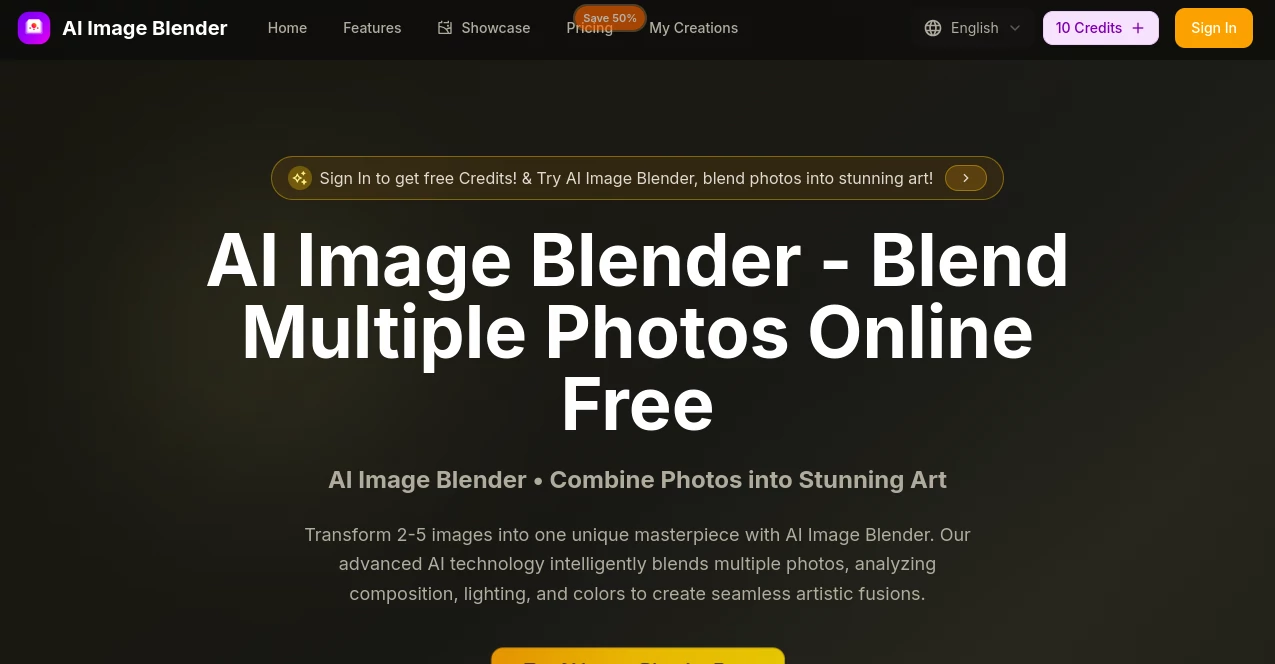
What is AI Image Blender?
Image Blender opens a door to visual alchemy, where everyday snapshots merge into something extraordinary, like a dream woven from memories. This handy online spot lets you toss in a handful of pictures and a dash of description, then watches as they swirl together into a single, striking piece that captures the essence of your vision. Creators from all walks rave about how it sparks joy in turning scattered shots into stories worth sharing, all without the fuss of fancy brushes or endless tweaks.
Introduction
Image Blender came alive a short while back, born from a spark among folks who loved the magic of mixing images but hated the hassle. What kicked off as a simple mash-up tool for personal fun soon drew in artists and everyday tinkerers, hungry for ways to blend their world without starting from blank slates. Tales from users light up forums, like the one who fused family portraits into a heartfelt embrace scene that brought tears at a gathering. Over time, it's grown into a quiet favorite, with thousands dipping in to craft everything from quirky social posts to polished project visuals, proving that a little clever blending can turn the ordinary into keepsakes that linger.
Key Features
User Interface
The setup greets you like an old friend, with a wide-open drag spot that snags your files without a whisper of resistance, no picky formats to dodge. Once in, a cozy text nook invites your thoughts on how it all comes together—keep it short and sweet for the best surprises. Hit the button, and up pops a gallery of possibilities, each one easy to poke and prod, feeling more like a casual browse than a tech workout.
Accuracy & Performance
It listens close to your cues, weaving elements with a gentle touch that keeps colors dancing in sync and edges melting just right, rarely leaving a rough spot. Jobs wrap up quicker than a coffee break, delivering sharp visions that hold their own on any screen, big or small. Folks share how it captures the subtle glows and shifts they had in mind, turning what could be clunky into flows that feel handcrafted by someone who gets it.
Capabilities
From pairing two favorites into a subtle duet to juggling five for a wild collage, it handles the crowd with grace, stirring in styles like dreamy abstracts or bold fantasies on a whim. You can nudge the mood with words, pulling out surreal twists or cozy harmonies, and snag the results in sizes fit for walls or wallets. It's that reliable sidekick for evolving a quick idea into something layered and alive, with a nod to history so you never lose a gem.
Security & Privacy
Your uploads stay close to the chest, worked over in a blink and tucked away only if you choose, with no wandering eyes or sticky files. It plays fair with the rules, letting you grab what you make for your own adventures or shared tales, all while keeping the behind-scenes tidy. Users in creative circles appreciate that peace, knowing their sparks remain sparks until they're ready to fan the flames.
Use Cases
A shopkeeper blends product snaps with sunny backdrops to make listings pop, drawing eyes that wander into buys. Social butterflies mash faces and scenes for posts that pause the feed, sparking likes and chats in waves. Families stitch solo smiles into group hugs, crafting frames that warm shelves for years. Artists test wild ideas, like city streets meeting starry skies, fueling sketches that leap off the page. Even beginners play with real-to-fantasy shifts, turning portraits into animated whispers that surprise and delight.
Pros and Cons
Pros:
- Whisks away the need for pro tools, opening doors for all to create.
- Blends fast and true, saving hours on what used to drag.
- Results shine bright, ready for shares or prints without extra polish.
Cons:
- Free tastes run short, tempting you to dive deeper for more.
- Best with clear starters; fuzzy inputs might need a gentle guide.
- No app yet, so it's all web waves for now.
Pricing Plans
Start with a handful of free tries to feel the flow, no strings pulling you in. Basic rolls in around ten bucks a month on the yearly wave, packing plenty for casual creators with endless grabs and a nod to business uses. Pro bumps to mid-twenties for deeper dives and fancy twists, while enterprise at sixty-ish handles crowds with quick turns. All yearly with easy outs, and a flash deal sweetens the pot for early birds.
How to Use Image Blender
Gather your picks—two to five should do—and slide them into the open arms up top. Spill a bit about the vibe you chase, like a whimsical whirl or grounded glow, then tap to let it loose. Peek at the fresh batch, swipe to favorites, and pull down what clicks for your next move. Stash the keepers to revisit, building a trove that grows with every blend.
Comparison with Similar Tools
Where some mixers stick to simple overlaps, Image Blender dives deeper, harmonizing lights and moods for blends that breathe easy, though those might suit super-quick fixes better. Against big editors with endless knobs, it skips the steep climb for instant sparks, but could miss the fine flicks for pixel chasers. It finds its groove for folks craving creative leaps without the load, outshining basics with that thoughtful touch.
Conclusion
Image Blender quiets the chaos of creation, offering a gentle hand to fuse the fragments of our days into tapestries that tell. It reminds us that beauty often hides in the join, turning solo shots into shared symphonies that echo long after. As more hands reach for its magic, this corner keeps inviting, proving the richest views come not from standing apart, but weaving close.
Frequently Asked Questions (FAQ)
What kinds of files work best?
Clear snaps in common wraps like JPG or PNG blend smooth, keeping details crisp.
How many can I mix at once?
From a pair for intimacy to five for fuller tales, it handles the bunch with ease.
Can I use the results for selling?
Paid paths open doors to business plays, yours to share or shop as you see fit.
What if the first try misses?
Refine your words and spin again—each whirl gets closer to the heart.
Does it save my work?
History holds your hits forever on paid sails, ready when you return.
Photo & Image Editor , AI Photo Enhancer , AI Image to Image , AI Art Generator .
These classifications represent its core capabilities and areas of application. For related tools, explore the linked categories above.
AI Image Blender details
This tool is no longer available on submitaitools.org; find alternatives on Alternative to AI Image Blender.
Pricing
- Free
Apps
- Web Tools
Categories

AI Image Blender Alternatives Product

ImageKontext…

Tryonr
Free AI Kiss…

upscayl

chibi genera…

Freepik

Banana AI

AI Age Progr…

Beard Remover