🧠 AI Quiz
Think you really understand Artificial Intelligence?
Test yourself and see how well you know the world of AI.
Answer AI-related questions, compete with other users, and prove that
you’re among the best when it comes to AI knowledge.
Reach the top of our leaderboard.

















imagen 5
What is imagen 5?
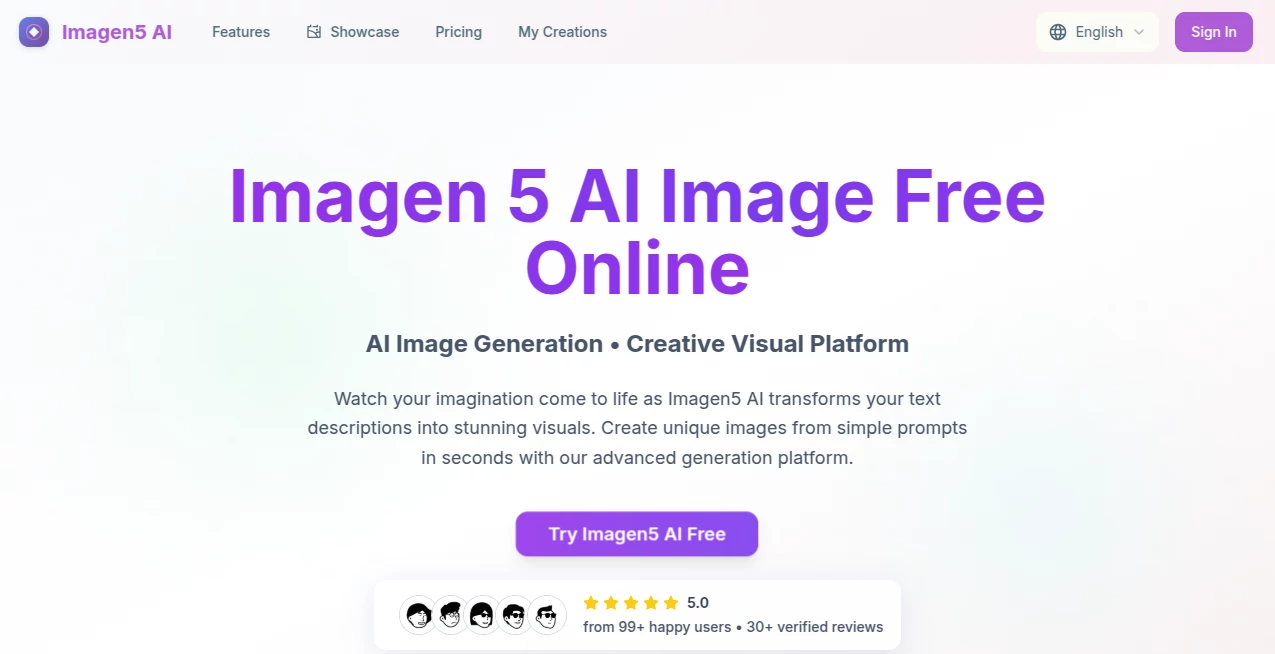
There’s a small thrill that hits when you type a half-formed idea into a box and, seconds later, something beautiful stares back at you—colors you didn’t expect, composition you hadn’t pictured, yet it feels exactly right. This tool lives in that sweet spot. It takes whatever is floating around in your head and turns it into visuals that look like they belong in a gallery or on an album cover. I’ve had mornings where I was stuck on a mood board, threw in a vague phrase like “retro diner at golden hour with neon reflections,” and ended up with three variations that instantly solved the direction for the whole project. It’s not just fast; it’s surprisingly intuitive about what makes an image feel alive.
Introduction
Most people still think AI art means generic, over-saturated results or endless tweaking to get something usable. This one quietly flips that script. It’s tuned to understand nuance—lighting, atmosphere, subtle styles—without you having to write a novel in the prompt. Whether you’re a designer needing quick concepts, a content creator looking for standout thumbnails, or just someone who wants to see their daydreams rendered beautifully, the experience stays light and rewarding. The results often carry a painterly quality that feels hand-crafted rather than machine-stamped, which is why so many keep coming back.
Key Features
User Interface
You open the page and there’s almost nothing in the way—just a wide prompt box, a few sensible style presets if you want a nudge, and a generate button. No nested menus, no confusing sliders unless you choose to dig in. Previews load fast, and variations appear side by side so you can compare without losing your place. It’s one of those rare interfaces that disappears after the first few seconds because it simply works.
Accuracy & Performance
The model listens. You say “moody cyberpunk alley with warm noodle-stand glow and rain-slick streets,” and it doesn’t just slap neon everywhere—it gets the wet reflections, the steam, the way light scatters. Generation times stay consistently short even on detailed prompts, and the outputs rarely feel like they missed the mark by much. When they do, the variations usually catch what you meant on the second or third try. Speed + coherence is the combination that keeps people hooked.
Capabilities
It handles everything from photoreal portraits to painterly landscapes, vintage posters, clean product mockups, surreal dreamscapes, and even coherent multi-subject scenes. You can steer mood, lighting, camera angle, and art direction with natural language—no need to memorize special syntax. Upscaling and light editing tools are built in, so you’re rarely forced to jump to another program right away. The range is wide enough that it becomes the first stop for most visual brainstorming.
Security & Privacy
Your prompts and generated images are treated with care. Nothing is stored indefinitely unless you explicitly save it to your gallery, and there’s no aggressive training on user content. For commercial creators especially, that matters—knowing your concepts stay yours gives real freedom to experiment without second-guessing.
Use Cases
A freelance illustrator uses it to generate five strong concepts for a book cover pitch in under ten minutes, then refines the winner by hand. A small brand owner creates scroll-stopping Instagram posts every week without hiring a photographer. A novelist mocks up character portraits and scene atmospheres to share with their cover designer. A YouTuber builds consistent video thumbnails that match their channel vibe. The common thread is speed without sacrificing soul—ideas move from brain to image fast enough to keep momentum alive.
Pros and Cons
Pros:
- Consistently beautiful and coherent results, even on tricky or abstract prompts.
- Very fast turnaround—most generations finish before you finish reading the prompt again.
- Natural-language control means you spend time creating, not decoding syntax.
- Built-in variations and upscaling keep you inside the same workflow.
Cons:
- Free tier has sensible daily limits that encourage upgrading for heavy use.
- Occasionally needs a second prompt tweak for very specific compositions.
Pricing Plans
You can jump in for free every day with enough credits to play seriously—no card required to start. When you hit your stride and want unlimited generations, higher resolutions, or priority queue, the paid tiers are priced to feel fair for the output quality and speed you get. Many users say the jump to paid happened naturally because the free taste was simply too good to go back.
How to Use Imagen5
Type (or paste) your idea into the prompt field—be descriptive but don’t overthink it. Choose a style preset if one fits, or leave it open. Hit generate and watch the grid fill with variations. Pick your favorite, upscale it if you need more detail, or tweak the prompt and try again. Download or save to your gallery for later. That’s it. The loop is so smooth you’ll catch yourself iterating three or four times just because it’s enjoyable.
Comparison with Similar Tools
Some generators excel at photorealism but feel stiff on artistic prompts. Others are lightning-fast but produce generic results. This one sits comfortably in the middle: high coherence, strong artistic range, and generation times that rarely make you wait. Where many tools force you to fight the output, here the results usually feel like collaborators rather than obstacles.
Conclusion
Visual ideas should never get stuck behind technical walls or long wait times. This tool quietly removes those barriers, letting imagination flow straight onto the canvas. Whether you’re chasing professional-grade assets or just playing with a fleeting thought, it meets you with quality and speed that keep the creative spark alive. Once you’ve felt how quickly a vague mood can become something tangible, it’s hard to go back to slower ways.
Frequently Asked Questions (FAQ)
How detailed should my prompt be?
Somewhere between a sentence and a short paragraph works best. Too vague can wander; too long can confuse. Natural description usually wins.
Can I use the images commercially?
Yes—paid plans grant full commercial rights. Free outputs are fine for personal use and testing.
What resolutions are available?
Standard generations start strong; paid tiers unlock higher-res upscaling for print or large displays.
How many free images per day?
Enough to explore seriously—exact number refreshes daily and is clearly shown.
Can I edit or remix existing images?
Yes—upload or reference your own work and guide refinements with new prompts.
AI Text to Image , AI Photo & Image Generator , AI Art Generator , AI Design Generator .
These classifications represent its core capabilities and areas of application. For related tools, explore the linked categories above.
imagen 5 details
Pricing
- Free
Apps
- Web Tools
Categories

imagen 5 Alternatives Product

Z-Image Gene…

Nano AI

NanoBanana P…

Paper Animat…

Text Behind …

bananaai.app

Yodayo AI

NanoAI

ImgEnhancer