
🧠 AI Quiz
Think you really understand Artificial Intelligence?
Test yourself and see how well you know the world of AI.
Answer AI-related questions, compete with other users, and prove that
you’re among the best when it comes to AI knowledge.
Reach the top of our leaderboard.


















ImageRouter

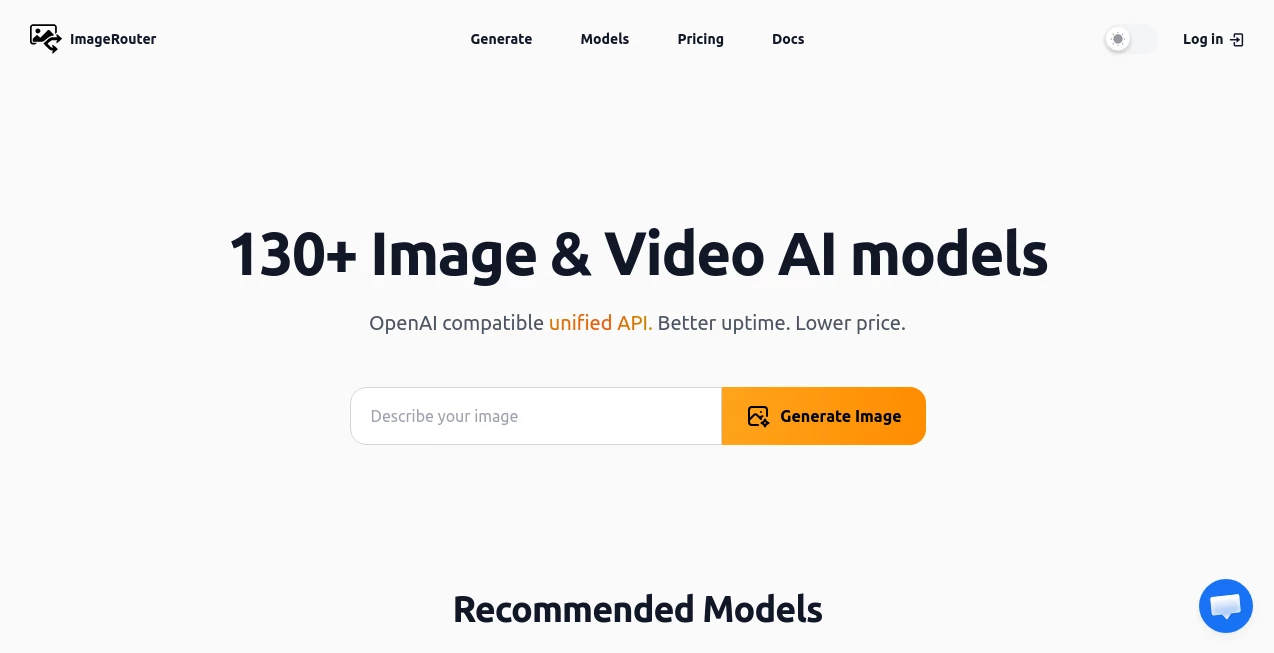
What is ImageRouter?
Some photos just need a little love—sharper edges here, richer colors there, maybe a touch more contrast—without losing their soul. This tool gets that instinct right. Drop in any image, choose what you want it to become (cleaner, upscaled, stylized, denoised), and it routes the work to the perfect model for the job. The result often feels like someone who really understands photography took a careful second pass. I’ve thrown in grainy night shots, blurry product pics, and old family portraits; each time it comes back looking thoughtful, not overcooked. It’s the kind of help that makes you wonder why every image editor didn’t always work this smart.
Introduction
Image editing used to mean picking one tool and hoping it was good at everything—or worse, bouncing between five apps. This platform changes the game by acting like a quiet, expert director: it figures out what your photo actually needs and sends it to the right specialist AI model behind the scenes. No guessing which upscaler works best on skin vs architecture, no fiddling with incompatible settings. Just upload, pick a goal (or let it suggest), and get a result that feels hand-tuned. For photographers, designers, e-commerce sellers, or anyone who deals with images daily, it turns a chore into something almost enjoyable. The quality-to-effort ratio is honestly addictive.
Key Features
User Interface
It’s deliberately calm: one central upload area, a small set of clear enhancement goals (upscale, denoise, sharpen, restore, stylize, etc.), and a slider or two for intensity when you want control. Previews load quickly so you can compare before/after side-by-side. No account forced to start, no overwhelming panels—just enough choices to guide without paralyzing. It feels like the tool was designed by someone who’s been frustrated by clunky editors and wanted to fix it for everyone else too.
Accuracy & Performance
It rarely over-sharpen faces into plastic or add fake detail to smooth surfaces. Noise disappears without eating fine texture; colors get richer without banding or posterization. Upscaling keeps edges crisp and organic—brick walls don’t turn into plastic toys, portraits don’t lose skin character. Processing is fast enough to stay in flow (usually 5–20 seconds), and results hold up at high resolutions. The routing logic is the real hero: it quietly picks the best model for the job so you don’t have to.
Capabilities
Intelligent model routing for upscaling (2×–8×), noise reduction, detail enhancement, color correction, old photo restoration, face refinement, artistic stylization, and background cleanup. Supports batch on paid plans, multiple output formats (PNG, JPEG, WebP), and adjustable strength so you can go subtle or dramatic. It understands content type—handles portraits, landscapes, products, illustrations differently—and avoids the usual pitfalls of generic one-size-fits-all processing.
Security & Privacy
Images are processed in memory and deleted right after download—no permanent storage, no training on user uploads. No mandatory account for basic use, so your photos aren’t tied to a profile unless you opt in for saved projects. For personal memories, client work, or brand assets, that clean, no-strings approach feels trustworthy and respectful.
Use Cases
A wedding photographer restores 30-year-old film scans for a client’s anniversary gift—the couple sees details they’d forgotten and tears follow. An Etsy seller turns iPhone product shots into crisp, print-ready listings that convert better. A blogger cleans up travel photos so they finally do the scenery justice on social. A game dev enhances concept art normals and diffuse maps for prototypes. Wherever an image matters but its quality holds it back, this quietly fixes it without drama.
Pros and Cons
Pros:
- Model routing picks the best tool for the job—no more guessing which upscaler or denoiser to use.
- Natural-looking results that enhance rather than “AI-ify” the photo.
- Fast enough to make editing feel like play instead of work.
- Generous free tier lets you restore treasures without paying upfront.
- High-res outputs ready for print, web, or professional use.
Cons:
- Batch processing and unlimited use require a paid plan.
- Very heavily damaged photos (major tears, extreme fading) may still need light manual prep first.
- Some ultra-stylized or abstract images can occasionally get over-interpreted.
Pricing Plans
Free tier gives several high-quality enhancements daily—perfect for personal photos or testing on products. Paid plans remove limits, unlock batch uploads, priority processing, higher resolutions, and advanced options like custom model weighting. Pricing stays reasonable; many users say one month saves more time (and frustration) than they used to spend fiddling with multiple free tools or paying freelancers for basic cleanup.
How to Use Image Enhancer
Drag your photo into the upload zone or click to select. Choose your goal (upscale, denoise, restore, sharpen, etc.) or let auto-suggest decide. Adjust intensity if you want more/less effect. Hit enhance—watch the preview appear in seconds. Use the before/after slider to confirm, then download in your preferred format. For multiple images, paid users can batch upload. Done—cleaner, sharper, better-looking photo in under half a minute.
Comparison with Similar Tools
Many free enhancers either leave noise behind or sharpen aggressively into unnatural halos. This one routes intelligently to the right model for the task, so portraits get gentle face work, landscapes get detail recovery, products get crisp edges—without the generic “AI look” others often produce. Speed, realism, and ease make it feel like a step ahead of both basic free apps and some pricier specialized suites.
Conclusion
Photos deserve to look their best—whether they’re capturing a memory, selling a product, or telling a story. This tool makes that happen without turning every image into a glossy cartoon or plastic filter job. It respects what was there originally while quietly fixing what time or technology took away. For anyone who works with images—personal, professional, creative—it’s the kind of help that feels like a thoughtful friend behind the curtain, always ready to make things just a little more beautiful.
Frequently Asked Questions (FAQ)
How many free enhancements do I get?
Several per day—enough to restore favorites or polish a small batch of products.
Will it make my photo look fake?
No—it’s tuned for natural enhancement, not heavy filters or plastic effects.
Can I use it for commercial work?
Yes—high-res outputs and clean results are great for e-commerce, marketing, and portfolios.
What if my photo is very old or damaged?
It excels at faded, scratched, low-res images; extreme damage may benefit from light prep first.
Are my images stored anywhere?
No—processed temporarily and deleted right after you download.
AI Image Recognition , Photo & Image Editor , AI Photo Enhancer , AI Design Generator .
These classifications represent its core capabilities and areas of application. For related tools, explore the linked categories above.
ImageRouter details
This tool is no longer available on submitaitools.org; find alternatives on Alternative to ImageRouter.
Pricing
- Free
Apps
- Web Tools
Categories

ImageRouter Alternatives Product

SeeDream 4.5

upscayl

RGB to CMYK …

Fiddl.art

Just Christm…

PNG to 3D

grok bikini

Face Symmetr…

z-image.me
