🧠 AI Quiz
Think you really understand Artificial Intelligence?
Test yourself and see how well you know the world of AI.
Answer AI-related questions, compete with other users, and prove that
you’re among the best when it comes to AI knowledge.
Reach the top of our leaderboard.


















Karumi
24/7 Personalized Demos That Close Deals

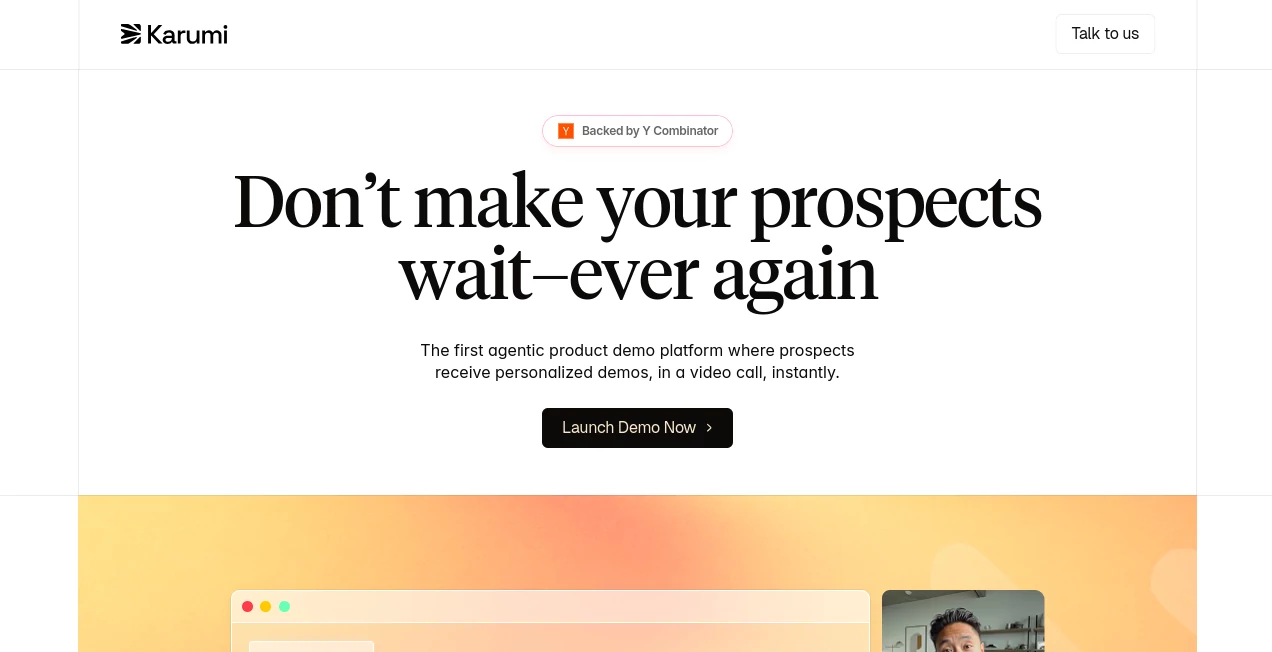
What is Karumi?
Karumi steps in as a game-changer for teams looking to turn curious clicks into committed customers, offering on-demand sessions that feel tailor-made every time. This setup lets sales folks, support crews, and onboarding guides breathe easy, knowing leads get the attention they deserve around the clock. Those who've woven it into their flow often chat about how it catches those fleeting "yes" moments, making the whole hustle feel less like chasing shadows and more like guiding friends to the finish line.
Introduction
Karumi took shape from the grind of missed connections in busy sales cycles, where hot leads cool off waiting for a callback. A team out of San Francisco spotted the gap and built something that bridges it, launching with a focus on keeping the human spark alive through smart stand-ins. It didn't take long for word to spread among growth hackers and customer leads, with stories of demos that wrapped in under an hour yet landed deals that lingered for months. What draws people in is that blend of always-on reliability and spot-on customization, turning what used to be a scheduling nightmare into a seamless handoff that keeps everyone moving forward.
Key Features
User Interface
The dashboard greets you with a lively feed of active chats, each one tagged with who's talking, how long it's been going, and where they're tuning in from. Slipping between sessions feels natural, like peeking over a colleague's shoulder, with clean cards that highlight key beats without overwhelming the screen. It's the kind of setup that clicks right away, whether you're scanning from a phone during commute or digging in at your desk, keeping the pulse on opportunities without the usual clutter.
Accuracy & Performance
It tunes into the nuances of each exchange, pulling the right details from your product library to keep responses fresh and fitting, often nailing the context so well that follow-ups flow without a hitch. Sessions hold steady even across time zones, wrapping up in solid chunks that show real engagement, like quarter-hour deep dives that uncover needs you might've missed. Teams notice how it stays sharp through the back-and-forth, delivering insights that stack up against live reps without the fatigue.
Capabilities
From walking a prospect through your dashboard's ins and outs to troubleshooting a fresh user's snag in real time, it covers the spread with a knack for adapting on the fly. Layer in scripts that match your voice, and it handles everything from lead chats in far-flung spots to group walkthroughs that qualify crowds. The real flex comes in those quiet hours, turning inbound pings into polished pitches that plant seeds for tomorrow's wins.
Security & Privacy
It locks down with the basics covered—think standard seals on data flows and rules that keep things tidy under common watchdogs. Your team's notes and next moves stay sorted in their spots, with no loose ends hanging around. Folks in regulated corners appreciate that straightforward shield, letting them lean in without the nagging pull of paperwork worries.
Use Cases
A sales lead spots a late-night inquiry from across the pond and watches it bloom into a guided tour that seals the chat before breakfast. New hires get a one-on-one nudge through the setup, ironing out kinks that might've stalled their start. Support tickets turn into quick feature spotlights, keeping users hooked without the queue. Even marketing tests land pages that spark instant sessions, sifting hot from warm in ways that sharpen the funnel.
Pros and Cons
Pros:
- Always-ready responses catch peaks of interest that slip by day crews.
- Custom fits scale without swelling the payroll.
- Seamless handoffs to your tools keep the chain unbroken.
- Global tongues open doors you didn't know were knocking.
Cons:
- Needs a bit of upfront tuning to match your exact rhythm.
- Thick accents or niche lingo might call for a quick tweak.
- Deeper dives sometimes loop back to a human touch.
Pricing Plans
Details on costs come tailored to your setup, so reaching out gets you the full picture based on what you need—think flexible tiers that grow with your goals, without the sticker shock. It's the sort of approach that fits startups scraping by as well as outfits eyeing expansion, keeping the entry smooth until you're ready to ramp.
How to Use Karumi
Start by linking it to your spots—pages, apps, or mail flows—then feed in your playbooks so it knows your lines. When a ping lights up, let it roll with the context, watching the thread build in the feed. Pull the takeaways into your system for the handoff, tweak scripts as chats reveal patterns, and watch how it starts pulling weight in those off-hours slots.
Comparison with Similar Tools
Where some chat setups stick to scripts like glue, Karumi loosens up for those natural nudges that build trust, though those might hold tighter on canned replies for steady brands. Against full-blown bots that branch wide, it zeros in on demo drives, skipping the sprawl but perhaps missing multi-task bells. It shines for squads craving that sales-specific spark, blending ease with edge over broader brushes.
Conclusion
Karumi wraps the rush of real-time reaches into a package that lets teams thrive without the burnout, turning every lead's spark into a steady glow. It nods to the human side of the hustle, keeping connections close even when clocks clash. As more doors swing digital, this one's poised to keep the welcomes warm, proving that a smart stand-in can sometimes steal the show.
Frequently Asked Questions (FAQ)
Does it work outside business hours?
Around the clock, catching those global gaps that daylight misses.
How does it keep up with product shifts?
Pulls from your fresh feeds, so updates hit without the lag.
What about different languages?
Handles a handful right off, with room to add your own flavors.
Can it feed into my existing setup?
Slips in smooth, logging notes where your team already lives.
Is setup a big lift?
Quick to start, with guides that ease the first weave.
AI Sales Assistant , AI Customer Service Assistant , AI CRM Assistant , AI Lead Generation .
These classifications represent its core capabilities and areas of application. For related tools, explore the linked categories above.
Karumi details
This tool is no longer available on submitaitools.org; find alternatives on Alternative to Karumi.
Pricing
- Free
Apps
- Web Tools
Categories

Karumi Alternatives Product

AILeadz.io

Reloq

Recruit CRM

AIOutreach

Marketbetter…

Apify

Needle

Quizify - AI…

Chatref