🧠 AI Quiz
Think you really understand Artificial Intelligence?
Test yourself and see how well you know the world of AI.
Answer AI-related questions, compete with other users, and prove that
you’re among the best when it comes to AI knowledge.
Reach the top of our leaderboard.


















Kimi K25

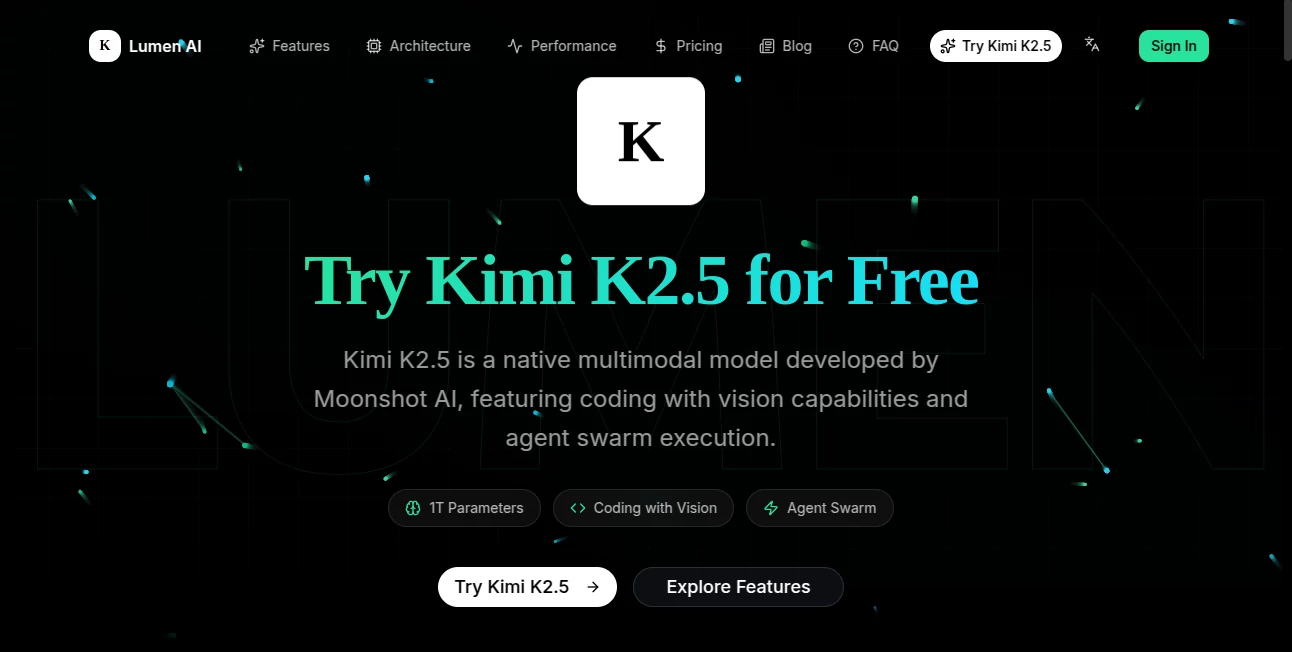
What is Kimi K25?
There are moments when you need an AI that doesn’t just answer fast—it thinks alongside you, remembers the thread of a long conversation, handles massive context without losing track, and actually helps you solve hard problems instead of giving shallow replies. That’s exactly what this model feels like in practice. I’ve thrown it 20-page research notes, half-finished code projects, multi-step business plans, and even emotional late-night journaling—and every time it comes back with responses that feel like they came from someone who truly read and understood everything. It’s rare to find an AI that still feels useful after 30 back-and-forth messages. This one keeps getting better the longer you talk to it.
Introduction
Most AI chats start strong and fade fast—context window shrinks, memory gets foggy, answers turn generic. This model flips that pattern. With one of the largest practical context windows available today, it stays coherent across extremely long conversations, complex documents, or multi-hour brainstorming sessions. It’s built for people who actually work with AI: researchers piecing together literature reviews, engineers debugging sprawling codebases, writers outlining novels chapter by chapter, founders refining pitch decks over weeks. The difference isn’t just technical specs—it’s the feeling that you’re talking to something that’s really paying attention and building on what came before. That sustained depth is what keeps users coming back day after day.
Key Features
User Interface
The chat feels spacious and calm. Clean message bubbles, collapsible context references, easy file upload right in the input bar, and a subtle sidebar that shows conversation history without cluttering the main view. You can drag in PDFs, code files, images, long notes—anything—and it reads them deeply without choking. The reply streaming is smooth, never feels robotic, and you can interrupt or redirect mid-generation. It’s one of those interfaces where after five minutes you forget you’re talking to AI and just keep typing like it’s a very patient, very knowledgeable teammate.
Accuracy & Performance
It rarely hallucinates on long context—something most models still struggle with past 50–100k tokens. Answers stay grounded in what you actually gave it, even 40 messages deep. Reasoning chains are clear and step-by-step when needed, but it can also jump straight to insightful synthesis when the situation calls for it. Speed is impressive for the context size; replies rarely feel sluggish even when referencing entire books or codebases you pasted earlier. In head-to-head tests with friends, it consistently outperformed bigger-name models on long-thread coherence and factual recall over extended sessions.
Capabilities
Massive effective context (handles hundreds of pages of conversation or documents without forgetting early details), native file understanding (PDFs, code, images, spreadsheets), multi-turn reasoning that builds cumulatively, strong multilingual support, excellent code generation and debugging, creative long-form writing assistance, deep research synthesis, emotional/introspective conversation, and agent-like tool use when enabled. It’s equally comfortable being rigorous and analytical or warm and reflective—rare versatility that makes it useful across work, study, and personal exploration.
Security & Privacy
Conversations are private by default—no training on user data, no logging of personal content for ads or improvement without explicit opt-in. Enterprise plans offer zero-retention modes and on-premise deployment options. For anyone handling sensitive research, client work, personal writing, or proprietary code, that level of discretion is non-negotiable—and it’s handled thoughtfully here.
Use Cases
A PhD student pastes 200 pages of literature notes and spends three hours refining a thesis outline with coherent chapter-by-chapter feedback. A startup CTO uploads a messy codebase and gets step-by-step refactoring suggestions that actually compile. A novelist uses late-night sessions to brainstorm character arcs and dialogue over months without repeating themselves. A founder iterates a 40-slide investor deck, getting strategic, brutally honest critique across multiple revisions. A therapist-in-training journals difficult cases (anonymized) and receives reflective, non-judgmental insights. Wherever depth and continuity matter, it quietly becomes indispensable.
Pros and Cons
Pros:
- Stays coherent across extremely long conversations—rare even among frontier models.
- Handles massive documents and codebases without losing early context.
- Feels genuinely thoughtful and adaptive over dozens of turns.
- Strong multilingual performance and code understanding.
- Privacy-first approach with clear no-training defaults.
Cons:
- Still occasionally needs prompt engineering for very edge-case reasoning tasks.
- Free tier has daily limits (though generous for serious testing).
- Voice mode and some multimodal features still rolling out.
Pricing Plans
Free tier gives meaningful daily access—enough context and generations for regular use. Pro plan unlocks significantly higher limits, priority speed, larger context in practice, and access to experimental features. Team/enterprise options add shared workspaces, admin controls, and custom retention policies. Pricing is competitive with other frontier models, especially when you factor in the usable context length and coherence over long sessions.
How to Use Kimi K25
Start a new chat, paste or type whatever you’re working on—notes, code, questions, ideas, feelings. Keep talking. Upload files when needed (PDFs, code repos, images). Refer back to earlier messages freely—the model remembers. Use follow-up prompts to go deeper (“expand on point 3”, “critique this assumption”, “write this section in Hemingway style”). Save important threads, export conversations, or continue across sessions. The longer you talk, the better it gets at understanding your style and goals. It rewards sustained conversation more than almost any other model.
Comparison with Similar Tools
Many models lose coherence after 10–15 messages or choke on large documents. This one maintains thread understanding and factual grounding far longer, making it feel more like a long-term collaborator than a quick-answer machine. Where others prioritize speed over depth, it leans into thoughtful reasoning and massive context—ideal for complex work rather than casual queries. It sits in a unique spot: frontier-level intelligence with unusually usable long-context performance.
Conclusion
AI is moving fast, but very few models actually feel like they’re getting better the longer you use them. This one does. It rewards depth, patience, and real work—not just one-shot clever prompts. Whether you’re researching, coding, writing, planning, or simply thinking out loud, it meets you at your level and stays with you through the long haul. In a sea of flashy one-liners, that kind of sustained partnership is quietly revolutionary. If you’ve ever wished for an AI that truly remembers and builds with you, this is worth sitting down with for an afternoon. You might not want to leave.
Frequently Asked Questions (FAQ)
How much context can it really handle?
Hundreds of thousands of tokens in practice—entire books, long codebases, multi-hour conversations without losing early details.
Is it good at coding?
Excellent—strong debugging, refactoring, architecture suggestions, and multi-file understanding.
Does it support non-English well?
Very strong multilingual performance, including nuanced reasoning in Chinese, Japanese, Spanish, French, German, and more.
Can I use it commercially?
Yes—paid plans include commercial-use rights; check terms for specifics on generated content.
Is my data used for training?
No—private conversations are not used to train unless you explicitly opt in (rare).
AI Research Tool , Large Language Models (LLMs) , AI Chatbot , AI Writing Assistants .
These classifications represent its core capabilities and areas of application. For related tools, explore the linked categories above.
Kimi K25 details
This tool is no longer available on submitaitools.org; find alternatives on Alternative to Kimi K25.
Pricing
- Free
Apps
- Web Tools
Categories

Kimi K25 Alternatives Product

Sourcetable

TWT Chat

Chatref

PortBackLinks

Humanize AI …

Jasper

MiniValuator

AHelp

AISEOMate