🧠 AI Quiz
Think you really understand Artificial Intelligence?
Test yourself and see how well you know the world of AI.
Answer AI-related questions, compete with other users, and prove that
you’re among the best when it comes to AI knowledge.
Reach the top of our leaderboard.


















Kimi K2.5
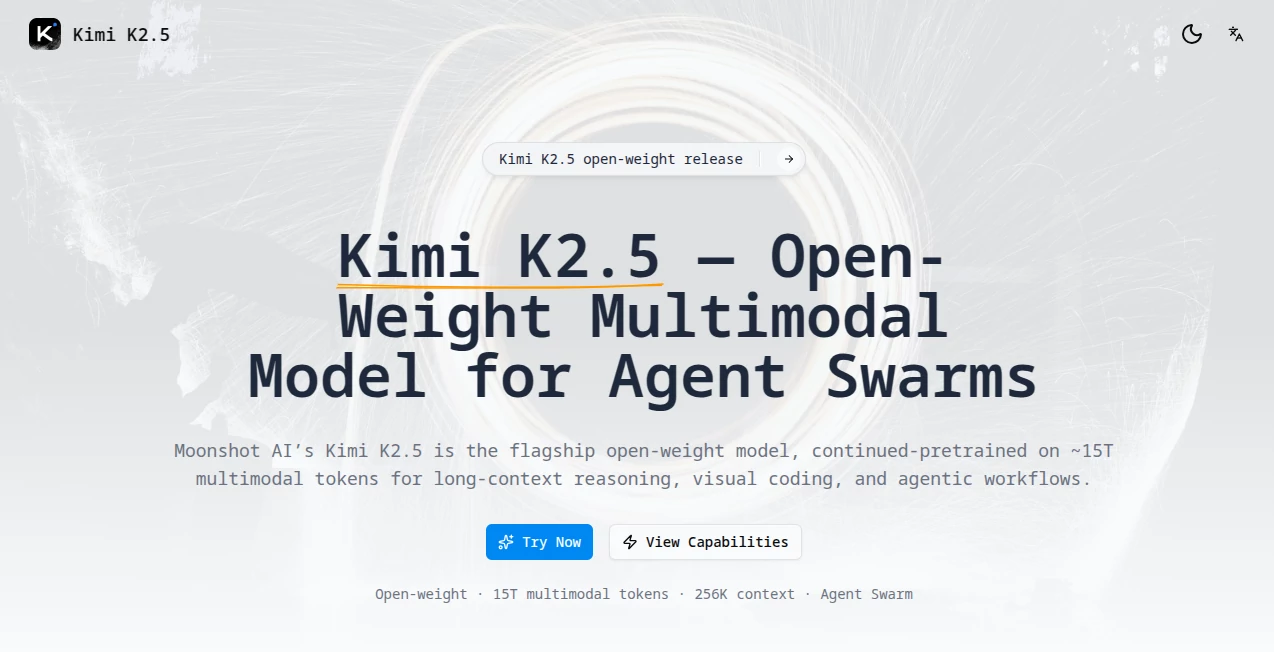
What is Kimi K2.5?
There’s something genuinely exciting about watching a model that can stare at a screenshot of broken code, understand the mess, and then spin up multiple agents to debug, refactor, and test fixes in parallel. That’s the kind of practical power you feel the first time you run this thing on a real project. It doesn’t just answer questions; it orchestrates a small team of specialized helpers that divide the labor and come back with surprisingly coherent, production-ready results. I’ve had moments where I threw a sprawling codebase problem at it and walked away for coffee—came back to a clean explanation, patched files, and even a few tests that actually passed. That’s not hype; that’s workflow-changing.
Introduction
Most open models still feel like solo performers—they’re smart, but they tackle everything sequentially and eventually hit walls on long contexts or multi-step reasoning. This release flips that script by baking in a self-driven agent swarm paradigm from the ground up. Built on roughly 15 trillion multimodal tokens of continued pretraining, it combines frontier-level vision+code understanding with native parallelism that can spin up to 100 sub-agents and handle 1,500 tool calls without breaking a sweat. Developers who’ve tried it keep coming back to the same point: it’s not just faster—it thinks more like a capable engineering team than a single overworked brain. The fact that it’s open-weight and ships with a developer-first toolchain only makes the whole package feel like a gift to the community.
Key Features
User Interface
Whether you’re in the web playground, the mobile app, or the open-source Kimi Code terminal+IDE, the experience stays remarkably consistent and focused. Prompts feel natural, mode switches (Instant → Thinking → Agent → Swarm) are one click, and visual inputs integrate without ceremony. The IDE especially stands out—drop an image or short video of a UI bug directly into the chat and watch agents reason over it in real time. It’s the little things, like clickable citations and clean markdown output, that make long sessions actually pleasant instead of exhausting.
Accuracy & Performance
On tough benchmarks—things like visual coding challenges, long-horizon agent tasks, and software engineering verification—this model consistently punches at or near the frontier, often at a fraction of the cost of closed alternatives. The 256K context window means you can feed it an entire repo or a long conversation history without truncation hacks. And the swarm speedup (up to 4.5× on complex workflows) is not theoretical; it translates to real minutes saved when agents are parallelizing subtasks. Early users report fewer hallucinations on multi-step code problems because the swarm cross-checks and refines answers collaboratively.
Capabilities
Native multimodal reasoning lets it debug UI from screenshots, turn video demos into code, or analyze charts and diagrams inside documents. The agent swarm mode is the star—spawn parallel agents for research, code writing, testing, documentation, all coordinated automatically. Four distinct modes give you flexibility: quick answers, deep step-by-step thinking, single powerful agent, or full swarm for the hardest stuff. Throw in office-grade document/spreadsheet/PDF/slide understanding and an open-source toolchain that runs locally or in the cloud, and you have a model that feels purpose-built for builders.
Security & Privacy
Being open-weight means you can run it entirely on your infrastructure if privacy is paramount. Even on hosted endpoints the design keeps sensitive code and data handled with care—SOC2-level thinking without the corporate overhead. For teams that need to keep IP in-house, the local deployment path is a real win. It’s reassuring to know the model itself doesn’t phone home or retain your prompts unless you explicitly choose to share them.
Use Cases
A staff engineer feeds a 200-file monorepo bug report and watches the swarm split linting, root-cause analysis, patch writing, and unit-test generation across agents—delivers a PR-ready fix in under ten minutes. A product designer screenshots a competitor’s dashboard, asks for a feature parity breakdown plus implementation ideas, and gets structured markdown with code stubs. An automation lead prototypes a browser agent workflow by describing the goal in plain English; the model spins up the steps, tests them, and returns a working script. These aren’t edge cases—they’re daily wins people are already posting about.
Pros and Cons
Pros:
- Swarm parallelism turns hard multi-step problems into manageable, concurrent work.
- Visual coding and long context make it genuinely useful for real engineering tasks.
- Open weights + compatible API means low switching cost and full control.
- Kimi Code toolchain bridges chat and IDE beautifully—no context loss.
Cons:
- Swarm mode (beta) can occasionally over-parallelize and require pruning.
- Still early days for some edge multimodal tasks compared to closed giants.
Pricing Plans
The hosted version keeps it accessible—free tier for light use, generous quotas for personal projects, and affordable paid tiers that unlock higher rate limits, priority access, and swarm concurrency. For teams or production workloads the API pricing stays competitive, especially given the performance on agentic benchmarks. And because the weights are open, you can always run locally or on your own cloud if you want zero ongoing cost beyond hardware. It’s the rare model that gives you quality at both ends of the spectrum.
How to Use It
Start simple: go to the web playground, paste a coding problem or upload a screenshot, and try Instant mode for a quick answer. If the task feels meaty, switch to Thinking or single Agent for step-by-step reasoning. For the real heavy lifting—refactoring across files, multi-tool research, visual debugging—flip to Agent Swarm and watch it divide and conquer. Install the open-source Kimi Code CLI or IDE extension for seamless in-editor usage; drop images/videos directly into prompts there. Iterate by replying in the same thread—the context stays alive. Export results as markdown, code diffs, or even Jupyter notebooks. It rewards clear prompts but forgives messy ones better than most.
Comparison with Similar Tools
Closed frontier models often feel like brilliant but solitary geniuses—they’re powerful but sequential and expensive at scale. This one trades a bit of raw single-pass intelligence for orchestrated parallelism and open weights, which in practice wins on complex, multi-tool workflows where speed and cost matter. Other open models may match on raw benchmarks but lack the native swarm mechanics and visual coding depth. The toolchain integration seals the deal: you’re not just chatting with an LLM; you’re directing a coordinated crew that lives in your terminal and IDE.
Conclusion
This isn’t just another model drop—it’s a glimpse of what agentic development can look like when parallelism, multimodality, and developer ergonomics are designed in from the beginning. It turns overwhelming tasks into parallelizable, manageable pieces and gives you the freedom to run it your way. For anyone who codes, designs, or builds for a living, it’s worth carving out an afternoon to try. The moment you see a swarm of agents collaboratively untangle a nasty bug or prototype a feature from a screenshot, you’ll understand why people are quietly excited about what comes next.
Frequently Asked Questions (FAQ)
How big is the context window?
256K tokens—plenty for entire codebases, long docs, or multi-turn agent conversations.
Can I run it locally?
Yes—open weights are available, and the toolchain supports local deployment.
Does swarm mode always use 100 agents?
It dynamically scales based on task complexity; you can also cap concurrency if desired.
Is visual input reliable for code tasks?
Very—UI screenshots, error popups, diagrams all get reasoned over effectively.
What’s the difference between modes?
Instant for speed, Thinking for depth, Agent for tool use, Swarm for parallel heavy lifting.
AI Code Assistant , AI Code Generator , AI Developer Tools , AI Research Tool .
These classifications represent its core capabilities and areas of application. For related tools, explore the linked categories above.
Kimi K2.5 details
Pricing
- Free
Apps
- Web Tools
Categories

Kimi K2.5 Alternatives Product

Project Mela

Luma AI

Devplan

Klyra AI

Vurge

SuperAI

CodeSpy AI

TrueSource AI

AISEOMate