🧠 AI Quiz
Think you really understand Artificial Intelligence?
Test yourself and see how well you know the world of AI.
Answer AI-related questions, compete with other users, and prove that
you’re among the best when it comes to AI knowledge.
Reach the top of our leaderboard.


















Kirkify
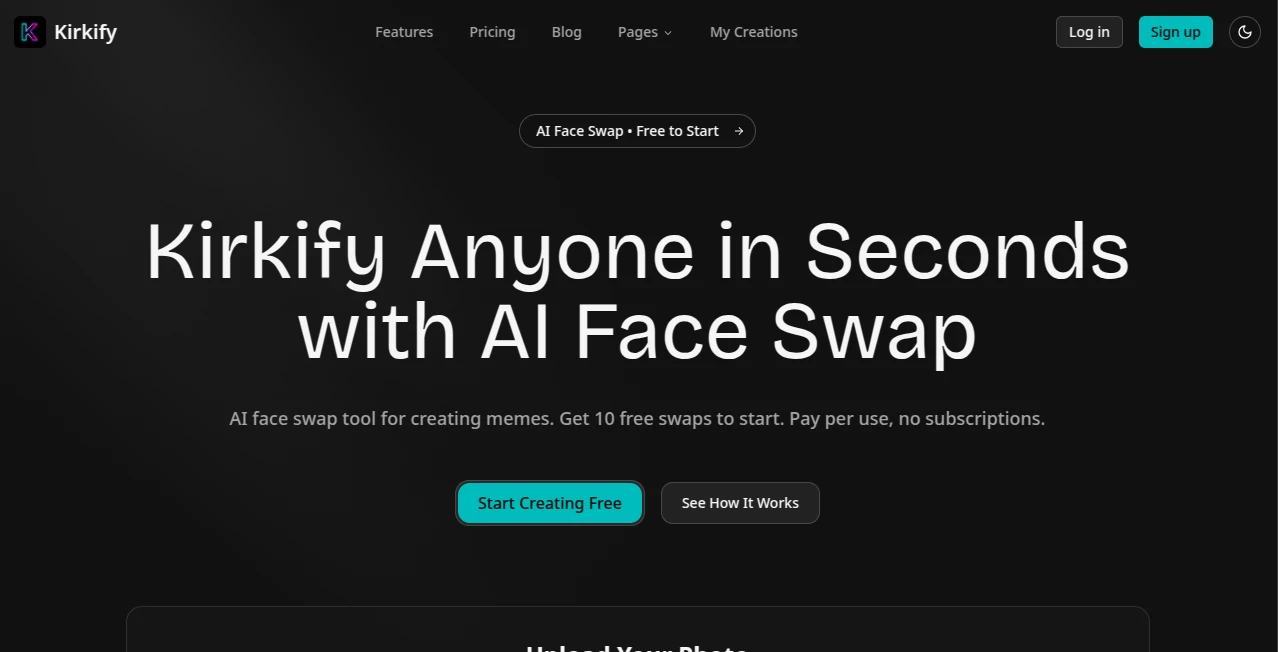
What is Kirkify?
Kirkify bursts onto the scene as a playful powerhouse for meme lovers, letting anyone snap a photo and watch it morph into a cheeky twist with just a few clicks. This nifty spot turns ordinary shots into shareable laughs, perfect for those quick hits that light up feeds without the hassle of editing apps. Folks who've dabbled in it often chat about how it nails that surprise factor, pulling off swaps that feel spot-on and ready to roll out to friends or followers in no time.
Introduction
Kirkify kicked off as a fun side project for a crew hooked on the wild world of online humor, tired of clunky tools that dragged the joke out of every edit. It caught wind fast among the scroll-stopping crowd, with shares spiking after early testers posted their goofy group shots turned iconic. Drawing from a mix of sharp tech and a light touch, it's grown into a go-to for injecting personality into posts, where a simple upload leads to results that spark replies and retweets. What keeps the buzz going is that effortless vibe—sign in, drop a pic, and boom, you've got something fresh to fling into the conversation, all without the usual tech headaches.
Key Features
User Interface
The setup couldn't be simpler, kicking off with a quick Google login that skips the signup slog, then a big, inviting zone for dragging your shot right in or clicking to pick. From there, it hums along in three easy beats: upload, watch the switch happen, and snag your fresh take with a preview peek before the grab. No extra tabs or tricky toggles to trip over—it's built for folks who want the fun without the fuss, working smooth on phones or laptops alike.
Accuracy & Performance
It spots faces like a pro, even in a crowd, flipping them over with a realism that surprises, all in about ten seconds flat without a single fuzzy edge. Outputs come back crisp and true, holding up when you zoom in or print 'em out, and users nod at how it dodges the weird warps that plague lesser tries. That zippy turnaround keeps the energy high, turning what could be a wait into a wink-and-done deal.
Capabilities
At its core, it handles solo snaps or full group hangs, weaving in swaps that fit the frame just right, with options for everyday clear or stepped-up sharp for those extra shares. You can pull down your faves anytime, no marks marring the mix, and it plays nice with common file types up to a handy size limit. The real charm lies in how it opens up batch fun too, letting you stock up on swaps for a feed full of flair without starting over each time.
Security & Privacy
Your uploads get treated with a light touch, processed on the spot and tucked away only if you choose to keep 'em, keeping things private without the usual fine print worries. It leans on straightforward logins that tie back to your trusted accounts, so no stray data drifts off. That easy trust lets creators dive in without second-guessing, knowing their quick quips stay in the circle they pick.
Use Cases
Social butterflies whip up timely teases for trending chats, dropping a swapped shot that ties into the talk without missing a beat. Influencers stock their stories with custom clips that keep followers hooked, blending personal pics with punchy poses. Students jazz up group projects with lighthearted layers, turning reports into shares that stick. Even casual crews use it for birthday blasts or bash invites, adding that extra giggle to the grid.
Pros and Cons
Pros:
- Lightning-fast flips that land lifelike without the lag.
- Free starter pack hooks you without the hard sell.
- Clean downloads with no ugly stamps or ads in the way.
- Pays-as-you-go keeps the bill light for light users.
Cons:
- Free runs come with a few pop-ups that nudge toward paid.
- Group grabs might need a steady hand on the upload.
- No endless tweaks built in for mid-swap fiddles.
Pricing Plans
You jump in free with a handful of trial turns, enough to test the twist without touching your wallet, though ads peek in now and then. From there, grab a starter bundle for under ten bucks that covers a hundred shots with no extras popping up, stepping up to bigger packs around thirty or fifty for hundreds more, complete with sharper saves and quicker lines. Credits stick around forever, so you stock up stress-free, with no monthly musts to meet.
How to Use Kirkify
Tap in with your Google quick-pass to unlock those first free flips, then haul your pic over—drag it drop or click to choose, keeping it under the size sweet spot. Let it work its quick change, eye the preview for that perfect punch, and pull it down clean to post or stash. Swing back for more, tracking your stash if you upgrade, turning one-off grins into a gallery of giggles.
Comparison with Similar Tools
Where some swap shops layer on subscriptions that stack up quick, Kirkify's buy-what-you-burn keeps it casual, though those might offer fancier filters for the fine-tuners. Against bulkier apps that bog down with buttons, it stays snappy and simple, trading bells for bare-bones bliss but perhaps missing deep dives for design die-hards. It shines for spontaneous sparks, outpacing the ponderous with pure playfulness.
Conclusion
Kirkify wraps up the rush of remix fun in a package that's as easy as it is engaging, handing meme makers a shortcut to shares that stick. It turns the everyday snap into something share-worthy, proving that a dash of digital daring can dodge the dull in our daily scrolls. As feeds keep filling with the fleeting, this one's primed to keep the laughs landing light and lively.
Frequently Asked Questions (FAQ)
What file flavors does it fancy?
It chews on JPG, PNG, or WebP bites up to ten megs max.
How quick is the quirk?
Most mixes land in five to ten ticks, ready to roll.
Any marks on my masterpieces?
Nope, downloads come clean across the board.
Works with bunches?
Yes, it juggles groups just fine for fuller fun.
Credits carry over?
They hang around as long as your account does.
AI Image to Image , AI Face Swap Generator , AI Fun Tools .
These classifications represent its core capabilities and areas of application. For related tools, explore the linked categories above.
Kirkify details
Pricing
- Free
Apps
- Web Tools
Categories

Kirkify Alternatives Product

chibi genera…

LongCat Image

Dating photos

Gemini AI Ph…

Image Text E…

Flux.2 AI
ao3dle

Sketchready

AI Baby Dance