
🧠 AI Quiz
Think you really understand Artificial Intelligence?
Test yourself and see how well you know the world of AI.
Answer AI-related questions, compete with other users, and prove that
you’re among the best when it comes to AI knowledge.
Reach the top of our leaderboard.

















Kling 2.6
What is Kling 2.6?
You describe a scene in plain words, maybe drop in a reference image, and a few moments later a short video plays with smooth motion, natural lighting, and—most impressively—actual synchronized sound. Dialogue, footsteps, ambient noise, even music that fits the mood. It doesn’t feel like typical AI output. It feels like someone directed a tiny film. I’ve shown these clips to people who usually roll their eyes at generated video, and they stop scrolling. The characters stay consistent, the camera moves with purpose, and the audio doesn’t feel slapped on—it belongs there. For creators tired of silent clips or hours of post-production, this is the kind of leap that makes you excited to create again.
Introduction
Most AI video tools still force you to choose between decent visuals or decent sound. This one brings both together in one generation. Kling 2.6 produces short cinematic clips complete with native audio—voices, effects, and atmosphere—all aligned naturally from a single prompt or image. The results carry weight and intention. Early users talk about the first time a generated clip gave them chills because the emotion landed exactly right. Whether you’re making social content, storyboards, product ads, or just experimenting for fun, it shortens the gap between idea and something watchable. It’s not perfect yet, but it’s one of the most impressive steps forward in making video feel accessible without losing soul.
Key Features
User Interface
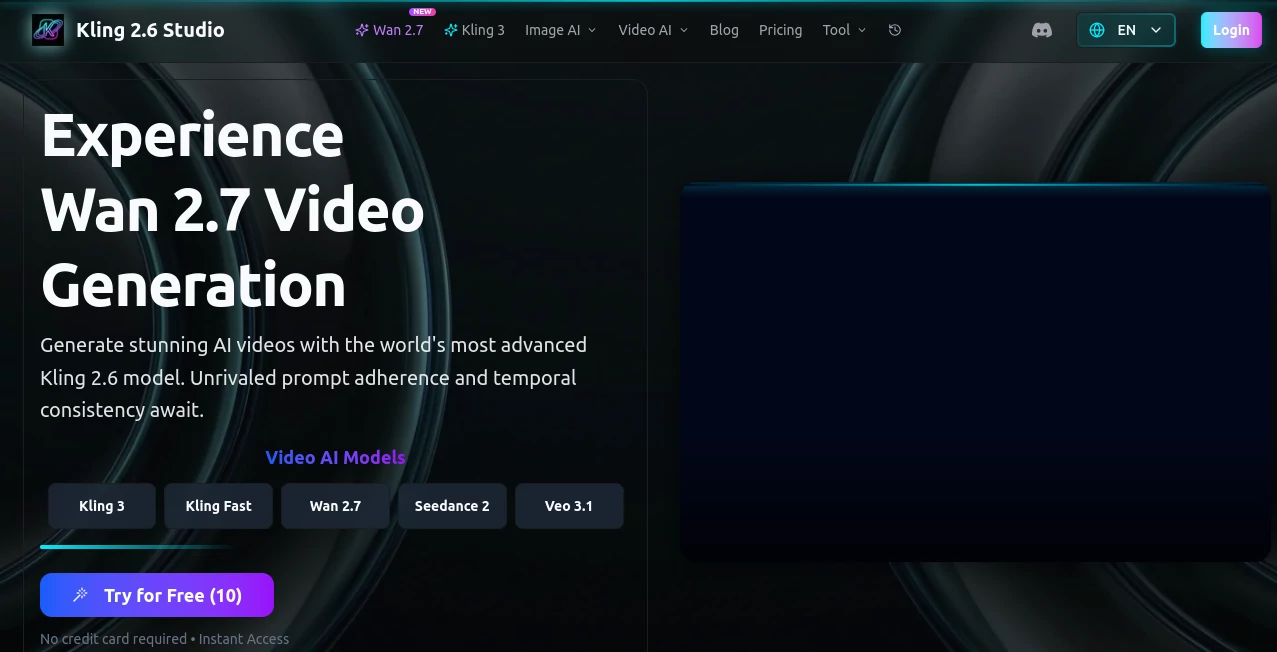
The workspace is clean and inviting. A large prompt box welcomes your ideas, with options to upload an image for stronger visual guidance. Simple controls for duration, aspect ratio, and style sit nearby without cluttering the screen. Previews load reasonably fast so you can iterate without frustration. It feels designed by people who actually make things—focused on getting you from thought to clip with minimal distraction.
Accuracy & Performance
Motion stays coherent. Characters keep their look across shots. Camera moves feel motivated rather than random. Most importantly, the audio syncs naturally with what’s happening on screen. Generation times are practical for creative work, and the model handles complex prompts better than many earlier versions. The combination of visual quality and built-in sound makes the output feel far more complete than silent video clips that need heavy editing afterward.
Capabilities
Text-to-video and image-to-video are both strong. You can create short cinematic scenes with dialogue, ambient sound, and effects all in one pass. It supports different aspect ratios for social, web, or vertical formats. Prompt adherence is solid—describe a mood, action, or style and it usually delivers. Hybrid mode (image + text) gives you more control over characters and composition. The native audio is the standout feature that turns raw clips into miniature stories ready to share.
Security & Privacy
Your prompts and generated clips are handled with care. The platform processes content for the task at hand without unnecessary long-term storage or sharing. For creators working with client ideas or personal projects, that respectful approach matters.
Use Cases
A small brand creates quick product lifestyle videos with voiceover that feel professional without hiring a crew. An indie filmmaker mocks up emotional scenes to test tone before full production. A content creator generates daily Reels with synced narration that match their personality. A teacher turns lesson concepts into short animated explainers with natural-sounding voice. A musician visualizes lyrics with clips that enhance the song’s feeling. Wherever you need moving pictures with sound and story, it delivers fast.
Pros and Cons
Pros:
- Native audio makes videos feel complete instead of silent placeholders.
- Strong motion consistency and cinematic camera work.
- Hybrid image + text control gives precise creative steering.
- Fast enough to support real iteration and experimentation.
- Results often look closer to human-directed work than typical AI output.
Cons:
- Clip length is still best for short scenes (longer stories need multiple generations).
- Very abstract or overly complex prompts can occasionally miss the mark.
- Higher quality and longer durations usually require paid access.
Pricing Plans
Free daily credits let you test the quality and create several clips without commitment. Paid plans unlock higher resolutions, longer generations, faster processing, and more daily capacity. The pricing feels reasonable for the creative leap it provides—many users say one paid month replaces what they used to spend on stock footage, voice actors, or simple editing work.
How to Use Kling 2.6
Start with a clear prompt describing your scene, mood, and action. Add a reference image if you want stronger visual consistency. Choose your preferred aspect ratio and length. Hit generate and watch the preview. Tweak the prompt or reference if the feel isn’t quite right, then download the clip with its native audio. For longer stories, generate connected shots and combine them in your editor. The process is quick enough that you can explore multiple ideas in one creative session.
Comparison with Similar Tools
Many AI video generators still produce silent clips or require separate audio work. This one stands out by delivering visuals and sound together with better motion fidelity and character consistency. While some tools focus on raw speed or quantity, the cinematic quality and audio integration here make the output feel more production-ready right from the start.
Conclusion
Creating video with sound has never been this accessible. This tool shrinks the distance between imagination and a watchable clip in a meaningful way. It doesn’t replace directors or editors, but it gives solo creators and small teams the ability to see their ideas move and speak without massive budgets or long timelines. For anyone who tells stories visually, that kind of freedom is exciting. The future of quick, high-quality video creation feels closer than ever.
Frequently Asked Questions (FAQ)
How long are the generated clips?
Best for short scenes (typically 5–10 seconds), though you can chain multiple generations for longer narratives.
Does it include audio automatically?
Yes—native audio with dialogue, effects, and atmosphere comes in the same generation.
Can I use reference images?
Absolutely. Adding an image gives much stronger control over characters and style.
Is there a free way to try it?
Yes, daily free credits let you test quality before upgrading.
What resolutions are available?
Up to 1080p on higher plans; free tier offers solid preview quality.
.
These classifications represent its core capabilities and areas of application. For related tools, explore the linked categories above.
