
🧠 AI Quiz
Think you really understand Artificial Intelligence?
Test yourself and see how well you know the world of AI.
Answer AI-related questions, compete with other users, and prove that
you’re among the best when it comes to AI knowledge.
Reach the top of our leaderboard.


















Kling 3.0
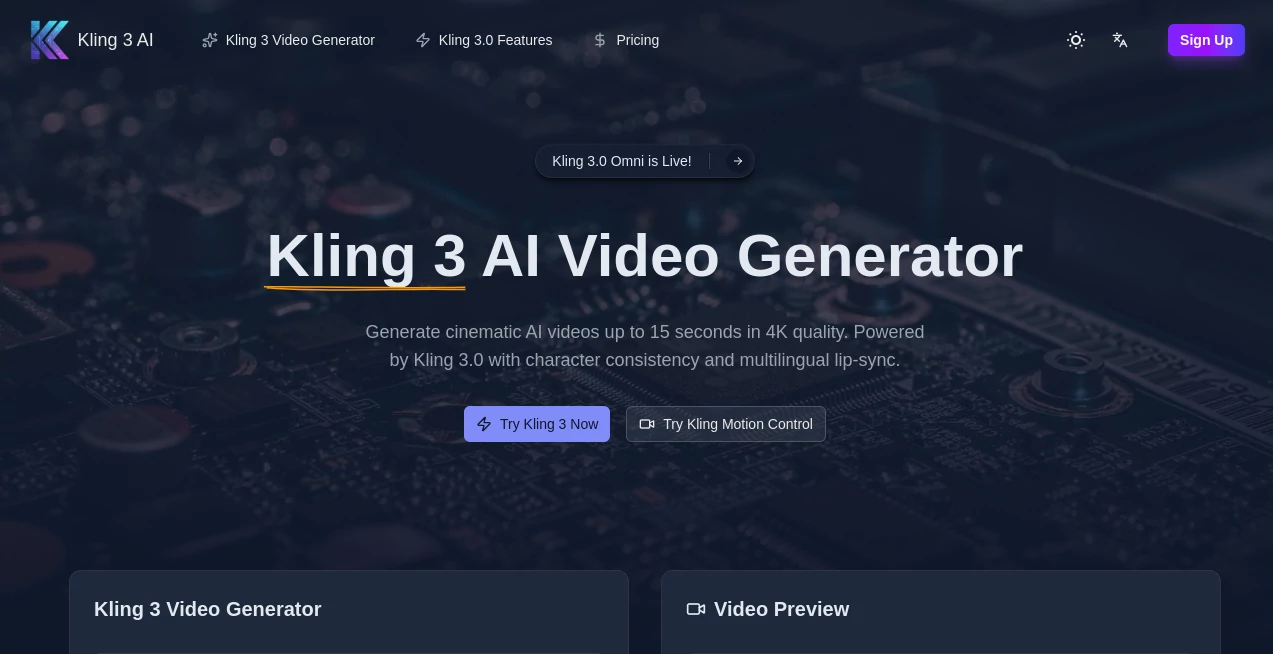
What is Kling 3.0?
There’s a quiet thrill when a few lines of text or a single reference image suddenly blooms into a full cinematic sequence—characters moving naturally, camera sweeping just right, audio syncing to every beat. This tool makes that kind of magic feel almost ordinary, yet every time I watch one of its outputs I still catch myself smiling at how far we’ve come. It doesn’t just generate clips; it tells stories with a level of polish and coherence that used to take teams weeks, and it does so in seconds to minutes. For anyone who’s ever stared at a blank timeline wishing for inspiration, this feels like the answer they didn’t know they were waiting for.
Introduction
Video creation has always been equal parts art and endurance test—storyboarding, shooting, editing, color grading, sound design. The beauty of this platform is how it quietly collapses so much of that into one fluid step. Powered by the latest Kling 3.0 model, it takes your prompt, reference material, or even an existing clip and weaves them into 15-second cinematic pieces that hold together remarkably well. I’ve seen creators go from “I wish I could visualize this idea” to posting a finished short the same day, and the reactions from viewers are what you’d expect from something shot on location. It respects the craft while removing the barriers, so the focus stays on imagination rather than production pain.
Key Features
User Interface
The workspace greets you like an old friend—no overwhelming panels or cryptic icons. You type your scene description, drop in any reference images or clips for consistency, choose camera moves or style cues, and hit go. Previews load fast enough that you can iterate without losing momentum, and the controls for duration, resolution, and motion feel intuitive from the first click. It’s the kind of design that disappears when you’re in flow, which is exactly what you want when the idea is hot and you just need to see it move.
Accuracy & Performance
Consistency is where it really earns the praise—faces, outfits, lighting, even subtle mannerisms carry across shots without that uncanny drift you see elsewhere. Physics feel grounded: fabric ripples naturally, water flows convincingly, people move with believable weight. Generations clock in impressively quick for 4K output, and the model’s reinforcement learning backbone means fewer “almost but not quite” moments. In real tests, a single well-written prompt often delivers something usable on the first or second try—rare in this space.
Capabilities
Up to 15 seconds of multi-shot storytelling in native 4K, with the Omni model keeping characters and style locked from frame one to the last. Lip-sync works in multiple languages, native audio generation matches the energy of the scene, and camera controls (zoom, pan, rotate) let you direct like a cinematographer. Upload a reference clip or portrait and it extracts features for continuity across an entire project. The physics simulation alone—water, cloth, anatomy—sets a bar that feels noticeably higher than most peers.
Security & Privacy
Your prompts, references, and outputs stay yours. The system is built with compliance in mind, so commercial users don’t have to second-guess licensing or data handling. It’s reassuring when you’re feeding in proprietary concepts or client assets—everything is processed securely and doesn’t linger where it shouldn’t.
Use Cases
A solo filmmaker roughs out a sci-fi teaser with dramatic zooms and dialogue sync, getting a pitch-ready clip without calling in actors. A marketer creates a series of product lifestyle shots that keep the same model and brand aesthetic across every frame. Content creators turn song lyrics into visual stories that match the beat perfectly, boosting engagement on short-form platforms. Game studios prototype cutscenes with consistent characters before committing to full animation pipelines. Wherever narrative needs to move fast and look expensive, this tool quietly makes it possible.
Pros and Cons
Pros:
- Character and style consistency that holds over multiple shots—rare and valuable.
- Native 4K with impressive physics and motion that feels cinematic.
- Multilingual lip-sync and audio generation save enormous post-production time.
- Fast enough iterations that you stay in creative flow instead of waiting.
Cons:
- 15-second ceiling keeps it focused on shorts and teasers rather than long-form.
- Complex prompts can occasionally need a rephrase for perfect alignment.
Pricing Plans
It keeps the door open wide with a free tier that lets you explore and create meaningful clips without upfront commitment. Paid plans scale sensibly—unlocking watermark-free output, higher resolutions, faster queues, and more generous quotas as your needs grow. The model rewards experimentation first and then supports serious production without punishing curiosity. For the quality and speed it delivers, the value feels genuinely strong.
How to Use Kling 3
Start simple: describe the scene in the prompt box (“a lone astronaut walks across a red desert at sunset, camera slowly panning right”). Upload a reference image or clip if you want consistent character appearance. Choose any camera moves or style notes, select duration and resolution, then generate. Watch the preview, tweak the prompt or reference if needed, and export when it feels right. Batch a few variations, pick the strongest, and you’ve got a polished piece in far less time than traditional methods.
Comparison with Similar Tools
Where many competitors still struggle with coherence over multiple shots or produce motion that feels floaty, this one stands out with its reinforcement-learned physics and Omni consistency model. Audio sync and lip movements in multiple languages give it an edge for narrative work, and the 4K output looks ready for professional eyes. It’s less about raw gimmicks and more about reliable storytelling power—exactly what creators need when the idea is good but time is short.
Conclusion
Video creation should feel exciting, not exhausting. This tool brings that excitement back by handling the heavy lifting so you can focus on the story, the mood, the feeling. It turns “what if” into “here it is” with a quality that makes you pause and rewatch your own work. Whether you’re prototyping, promoting, or simply playing with ideas, it’s hard to imagine going back to the old way once you’ve experienced this kind of creative freedom.
Frequently Asked Questions (FAQ)
How long can the videos be?
Up to 15 seconds of seamless multi-shot content—perfect for teasers, ads, and social reels.
Does it handle lip-sync and audio?
Yes, native multilingual lip-sync and audio generation that matches the scene’s energy.
Can I keep characters consistent across clips?
Absolutely—the Omni model excels at that, even with reference uploads.
What resolutions are available?
Native 4K output that looks sharp and cinematic.
Is there a free way to try it?
Yes, generous free access lets you create and see the quality before upgrading.
AI Animated Video , AI Image to Video , AI Text to Video , AI Video Generator .
These classifications represent its core capabilities and areas of application. For related tools, explore the linked categories above.
Kling 3.0 details
Pricing
- Free
Apps
- Web Tools
Categories

Kling 3.0 Alternatives Product

See dance 2.…

AI ASMR Gene…

Seedance AI

Seedance2 Vi…

VO4 AI
GoViralTrend

seedance 3.0

SocialRails

Flow Veo 3
