🧠 AI Quiz
Think you really understand Artificial Intelligence?
Test yourself and see how well you know the world of AI.
Answer AI-related questions, compete with other users, and prove that
you’re among the best when it comes to AI knowledge.
Reach the top of our leaderboard.


















Lean IA

What is Lean IA?
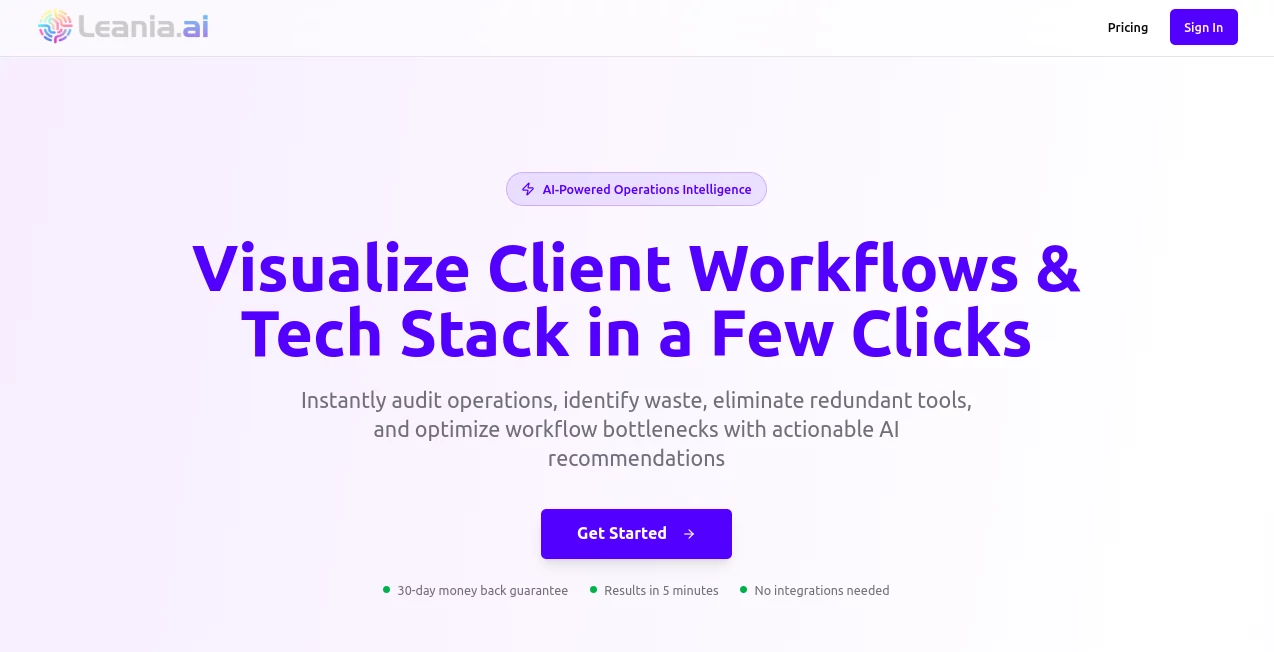
Leania steps in as a sharp-eyed guide for businesses looking to trim the fat from their daily grind, using clever analysis to spotlight where things can run smoother and cheaper. This platform quietly scans your setup, pulling together data points to offer up practical tweaks that feel like they came from a seasoned advisor who's been in the trenches. Owners who've given it a spin often mention how it uncovers those sneaky inefficiencies they'd overlooked, turning what could be a slog into a series of small wins that add up fast.
Introduction
Leania came about from the real-world headaches of running a tight ship in today's fast lane, where every extra step costs time and cash that small teams just don't have to spare. A group of ops pros pieced it together to bridge that gap, starting with a simple scan that grew into a full-fledged advisor pulling from a deep well of benchmarks and tools. It didn't take long for word to spread in entrepreneur circles, with folks sharing how a quick dive revealed stack overlaps that freed up budgets overnight. Rooted in the nitty-gritty of daily operations, it keeps evolving with fresh inputs from users, making sure the advice stays grounded and geared toward the kinds of setups most folks actually run.
Key Features
User Interface
The dashboard hits you with a clean sweep of your ops snapshot, no overwhelming charts or hidden menus—just key metrics laid out in digestible bites with one-click dives for deeper looks. Input your basics through a guided walkthrough that feels more like a quick chat than a form-fest, and results roll in with color-coded flags that point straight to the action items. It's the kind of setup that lets you jump in mid-day without losing your place, keeping the focus on fixes rather than fumbling through features.
Accuracy & Performance
It crunches over a hundred touchpoints against solid industry yardsticks, often nailing down savings spots that hold water under closer scrutiny. Scans wrap up in real time as you tweak, so you're not left staring at a spinner while decisions pile up. Users point to how it flags workflow snags with a reliability that cuts down on second-guessing, delivering pointers that pan out in practice without the fluff.
Capabilities
From sifting through your current tools for keep-or-cut calls to mapping out streamlined paths that plug gaps with vetted picks from a library of over five hundred options, it covers the full ops overhaul. Side-by-side matchups let you weigh features and costs head-to-head, while a use case vault shows real-world plays that mirror your setup. It's built to handle everything from solo hustles to growing crews, always aiming to boost flow without overcomplicating the core.
Security & Privacy
Your data stays locked in during the scan, processed on the spot and wiped clean once insights land, with no long-term holds unless you opt to save. It sticks to straightforward protocols that keep sensitive bits like budgets or vendor lists under your thumb, sharing nothing without a nod. That hands-off vibe gives teams the green light to dig deep without the usual paranoia about leaks.
Use Cases
Small shop owners run it to prune redundant apps, reclaiming hours for customer chats instead of dashboard hopping. Startups lean on the tool library to stack their early builds right, avoiding the costly swaps that sink new ventures. Managers in mid-size outfits use the workflow maps to reroute bottlenecks, smoothing handoffs that used to jam up the queue. Even consultants pull reports for client pitches, arming them with tailored tweaks that seal the deal faster.
Pros and Cons
Pros:
- Pulls actionable nuggets from your setup without needing a data degree.
- Tool matches come vetted and varied, saving scout time.
- Real-time tweaks keep the momentum rolling as you adjust.
- Affordable entry that scales without sticker shock.
Cons:
- Shines on standard ops; wild-card setups might need extra input.
- Credit caps on free runs can tease without full delivery.
- Less hand-holding for total beginners on interpreting the flags.
Pricing Plans
The base level opens with a low-barrier monthly at around nine bucks, tossing in ten credits for tool deep-dives and one for full scans—enough for steady starters. Bump up for more runs and team shares, with options that flex as your outfit grows. It's pitched light on the ledger, with trials that let you test the full flow before any commitment kicks in.
How to Use Leania
Sign up and feed in your ops rundown through the easy prompts, then let it loose on a scan to surface the first round of insights. Pick a flagged area, like a tool overlap, and follow the matchup trail to alternatives that fit your bill. Apply a tweak, rerun the check to see the lift, and stash the wins in your dashboard for the next quarterly peek. It's a loop that builds on itself, turning one-off audits into ongoing edge-sharpeners.
Comparison with Similar Tools
Where broad scanners flood you with generic graphs, Leania zeros in on ops-specific gold, though those might cover wider metrics for enterprise eyes. Against manual consultants, it delivers speed without the hourly hit, but could lack the nuanced chit-chat for thorny tangles. It slots neat for growing gigs craving quick, credible cuts over comprehensive overhauls.
Conclusion
Leania wraps the wild world of ops tuning into tidy, trustworthy takes that empower without overwhelming. It turns the fog of 'where to start' into clear paths forward, proving that a smart scan can spark shifts worth the spotlight. As businesses keep chasing leaner lanes, this one's primed to stay a steadfast scout, guiding the grind toward greater gains one insight at a time.
Frequently Asked Questions (FAQ)
What counts as a 'credit' here?
One full tool analysis or ops scan per credit, keeping runs focused.
Does it work for non-tech stacks?
Yep, it pulls in process flows too, beyond just apps.
How fresh is the tool library?
Updated regular with vetted picks across dozens of spots.
Can teams share access?
Higher plans open shared views for group grinds.
What if my setup's unique?
It adapts to inputs, but custom tweaks amp the accuracy.
AI Research Tool , AI Consulting Assistant , AI Productivity Tools , AI Workflow Management .
These classifications represent its core capabilities and areas of application. For related tools, explore the linked categories above.
Lean IA details
This tool is no longer available on submitaitools.org; find alternatives on Alternative to Lean IA.
Pricing
- Free
Apps
- Web Tools
Categories

Lean IA Alternatives Product

Elicit

Workik

Alai

AiZolo

SuperAI

Markdown to …

Grok

Yorph AI

Notion