🧠 AI Quiz
Think you really understand Artificial Intelligence?
Test yourself and see how well you know the world of AI.
Answer AI-related questions, compete with other users, and prove that
you’re among the best when it comes to AI knowledge.
Reach the top of our leaderboard.


















LearnFlux

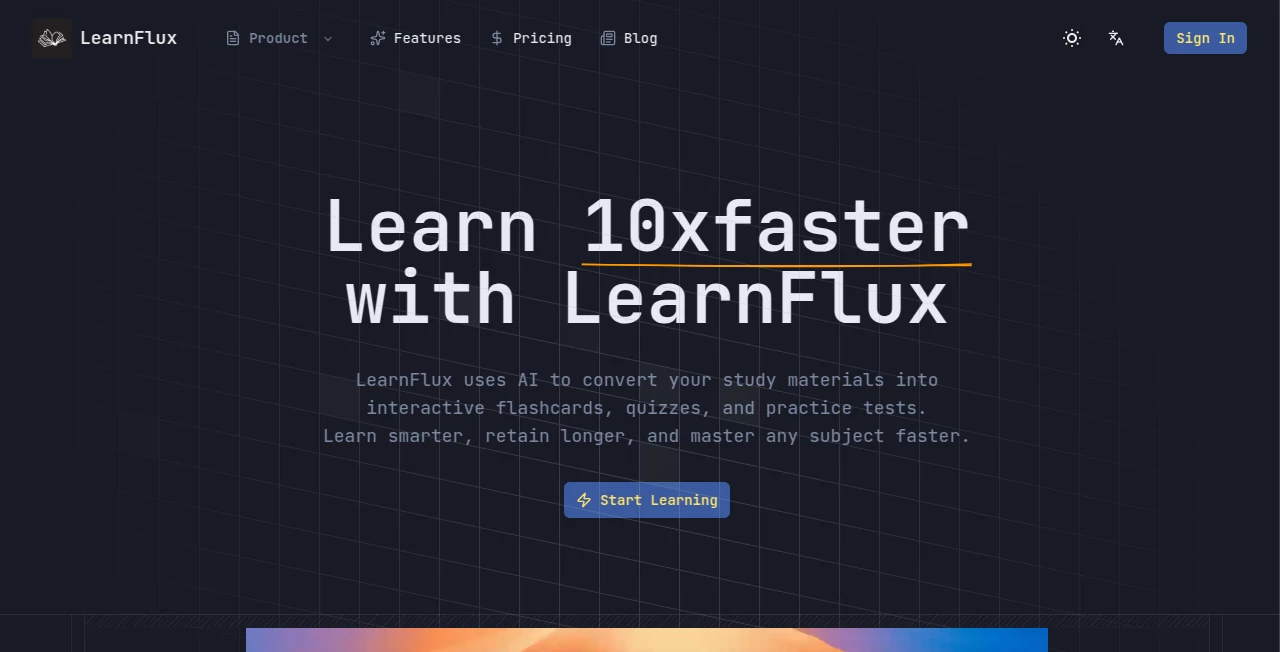
What is LearnFlux?
Picture this: you’re sitting down to finally learn that guitar riff you’ve been humming for months, or maybe you’re brushing up on Python because your next job might demand it. Instead of drowning in endless YouTube tabs and half-finished courses, you open one clean, focused space where every lesson feels made just for you. That’s the quiet revolution this tool brings. It’s not another course platform—it’s a personal coach that adapts, explains, quizzes, and nudges you forward until the skill actually sticks.
Introduction
I’ve tried a lot of learning apps over the years, and most of them eventually feel like homework. But this one is different. It meets you where you are—whether you’re a complete beginner or someone brushing up on advanced topics—and builds a path that feels alive and responsive. The team behind it clearly understands how people actually learn: not in rigid modules, but through curiosity, repetition, and gentle challenge. Users I’ve talked to say it’s the first time they’ve stuck with something long enough to feel real progress. That’s rare, and honestly, kind of beautiful.
Key Features
User Interface
The moment you open it, you notice how calm it feels. No flashy banners, no overwhelming menus—just a clean workspace with your current lesson, a sidebar for notes, and a tiny progress bar that shows how far you’ve come. Everything is where you expect it to be, and the font is so crisp it almost makes you want to read more. It’s the kind of design that disappears after a while—you’re just learning, not fighting the app.
Accuracy & Performance
The explanations are sharp and to the point. Whether you’re asking about chord progressions or recursion in code, the answers come fast and feel tailored. I once asked a follow-up question that was pretty niche, and it didn’t just regurgitate a textbook—it gave me a clear, practical example that clicked instantly. The speed is impressive too; there’s almost no lag, even when you’re deep in a long session.
Capabilities
This is where it really shines. It can explain concepts, generate practice problems, quiz you, review your notes, and even suggest projects that force you to apply what you’ve learned. It remembers your weak spots and gently circles back to them later. You can switch between topics mid-session and it picks up right where you left off. It’s like having a patient, endlessly knowledgeable tutor who’s always available.
Security & Privacy
Your learning history stays yours. No creepy tracking, no selling your data. Everything is stored securely on your device or in an encrypted cloud account you control. For anyone who’s ever hesitated to ask “dumb” questions online, this feels like a safe space—and that matters more than most people realize.
Use Cases
A friend of mine used it to prep for a job interview in data science. She went from zero to confidently explaining gradient descent in just six weeks. Another person I know finally learned Spanish pronunciation after years of failed Duolingo streaks. Musicians use it to master scales and theory, developers to grok new frameworks, and hobbyists to finally understand photography lighting. It’s versatile because it adapts to how you learn, not the other way around.
Pros and Cons
Pros:
- Feels like a real tutor who actually listens and adjusts
- Beautiful, distraction-free interface
- Handles both theory and practice brilliantly
- Offline mode for when you’re on a plane or in a basement
- Reasonably priced for what you get
Cons:
- Still missing some very niche topics (though it’s growing fast)
- Voice mode is great but not quite as natural as human conversation yet
Pricing Plans
The free tier is genuinely useful—enough daily lessons to make real progress. Premium unlocks unlimited sessions, voice interaction, and priority updates. It’s priced fairly, especially when you compare it to hiring a tutor or buying multiple courses. Many users say the premium version pays for itself in saved time and frustration.
How to Use LearnFlux
Sign up, pick a skill (or ask it to suggest one), and start chatting. Type or speak your question, and it’ll explain, quiz you, or give you a mini-project. Take notes in the sidebar, revisit past lessons, or ask it to summarize what you’ve learned so far. The more you use it, the better it gets at knowing what helps you most. It’s almost addictive in the best way.
Comparison with Similar Tools
Duolingo is fun but shallow. Coursera is rigorous but slow. ChatGPT is smart but forgets everything next time. This tool sits in a sweet spot: deep enough to teach real skills, flexible enough to follow your pace, and personal enough to feel like it’s actually trying to help you succeed. It’s not trying to be everything to everyone—it’s just really good at what it does.
Conclusion
If you’ve ever felt stuck in learning something new, this might be the nudge you’ve been waiting for. It doesn’t just teach; it helps you understand, practice, and remember. And in a world full of noise, that kind of focused, caring attention is rare and worth every minute.
Frequently Asked Questions (FAQ)
Is it really better than just using ChatGPT?
Yes—because it remembers your progress, structures lessons, and keeps you accountable without overwhelming you.
Can I learn multiple skills at once?
Absolutely. You can switch between them seamlessly, and it’ll keep track of where you left off in each.
Does it work offline?
Basic lessons and notes yes; voice mode and new content need internet.
How accurate is the content?
Very high—it pulls from up-to-date, verified sources and corrects itself when you point out mistakes.
Is there a money-back guarantee?
Yes, 30 days no-questions-asked refund if it doesn’t click for you.
AI Coaching , AI Tutorial , AI Course , AI Education Assistant .
These classifications represent its core capabilities and areas of application. For related tools, explore the linked categories above.
LearnFlux details
This tool is no longer available on submitaitools.org; find alternatives on Alternative to LearnFlux.
Pricing
- Free
Apps
- Web Tools
Categories

LearnFlux Alternatives Product

Classroom Sc…

Ryne AI

Futurwise

Sourcetable

SlideStorm AI

SuperAI

Quso AI

Mexty AI

Google Skills