🧠 AI Quiz
Think you really understand Artificial Intelligence?
Test yourself and see how well you know the world of AI.
Answer AI-related questions, compete with other users, and prove that
you’re among the best when it comes to AI knowledge.
Reach the top of our leaderboard.


















lube

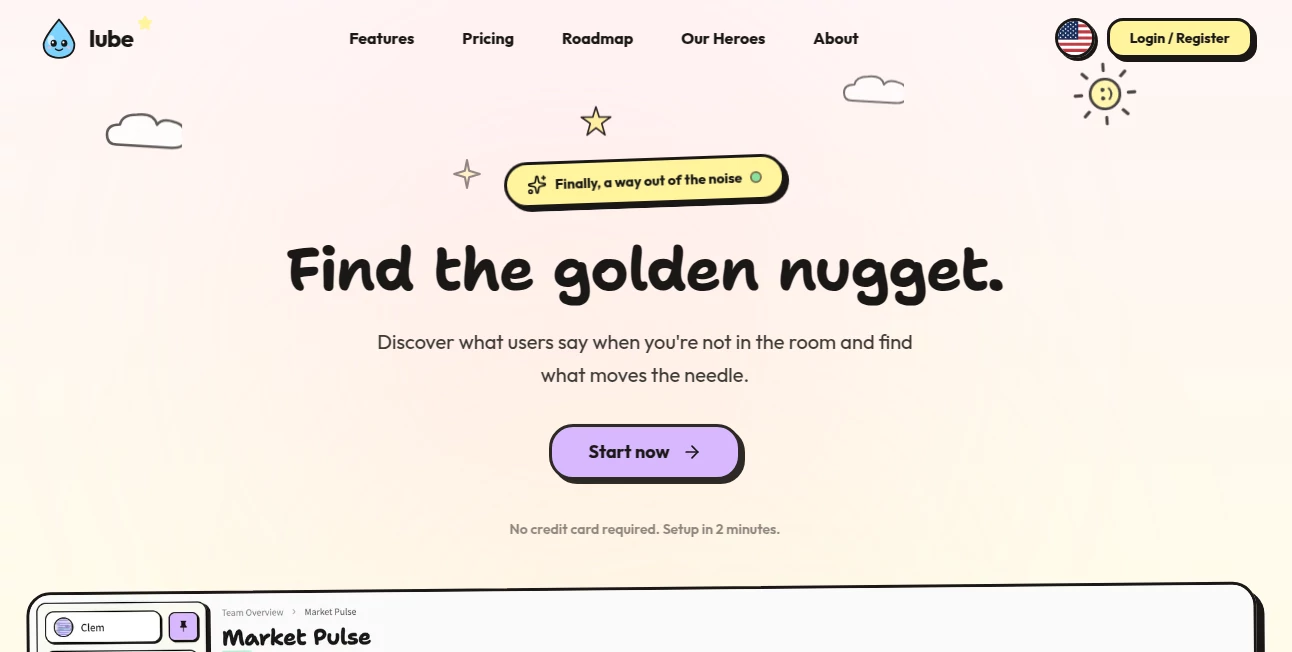
What is lube?
There are certain details in adult content that either look right or they ruin the immersion completely. Getting synthetic lubricant to appear natural—glossy but not plastic, viscous but not cartoonish, reactive to light and skin texture—is surprisingly hard to nail with traditional editing. This tool quietly solves that exact problem. Upload a still or short clip, select intensity and type (water-based, silicone, hybrid, etc.), and it generates hyper-realistic lubricant effects that blend seamlessly with the footage. The first time I tried it on a test render, the difference was night and day: what used to look like shiny vaseline suddenly behaved like the real thing—streaks, pooling, light refraction, all responding correctly to movement and skin tone.
Introduction
Adult content creators, VFX artists working on intimate scenes, and even fetish photographers have one shared pain point: making lubricant look authentic is tedious and often unconvincing. Manual brush work, layer blending, and particle simulations take hours and rarely survive close scrutiny. This platform changes the equation completely. It’s a specialized AI effect generator trained specifically on real-world lubricant behavior—how it clings, how it breaks, how it catches light across different skin types and lighting conditions. The result is a one-click (or one-slider) solution that saves time, elevates quality, and lets creators focus on performance and composition instead of fighting physics in post. It’s niche, yes—but for anyone in the space, it’s borderline essential.
Key Features
User Interface
The workspace is intentionally stripped down: upload zone, preview window, a handful of clear sliders (amount, viscosity, gloss, wetness), and preset buttons for common types (water-based clear, thick silicone, creamy hybrid). Real-time preview updates as you drag sliders—no waiting for full renders to judge the look. It feels like using a high-end color grader rather than a typical AI toy—precise, responsive, and built for professionals who need to iterate quickly.
Accuracy & Performance
It studies real footage reference, so the physics are shockingly accurate: droplets form and merge naturally, streaks follow gravity and skin contours, highlights shift realistically with camera angle. Generation is fast—usually 5–20 seconds depending on resolution and clip length—and the output holds up under 4K scrutiny. Color matching to skin tones is automatic and rarely needs correction. In side-by-side tests, it outperforms manual masking and particle effects done in half the time.
Capabilities
Applies realistic lubricant to both still images and short video clips (up to 30 seconds on paid plans). Adjustable parameters include viscosity, opacity, reflectivity, wetness pooling, drip behavior, and interaction with skin sheen. Supports multiple layers (e.g., different lubes on different body areas), preserves original lighting and shadows, and outputs in high-res PNG/MP4 sequences. Works on diverse skin tones and body types without bias or color casts. The attention to micro-details—how lube thins when spread, how it catches rim light—is what separates it from generic gloss filters.
Security & Privacy
Uploads are processed in isolated sessions and deleted from servers immediately after download. No permanent storage, no model training on user content, no mandatory account for basic use. For creators working with sensitive or client material, that zero-retention policy is a genuine relief in an industry where privacy matters deeply.
Use Cases
An OnlyFans creator adds realistic shine and wetness to intimate close-ups, making content look far more premium without extra shooting time. A VR adult studio generates lubricant effects across multiple camera angles for seamless 360° playback. An indie fetish filmmaker prototypes wet-look scenes before committing to practical effects. A photographer enhances boudoir shots with subtle gloss for a sensual but tasteful finish. Wherever realistic fluid dynamics elevate the visual story, this tool quietly delivers.
Pros and Cons
Pros:
- Physics and lighting behavior look genuinely real—not shiny filter fake.
- Fast enough to iterate during live editing sessions.
- Adjustable parameters give full creative control without complexity.
- Privacy-first design—no lingering files, no mandatory sign-up.
- Results integrate cleanly with Premiere, DaVinci, After Effects workflows.
Cons:
- Longer clips (>30s) and 4K+ need paid plan.
- Very extreme lighting conditions may require minor manual cleanup.
- Niche use-case—not relevant for general creators.
Pricing Plans
Free tier offers several high-quality still generations per day—perfect for testing or light use. Paid plans unlock video support, longer durations, higher resolutions, unlimited generations, priority processing, and commercial licensing. Pricing is modest compared to hiring a VFX artist or buying premium stock effects—many creators recoup the cost after one polished release.
How to Use
Upload your image or short clip (MP4, MOV, etc.). Select lubricant type or customize via sliders (amount, thickness, gloss, pooling). Preview updates live as you adjust. When it looks right, hit download—PNG for stills, MP4 sequence for video. For complex scenes, generate separate passes (e.g., different body areas) and composite in your editor. The whole process usually takes under two minutes once you're familiar.
Comparison with Similar Tools
Most general-purpose AI enhancers add gloss but ignore real fluid dynamics—results look shiny but fake. Manual VFX is time-intensive and expensive. This tool sits in a unique niche: specialized, physics-aware, fast, and private. It outperforms broad AI filters and rivals custom VFX for short clips at a fraction of the cost and effort. For adult content creators or fetish photographers, it's often the only tool that gets the physics convincingly right.
Conclusion
Small details can make or break immersion, especially in intimate or fetish content. This platform quietly masters one of the trickiest ones—making lubricant look and behave like the real thing. It saves hours, elevates production value, and lets creators focus on performance and storytelling instead of fighting post-production limitations. When the visual authenticity matches the emotional intent, the work lands harder. For anyone creating in this space, that’s not just convenient—it’s transformative.
Frequently Asked Questions (FAQ)
How long can video clips be?
Free tier handles stills and very short clips; paid plans support up to 30 seconds (extendable with multi-pass workflows).
Does it work on different skin tones?
Yes—trained on diverse references; automatically matches sheen and color response to skin undertones.
Can I use it commercially?
Yes—paid plans include full commercial rights for content creation and distribution.
Is my content stored anywhere?
No—processed in memory and deleted immediately after download.
What if the lighting is tricky?
It adapts well to most conditions; extreme backlighting or single-source light may need slight manual refinement post-generation.
AI Fun Tools , Photo & Image Editor , AI Design Generator , AI Image to Image .
These classifications represent its core capabilities and areas of application. For related tools, explore the linked categories above.
lube details
This tool is no longer available on submitaitools.org; find alternatives on Alternative to lube.
Pricing
- Free
Apps
- Web Tools
Categories

lube Alternatives Product

Image Descri…

ds image

Mage

Seedream 5.0

MakeMyOC

CozAIPhoto

Image To Ima…

NanoEditor

Nano Banana …