
🧠 AI Quiz
Think you really understand Artificial Intelligence?
Test yourself and see how well you know the world of AI.
Answer AI-related questions, compete with other users, and prove that
you’re among the best when it comes to AI knowledge.
Reach the top of our leaderboard.


















Mimetic Labs

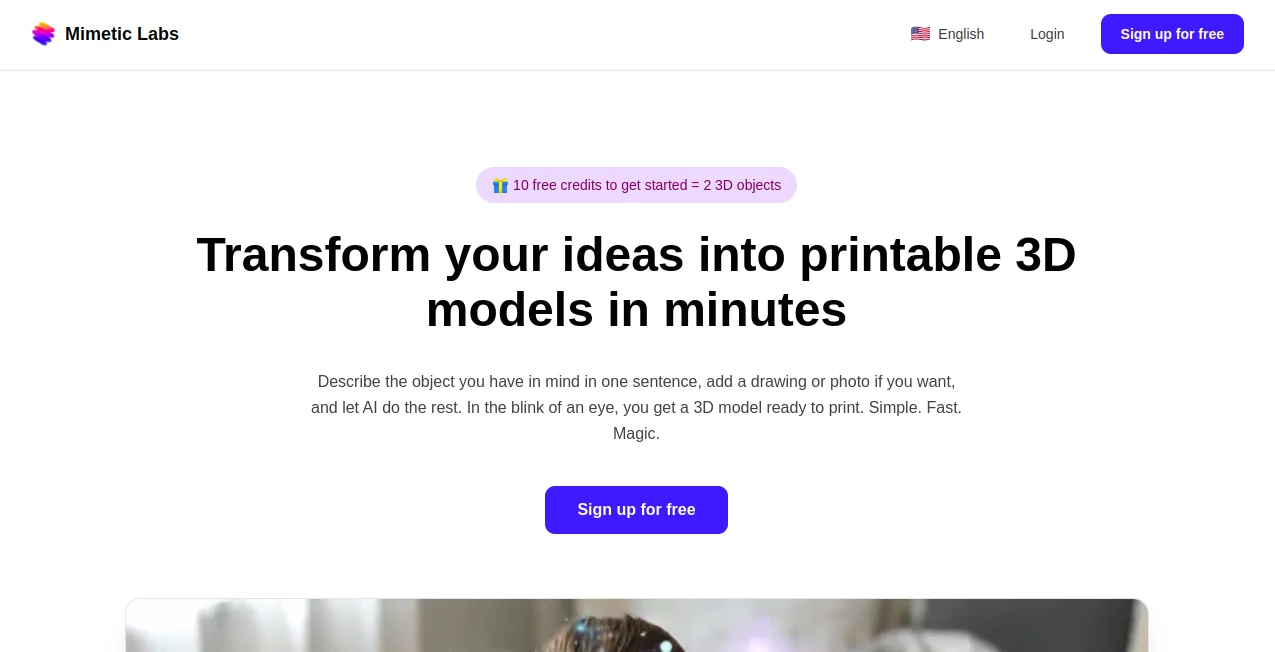
What is Mimetic Labs?
Mimetic Labs opens a door for anyone with a notion to see it shaped in three dimensions, ready for the printer without the usual hurdles. This service takes simple words or a quick sketch and builds something solid you can hold, drawing in tinkerers who want to skip the software steeple. Those who've given it a whirl often mention how it fits right into spare-time projects, like whipping up a custom gadget part or a quirky desk trinket that starts as a fleeting thought.
Introduction
Mimetic Labs came together from a mix of folks who saw how tough it was to get from brainwave to bedside table bauble without a workshop full of know-how. They set it loose a while back, targeting those with a basic printer humming in the corner but no clue where to start on designs. It caught on through shared stories in maker spots, where beginners beamed about their first prints that actually matched the mental picture. Over the months, it's grown by listening to those early users, smoothing out the spots that snagged so now even a one-line ramble leads to something worth the filament. It's all about that easy entry, making the leap from flat idea to full form feel less like a climb and more like a casual stroll.
Key Features
User Interface
The setup greets you with a plain spot to jot your description, maybe toss in a doodle or snap for extra nudge, all without a maze of buttons to muddle through. Once you hit go, a wait that's more like a coffee break leads to your model popping up, turnable on screen with a finger swipe or mouse nudge. Picking a scale and grabbing the file feels as straightforward as saving a photo, keeping the whole thing light for those who just want to make without the manual.
Accuracy & Performance
Your words get wrapped into shapes that echo them close, with parts placed where you'd expect and no wild wanders into weird territory. It wraps things up in a handful of minutes, even if you're aiming for something with a few moving bits, so the excitement doesn't cool off waiting. Printer owners nod at how the files slice clean, coming out as promised without the tweaks that trip up other tries.
Capabilities
It handles the shift from scribble to structure, whether you're dreaming up a stand-in for a broken handle or a fun figure for the shelf, all tuned for everyday printers that don't demand fancy feeds. Toss in a picture to steer it, and it blends that visual hint with your say-so for results that hit the sweet spot. The outputs play nice with basic slicing setups, letting you scale from tiny tags to larger builds without a fuss.
Security & Privacy
Signing in pulls just the basics like your email handle, nothing deeper into your digital drawers, and everything you dream up stays yours to keep or chuck. The process runs its course then clears the slate, so no old ideas linger where they shouldn't. It's the sort of quiet care that lets you tinker with personal projects, from family keepsakes to work whittles, without a second glance over your shoulder.
Use Cases
Home fixers mock up replacement knobs that fit just so, printing them out to end the hunt for odd sizes. Crafters dream up one-off ornaments for holidays, turning a quick note into holiday cheer that stacks on the tree. Teachers hand out custom models for lessons, like a simple gear set that shows motion without the mess of kits. Even gadget geeks prototype enclosures for their latest board, seeing the fit before committing to cuts.
Pros and Cons
Pros:
- Jumps from jot to job in minutes, keeping the momentum going.
- Fits fresh faces without a flood of fine print or fiddly steps.
- Outputs ready for real runs on run-of-the-mill machines.
- Blends words and pics for that personal punch.
Cons:
- Best on clear calls; fuzzy ones might need a redo.
- Starter credits cap the free fun at a couple tries.
- No deep dives for super intricate insides yet.
Pricing Plans
Newcomers walk in with ten credits tucked in their pocket, good for a pair of projects to test the waters without a wallet hit. Beyond that, it likely layers on packs for steady sprees, though the details lean toward keeping things open for occasional makers. The approach stays welcoming, nudging toward more only when the making bug bites deeper.
How to Use Mimetic Labs
Start by spilling your shape in a sentence or two, maybe clip in a sketch to set the scene, then let it mull over the mix. Give it a few minutes to mold your model, peek at the preview to pick your size, and pull down the file for your printer's plate. Fire it up in your slicer, tweak if the fit calls for it, and watch the layers lay down your latest whim.
Comparison with Similar Tools
Where some setups demand you draw every line, Mimetic Labs lets words do the work, trading detail control for door-busting ease, though those might suit sketch pros better. Against free-form modelers, it shortcuts the sculpt for quick hits, but could yield to hands-on heroes for one-of-a-kind quirks. It slots in sweet for starters seeking speed over sprawl.
Conclusion
Mimetic Labs lays a bridge from loose leaf to lasting form, making the maker's world a touch wider for the wide-eyed. It turns the 'what if' of a whim into the 'why not' of a print, fostering finds that fill shelves with stories. As printers keep purring in more homes, this one's poised to keep the ideas flowing, one shaped spark at a time.
Frequently Asked Questions (FAQ)
What do I need to kick things off?
Just a basic account and a printer like the common Creality or Bambu sorts.
How long till I see my shape?
A few minutes from prompt to preview, ready to roll.
Can I add a picture to my pitch?
Yes, it weaves that in to sharpen the final form.
What files come out the other end?
STL setups straight for slicing and printing.
Any limits on what I can dream?
It thrives on everyday objects, from toys to tools.
AI Design Generator , AI Design Assistant , AI 3D Model Generator , AI Image to 3D Model .
These classifications represent its core capabilities and areas of application. For related tools, explore the linked categories above.
Mimetic Labs details
This tool is no longer available on submitaitools.org; find alternatives on Alternative to Mimetic Labs.
Pricing
- Free
Apps
- Web Tools
Categories

Mimetic Labs Alternatives Product

Nano Banana …

Modelfy 3D

AI Raphael
text to 3d w…

ModelsLab

FaceTo3D
China Brush
QR Menu Gene…

AI Age Progr…
