
🧠 AI Quiz
Think you really understand Artificial Intelligence?
Test yourself and see how well you know the world of AI.
Answer AI-related questions, compete with other users, and prove that
you’re among the best when it comes to AI knowledge.
Reach the top of our leaderboard.


















Motionik

What is Motionik?
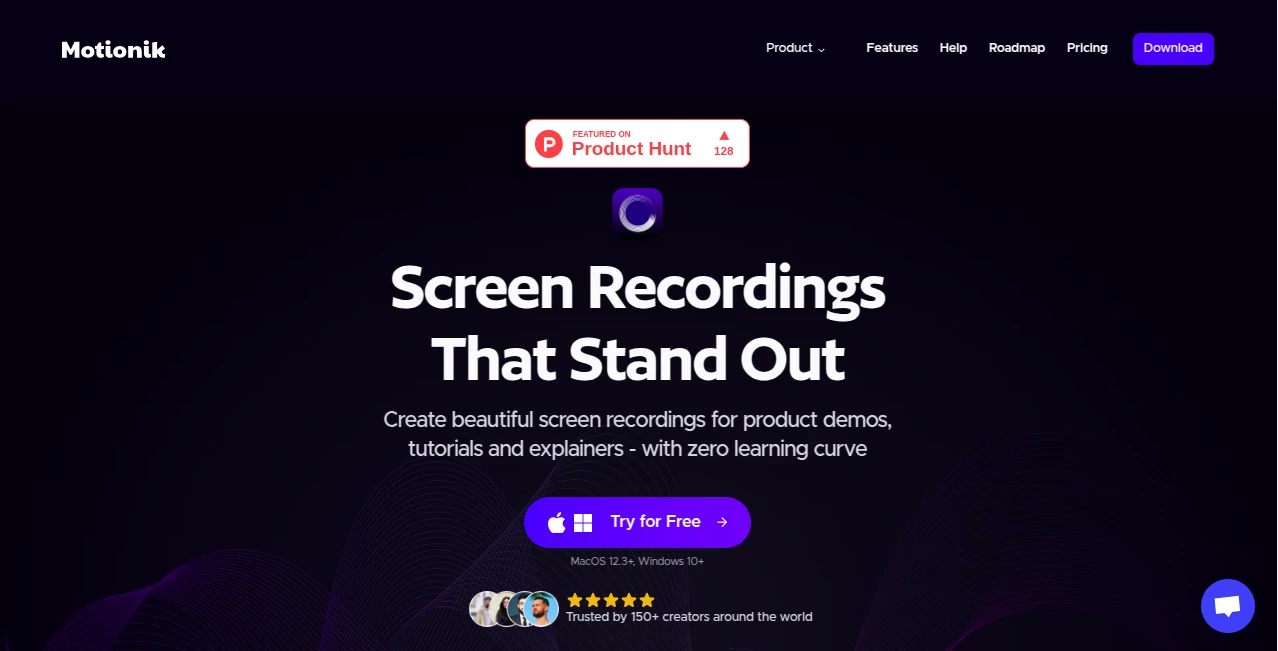
Motionik steps in as a smooth operator for anyone needing to showcase their screen in a way that grabs attention without the usual headaches. This app bundles everything from capture to polish into one spot, letting users whip up demos or guides that look like they came from a pro setup. Folks who've given it a whirl often mention how it cuts out the chaos of juggling tools, turning what used to be a full afternoon into a quick morning task.
Introduction
Motionik showed up a couple years back, sparked by the gripes of creators tired of piecing together clunky recordings that never quite hit the mark. It started as a simple fix for Mac users but soon stretched to Windows, drawing in teachers, marketers, and tech tinkerers who wanted something that just worked. Word spread through online chats where people swapped tips on making videos that actually explained things without boring the viewer. What keeps it fresh is how it listens to those everyday pains, adding touches like smart audio fixes that make even shaky starts shine. Over time, it's become that reliable go-to, the kind of tool you forget about until you need it, then wonder how you managed without.
Key Features
User Interface
The setup feels like second nature, with a clean picker for what you want to grab—full screen, a window, or just a corner—right up front. Once rolling, the editor unfolds without fanfare, sliders for zooms and overlays popping in where your eyes land. It's the sort of flow that lets you add a quick note or sound bite mid-thought, keeping things moving like a casual sketch rather than a rigid blueprint.
Accuracy & Performance
It tracks your moves with a steady hand, zooming in smooth on the action without those jerky surprises that throw off the rhythm. Audio comes through clear, even in less-than-ideal spots, thanks to built-in tweaks that hush the hum without muffling the point. Exports hold up sharp across sizes, from quick shares to full-blown presentations, rarely dropping a frame even on older setups.
Capabilities
You can layer in notes, pictures, or background tunes, masking out the bits you don't want seen while spotlighting what matters. It grabs from phones too, plugging in easy for those on-the-go clips. The real draw is how it pulls text from your words automatically, letting you tweak or time it just so, all while handling the basics like cuts and fades without extra hassle.
Security & Privacy
Everything stays right on your machine, no uploads or shares unless you say go, keeping those private runs truly private. It skips the sign-up dance for trials, and once in, you control what sticks around. That local touch gives peace of mind, especially when walking through sensitive steps or sharing drafts that aren't quite ready for the world.
Use Cases
Teachers use it to break down tricky lessons, zooming on key spots while adding voiceovers that keep students hooked. Marketers mock up feature walks, blending webcam chats with screen grabs for pitches that land. Developers jot quick how-tos for team handoffs, masking code snippets that aren't for eyes yet. Even hobbyists capture game runs or craft steps, turning personal wins into shareable stories without the production fuss.
Pros and Cons
Pros:
- All-in-one setup means no app-hopping mid-project.
- Free version packs full punch for testing waters.
- Smart fixes like audio cleanup save cleanup time.
- Local saves keep things under your roof.
Cons:
- Free exports carry a mark that might irk sharers.
- Device limits on paid tiers cap team shares.
- No built-in team tweaks for group edits.
Pricing Plans
The free path lets you dive in unlimited, grabbing everything but with a subtle tag on the end. For clean runs, a one-time drop of about sixty bucks unlocks one machine forever. Yearly at thirty keeps it light for up to three setups, and schools or squads can chat for custom fits. No cards up front for trials, making the jump easy.
How to Use Motionik
Grab the download and fire it up—no accounts needed. Pick your capture style, hit record, and let it follow your lead with zooms and tracks. Wind down to the editor, sprinkle in texts or sounds, trim the rough edges, and pull the text from your talk if needed. Export to your spot, tweak the look one last time, and you're set to send.
Comparison with Similar Tools
Unlike some that split capture from cleanup, Motionik keeps it all close, dodging the drag of file swaps. It edges out pricier picks with its no-strings free ride, though those might toss in fancier team ties. For solo spins or small shops, it hits that sweet balance of power without the pile-on, standing tall against the usual suspects in the screen game.
Conclusion
Motionik wraps the world of screen shares in a neat package, making the act of showing feel as easy as telling. It turns potential headaches into highlight reels, empowering users to craft clips that connect without the craft. As more folks lean on visuals to bridge gaps, this tool stays a steady hand, proving that sometimes the best way forward is the one that fades into the background.
Frequently Asked Questions (FAQ)
What setups does it run on?
Macs from twelve-point-three up, and Windows ten or newer.
Can I grab phone screens?
Yes, hook up your iPhone or iPad with a cable and go.
How's the privacy side?
All local, no sends unless you choose, keeping it yours.
Switch devices mid-plan?
Stuck to your count, but support can help shuffle if needed.
Refund if it doesn't click?
They offer one, just reach out quick after the buy.
AI Video Editor , AI Presentation Generator , AI Meeting Assistant , AI Video Recording .
These classifications represent its core capabilities and areas of application. For related tools, explore the linked categories above.
Motionik details
This tool is no longer available on submitaitools.org; find alternatives on Alternative to Motionik.
Pricing
- Free
Apps
- Web Tools
Categories

Motionik Alternatives Product

Quso AI

Meet-Ting

VIGGLE

MixHub AI

VidiOne

Sora Waterma…

Nodu AI

TopPDF

JSON to Video
