🧠 AI Quiz
Think you really understand Artificial Intelligence?
Test yourself and see how well you know the world of AI.
Answer AI-related questions, compete with other users, and prove that
you’re among the best when it comes to AI knowledge.
Reach the top of our leaderboard.


















Osno.ai

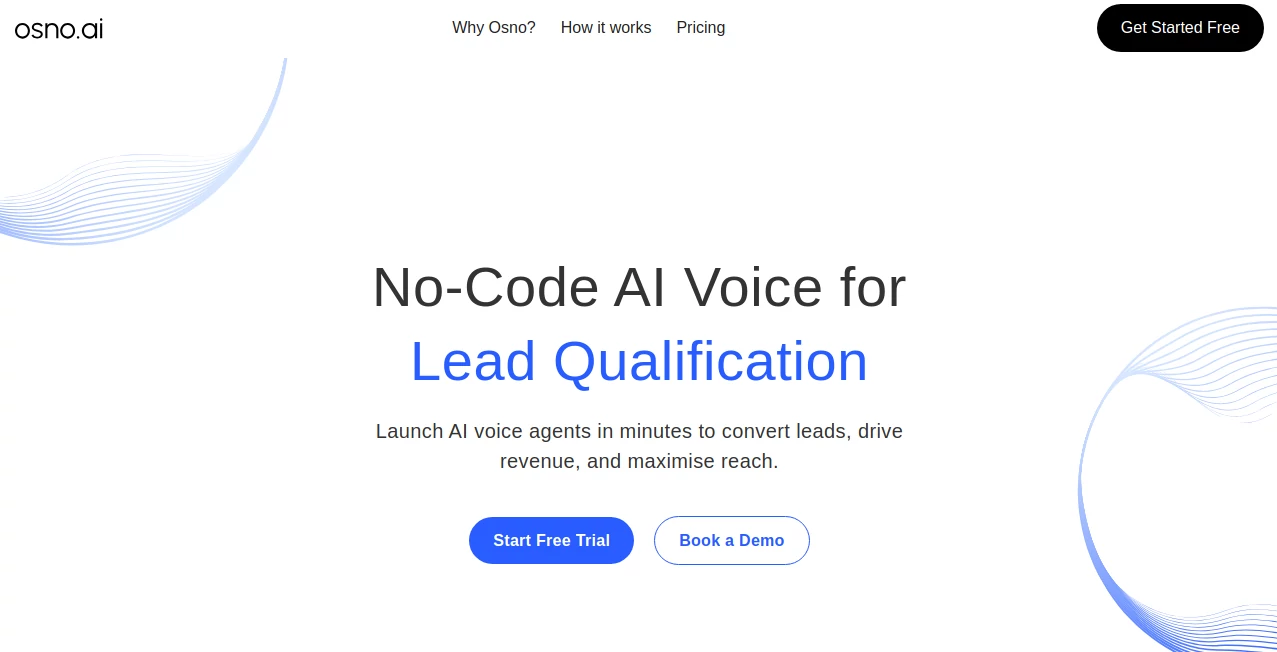
What is Osno.ai?
Building a professional website usually means either wrestling with code for days or settling for a template that looks like everyone else’s. This platform quietly sidesteps both problems. You describe what you want in plain language—“a clean portfolio for a freelance photographer with dark mode and contact form”—and it generates a complete, responsive site that looks thoughtfully designed, loads blazing fast, and comes with security basics already handled. I’ve watched non-technical friends go from “I need a site but I hate builders” to sharing a live link the same evening. The results don’t feel like AI spit them out; they feel like someone who cares about design spent time on them.
Introduction
Most website builders force you into rigid blocks and generic layouts, while custom development eats time and budget. This one takes a different path: it listens to your description, understands intent, and builds a modern, performant site tailored to your needs. No drag-and-drop fatigue, no fighting templates—just words → working website. Early users talk about the surprise of seeing their brand colors, preferred fonts, and exact page structure appear without them having to specify every detail. It’s especially refreshing for solo creators, small businesses, and side-project makers who want something sharp without the usual compromises.
Key Features
User Interface
The experience starts with a single, spacious chat-like input: tell it what you want. As you type, it suggests refinements or asks clarifying questions (“Do you want a blog section?” “Portfolio grid or masonry layout?”). Once you’re happy, hit generate and watch the preview build live. Editing is conversational too—say “make the header sticky” or “add a testimonial carousel,” and it updates instantly. It feels more like collaborating with a designer than wrestling software.
Accuracy & Performance
It interprets prompts with surprising nuance—understands tone (minimal vs bold), industry context (photography vs SaaS), and common best practices (mobile-first, fast load times, accessibility basics). Generated sites consistently score 90+ on Lighthouse performance, use modern image formats, lazy loading, and clean code. The AI rarely misreads intent; when it does, a quick follow-up message fixes it. Speed is a standout: full sites in under a minute, updates in seconds.
Capabilities
Generates complete responsive sites (homepage, about, services/portfolio, contact, blog/news optional), supports custom domains, dark/light modes, animations, forms with spam protection, SEO-friendly structure, fast hosting included, one-click export to any host, and iterative refinement via natural language. It handles portfolios, landing pages, personal brands, small business sites, and simple SaaS marketing pages with equal finesse. No lock-in—you own the code.
Security & Privacy
All generated sites include automatic HTTPS, basic DDoS protection, and secure form handling out of the box. Your prompts and site data are processed privately—nothing used for training, no third-party trackers injected. Export gives you clean HTML/CSS/JS you host anywhere. For creators concerned about data or vendor lock-in, that independence is a big draw.
Use Cases
A freelance illustrator describes their vibe and gets a dark, moody portfolio that loads instantly on mobile—first client inquiry comes in the next day. A startup founder needs a quick landing page for pre-launch signups; they generate, tweak copy via chat, connect a domain, and go live same afternoon. A local bakery owner wants an online menu and contact page; they upload photos, describe the cozy feel, and have a site that matches their brand without hiring anyone. It’s perfect whenever you need professional presence fast without sacrificing quality or control.
Pros and Cons
Pros:
- Results look custom-crafted, not templated—real design sensibility.
- Iterative chat refinement feels like working with a human designer.
- Blazing performance and modern best practices baked in.
- Own your code—no platform lock-in, export anytime.
- Pricing is fair—many say it’s cheaper than one freelance revision round.
Cons:
- Very complex multi-page sites with custom logic may need manual finishing.
- Free tier limits generations and features; serious use requires paid plan.
- Advanced e-commerce or membership features need external integration.
Pricing Plans
Free tier lets you generate and preview several sites—great for testing ideas. Paid plans unlock unlimited generations, custom domains, priority support, advanced animations, form integrations, and higher usage. Pricing stays reasonable for the time and quality saved—users often say one month equals less than a single designer mockup, with far more flexibility.
How to Use It
Start typing what you want in the chat box (“minimal portfolio for a UX designer, light theme, large hero images”). Answer any clarifying questions it asks. When the preview appears, request changes conversationally (“make the nav sticky,” “add a contact form,” “darker color scheme”). Once happy, connect a domain or export the code. Publish in minutes or keep refining. The chat history remembers context, so you can pick up later without repeating yourself.
Comparison with Similar Tools
Traditional builders lock you into templates and slow you down with blocks. Pure code-gen tools often produce functional but ugly sites. This one combines conversational control with real design taste and performance focus—results feel hand-crafted, not machine-stamped. It’s less rigid than no-code platforms and far prettier than raw AI code dumps. For makers who value both speed and aesthetics, it hits a sweet spot most alternatives miss.
Conclusion
Great websites shouldn’t require great budgets or great coding skills—they should just work beautifully and fast. This platform makes that possible by turning your words into something professional, performant, and genuinely yours. When you go from idea to live site in an afternoon and it still looks like you spent weeks on it, that’s not just convenient—it’s liberating. For anyone who creates, sells, or simply wants to be seen online, it’s one of those rare tools that quietly raises the bar for what’s possible alone.
Frequently Asked Questions (FAQ)
How long does it take to generate a site?
Usually under a minute for the first version; refinements are near-instant.
Do I own the code?
Yes—export is clean HTML/CSS/JS you can host anywhere, no lock-in.
Can it handle complex sites?
Best for landing pages, portfolios, small business sites; larger apps may need manual finishing.
Is hosting included?
Basic hosting is included; custom domains and advanced needs are easy to connect.
Free tier limitations?
Limited generations and some premium features; paid unlocks full power.
AI Website Builder , AI No-Code & Low-Code , AI Design Generator , AI Developer Tools .
These classifications represent its core capabilities and areas of application. For related tools, explore the linked categories above.
Osno.ai details
This tool is no longer available on submitaitools.org; find alternatives on Alternative to Osno.ai.
Pricing
- Free
Apps
- Web Tools
Categories

Osno.ai Alternatives Product

chibi genera…

Seedream 5.0

ShipAhead

LocaFlow

qwen image 2…

Banana Promp…

Free AI Kiss…

Brave Pink H…

Wplace Live