🧠 AI Quiz
Think you really understand Artificial Intelligence?
Test yourself and see how well you know the world of AI.
Answer AI-related questions, compete with other users, and prove that
you’re among the best when it comes to AI knowledge.
Reach the top of our leaderboard.

















PandaChat Facebook Chatbot

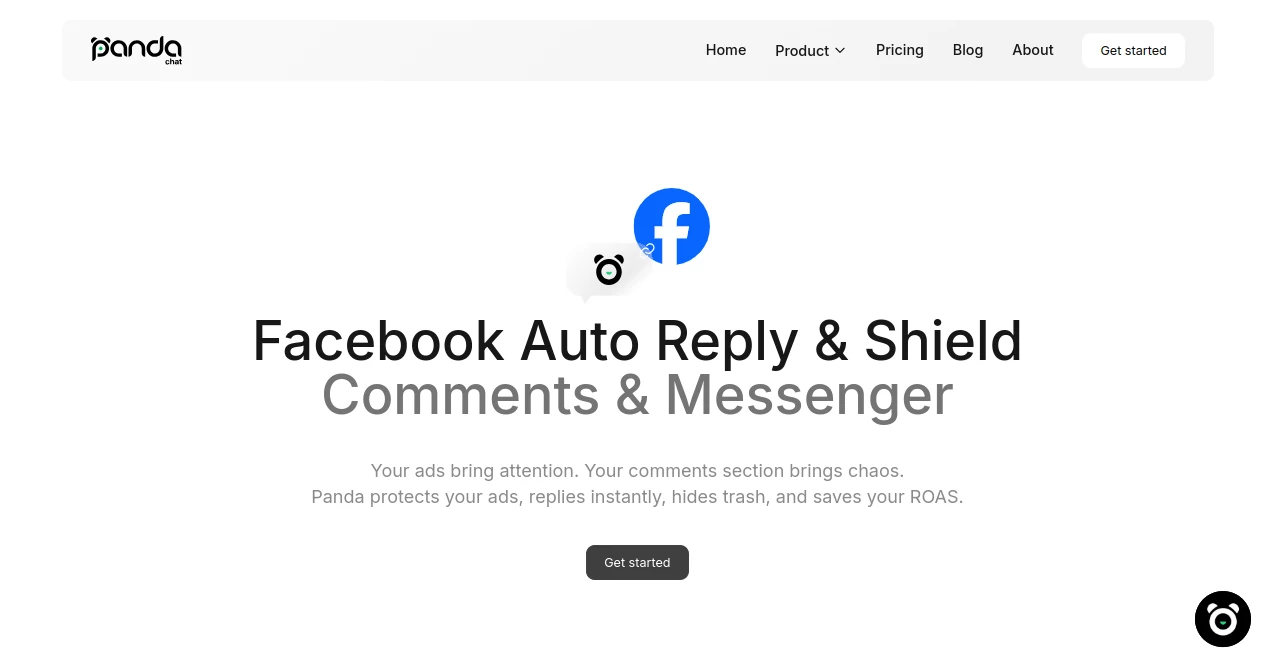
What is PandaChat Facebook Chatbot?
Running a busy Facebook page means juggling comments and messages around the clock, but this clever chatbot steps in like a tireless teammate, handling inquiries with spot-on replies that feel genuinely human. I've seen small business owners breathe easier knowing their audience gets quick, helpful responses even at midnight, turning potential frustrations into loyal fans. It's the kind of behind-the-scenes hero that keeps engagement humming without burning you out.
Introduction
If you've ever watched comments pile up on a popular post or Messenger notifications ping nonstop, you know how overwhelming Facebook support can get. This tool changes that by connecting straight to your page, automating replies to public comments and private chats with context from your FAQs, products, or custom knowledge. What impresses most is how it hides spam quietly, translates on the fly, and even suggests products— all while matching your brand's voice perfectly. Businesses from shops to services rave about the time saved and the bump in satisfaction, making it a smart pick for anyone serious about social customer care.
Key Features
User Interface
The dashboard pulls everything into one clean inbox—posts, ads, comments, and messages side by side—so you spot what's urgent without flipping tabs. Editing replies or adding tags happens with a click, and switching between auto and manual feels seamless. A friend running an online store told me it cut her daily check-ins in half; everything's laid out logically, with notifications that nudge only when needed.
Accuracy & Performance
Replies draw from your uploaded info, staying relevant and on-brand, with delays that make chats feel natural rather than robotic. It catches spam or negativity fast, hiding them to keep feeds positive, and multilingual support kicks in automatically for global reach. Performance holds steady even during spikes, escalating tricky questions to you without dropping the ball.
Capabilities
Auto-replies for comments, full Messenger management, tone customization, translation, spam hiding, and analytics that track trends—it's packed yet straightforward. Add rules for specific responses or let it learn from your base; hybrid modes mean full automation or hands-on when you want. The real win is 24/7 coverage that suggests upsells or guides users, boosting conversions quietly.
Security & Privacy
It sticks close to platform rules, with tools for consent and data controls to meet privacy standards. Conversations stay contained, and you decide what the AI knows, giving peace of mind for sensitive interactions. In a space where trust matters, this thoughtful setup stands out.
Use Cases
E-commerce pages handle order queries and recommendations nonstop, turning browsers into buyers. Service providers like consultants qualify leads from comments, booking calls without manual chases. Community builders keep discussions positive by auto-hiding trolls, while multilingual brands connect globally with instant translations. Even ad runners nurture leads from campaign comments, closing sales faster.
Pros and Cons
Pros:
- Round-the-clock engagement that never sleeps on your audience.
- Spam control and translations that polish your page's vibe.
- Central hub saves hours flipping between apps.
- Custom tones keep everything feeling authentically you.
Cons:
- Setup needs your knowledge base for peak smarts.
- Complex escalations still lean on human touch.
Pricing Plans
It ties into flexible plans with credits for actions like replies or translations, starting accessible and scaling with volume. Free trials let you connect and test, while paid tiers unlock unlimited for growing pages—fair and straightforward, growing with your needs.
How to Use PandaChat Facebook Chatbot
Connect your page in a few clicks, upload FAQs or product details to train it, then tweak tones and rules from the dashboard. Flip on auto for comments or Messenger, add tags for segmentation, and watch it roll—edit or takeover anytime. Analytics show what's working, so refinements come easy.
Comparison with Similar Tools
Basic bots often sound stiff or miss context, but this one's hybrid smarts and spam tools feel more refined, with better multilingual and analytics edges. It balances automation and control nicely, outpacing rigid options for brands wanting personality in their support.
Conclusion
For Facebook pages craving consistent, caring interactions without the constant vigil, this chatbot delivers a reliable boost that feels like an extension of your team. It nurtures connections, protects your space, and frees you for the big-picture stuff—worth every look if social's your frontline.
Frequently Asked Questions (FAQ)
Does it handle multiple languages?
Yes, detects and replies in the user's tongue seamlessly.
Can I customize the voice?
Pick presets or fine-tune to match your brand perfectly.
What about spam?
Auto-hides based on rules, keeping things clean.
Is it compliant?
Follows platform policies, with privacy tools built in.
Analytics included?
Track chats, trends, and satisfaction for smarter tweaks.
AI Facebook Assistant , AI Customer Service Assistant , AI Social Media Assistant , AI Chatbot .
These classifications represent its core capabilities and areas of application. For related tools, explore the linked categories above.
PandaChat Facebook Chatbot details
This tool is no longer available on submitaitools.org; find alternatives on Alternative to PandaChat Facebook Chatbot.
Pricing
- Free
Apps
- Web Tools
Categories

PandaChat Facebook Chatbot Alternatives Product

HealCycle

FeatureShark

UPDF AI

Vapi

KKV AI

Liftburst

Ryne AI

PostingCat

Klyra AI