🧠 AI Quiz
Think you really understand Artificial Intelligence?
Test yourself and see how well you know the world of AI.
Answer AI-related questions, compete with other users, and prove that
you’re among the best when it comes to AI knowledge.
Reach the top of our leaderboard.


















PaperYak
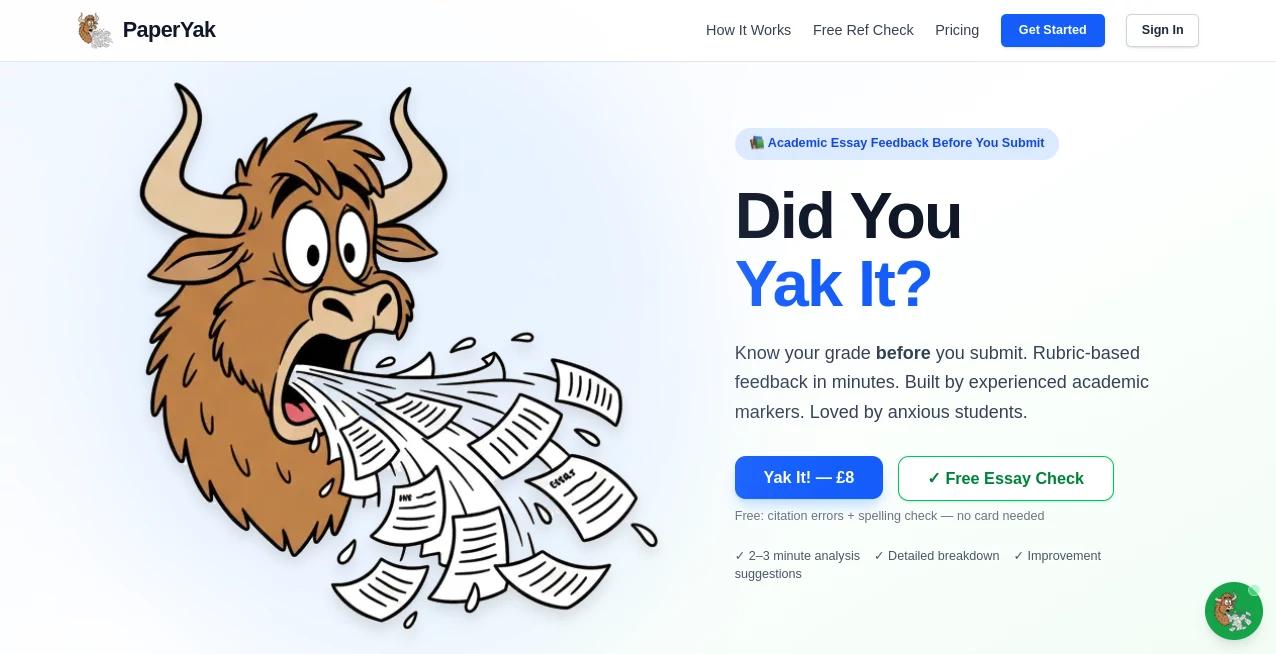
What is PaperYak?
Opening a fresh notebook or running your fingers over thick, textured letterpress paper still feels like a small luxury—one that too many digital tools have forgotten. This platform brings that feeling back, but with a modern twist: you describe the mood, the occasion, or the exact aesthetic you’re chasing, and it creates stationery designs that look handcrafted, not machine-spat. I’ve watched people turn vague ideas (“minimalist wedding thank-you notes with dried flowers and soft sage green”) into elegant, downloadable PDFs ready for home printing or professional presses. The results often look so good that friends ask where they were bought, not realizing they were born from a sentence and a few seconds of generation.
Introduction
In a world of endless digital notes and templated Canva designs, there’s still something irreplaceable about physical paper that feels intentional. This tool bridges that gap beautifully. It lets anyone—without design training—create cohesive, high-end stationery suites: letterheads, envelopes, notecards, journals, invitations, gift tags, even custom wrapping paper. The AI doesn’t just slap patterns together; it understands style families, color harmony, typography balance, and subtle details like bleed margins and print-safe resolution. What started as a niche experiment has quietly become a favorite among wedding planners, small gift-shop owners, journaling enthusiasts, and anyone who believes beautiful paper still matters in 2025.
Key Features
User Interface
The workspace is calm and focused. A generous prompt field sits front and center, with style examples and mood-board thumbnails below to spark ideas. You can refine with sliders for “vintage warmth,” “modern minimal,” “handmade texture,” etc., then preview in real time across multiple items (notecard front/back, envelope liner, envelope exterior). Everything is drag-to-reorder, click-to-regenerate, and export-ready. It never feels like software—it feels like sitting at a quiet desk with an endlessly patient designer.
Accuracy & Performance
The generated designs consistently respect print rules: 300 DPI, proper bleed, CMYK color space when requested, and accurate fold/score guides for multi-panel pieces. Text remains crisp and legible even at small sizes. Generation is fast—usually 10–30 seconds per variation—and the AI rarely produces unusable artifacts. When you ask for “deckle-edge paper texture with subtle gold foil effect,” it actually delivers something that looks foil-embossed, not just yellow blobs. That level of attention to craft detail is what separates it from generic image generators.
Capabilities
Full stationery suites from one prompt: matching letterhead, envelope, notecard, place cards, gift tags, journal covers, wrapping paper, bookmarks. Multiple style families (heritage, modern calligraphy, botanical, geometric, vintage ephemera, etc.). Fine-grained control over color palettes, paper textures (linen, cotton, kraft, handmade), embellishments (wax seals, embossing, deckle edges), and typography pairings. Outputs are layered PSD/PDF files if you want to tweak in Photoshop, or print-ready flattened PDFs for immediate use. It understands real-world paper sizes (A5, A6, US letter, DL envelopes) and bleed requirements out of the box.
Security & Privacy
Your prompts and generated files are processed ephemerally—nothing is stored long-term unless you explicitly save to your account. No training on user designs, no selling of outputs. For wedding planners or brands protecting custom client work, that clean boundary is a quiet but important reassurance.
Use Cases
A bride-to-be designs her entire wedding stationery suite in one evening—invitations, save-the-dates, thank-yous, menus—all matching perfectly without hiring a designer. A small candle brand creates seasonal gift tags and wrapping paper that feel artisanal but cost pennies to produce. A journaling teacher generates monthly prompt cards for her community, each set unique yet cohesive. An Etsy seller builds a full line of printable notecards and sells the digital files—customers rave about the “handmade” feel. Wherever thoughtful paper goods matter, this tool saves time while preserving soul.
Pros and Cons
Pros:
- Designs genuinely look handcrafted, not like generic AI slop.
- Cohesive multi-piece suites from a single prompt—huge time-saver.
- Print-ready files with correct bleed, DPI, and color space every time.
- Texture and embellishment simulation (foil, emboss, deckle) is convincingly realistic.
- Free tier generous enough to create real projects without paying upfront.
Cons:
- Very specific or highly intricate requests sometimes need prompt refinement.
- Advanced layering/editing still requires external software for perfectionists.
- Highest-fidelity textures and unlimited generations live behind paid plans.
Pricing Plans
Free tier offers several high-quality generations per day—enough for personal projects or testing ideas. Paid plans unlock unlimited generations, premium paper textures, layered PSD exports, commercial licensing, and priority processing. Pricing feels fair for the time and money saved on designers or stock assets; many users say one month’s fee is less than commissioning a single custom suite.
How to Use Paperyak
Start with a clear prompt: describe the occasion, mood, colors, and any specific elements (“elegant navy and gold wedding thank-you card, calligraphy script, subtle floral border, cotton paper texture”). Browse style suggestions or type your own refinements. Generate a suite—watch matching pieces appear (notecard, envelope, tag, etc.). Adjust exaggeration, texture intensity, or color balance if needed. Download print-ready PDFs or layered files. Print at home, send to a local press, or sell as digital downloads. The loop is fast enough to iterate several directions in one sitting.
Comparison with Similar Tools
Most AI image generators produce single illustrations, not coordinated multi-piece stationery. Canva-style tools require manual assembly and rarely feel “crafted.” This platform specializes in cohesive, print-aware paper goods with realistic textures and professional layout logic—something neither general AI nor drag-and-drop builders truly nail. It’s niche, focused, and noticeably better at what it promises.
Conclusion
Beautiful paper still carries meaning—invitations that feel special, thank-yous that feel personal, journals that feel like keepsakes. This tool brings that meaning within reach of anyone with an idea and a printer. It doesn’t replace artisans; it empowers more people to create with the same care and intention. When your next card, tag, or letterhead arrives looking like it was made with love, you’ll know why this quietly matters.
Frequently Asked Questions (FAQ)
How many pieces come in a suite?
Typically 4–6 coordinated items (notecard front/back, envelope, tag, etc.)—you can request more or fewer.
Can I use the designs commercially?
Yes—paid plans include full commercial rights; free tier is personal use only.
What paper sizes are supported?
A5, A6, US letter, DL envelopes, square cards, custom sizes on request in paid plans.
Do I need design software to edit?
Not for basic use—PDFs are print-ready. Layered PSDs available on paid plans for advanced tweaks.
How realistic are the textures?
Very—deckle edges, cotton/linen weave, foil simulation, embossing shadows all look convincing in print.
Photo & Image Editor , AI Graphic Design , AI Design Generator , AI Image to Image .
These classifications represent its core capabilities and areas of application. For related tools, explore the linked categories above.
PaperYak details
Pricing
- Free
Apps
- Web Tools
Categories

PaperYak Alternatives Product

Image Descri…

Brave Pink H…

Kirkify

Pixelfox AI

Beard Remover

Klyra AI

Simplified

Nano Banana 2

NanoBanana2F…