
🧠 AI Quiz
Think you really understand Artificial Intelligence?
Test yourself and see how well you know the world of AI.
Answer AI-related questions, compete with other users, and prove that
you’re among the best when it comes to AI knowledge.
Reach the top of our leaderboard.


















PDFClean.ai

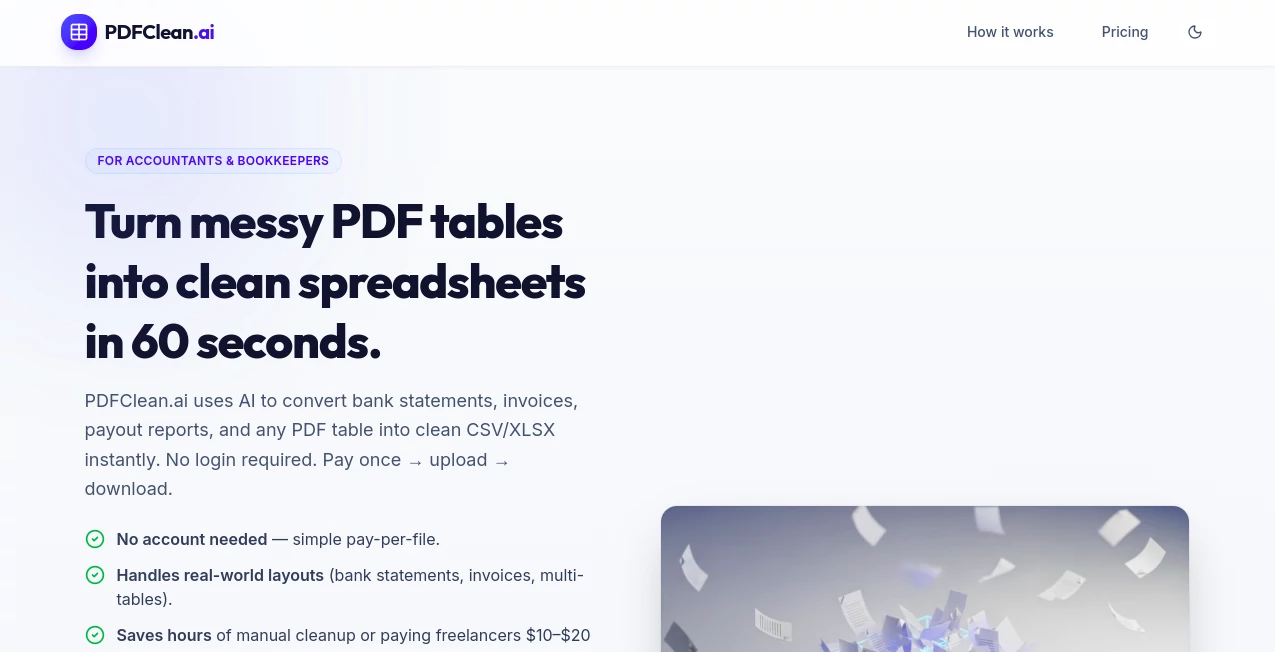
What is PDFClean.ai?
PDFClean slips into your workflow like a trusty sidekick, taking cluttered documents and turning them into sleek, shareable files that load fast and look sharp. This handy service tackles the mess of scanned pages or bloated reports, pulling out the essentials while ditching the fluff. Users often chat about how it saves them from the headache of oversized attachments, making team handoffs smoother and email inboxes happier without a single manual scrub.
Introduction
PDFClean came together a couple years ago when a few office warriors got fed up with PDFs that dragged down meetings or bounced back from email limits. They started with a simple fix for their own stacks of reports, but it snowballed as colleagues caught wind and started sharing their own "before and after" wins. Now it's a quiet staple for folks knee-deep in paperwork, from freelancers juggling client briefs to admins wrangling quarterly filings. What draws people in is that no-fuss vibe—it gets the job done without demanding you learn a new trick, just upload and watch the magic trim the fat.
Key Features
User Interface
The dashboard hits you with a big, bold upload button right up top, no digging through menus to find it. Drag your file in or click to browse, and a progress bar keeps you posted as it scans the guts. Once done, thumbnails pop up with quick toggles for what to keep or cut, all in a layout that's easy on the eyes even after staring at screens all day. It's the kind of setup that feels welcoming, like handing off a messy drawer to a neat-freak friend who sorts it without a lecture.
Accuracy & Performance
It spots the keepers with a keen eye, pulling text and tables clean without chopping words or scrambling layouts that matter. Jobs fly through in a flash, even for chunky files stuffed with charts, leaving you time for coffee instead of cursor-watching. Those who've run it on real-world stacks say it rarely leaves behind stray bits or bloats the output, keeping things tight and true to what you started with.
Capabilities
From stripping hidden layers that jack up sizes to yanking out blank spots or watermarks that clutter, it covers the bases for making files leaner and meaner. You can zero in on pages or sections, reorder if the flow's off, or even merge multiples into one tidy packet. It's got a knack for handling scans too, sharpening fuzzy edges so the end result reads crisp on any device, bridging that gap between old paper piles and digital ease.
Security & Privacy
Files get locked down from the get-go, processed in isolated spots that wipe clean right after, so nothing lingers longer than needed. You call the shots on downloads or deletes, with no sneaky shares or scans for extras. It's that straightforward shield that lets you toss in sensitive stuff—like client notes or budget breakdowns—without the usual second-guessing about where it all ends up.
Use Cases
Lawyers slim down case binders before court uploads, dodging delays from hefty hauls. Teachers trim lesson packets for student portals, ensuring quick loads on shared drives. Sales reps polish pitch decks by weeding out extras, keeping presentations punchy during calls. Even home organizers scan old receipts into neat archives, freeing up drawer space without the digital drag.
Pros and Cons
Pros:
- Shrinks files without sacrificing the stuff that counts.
- Handles batches like a breeze, perfect for pile-ups.
- Batch of output flavors, from web-ready to print-proof.
- Zero fuss for first-timers, jumps right into the good.
Cons:
- Best on straightforward docs; wild formats might need prep.
- Free spins cap quick, nudging toward the paid path.
- No offline mode, so connections call the tune.
Pricing Plans
Start free with a few files to feel the flow, no card up front. Monthly basics run about five bucks for unlimited light lifts, stepping to pro at fifteen for heavy hauls and extras like merges. Teams tag on shares for a bump, with yearly dips saving a slice. It's layered light, letting you scale as the stacks grow without sticker shock.
How to Use PDFClean
Drop your doc into the slot, pick what pains you most—like size bloat or stray pages—and let it loose. Scan the preview for any oopsies, tweak if the mood strikes, then snag the slimmed version in your choice of spots. For repeats, set up a folder watch to auto-zip incoming messes, turning one-off fixes into hands-free habits.
Comparison with Similar Tools
Where desktop heavies demand downloads and dives into settings, PDFClean keeps it web-light, trading bells for bare-bones speed though those might win on wild custom cuts. Against free-for-alls that fumble finicky files, it holds steady with sharper snips, but could bow to suites with deeper merges. It fits folks after quick cleans over kitchen-sink kits.
Conclusion
PDFClean cuts through the clutter of document drudgery, handing back files that fly rather than flop. It turns the tide on those endless "too big" bounces, proving a little smart trim goes a long way in keeping things moving. As desks go digital, this one's a steady hand, smoothing the rough edges so you can focus on the forward push.
Frequently Asked Questions (FAQ)
What file sizes does it handle?
Up to a hefty hundred megs, covering most real-world reports.
Does it mess with layouts?
Nah, keeps the bones intact while shedding the extra weight.
Works on scans too?
Yep, sharpens and streamlines without losing the print charm.
Can I batch a bunch?
Pro plans let you pile on, processing packs in parallel.
What if I need it back quick?
Most jobs zip in under a minute, ready for the next round.
AI PDF , AI Document Extraction , AI Documents Assistant , AI Files Assistant .
These classifications represent its core capabilities and areas of application. For related tools, explore the linked categories above.
PDFClean.ai details
This tool is no longer available on submitaitools.org; find alternatives on Alternative to PDFClean.ai.
Pricing
- Free
Apps
- Web Tools
Categories

PDFClean.ai Alternatives Product

GLM-OCR Onli…

Sourcetable

Ryne AI

Watermark in…

TopPDF

JFIF to JPG …

Rename files…

Flowmata AI

jpg to excel
