
🧠 AI Quiz
Think you really understand Artificial Intelligence?
Test yourself and see how well you know the world of AI.
Answer AI-related questions, compete with other users, and prove that
you’re among the best when it comes to AI knowledge.
Reach the top of our leaderboard.


















PDF Merge Files

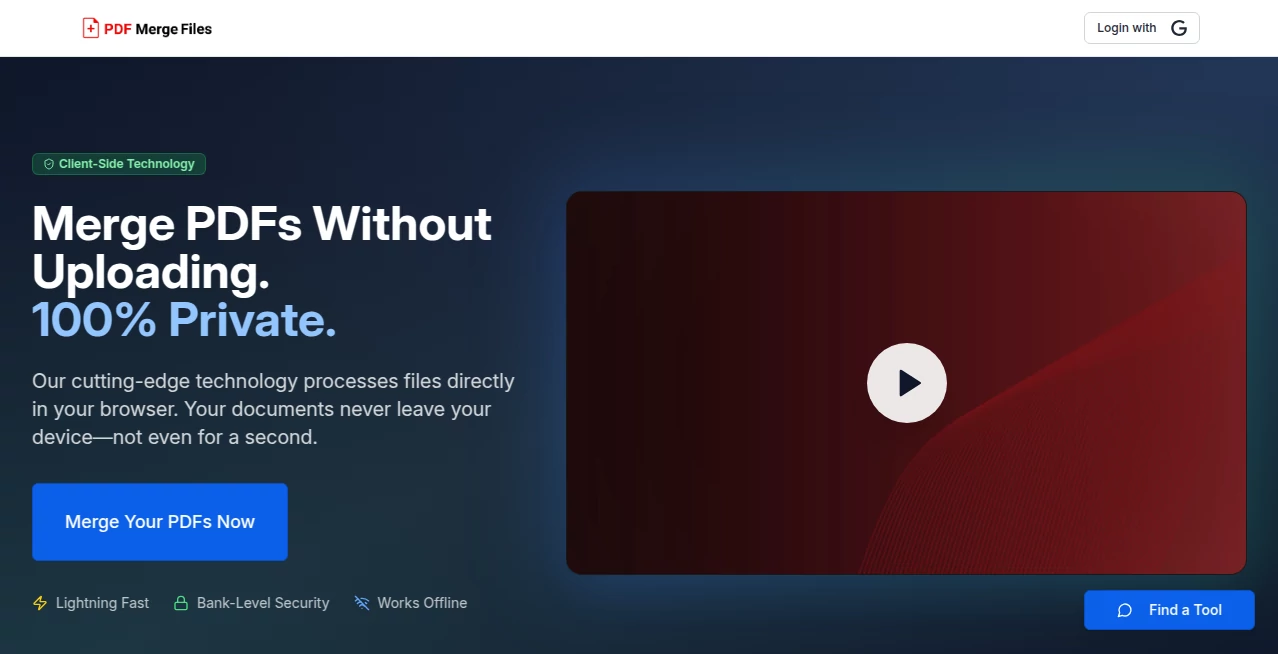
What is PDF Merge Files?
Putting together multiple PDFs shouldn’t feel like a chore. You’ve got invoices here, a contract there, some scanned receipts, maybe a cover page—suddenly you need one clean file to send. This tool makes that moment painless. Drag your files in, watch them line up in the order you want, hit merge, and seconds later you have a single, perfectly combined document. No software install, no account nagging, no weird compression artifacts. I’ve used it to bundle client proposals, merge monthly reports, even stitch together a multi-part portfolio for a friend’s job application. Every time it’s the same: quick, clean, done. The kind of reliability that makes you wonder why every PDF task wasn’t this simple before.
Introduction
Merging PDFs is one of those everyday digital tasks that still trips people up. Desktop apps are heavy, mobile solutions are clunky, and many online tools either watermark the output or cap you at a tiny file size. This platform cuts through all of that. It’s web-based, works on any device, handles large files without choking, and keeps everything private and straightforward. For freelancers sending proposals, students combining lecture notes, small business owners batching invoices, or anyone who regularly deals with scattered documents, it quickly becomes the default go-to. The experience is so frictionless that you forget you’re even using a tool—you’re just getting your work finished faster.
Key Features
User Interface
The page greets you with a generous drop zone that invites you to drag files right in—no tiny “choose file” button hiding in the corner. Once files are added, you see clear thumbnails you can reorder with simple drag-and-drop. A live preview shows page count and total size as you build. One prominent “Merge PDF” button sits ready at the bottom. No ads crowding the screen, no confusing options. It feels like the creators actually use it themselves and hated the same annoyances we all do.
Accuracy & Performance
Merges are pixel-perfect: page order stays exactly as you arranged, no rotation surprises, no lost bookmarks or annotations, no quality degradation even on image-heavy files. Processing is impressively fast—most jobs under 10 seconds, even with dozens of pages. Large files (hundreds of MB) are handled without stalling or crashing. The output is always a single, clean PDF that opens correctly in any viewer. Reliability like that turns a stressful last-minute task into something you barely think about.
Capabilities
Unlimited file count and size on paid plans (generous limits on free), drag-and-drop reordering, real-time thumbnail preview, support for scanned documents and image-based PDFs, no watermarks on paid output, and direct download or cloud save options. It preserves hyperlinks, form fields, and metadata when present. Works equally well for two-page contracts or 200-page reports. Simple, focused, and surprisingly robust for such a lightweight tool.
Security & Privacy
Files are processed in memory and deleted from servers immediately after download—usually within minutes. No permanent storage, no account required for basic use, HTTPS encryption end-to-end. For anyone sending sensitive documents (contracts, invoices, medical forms, legal briefs), that zero-retention policy is a genuine relief. You’re not leaving copies floating around on someone else’s server.
Use Cases
A freelancer combines proposal, contract, and portfolio into one polished PDF before client submission—saves time and looks professional. An accountant merges monthly bank statements, receipts, and tax forms into a single archive file for records. A student stitches lecture slides, notes, and research PDFs into one study packet before finals. A small business owner bundles supplier quotes, order confirmations, and delivery notes for easy sharing with their team. Wherever scattered documents need to become one trustworthy file, it quietly solves the problem.
Pros and Cons
Pros:
- Lightning-fast merges even with large or image-heavy PDFs.
- Drag-and-drop reordering is intuitive and reliable.
- No watermarks or forced branding on paid plans.
- Strong privacy—files vanish from servers right after processing.
- Works flawlessly across desktop, tablet, and mobile.
Cons:
- Free tier has reasonable but noticeable file-size and page limits.
- No built-in PDF editing beyond merging (split, rotate, etc.).
- Very large batches may queue briefly during peak hours on free plan.
Pricing Plans
Free plan covers everyday personal use—decent file size and page limits, no credit card required. Paid plans remove all restrictions, unlock unlimited merges, larger file support, priority processing, and ad-free experience. Pricing is straightforward and affordable—many users say one month saves them more time than it costs. Flexible monthly or annual billing keeps it accessible for occasional users and power users alike.
How to Use PDF Merge Files
Drag your PDF files into the upload area or click to select them from your device. Once loaded, drag thumbnails to reorder pages as needed. Preview the combined document if you like. Click “Merge PDF” and wait a few seconds. Download the single file when ready. For frequent use, paid plans let you batch dozens of files at once and skip any queues. That’s it—clean, combined PDF in under a minute most times.
Comparison with Similar Tools
Many free online mergers add watermarks, cap file sizes tightly, or process slowly during peak times. Desktop apps require installation and updates. This one combines speed, generous free limits, strong privacy, and clean output without forcing an account or branding. It sits in a sweet spot: powerful enough for regular business use, simple enough for one-off personal needs, and trustworthy enough that you don’t hesitate to upload sensitive documents.
Conclusion
Merging PDFs is one of those tasks that should be boringly simple—and with this tool, it finally is. No bloat, no catches, no lingering files on a server somewhere. It takes a scattered pile of documents and turns them into one reliable, professional file in seconds. For freelancers, students, small businesses, accountants, admins—anyone who regularly needs to combine PDFs—this becomes the default choice because it simply works, every time, without drama. Sometimes the best tools are the ones you barely notice… until you realize how much smoother your day just got.
Frequently Asked Questions (FAQ)
How large can the files be?
Free plan handles reasonable sizes; paid plans support much larger documents and batches.
Are my files stored anywhere?
No—processed in memory and deleted immediately after you download.
Can I reorder pages before merging?
Yes—drag and drop thumbnails to arrange in any order.
Does it preserve hyperlinks or form fields?
Yes—most interactive elements carry over intact.
Is there a watermark on free merges?
No watermarks at all—free and paid outputs are clean.
AI PDF , AI Documents Assistant , AI Files Assistant .
These classifications represent its core capabilities and areas of application. For related tools, explore the linked categories above.
PDF Merge Files details
This tool is no longer available on submitaitools.org; find alternatives on Alternative to PDF Merge Files.
Pricing
- Free
Apps
- Web Tools
Categories

PDF Merge Files Alternatives Product

Image to URL…

Ryne AI

Markdown to …

Sora Waterma…

Sourcetable

SuperAI

ReportMaker.…

Flowmata AI

JSON to Excel
