🧠 AI Quiz
Think you really understand Artificial Intelligence?
Test yourself and see how well you know the world of AI.
Answer AI-related questions, compete with other users, and prove that
you’re among the best when it comes to AI knowledge.
Reach the top of our leaderboard.


















PodcastTranscript.ai

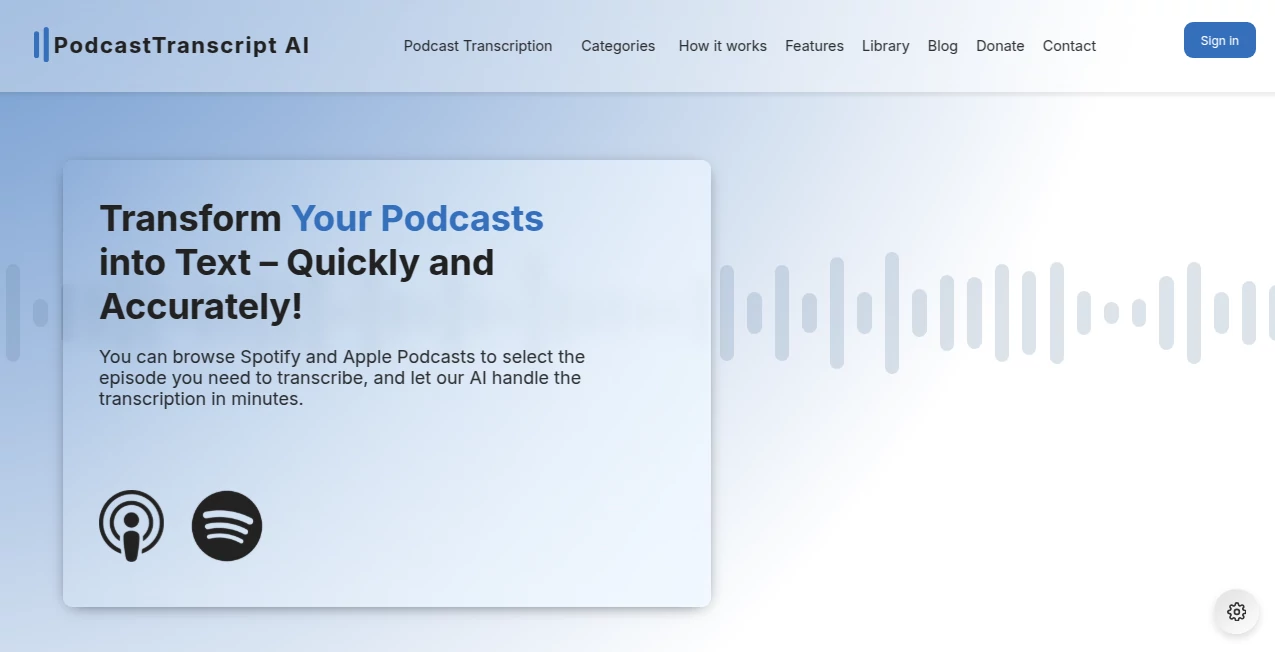
What is PodcastTranscript.ai?
There’s something quietly powerful about finally being able to read the conversation you loved listening to yesterday. This tool turns hours of audio into clean, readable text with timestamps, speaker labels, and smart summaries that actually capture what mattered. I’ve had moments where I listened to a long interview, wished I could highlight the best parts, and then discovered I could just paste the link here and get a beautifully structured transcript minutes later. The difference it makes—whether you’re a listener trying to remember a key insight or a creator repurposing content—is night and day.
Introduction
Podcasts are goldmines of ideas, stories, and expertise, but audio is hard to search, quote, or repurpose. This platform changes that by delivering fast, accurate transcripts with intelligent speaker detection, chapter breaks, and concise summaries that let you grasp the episode without replaying it. It’s become a daily companion for heavy listeners, researchers, content creators, and teams who need to extract value from spoken content quickly. The results feel thoughtful—timestamps are spot-on, speaker changes are clear, filler words are cleaned up without losing natural flow. For anyone who’s ever scribbled notes during a two-hour episode, this is the upgrade you didn’t know you needed.
Key Features
User Interface
The experience is deliberately simple and elegant. Paste a podcast URL or upload an audio file, hit go, and within minutes you’re looking at a clean, readable transcript with clickable timestamps on the left and the full text on the right. Speaker names are color-coded, key moments are highlighted, and a collapsible summary sits at the top. You can search the transcript, copy sections, export to Markdown or plain text, or generate social quotes with one click. It never feels cluttered—everything is designed to help you find and use the content fast.
Accuracy & Performance
The transcription quality is remarkably high—even with overlapping voices, accents, background noise, or technical jargon. Speaker diarization is reliable (usually correct even in group discussions), timestamps align almost perfectly, and filler words are minimized without making speech sound robotic. Processing is quick—most hour-long episodes finish in under 5 minutes—and the model handles multiple languages with strong accuracy. Users consistently say it outperforms many popular alternatives, especially on real-world, unpolished recordings.
Capabilities
Automatic transcription with speaker identification, intelligent summarization (short overview + key takeaways), chapter/marker generation, searchable text, quote extraction, export in multiple formats (TXT, Markdown, SRT for subtitles), multi-language support, and direct URL import from major podcast platforms. It also offers AI-powered insights like main topics, sentiment, and action items. For creators, it generates show notes, social snippets, and blog drafts directly from the transcript. The breadth of output turns raw audio into ready-to-use assets in one place.
Security & Privacy
Audio files are processed securely and deleted after transcription unless you choose to save them. No permanent storage of your uploads, no training on user content. Transcripts are tied to your account only if you log in—otherwise they’re ephemeral. For podcasters sharing guest episodes or sensitive interviews, that level of care matters a great deal.
Use Cases
A journalist transcribes long-form interviews and pulls exact quotes for articles in minutes instead of hours. A marketer turns weekly podcast episodes into LinkedIn carousels, Twitter threads, and email newsletters without relistening. A student studying philosophy gets searchable transcripts of dense lectures, making review and note-taking dramatically easier. A podcaster generates accurate show notes, timestamps, and repurposed clips for YouTube, saving days of manual work each month. Wherever spoken content needs to become written or shareable, it quietly transforms the workflow.
Pros and Cons
Pros:
- Exceptionally accurate transcription, even in challenging audio conditions.
- Smart summaries and chaptering save hours of manual outlining.
- Beautiful, usable output—perfect for notes, quotes, or repurposing.
- Fast processing keeps momentum alive.
- Privacy-first approach—no lingering user audio on servers.
Cons:
- Very heavy accents or extreme background noise can occasionally trip it up (though still better than most).
- Free tier has monthly limits; heavy users move to paid quickly.
- Advanced editing features (like live collaboration) are still evolving.
Pricing Plans
Free plan includes several hours of transcription per month with summaries and basic exports—enough for casual listeners or light repurposing. Paid tiers unlock unlimited transcription, priority processing, advanced formatting, multi-language support, and team features. Pricing is reasonable for the time saved—many creators say one month pays for itself after a single episode’s worth of show notes and social assets.
How to Use Podcast Transcript
Copy the podcast episode URL (Spotify, Apple, YouTube, RSS feed, etc.) or upload your own audio file. Paste or drag it into the input field and hit generate. Wait a few minutes while it transcribes and analyzes. When ready, browse the full transcript with speaker labels and timestamps, read the summary at the top, search for keywords, copy quotes, generate social snippets, or export everything in your preferred format. Save the project to your account if you want to revisit or share later. It’s simple, fast, and surprisingly powerful.
Comparison with Similar Tools
Many transcription services give raw text with little structure or intelligence. This one adds thoughtful layers—accurate speaker detection, meaningful summaries, chapter breaks, and repurposing tools—that turn a simple transcript into a full content asset. Where others stop at “here’s the text,” it continues with “here’s what matters and how to use it.” The combination of accuracy, speed, and practical outputs makes it stand out for creators and professionals who actually need to do something with the audio afterward.
Conclusion
Audio is rich, but it’s also hard to search, quote, or reuse. This tool unlocks everything inside a podcast or recording without making you sit through it again. It turns listening into something active—extractable, shareable, and actionable. For learners, creators, journalists, marketers, or anyone who values spoken ideas, it’s one of those rare tools that quietly changes how you work with content. Once you’ve used it, going back to manual note-taking or generic transcription feels like stepping backward in time.
Frequently Asked Questions (FAQ)
How accurate is the transcription?
Extremely high on clear audio; handles accents, moderate noise, and overlapping speech better than most consumer tools.
Do I need to upload audio files?
No—just paste a public podcast link in most cases. Direct upload available for private files.
Can I edit the transcript?
Yes—light editing is built-in; you can correct names, timestamps, or wording after generation.
Does it work in languages other than English?
Yes—strong multi-language support with good speaker detection across dozens of languages.
Are my audio files stored?
No—processed temporarily and deleted after transcription unless you save the project.
AI Content Generator , AI Transcription , AI Speech to Text , AI Podcast Assistant .
These classifications represent its core capabilities and areas of application. For related tools, explore the linked categories above.
PodcastTranscript.ai details
This tool is no longer available on submitaitools.org; find alternatives on Alternative to PodcastTranscript.ai.
Pricing
- Free
Apps
- Web Tools
Categories

PodcastTranscript.ai Alternatives Product

Image Descri…

PostingCat

Serplux

PromptZerk

Card Maker AI

TrueSource AI

Trending AI …

AI Voice Clo…

TurboScribe