
🧠 AI Quiz
Think you really understand Artificial Intelligence?
Test yourself and see how well you know the world of AI.
Answer AI-related questions, compete with other users, and prove that
you’re among the best when it comes to AI knowledge.
Reach the top of our leaderboard.


















LUMI Raumplaner

What is LUMI Raumplaner?
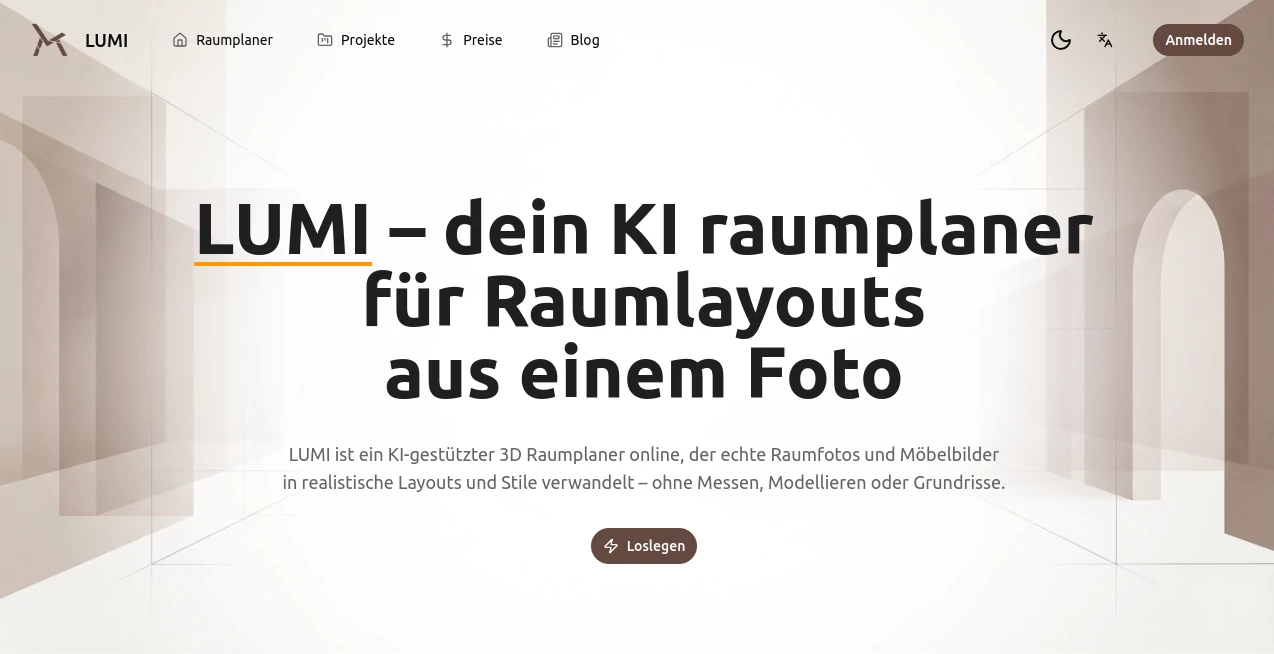
There's something truly satisfying about snapping a photo of your cluttered living room and watching it transform into a serene, stylish haven right before your eyes. This clever platform makes that happen, using smart tech to reimagine real spaces from actual pictures—no tape measures, no sketching floor plans, just pure inspiration flowing from your uploads. I've tinkered with it on a dreary afternoon, uploading a shot of my tiny apartment bedroom, and the suggestions it threw back were spot-on, blending practicality with that wow factor that makes you want to start rearranging furniture immediately.
Introduction
Redecorating can feel overwhelming, especially when you're staring at a room that's far from ideal and wondering where to even begin. This tool cuts through that fog beautifully, taking your genuine room photos or simple floor plans and crafting realistic redesigns that respect the bones of your space. It keeps walls, windows, and fixed bits exactly where they are, while playfully swapping styles or furniture to show what's possible. From cozy Japandi vibes to crisp modern minimalism, it generates options that feel tailored, helping everyday folks like us visualize changes without the commitment or cost of hiring a designer. What stands out is its grounded approach—working with the messiness of real life, not perfect models—making those "what if" moments accessible and exciting.
Key Features
User Interface
It unfolds like a straightforward conversation: create a project for one room, drop in your photo or plan, tell it what you're after—like a fresh style or new sofa ideas—and let it work its charm. A timeline tracks your versions, letting you flip between concepts, discard duds, and build a story from empty to enchanting. The whole thing stays uncluttered, with clear steps that guide without nagging, perfect for dipping in during a lunch break or diving deep on a weekend.
Accuracy & Performance
The magic lies in how faithfully it honors your original shot—lighting, angles, proportions all stay true, so the redesigns don't look like fantasy but feasible tweaks you could actually pull off. Generations come back quick, with multiple ideas to choose from, and that pixel-perfect consistency means comparisons feel fair and trustworthy. In my plays, it rarely missed the mark on scale, turning a cramped corner into viable storage solutions that fit like they were meant to be there.
Capabilities
Upload a room snap and switch to Scandinavian calm or bold modern edges, trying furniture swaps that align seamlessly with what's already there. Start from a blank slate by clearing existing pieces, or convert flat floor plans into perspective views that highlight flow and function. It's brilliant for iterating—save histories, refine prompts, and export renders to share with partners or contractors, all while keeping the architecture intact for realistic previews.
Security & Privacy
Your projects live in a personal space, processed securely with focus on keeping things private as you experiment. No unnecessary sharing or lingering data; it's designed for personal exploration, giving that quiet confidence to upload real home shots without second thoughts.
Use Cases
Homeowners test bold color shifts or furniture layouts before buying a single piece, avoiding costly mistakes on that oversized rug. Renters visualize temporary tweaks that maximize small spaces, like turning a studio nook into a workable office. Designers mock client options from site photos, presenting polished visions that win nods faster. Even families planning moves convert new apartment plans into furnished previews, easing the "will it fit?" worries with tangible ideas.
Pros and Cons
Pros:
- Works with real, imperfect photos for designs that feel achievable.
- Keeps original structure spot-on, building trust in every suggestion.
- Project timeline makes comparing ideas a breeze, sparking better choices.
- Styles range wide, from subtle shifts to dramatic overhauls.
Cons:
- Best results come from clear, well-lit uploads—dim shots might need a relight.
- Focused on single rooms, so whole-house overhauls mean multiple projects.
Pricing Plans
A free trial invites you to explore without commitment, generating designs to get a real feel for the potential. Beyond that, it scales thoughtfully for ongoing use, though the entry point keeps barriers low for casual dreamers turning into doers.
How to Use LUMI
Kick off a new project, snap or grab a photo of your space—clear angles help most—then describe your goal, like trying minimalist or swapping the bed. Watch options appear, switch between them, refine with more details if needed, and save favorites along the timeline. Download renders for mood boards or share links for feedback; it's that loop of generate, compare, decide that turns vague wishes into concrete plans.
Comparison with Similar Tools
Many planners force you into generic templates or abstract builds, but this one clings to your actual room's quirks for redesigns that resonate deeper. It's less about overwhelming catalogs and more about meaningful transformations, outpacing flashy rivals with grounded realism that pros and amateurs alike find more useful day-to-day.
Conclusion
Redesigning a space shouldn't feel like guesswork or gamble—this platform turns it into an enjoyable exploration, grounded in your reality yet full of fresh possibilities. It empowers you to see beyond the current clutter, sparking changes that fit your life perfectly. Whether you're refreshing one corner or reimagining a whole room, it's the thoughtful companion that makes "before and after" not just a dream, but a delightful reality waiting to unfold.
Frequently Asked Questions (FAQ)
What kind of photos work best?
Clear, well-lit shots from everyday angles—nothing fancy, just honest views of your space.
Can I start from a floor plan?
Yes, upload 2D sketches for 3D perspectives that check flow and fit.
How many styles are available?
From Scandinavian warmth to Japandi calm, modern edges, and minimalist peace—plenty to play with.
Is it for pros only?
Not at all; it's welcoming for anyone curious about their space's potential.
Can I clear out furniture?
Absolutely—start blank for fresh layouts that optimize every inch.
AI Art Generator , AI Design Generator , AI Image to Image , AI Interior & Room Design .
These classifications represent its core capabilities and areas of application. For related tools, explore the linked categories above.
LUMI Raumplaner details
This tool is no longer available on submitaitools.org; find alternatives on Alternative to LUMI Raumplaner.
Pricing
- Free
Apps
- Web Tools
Categories

LUMI Raumplaner Alternatives Product

Nano Banana …

string art g…

GrokImagineAI

img2img.net

square face …

Birthday Car…

Nano Banana 2

Z-Image

Mage
