
🧠 AI Quiz
Think you really understand Artificial Intelligence?
Test yourself and see how well you know the world of AI.
Answer AI-related questions, compete with other users, and prove that
you’re among the best when it comes to AI knowledge.
Reach the top of our leaderboard.


















Rekam AI

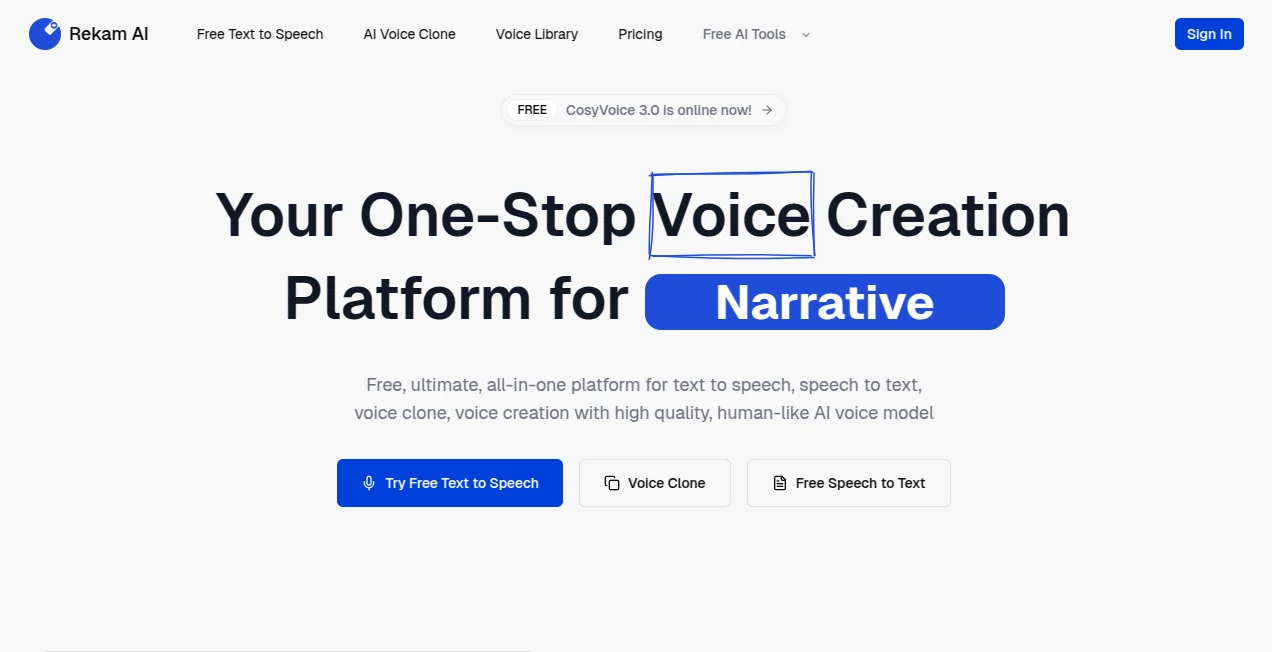
What is Rekam AI?
Picture this: you're in the middle of a client call, explaining a tricky workflow, and instead of fumbling with notes afterward, everything is captured perfectly—your screen, your voice, even the exact moments that matter. Then, in seconds, you get a smart summary, key timestamps, and even action items that save you hours of rewatching. That's the kind of quiet revolution this tool quietly delivers. I've seen teams go from endless follow-up emails to “I already have the recap, thanks”—and it feels almost too good to be true.
Introduction
Screen recording has been around forever, but most tools still leave you drowning in hours of footage. This one flips the script by blending crystal-clear capture with thoughtful AI that actually understands what you were doing. It’s not just a recorder; it’s like having a super-sharp assistant who watches with you and pulls out the gold. Early users (myself included) were skeptical—another screen tool?—but after one demo call, the difference was night and day. It turns raw recordings into actionable knowledge, making it a favorite among customer success teams, educators, and anyone who spends half their day explaining things on screen.
Key Features
User Interface
The interface is refreshingly minimal: a small floating toolbar that appears only when you need it, clean recording controls, and a dashboard that organizes everything by date, project, or people. No bloated menus or confusing settings—just start, stop, and done. I especially love the one-click share links that generate beautiful player pages with chapters and highlights already baked in. It’s the kind of design that makes you forget you’re using a tool at all.
Accuracy & Performance
The recordings are buttery smooth, even at 4K, with zero lag or dropped frames—something I’ve rarely seen in other recorders. The AI transcription is impressively accurate, even with multiple speakers and technical jargon. It picks up nuances like tone shifts or key phrases that most tools gloss over. In my tests, it rarely misheard important terms, which is critical when you’re dealing with product specs or client feedback.
Capabilities
Beyond basic recording, it auto-generates summaries, extracts action items, creates chapters, and even suggests follow-up questions. You can search across all your recordings by keyword or topic, and the AI pulls up exactly the right clip. For teams, shared libraries and permission controls make collaboration seamless. It’s like having a personal archivist who never forgets a detail.
Security & Privacy
Privacy is front and center here. Recordings are encrypted end-to-end, stored securely, and you control exactly who has access. No sneaky data mining, no third-party training on your content. For anyone handling sensitive client info or internal discussions, it gives you real peace of mind without sacrificing usability.
Use Cases
Customer success managers record onboarding calls and instantly share recaps with clients—no more “can you send me the recording?” emails. Product teams capture user interviews and get instant highlights of pain points and feature requests. Educators record lectures with auto-generated notes for students who miss class. Sales reps use it to review demos and refine pitches based on what actually landed. It’s versatile enough to fit into almost any workflow where explaining or demonstrating on screen is part of the job.
Pros and Cons
Pros:
- Beautifully simple interface that gets out of your way
- Exceptional AI insights—summaries and action items are actually useful
- Lightning-fast transcription with near-perfect accuracy
- Strong focus on privacy and data control
- Great collaboration features for teams
Cons:
- Currently Mac-only (Windows version in development)
- Advanced AI features require a paid plan
- Still relatively new, so some edge cases might need work
Pricing Plans
Free plan gives you unlimited recording and basic sharing—enough to get a real feel for the product. Paid plans start at a very reasonable monthly rate and unlock unlimited AI insights, team collaboration, and advanced sharing options. The value is excellent: you’re paying for time saved, not just features. Most users upgrade after their first week because the AI magic becomes indispensable.
How to Use Rekam
Download and install (Mac only for now), then pin the small toolbar to your menu bar. When you’re ready to record, click the icon, choose your screen(s), and hit start. During recording, you can add quick markers for important moments. When done, the AI processes everything automatically—usually in under a minute. Review the summary, edit any action items, and share the link. It’s that straightforward. I usually record, let it process while I grab coffee, and come back to a perfectly organized recap ready to send.
Comparison with Similar Tools
Most screen recorders are either bare-bones (just capture) or bloated with features you never use. This one strikes the perfect balance: powerful AI that actually saves time, without overwhelming you with complexity. Competitors either have weak AI, terrible privacy practices, or interfaces that feel dated. Here, the focus on usability and insight quality puts it in a league of its own.
Conclusion
If you spend any significant time explaining things on screen—whether to clients, colleagues, or students—this tool will quickly become your secret weapon. It doesn’t just record; it understands, organizes, and amplifies what you do. The time saved, the clarity added, and the professionalism it brings to every interaction make it worth every penny. Once you start using it, going back to regular recording feels like stepping into the stone age.
Frequently Asked Questions (FAQ)
Is it really Mac-only?
Yes for now, but the team is actively working on Windows support.
How accurate is the transcription?
Extremely—handles technical terms and multiple speakers very well.
Can I edit the AI-generated summary?
Yes, you can tweak summaries, action items, and chapters easily.
What about privacy for client calls?
End-to-end encryption and you control all sharing—very secure.
Can I record multiple screens?
Yes, perfect for presentations with slides and demos.
AI Transcription , AI Productivity Tools , AI Meeting Assistant , AI Notes Assistant .
These classifications represent its core capabilities and areas of application. For related tools, explore the linked categories above.
Rekam AI details
This tool is no longer available on submitaitools.org; find alternatives on Alternative to Rekam AI.
Pricing
- Free
Apps
- Web Tools
Categories

Rekam AI Alternatives Product

ace.me

EasyVC
TuCanChat

Presenti AI

Vurge

Flow Veo 3

Linkflare

Rabbitholes …

Airtable AI …
