🧠 AI Quiz
Think you really understand Artificial Intelligence?
Test yourself and see how well you know the world of AI.
Answer AI-related questions, compete with other users, and prove that
you’re among the best when it comes to AI knowledge.
Reach the top of our leaderboard.


















rhealth.dev

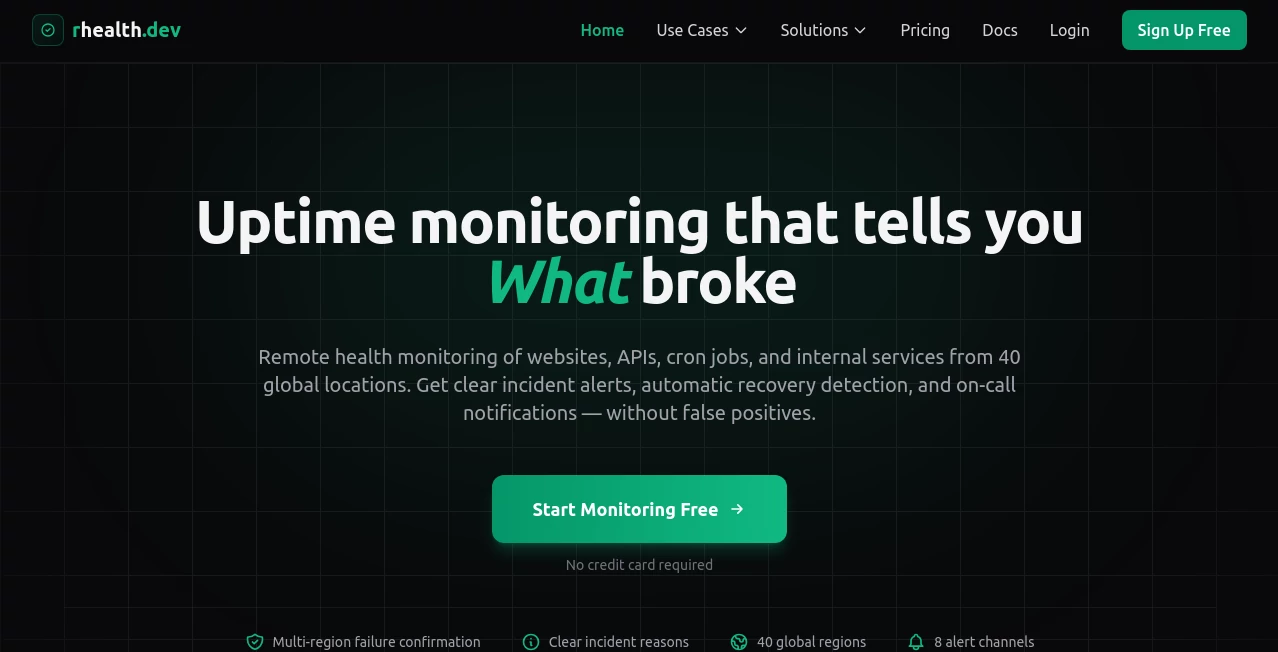
What is rhealth.dev?
There are days when you wake up feeling off—maybe a lingering headache, unusual fatigue, or a new ache you can’t quite place—and you wonder if it’s worth seeing a doctor or if it’ll pass. This tool steps in right at that moment. It listens to your symptoms, asks thoughtful follow-up questions, considers your age, lifestyle, and history (if you share it), and gives you clear, reasoned guidance on what might be going on and what to do next. I’ve had friends use it late at night when they didn’t want to bother urgent care, and they came away feeling calmer and more informed—not panicked, not dismissed, just understood. It’s like having a very patient, very knowledgeable friend who never sleeps and never judges.
Introduction
Health questions don’t always arrive during office hours. Symptoms can appear suddenly, worries can build quietly, and the internet is full of scary half-answers. This platform was created to bridge that gap: a private, always-available AI that helps you make sense of how you’re feeling without replacing your doctor. It draws on up-to-date medical knowledge, asks smart clarifying questions, and gives plain-language explanations with clear next steps—whether that’s “monitor this for 48 hours” or “this pattern really needs a professional look soon.” It’s become a trusted first stop for thousands who want to be proactive about their health without jumping straight to Google spirals or emergency rooms for minor concerns.
Key Features
User Interface
The conversation starts simple: type or speak what’s bothering you. The chat feels natural—no endless dropdowns or confusing forms. It remembers what you’ve said earlier in the session (and across sessions if you log in), so you don’t repeat yourself. Responses are concise but thorough, with bullet points for key takeaways, severity indicators, and suggested actions. You can attach photos (rashes, injuries, tongue appearance) and it analyzes them thoughtfully. Everything is designed to reduce anxiety, not add to it.
Accuracy & Performance
It consistently provides responses aligned with current clinical guidelines and best practices. It rarely over-dramatizes minor issues and is conservative about recommending professional care when something could be serious. Response time is near-instant, even for complex symptom clusters. Users often comment that the advice feels more balanced and less alarmist than many symptom checkers—more like a calm GP consultation than a panicked WebMD session.
Capabilities
Symptom analysis with differential considerations, photo upload for visual symptoms (skin, eyes, throat, etc.), personalized risk assessment based on age/sex/history, triage recommendations (home care vs urgent care vs ER), medication interaction checks, tracking of recurring symptoms over time, multilingual support, and exportable conversation summaries for doctors. It handles both acute complaints and chronic condition monitoring with equal care.
Security & Privacy
Conversations are end-to-end encrypted. No personal health data is used for model training. You can delete your history anytime with one click. HIPAA-level safeguards are in place for users in regulated regions. For something as sensitive as health, that level of care around privacy is non-negotiable—and it’s handled exceptionally well here.
Use Cases
A young parent wakes up to a toddler with a sudden rash and fever; they describe it, upload a photo, and get calm guidance on when to watch and when to seek care—avoiding an unnecessary midnight ER trip. A busy professional tracks recurring migraines, notices a pattern after a few weeks, and brings the summary to their neurologist, speeding up diagnosis. Someone with a new medication experiences odd side effects late at night and gets reassurance plus clear red flags to watch for. It’s a safety net for everyday health questions and a memory aid for ongoing conditions.
Pros and Cons
Pros:
- Feels like talking to a kind, knowledgeable clinician—never rushed or dismissive.
- Photo analysis is surprisingly accurate for common visible symptoms.
- Privacy-first design builds real trust.
- Tracks symptoms over time, revealing patterns you might miss.
- Free tier is genuinely useful—no hard paywall for basic help.
Cons:
- Cannot diagnose (and clearly states this)—it guides, it doesn’t replace doctors.
- Complex or rare conditions may get conservative “see a doctor” advice.
- Advanced tracking and unlimited photo uploads require paid plan.
Pricing Plans
Free plan covers unlimited basic symptom checks, photo analysis (limited per day), and conversation history. Premium adds unlimited photo uploads, long-term symptom tracking, exportable reports for doctors, priority responses, and ad-free experience. Family plans let multiple people share one subscription. Pricing is modest—many users say it’s less than one co-pay and saves far more in avoided unnecessary visits.
How to Use RHealth
Start typing or speaking: “I’ve had a sore throat and low fever for two days.” Answer follow-ups naturally (onset, severity, other symptoms, medications, etc.). Upload photos if relevant (throat, rash, eyes). Read the summary and recommendations. Save or export the conversation if needed. Over time, log recurring issues to spot patterns. That’s it—private, fast, and surprisingly reassuring.
Comparison with Similar Tools
Many symptom checkers feel like decision trees—cold, formulaic, quick to push you to urgent care. This one leans into conversation and context, rarely over-alarmist, and adds photo analysis that actually helps. Where others stop at triage, it offers ongoing tracking and doctor-friendly summaries. It’s less about scaring you and more about empowering you—which is exactly what most people need when they’re worried but not sure how worried to be.
Conclusion
Health worries don’t wait for business hours, and good information shouldn’t either. This platform meets you right where you are—late at night, anxious, unsure—and gives you clarity without judgment or hurry. It’s not here to replace doctors; it’s here to help you decide when (and how urgently) you need one, and to give you tools to communicate better when you do. In a world full of confusing health noise, it’s a calm, reliable voice that actually helps. That matters more than most people realize—until they need it.
Frequently Asked Questions (FAQ)
Can it diagnose me?
No—it provides information and guidance only. Always consult a doctor for diagnosis or treatment.
Is my data private?
Yes—end-to-end encrypted, not used for training, deleted on request. Serious about privacy.
Does it work for kids or elderly?
Yes—age-specific guidance included. For children under 18, always involve a parent or guardian.
How accurate is photo analysis?
Very good for common visible issues (rashes, throats, eyes, wounds); still not a substitute for in-person exam.
Can I share conversations with my doctor?
Yes—export as PDF summary with symptom timeline and photos (if uploaded).
AI Life Assistant , AI Mental Health , AI Healthcare .
These classifications represent its core capabilities and areas of application. For related tools, explore the linked categories above.
rhealth.dev details
This tool is no longer available on submitaitools.org; find alternatives on Alternative to rhealth.dev.
Pricing
- Free
Apps
- Web Tools
Categories

rhealth.dev Alternatives Product

Meet in the …

YouMind

Visual Field…

Schengen Cal…

Greek Numero…

TWT Chat

tarotguide

Pinpoint Ans…

MixBooze