
🧠 AI Quiz
Think you really understand Artificial Intelligence?
Test yourself and see how well you know the world of AI.
Answer AI-related questions, compete with other users, and prove that
you’re among the best when it comes to AI knowledge.
Reach the top of our leaderboard.

















Riverside

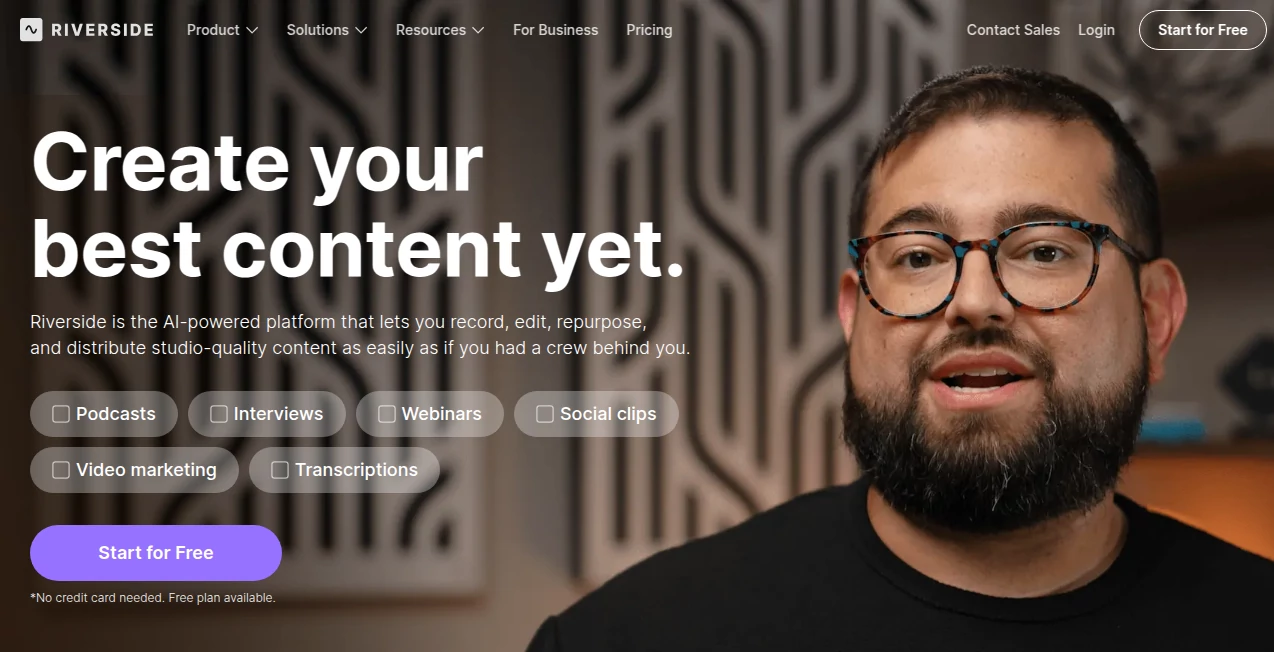
What is Riverside?
There's something special about a conversation that sounds crisp, intimate, and professional—no matter where the participants are sitting. This platform makes that possible without the usual headaches of remote recording. Voices come through rich and clear, video stays sharp even on spotty connections, and every take is captured locally so dropouts or lag never ruin the final product. I've spoken to podcasters who used to dread editing out glitches and background noise; now they say the raw files are so clean they barely need polishing. It's the kind of reliability that lets creators focus on the content instead of the tech.
Introduction
Remote interviews and podcasts used to mean compromise: tinny audio, pixelated video, awkward sync issues. This changes the game by recording each participant locally in up to 4K video and studio-grade WAV audio, while still giving you a smooth live call experience. The result is files that sound like everyone was in the same room—even when they're thousands of miles apart. What started as a solution for professional podcasters has become the quiet standard for anyone who wants their remote content to compete with in-studio productions. The difference is night and day, and once you hear it, going back feels impossible.
Key Features
User Interface
The studio is beautifully minimal: join link, clean waveform monitors for every participant, one-click recording, and intuitive controls for muting, camera switching, and live chat. Guests need only click a link—no downloads, no accounts. Hosts get a spacious mixer view with levels, noise gates, and quick EQ tweaks. Everything feels designed by people who actually record for a living—nothing superfluous, everything where your hand expects it to be.
Accuracy & Performance
Local recording means zero internet-related audio degradation. Even on weak connections the final WAV files remain pristine 48kHz/24-bit. Video sync stays frame-accurate because timestamps are baked in locally. Automatic backups happen every few seconds, so crashes or disconnects rarely cost more than a few words. In real-world tests, creators routinely report zero noticeable sync drift and broadcast-quality sound straight out of the box.
Capabilities
Up to 4K video / 48kHz WAV per track, separate local audio & video tracks for every participant, live editing (trim silence, adjust levels mid-recording), automatic chapter markers via transcript, AI-powered noise removal, filler-word detection, and multi-language transcription. You get isolated stems, screen-share recording, live streaming integration, and easy export to editing software. It handles everything from solo voiceovers to panel discussions to video interviews with the same level of polish.
Security & Privacy
End-to-end encryption on live calls, local recording means sensitive audio never travels over the wire unless you choose to upload backups. SOC 2 Type II compliance, GDPR-ready, and enterprise-grade access controls. For podcasters, journalists, or corporate teams handling confidential guests or topics, the combination of local capture and strong security gives real peace of mind.
Use Cases
A true-crime podcaster records remote witnesses in crystal-clear audio, with separate tracks that make editing interviews effortless. A marketing team runs customer testimonial videos that look and sound professionally lit and mixed despite guests being in different countries. An educator hosts live masterclasses with perfect audio quality for students on any connection. A startup founder records polished pitch videos with co-founders from three time zones. Wherever audio or video quality builds trust, this platform quietly raises the bar.
Pros and Cons
Pros:
- Local multitrack recording delivers unmatched audio quality for remote work.
- 4K video and studio-grade WAV with zero sync issues.
- Intuitive interface that pros and beginners both love.
- Powerful post-production tools (transcript, chapters, noise removal) built in.
- Rock-solid reliability—rarely loses a take.
Cons:
- Requires decent upload speed for guests to avoid live degradation (though final files are unaffected).
- Higher tiers needed for 4K, unlimited storage, and advanced AI editing features.
- Screen-share recording is good but not quite as seamless as dedicated streaming tools.
Pricing Plans
Free plan gives 2 hours/month of recording—enough to test and produce a few episodes. Standard plan unlocks unlimited recording, 4K video, separate tracks, and basic AI editing. Pro adds unlimited cloud storage, advanced AI tools (auto chapters, filler removal), and team collaboration. Business/enterprise plans bring white-label studios, dedicated support, and admin controls. Pricing feels fair for the jump in quality and time saved—many creators say it pays for itself after a single polished season.
How to Use Riverside
Create a studio, invite guests via email or link (they join with one click—no account needed). Set levels, choose camera/microphone, hit record. Everything captures locally in high quality. During the session use live chat, screen-share, or quick notes. After recording, review in the editor: trim silence, remove fillers, generate transcript and chapters. Download individual tracks or the full mix, then export to your DAW or editor. The workflow is fast from invite to final file.
Comparison with Similar Tools
Many remote recorders sacrifice quality for simplicity or rely on cloud-only capture that degrades on bad connections. This one prioritizes broadcast-grade local recording while still delivering smooth live monitoring. Where others force trade-offs, it gives you professional stems without the complexity of traditional multi-track setups. For anyone serious about remote audio/video content, it consistently comes out ahead in quality and reliability.
Conclusion
Great content deserves great sound and picture—no excuses. This platform removes the technical excuses so creators can focus on the conversation, the story, the message. When every guest sounds studio-ready and every frame looks intentional, the audience feels the difference. It’s not just a recording tool; it’s a quiet upgrade to everything you produce remotely. Once you hear the clarity and see the professionalism, it’s hard to go back to anything less.
Frequently Asked Questions (FAQ)
Do guests need software or accounts?
No—just a modern browser and the link you send them.
What internet speed is required?
Decent upload (5–10 Mbps) gives smooth live monitoring; final quality is unaffected because of local recording.
Can I record in 4K?
Yes—available on paid plans with compatible cameras.
How long can recordings be?
Unlimited on paid plans; free tier caps at 2 hours/month total.
Is transcription included?
Automatic multi-language transcription and chapters on paid plans.
AI Video Recording , AI Video Editor , AI Meeting Assistant , AI Podcast Assistant .
These classifications represent its core capabilities and areas of application. For related tools, explore the linked categories above.
Riverside details
This tool is no longer available on submitaitools.org; find alternatives on Alternative to Riverside.
Pricing
- Free
Apps
- Web Tools
Categories

Riverside Alternatives Product
remove bg vi…

Sora 2 Video…

Read

Jamy.ai | Au…

Nodu AI

VIGGLE
MeetAssist

Kapwing

AInterview
