
🧠 AI Quiz
Think you really understand Artificial Intelligence?
Test yourself and see how well you know the world of AI.
Answer AI-related questions, compete with other users, and prove that
you’re among the best when it comes to AI knowledge.
Reach the top of our leaderboard.


















Robomonkey
Build Chrome Extensions with AI Magic

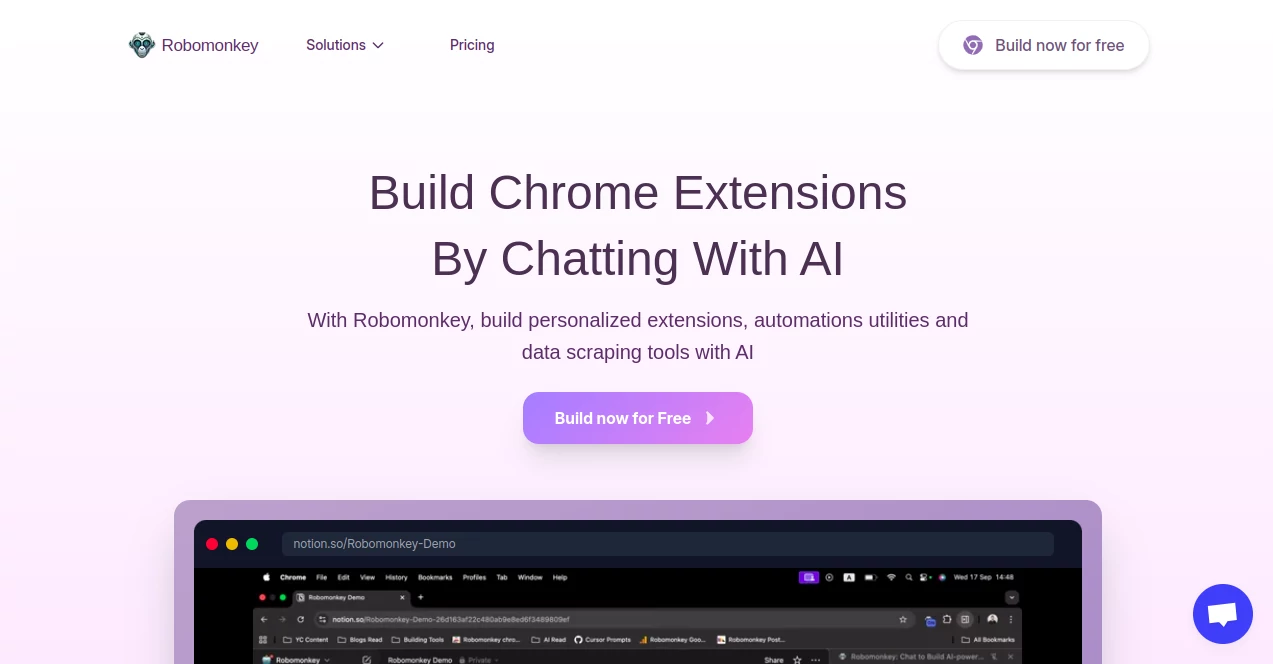
What is Robomonkey?
RoboMonkey swings into the world of browser tweaks, letting anyone dream up and deploy custom extensions without wrestling code all night. This nifty spot hands over smart shortcuts to craft tools that jazz up your surfing, from quick note-takers to savvy page scrapers. Devs and tinkerers alike dig how it turns hazy ideas into zippy add-ons, saving the sweat while keeping the thrill of that first 'it works' moment alive.
Introduction
RoboMonkey hopped onto the scene a bit back, cooked up by a pack of coders who'd burned too many midnights hand-building browser buddies. They figured why not let a clever system handle the boilerplate, freeing folks to chase the cool bits. Word zipped around forums fast, with early birds sharing hacks like auto-tab sorters that shaved hours off workflows. These days, it's a cozy nook for side-hustle hackers and pro shops alike, blending easy entry with enough depth to keep things spicy. What grabs hearts is that gentle nudge from rough sketch to store-ready gem, making extension-building feel less like a chore and more like a playful jam session.
Key Features
User Interface
The landing pad's a breeze, with a chat-like box that eats your plain-English pitch and spits back a blueprint you can poke at. Side panels unfold for tweaks, showing code snippets in friendly highlights without the wall-of-text dread. Drag bits around like puzzle pieces, preview in a live browser pane, and hit test without leaving the nest—it's all wrapped in a dashboard that hums along like an old pal, never barking orders but always ready with a hint.
Accuracy & Performance
Prompts land with code that's clean and spot-on, dodging the usual syntax snags that trip up newbies, often nailing the logic on the first swing. It zips through builds in under a minute, even for meatier setups, and runs buttery in the extension sandbox without hiccups. Users swap nods over how it anticipates edge cases, like quirky site quirks, keeping deploys smooth and surprises low.
Capabilities
From whipping up popup dashboards to hooking into page events for real-time magic, it covers the extension playbook with flair—think storage syncs, API calls, or even manifest tweaks for store nods. Feed it a wild wish like 'block distracting banners,' and out comes a full rig with options to fine-tune rules. It even bundles tests and packers, easing the path from brainwave to Chrome Web Store shelf.
Security & Privacy
Your blueprints stay in a locked garden, processed on the fly without lingering logs or sneaky shares, and you hold the keys to export or erase. It flags potential pitfalls like overreach permissions upfront, and follows web extension best bets to keep user tabs safe. Tinkers rest easy, knowing their clever contraptions won't invite trouble down the line.
Use Cases
Freelance hustlers spin productivity boosters, like auto-fill forms for client dives, cutting grunt time in half. Teachers craft quick aids for classroom tabs, pulling resources on the fly for smoother lessons. Hobby coders experiment with fun filters, turning plain scrolls into themed adventures. Even teams prototype fleet tools, like shared note overlays, without the full dev rig.
Pros and Cons
Pros:
- Turns chit-chat into code fast, no syntax sweat required.
- Live previews catch kinks before they bite.
- Handles the manifest mess, speeding store shots.
- Scales from toy tweaks to workhorse widgets.
Cons:
- Tricky prompts might need a rephrase or two.
- Deep custom dives call for some code know-how.
- Free spins cap at basics, nudging upgrades for pros.
Pricing Plans
Peek free with a few builds to test the swing, no card up front. Monthly pro at around fifteen bucks unlocks unlimited crafts and priority zips, while teams grab enterprise for group grooves and white-label wins. Yearly swings save a chunk, and a quick trial lets you monkey around risk-free before the leap.
How to Use RoboMonkey
Sign in swift, then spill your extension dream in the chat—'a button that saves highlights.' Watch it sketch the skeleton, fiddle with functions in the editor, and fire the preview to see it dance. Tweak permissions or add flair, pack it up, and zip to the store with one nudge. Revisit old builds for remixes, keeping your toolkit fresh as new moons.
Comparison with Similar Tools
Where code stubs need elbow grease to flesh out, RoboMonkey delivers the whole monkey, though purists might miss the raw control. Against no-code builders, it slips in smarts for browser bends without the drag. It swings ahead for quick-hit hackers, blending ease with enough reins to feel truly yours.
Conclusion
RoboMonkey flips the extension grind into a joyful jaunt, arming dreamers with wings to soar over code cliffs. It whispers possibilities into pixels, turning 'what if' into 'watch this,' one clever click at a time. As browsers keep blooming, this cheeky chimp stays perched, ready to lend a paw to the next big browse breakthrough.
Frequently Asked Questions (FAQ)
Do I need coding chops to start?
Nah, plain talk gets you far, though peeks under the hood help for polish.
Can it handle fancy APIs?
Yep, hooks into most with a nudge, keeping things zippy and safe.
What's the store upload like?
It preps the zip just so, with tips to sail review seas smooth.
Any limits on extension size?
Scales to hefty, but watch the manifest for browser hugs.
How about updates post-launch?
Remix easy, repack, and push—keeps your creation current.
AI No-Code & Low-Code , AI Code Generator , AI Developer Tools , AI App Builder .
These classifications represent its core capabilities and areas of application. For related tools, explore the linked categories above.
Robomonkey details
This tool is no longer available on submitaitools.org; find alternatives on Alternative to Robomonkey.
Pricing
- Free
Apps
- Web Tools
- Chrome Extensions
Categories

Robomonkey Alternatives Product

JSON to TOON…

AutoChangelog

JustCopy.ai

Sourcetable

Tate-A-Tate

ShipAhead

Emergent

Screenshot t…

cznull
