🧠 AI Quiz
Think you really understand Artificial Intelligence?
Test yourself and see how well you know the world of AI.
Answer AI-related questions, compete with other users, and prove that
you’re among the best when it comes to AI knowledge.
Reach the top of our leaderboard.


















Rtist Studio

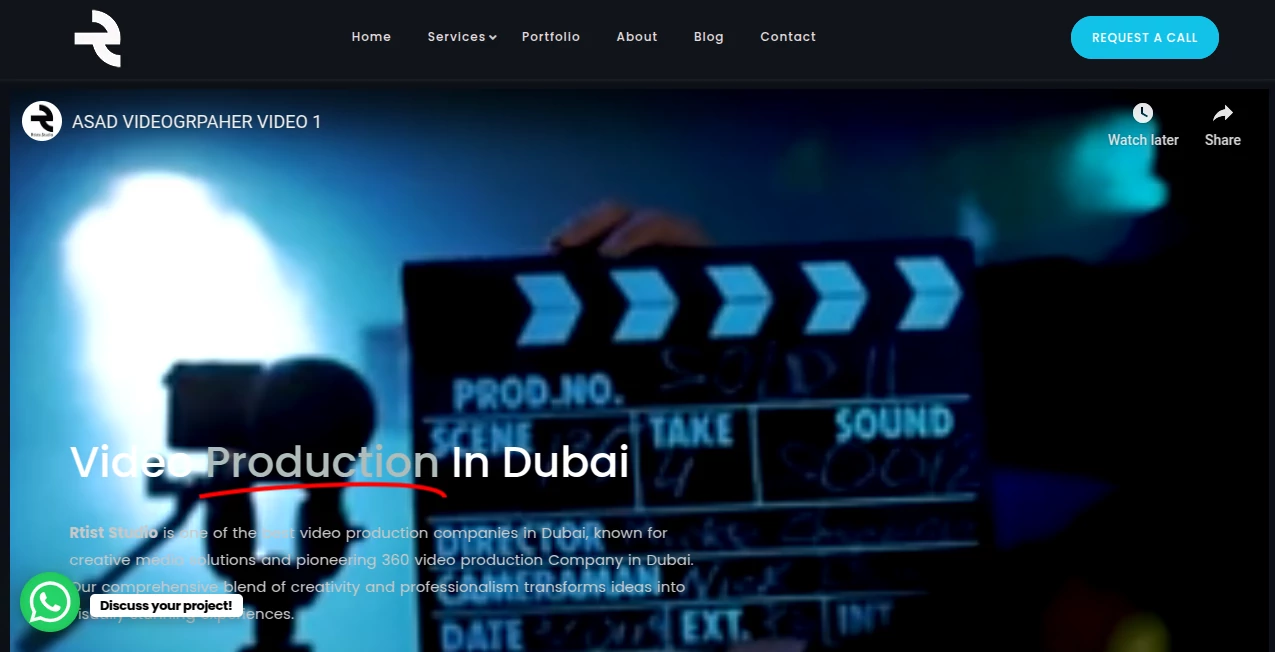
What is Rtist Studio?
I remember the first time I typed a half-formed idea into this thing and watched it come back looking like something I’d spent hours sketching. It wasn’t just fast—it felt almost personal. The colors were exactly what I had in mind, the composition balanced, and the style felt like it knew me better than I knew myself that day. That’s the quiet thrill this tool brings: it makes creating art feel effortless again, like picking up a pencil without the fear of wasting time or paper.
Introduction
Most people think art requires talent or endless practice, but this platform quietly challenges that idea. You describe what you want—maybe a moody portrait of a rainy city at dusk, or a playful illustration of a cat wearing sunglasses—and it delivers something polished and ready to use. It’s built for the rest of us: designers needing quick concepts, marketers chasing fresh visuals, or anyone who just wants to see their daydreams take shape without a steep learning curve. What started as a clever experiment has become a daily go-to for thousands who value speed and quality in equal measure.
Key Features
User Interface
The whole experience is built around a single, generous text box that invites you to type freely—no overwhelming menus or hidden settings. As you write, a small preview area hints at what’s coming, and once the image loads, you can instantly upscale, vary, or download it with one click. It’s clean, responsive, and feels like it was designed by someone who hates friction as much as you do. I’ve used it on a phone during a train ride and it still felt smooth and thoughtful.
Accuracy & Performance
It rarely needs a second prompt. Describe a “vintage 80s synthwave sunset over palm trees” and it delivers something that looks like it was pulled from a mood board. Speed is impressive too—most generations appear in under ten seconds, even on higher resolutions. I’ve had mornings where I generated a dozen concepts before my coffee was cold, each one usable straight away. That kind of reliability is rare.
Capabilities
From photorealistic portraits to abstract patterns, cartoon styles to cinematic scenes, it handles a huge range of aesthetics with surprising consistency. You can control aspect ratio, choose from different models depending on the mood you’re after, and even remix existing images to keep the same character or object across variations. It’s flexible enough for professional use—social media graphics, album covers, mood boards—yet forgiving enough for total beginners.
Security & Privacy
Your prompts and generated images stay private. Nothing is shared or stored beyond what you choose to keep. It’s reassuring when you’re experimenting with personal ideas or client work. There’s no creepy data harvesting or account linking nonsense—just a tool that respects your creativity.
Use Cases
A freelance designer once told me he used it to mock up 20 logo directions in one sitting, then picked the best three to refine in Illustrator—cutting his brainstorming time in half. Content creators generate eye-catching thumbnails in seconds. Small business owners create product mockups or social posts without hiring a designer. Even kids love playing with it, turning wild stories into colorful drawings they can print and show off. It fits anywhere imagination meets a screen.
Pros and Cons
Pros:
- Results are consistently high-quality, even on the first try.
- Fast enough that you actually finish the ideas you start.
- Generous free tier that doesn’t feel like a teaser.
- Simple enough for beginners, powerful enough for pros.
Cons:
- Free plan limits the number of high-res generations.
- Occasionally needs a slight rephrase to get exactly what you pictured.
Pricing Plans
The free plan gives you 30 generations a day at decent resolution—more than enough for casual use or testing. Paid plans start around the price of a couple coffees a month, unlocking unlimited generations, higher resolutions, and priority during busy hours. It’s honest pricing: no hidden tiers, no upsell pressure—just more of a good thing when you need it.
How to Use rtist
Head to the main page, type your idea as naturally as you’d describe it to a friend—“a cozy bookstore at night with warm lights and rain on the window”—then hit generate. Wait a few seconds, and you’ll see several variations. Like one? Click to upscale or download. Want a tweak? Adjust the prompt slightly and try again. It’s that simple. I usually start broad, then narrow down with details until it feels just right.
Comparison with Similar Tools
Compared to others, this one stands out for how quickly it understands nuance in prompts. Some tools produce beautiful images but require endless tweaking; this one gets you close right away. It doesn’t bombard you with options or force you into a specific workflow. It just works—and works well—without getting in your way.
Conclusion
This isn’t just another image generator; it’s a quiet creative partner that removes the biggest barriers between your ideas and beautiful visuals. Whether you’re a professional needing quick concepts or just someone who loves seeing their imagination come to life, it delivers consistently impressive results with almost no effort. It’s the kind of tool that makes you smile every time you use it, because it reminds you how fun creating can be.
Frequently Asked Questions (FAQ)
How many free generations do I get?
30 per day, which is plenty for most people.
Can I use the images commercially?
Yes, all generated images are yours to use however you like.
What styles does it handle well?
Everything from photorealistic to cartoon, abstract to cinematic—it’s surprisingly versatile.
Do I need to sign up to use it?
No account needed for the free tier—just start typing.
How long does a generation take?
Usually 5–10 seconds, depending on complexity and server load.
AI Photo & Image Generator , AI Art Generator , AI Design Generator , AI Text to Image .
These classifications represent its core capabilities and areas of application. For related tools, explore the linked categories above.
Rtist Studio details
This tool is no longer available on submitaitools.org; find alternatives on Alternative to Rtist Studio.
Pricing
- Free
Apps
- Web Tools
Categories

Rtist Studio Alternatives Product
Seedream 5.0

Seedream 5.0

ChromaPeel

Nano Banana …

Curved Text …

Gpt Image 1.5

Use Nano Ban…

uni-1

SeeDream 4.5