🧠 AI Quiz
Think you really understand Artificial Intelligence?
Test yourself and see how well you know the world of AI.
Answer AI-related questions, compete with other users, and prove that
you’re among the best when it comes to AI knowledge.
Reach the top of our leaderboard.


















SAM Audio

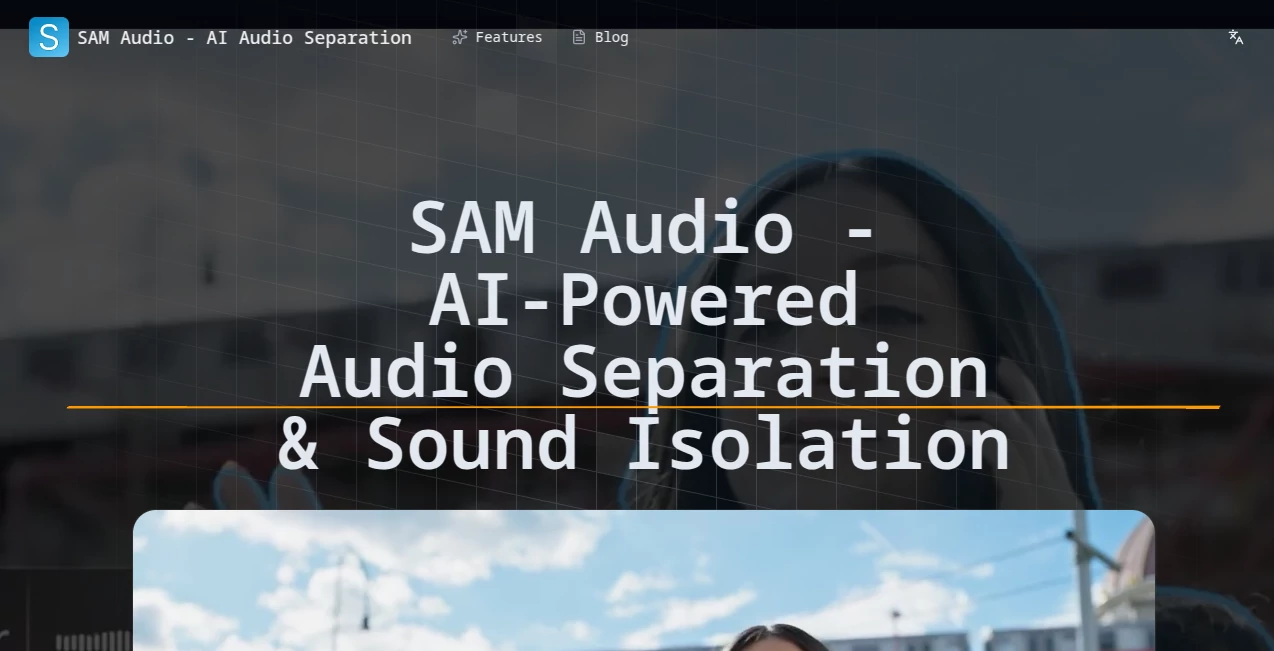
What is SAM Audio?
There's something almost magical about pulling a single thread from a tangled web of sounds—like teasing out a lone guitar riff from a crowded live recording or silencing the street noise in a field interview. This tool makes that happen with surprising ease, powered by clever tech that listens to your descriptions and delivers clean isolates that feel professional. I've tinkered with it on old podcast clips, and the way it nails subtle effects or voices amid chaos left me grinning; it's the kind of helper that turns frustrating mixes into something you can actually work with.
Introduction
Built on a groundbreaking model from a big name in research, this platform brings advanced separation to your browser, letting you describe what you want in plain words, mark time spots, or even guide with visuals. It's a unified approach—no juggling separate tools for vocals versus effects—handling everything from music tracks to environmental recordings while keeping the original quality intact. What draws people in is the flexibility: type "drummer's hi-hat" or highlight a second in the waveform, and it responds with precision that saves hours. For creators juggling deadlines or hobbyists reviving dusty tapes, it's a quiet revolution, opening doors to remixes and cleanses that once needed expert ears or expensive software.
Key Features
User Interface
It keeps things straightforward with an upload spot up front, a prompt box that feels like chatting, and a timeline for pinpointing moments—all laid out without overwhelming extras. Previews load quick, outputs download clean, and templates guide you if you're new to describing sounds. A friend of mine, not the tech-savviest, jumped in and isolated bird calls from a nature hike recording on his first try, chuckling at how intuitive the flow felt.
Accuracy & Performance
The smarts here dig deep into mixtures, grasping context from your words or marks to pull targets with minimal bleed, often nailing it on the first pass even in busy tracks. It processes without dragging, preserving sample rates for that untouched feel, and handles a wide range from speech to subtle effects. In my plays with band rehearsals, it separated overlapping instruments cleaner than I'd managed manually, turning mud into clarity that sparked fresh ideas.
Capabilities
Describe in everyday language, set time brackets for surgical cuts, or combine for layered control—it's all in one model that tackles vocals, instruments, dialogue, or random noises without switching gears. Outputs split into target and leftover, ready for further tweaks, making it ideal for building stems or cleaning raw captures. The multimodal angle shines when you need that extra nudge, like combining text with a timestamp for stubborn overlaps.
Security & Privacy
Files get processed securely, with open licensing on the core tech and infrastructure that prioritizes discretion—no unnecessary lingering or sharing. It's designed for trust, especially with personal or sensitive recordings, giving you control in a space where audio often carries private stories.
Use Cases
Musicians grab stems from favorite songs for practice or remixes, breathing new life into tracks without legal hassles on personal use. Podcasters strip away background hums or interruptions, polishing episodes that sounded rough in the field. Video editors lift dialogue from noisy shoots or isolate effects for layering, streamlining post-production flows. Researchers pull animal calls from wild recordings or enhance archival tapes, uncovering details buried in decades-old noise.
Pros and Cons
Pros:
- One-stop for all separation needs, no tool-hopping required.
- Natural prompts make it accessible, even for descriptive newbies.
- Clean, high-fidelity splits that respect the source material.
- Open roots encourage community tweaks and trust.
Cons:
- Trickiest mixes might need prompt finesse for perfect pulls.
- Relies on solid inputs—garbled sources limit the magic.
Pricing Plans
It's generously open for exploration, with core access free through the playground setup, inviting you to test drives without barriers. For heavier or integrated use, it ties into hosting costs or custom deploys, but the entry point stays welcoming, focusing on the tech over tiers.
How to Use SAM Audio
Upload your clip, jot a description like "lead singer's voice" or mark the seconds where the drum solo kicks, then let it run. Preview the split—target versus the rest—download what works, and iterate with refined words if needed. I once cleaned a noisy interview by combining text for the speaker and time for interruptions; a few rounds, and it was broadcast-ready.
Comparison with Similar Tools
Older separators often lock into specific tasks like vocals only, forcing switches and quality drops, while this unified take handles the spectrum with multimodal guidance that feels more intuitive. It's less about brute force and more about smart listening, edging out rivals in flexibility for creative or precise work, especially when prompts bridge the gaps that pure algorithms miss.
Conclusion
This tool quietly redefines what's possible with messy audio, handing you control that turns limitations into launches. Whether reviving old favorites or refining new captures, it invites experimentation with results that surprise and satisfy. Give it a spin on your next tangled track—you might just uncover sounds you forgot were there.
Frequently Asked Questions (FAQ)
What kinds of sounds can it handle?
Anything describable—voices, instruments, effects, environmental noises, you name it.
Do I need technical skills?
Not really; plain descriptions or simple marks do the heavy lifting.
How clean are the separations?
Remarkably so, with minimal artifacts when prompts guide well.
Is it free to try?
Yes, playground access lets you dive right in.
Can it process long files?
It tackles mixtures efficiently, focusing on targeted sections for best flow.
AI Audio Enhancer , AI Speech to Text , AI Voice & Audio Editing , AI Noise Cancellation .
These classifications represent its core capabilities and areas of application. For related tools, explore the linked categories above.
SAM Audio details
This tool is no longer available on submitaitools.org; find alternatives on Alternative to SAM Audio.
Pricing
- Free
Apps
- Web Tools
Categories

SAM Audio Alternatives Product

Sourcetable

Soniq Chat

AI Voice Clo…

TurboScribe

Adobe Podcast

Transcribe A…

FluentDictat…

ModelsLab
Qwen3 TTS