
🧠 AI Quiz
Think you really understand Artificial Intelligence?
Test yourself and see how well you know the world of AI.
Answer AI-related questions, compete with other users, and prove that
you’re among the best when it comes to AI knowledge.
Reach the top of our leaderboard.


















Scillus
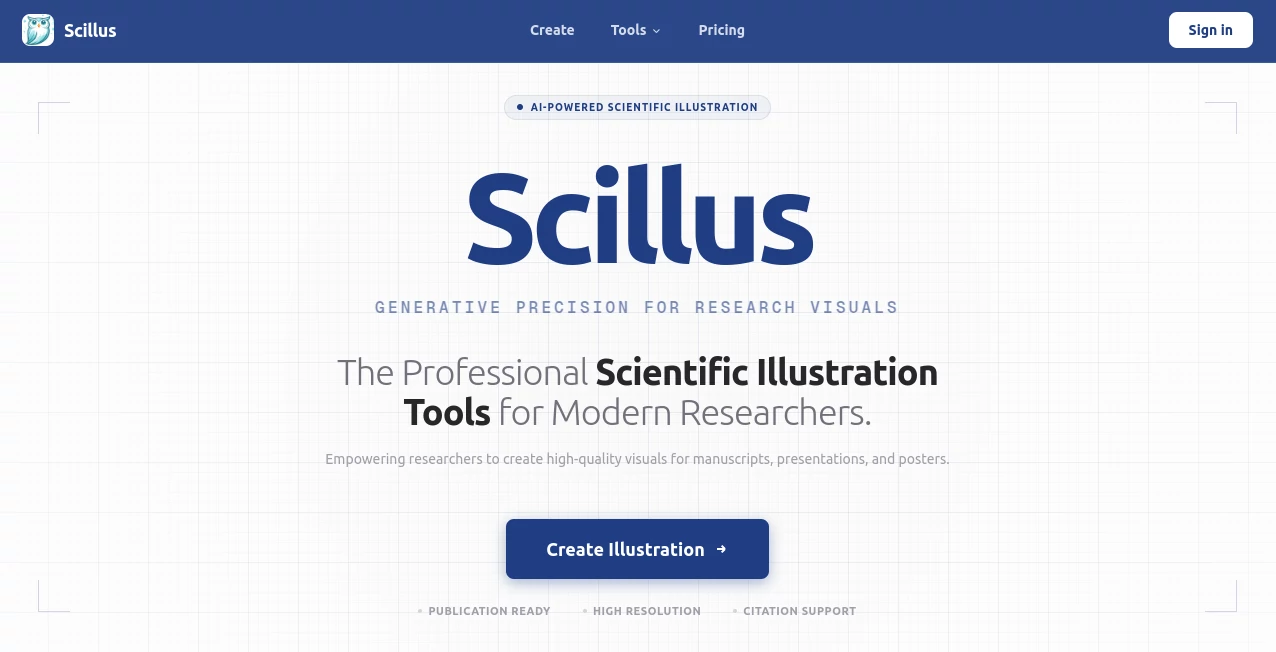
What is Scillus?
Writing smart contracts can feel like walking through a minefield blindfolded, but this tool changes the game completely. It’s like having a senior blockchain engineer sitting next to you, whispering exactly what to do next. I’ve seen developers go from staring at a blank editor for hours to shipping their first Scilla contract in under an afternoon. The way it catches subtle mistakes before they become expensive bugs is honestly impressive—almost protective. It doesn’t just help you code faster; it helps you code with real confidence.
Introduction
Scilla is one of the most secure smart contract languages out there, but its learning curve has always been steep. This platform was built to fix that. It brings together an intelligent code editor, real-time type checking, and a full testing suite into one clean workspace. Developers who’ve used it say it feels like the language was designed with this tool in mind. From the very first line of code, it guides you, suggests completions that actually make sense, and prevents common pitfalls that trip up even experienced Solidity developers switching over. It’s not just an IDE—it’s a safety net for anyone serious about building on Zilliqa.
Key Features
User Interface
The editor is clean and focused. No unnecessary panels or distracting toolbars. Syntax highlighting is sharp, errors appear inline with helpful messages, and the layout stays intuitive even when you’re deep in a complex contract. It feels modern without being flashy. One developer I know said it reminded him of using VS Code for the first time—simple, fast, and instantly familiar.
Accuracy & Performance
The type checker runs in real time and catches issues you wouldn’t notice until deployment. It doesn’t just flag errors; it explains them clearly so you actually learn. Performance is excellent even on larger contracts. Autocomplete is fast and surprisingly smart, suggesting transitions and fields that are actually valid in context. It’s the kind of accuracy that saves hours of debugging later.
Capabilities
Beyond basic editing, it offers contract templates for common patterns (like NFTs or fungible tokens), built-in testing with Zilliqa testnet integration, and a simulator to step through execution. You can deploy directly from the editor, view transaction history, and even debug contract state. For teams, the workspace supports multiple files and easy navigation. It covers the full development lifecycle from first line to deployment.
Security & Privacy
Security is baked into the core. It enforces Scilla’s formal verification-friendly design, catches reentrancy risks early, and prevents common vulnerabilities before code even reaches the chain. Your contracts stay on your machine unless you explicitly deploy them. No telemetry, no code sent to third-party servers. It’s built with the same security-first mindset that Scilla itself represents.
Use Cases
A new developer building their first Zilliqa dApp uses the templates to get a working token contract up quickly, then refines it step by step with real-time feedback. An experienced Solidity dev migrating to Scilla uses the simulator to compare behavior side-by-side, reducing the learning curve dramatically. Teams collaborate on large contracts, using the workspace to divide modules and track changes without leaving the editor. Auditors love the inline checks—it highlights potential issues before they even start manual review.
Pros and Cons
Pros:
- Real-time type checking that feels almost magical.
- Beautiful, distraction-free editor with smart completions.
- Integrated testing and deployment that saves hours.
- Strong focus on security without slowing you down.
Cons:
- Currently only available as a web-based IDE (no desktop app yet).
- Advanced features like formal verification proofs are still in development.
Pricing Plans
Right now, it’s completely free for everyone. No tiers, no limits, no hidden catches. The team is committed to keeping the core experience open and accessible while exploring optional premium features like team workspaces or advanced analytics in the future. For now, it’s one of the most generous tools in the blockchain space.
How to Use Scillus
Head to the site, connect your wallet (or use a test account), and start with a template or a blank file. Write your contract, watch the type checker work in real time, and use the simulator to test transitions. When you’re ready, deploy directly to testnet or mainnet from the editor. It’s that straightforward. I’ve seen people with zero Scilla experience write and deploy their first contract in under an hour.
Comparison with Similar Tools
Compared to general-purpose editors like VS Code with extensions, this tool is laser-focused on Scilla. It offers deeper language understanding, better error messages, and integrated testing that general tools can’t match. Other Scilla IDEs either lack polish or charge for basic features. This one strikes the perfect balance: powerful, intuitive, and completely free.
Conclusion
If you’re building on Zilliqa or thinking about it, this is the tool you’ve been waiting for. It takes one of the most secure languages in blockchain and makes it genuinely enjoyable to work with. The attention to detail, the real-time feedback, the zero-cost access—it all adds up to something special. Give it a try. Your next contract deserves this kind of support.
Frequently Asked Questions (FAQ)
Is it really free?
Yes, completely free with no limits or watermarks.
Do I need a Zilliqa wallet?
For deployment yes, but you can use testnet or mock accounts for development.
Can I use it offline?
Not yet—it’s web-based and needs an internet connection.
Is it suitable for beginners?
Absolutely. The templates and real-time feedback make it much easier than starting from scratch.
Will it support more languages in the future?
The focus is on Scilla, but the team is exploring ways to expand support.
AI Code Assistant , AI Code Generator , AI Developer Docs , AI Developer Tools .
These classifications represent its core capabilities and areas of application. For related tools, explore the linked categories above.
Scillus details
Pricing
- Free
Apps
- Web Tools
Categories

Scillus Alternatives Product

Tate-A-Tate

KaneAI

Vibe Coding

Project Mela

AutoChangelog

Workik

CodeSpy AI

JustCopy.ai

LocaFlow
