
🧠 AI Quiz
Think you really understand Artificial Intelligence?
Test yourself and see how well you know the world of AI.
Answer AI-related questions, compete with other users, and prove that
you’re among the best when it comes to AI knowledge.
Reach the top of our leaderboard.


















Seedance 2
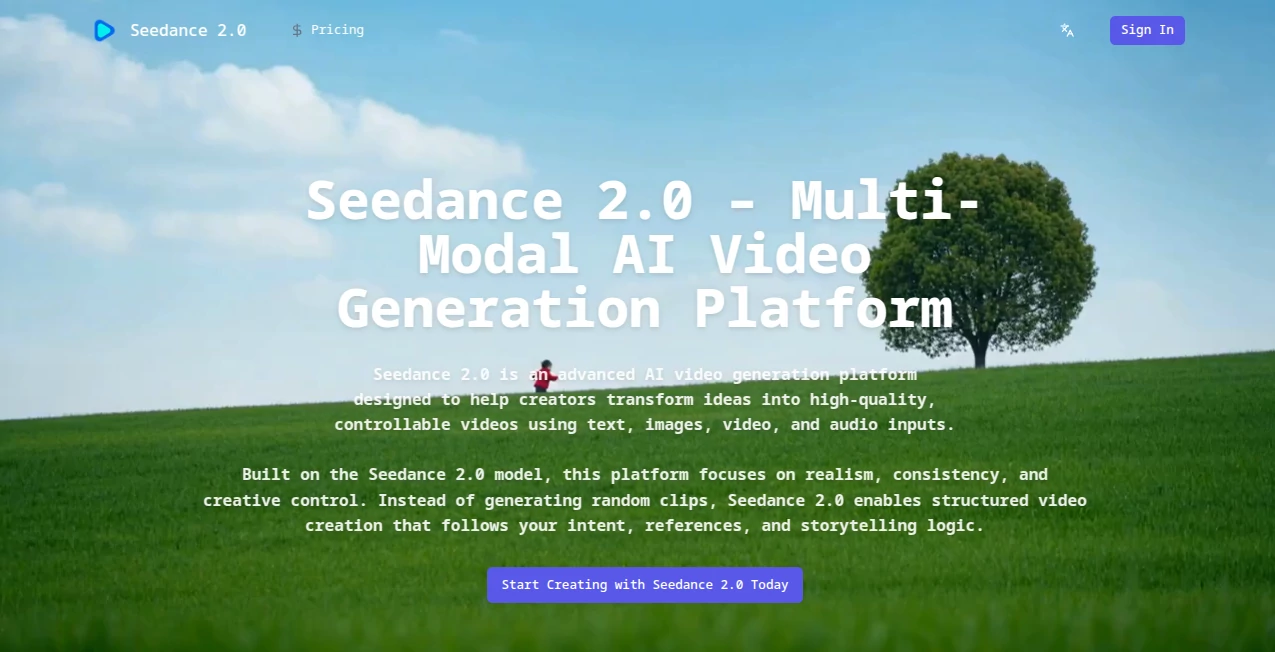
What is Seedance 2?
Some tools just click the moment you try them. You type a short description, drop in a photo or a clip for reference, add a piece of music if you feel like it, and a few minutes later you're watching a short video that actually feels directed — smooth camera moves, consistent characters, lighting that makes sense, even audio that syncs without looking forced. That first clip I generated was a simple scene of someone walking through a rainy city street at night, using a still photo as style reference and a moody track for rhythm. The result wasn't perfect, but it had soul — the kind of flow and emotional tone that usually takes hours of manual work. It's hard not to smile when something this capable arrives in your browser for free.
Introduction
Video creation has always had a high barrier: gear, time, editing skills, budget. This platform quietly lowers that wall without dumbing anything down. It lets you combine text instructions with images, short video clips, and audio references to guide exactly what you want — character appearance, motion style, scene layout, even pacing and emotion driven by sound. The output isn't random; it follows your intent like a collaborator who really listens. Early users are already turning out short stories, ads, music visuals, and concept reels that look far more intentional than most AI clips. What stands out is the control — you decide what to keep consistent and what to invent, so the result feels personal rather than algorithmic. For creators who hate losing their vision in the process, this feels like a breakthrough worth getting excited about.
Key Features
User Interface
The workspace is clean and focused. You have separate areas for text prompt, image reference, video clip, and audio upload. Everything is drag-and-drop or paste, with real-time previews that update as you add or tweak inputs. There's a clear button for "generate" and a progress indicator that doesn't leave you guessing. It never feels cluttered, even when you're stacking multiple references. The design respects your time — no hunting for hidden menus or fighting confusing toggles.
Accuracy & Performance
Consistency is where it really earns respect. Characters stay recognizable across shots, lighting matches the reference, motion continues naturally instead of jerking. When you give it a video clip for pacing or camera style, it respects those cues without over-interpreting. Generations are surprisingly fast for the quality level, and the first output is often usable — a huge win compared to tools that force you through five retries. In practice, the physics feel grounded, faces don't morph strangely, and transitions land smoothly. It's the kind of reliability that makes you trust it for real projects.
Capabilities
You can start with just text for pure imagination, or layer in an image for visual style, a short clip for motion and composition, and audio to drive rhythm and feeling. Extend existing videos by generating seamless continuations. Edit specific parts — swap a character, change an action, adjust a background — without redoing the whole thing. It handles cinematic camera language well, so shots feel directed rather than random. The multi-modal blending is what sets it apart: everything works together toward one coherent story instead of fighting each other.
Security & Privacy
Your inputs are processed securely with no unnecessary retention. The platform follows standard compliance practices, and your generated content stays yours. For creators working on client projects or personal ideas, that matters — you get professional-grade results without handing over control of your raw material.
Use Cases
A musician uploads a track and a mood board photo, then watches a visualizer come together with cuts and camera moves that actually match the song's energy. A small brand creates a product teaser using existing footage and a new voiceover script, producing something that looks far more expensive than the effort put in. An indie filmmaker tests scene transitions and character consistency before committing to live shoots. Content creators batch short social clips with consistent looks across a series. The flexibility makes it fit anywhere storytelling meets tight deadlines.
Pros and Cons
Pros:
- True multi-modal control — text + image + video + audio all work together intelligently.
- Strong character and style consistency across shots, even in complex scenes.
- Fast generations with usable first outputs most of the time.
- Free access to start experimenting right away.
Cons:
- Best results still come from thoughtful input references.
- Credit limits on free tier mean heavier users upgrade quickly.
Pricing Plans
You can jump in for free with daily credits to test and play. When you're ready for more volume, longer clips, higher resolution, or priority queues, paid plans unlock everything without watermarks. The pricing feels fair for the leap in quality and speed it brings — many creators say it pays for itself after just a few strong outputs. Flexible enough for hobbyists and pros alike.
How to Use Seedance 2.0
Start with a clear text prompt describing the scene or story. Upload a reference image for style or character look, a short video clip for motion or camera inspiration, and an audio track if you want rhythm and emotion to guide the pacing. Adjust any settings for duration or strength of each reference. Hit generate, review the preview, and tweak inputs if needed for another run. Download the finished clip when it feels right. The more intentional your references, the stronger the result — but even quick tests often surprise you.
Comparison with Similar Tools
Many video generators lean heavily on text alone and lose consistency after a few seconds. Others offer reference control but struggle with natural motion or audio sync. This one stands out by blending all inputs thoughtfully — you get cinematic flow, reliable character matching, and sound-driven pacing in a way that feels more directed than algorithmic. For creators who care about story over randomness, it's a clear step ahead.
Conclusion
Video creation used to demand time, money, or both. This tool shifts that balance so anyone with an idea can chase it without the usual roadblocks. The results carry real creative weight — consistent, cinematic, emotionally aware — and the process feels collaborative rather than mechanical. If you've ever wanted to see your words, images, or sounds come alive as a cohesive short video, this is one of the most exciting ways to make it happen right now. Give it a prompt and see for yourself.
Frequently Asked Questions (FAQ)
How long can the videos be?
Typically up to 15 seconds for best quality, though extensions and continuations allow longer storytelling.
Do I need perfect references?
No — even rough clips or images guide it well; the AI fills in intelligently.
Can it sync to my music?
Yes, upload audio and it aligns cuts, pacing, and emotion to the track.
Is there a free way to try it?
Daily credits let you generate several clips without paying.
How consistent are characters across shots?
Very — strong reference control keeps appearance and style locked in.
AI Animated Video , AI Image to Video , AI Text to Video , AI Video Generator .
These classifications represent its core capabilities and areas of application. For related tools, explore the linked categories above.
Seedance 2 details
Pricing
- Free
Apps
- Web Tools
Categories

Seedance 2 Alternatives Product

Fast Wan

Seedance AI …

Veo 3.2

Veo

RunwayAI

Nano Banana …

Kling O1

KOOX AI

Sora 2 Video
