🧠 AI Quiz
Think you really understand Artificial Intelligence?
Test yourself and see how well you know the world of AI.
Answer AI-related questions, compete with other users, and prove that
you’re among the best when it comes to AI knowledge.
Reach the top of our leaderboard.

















Seedance 2.0 AI Video Generator
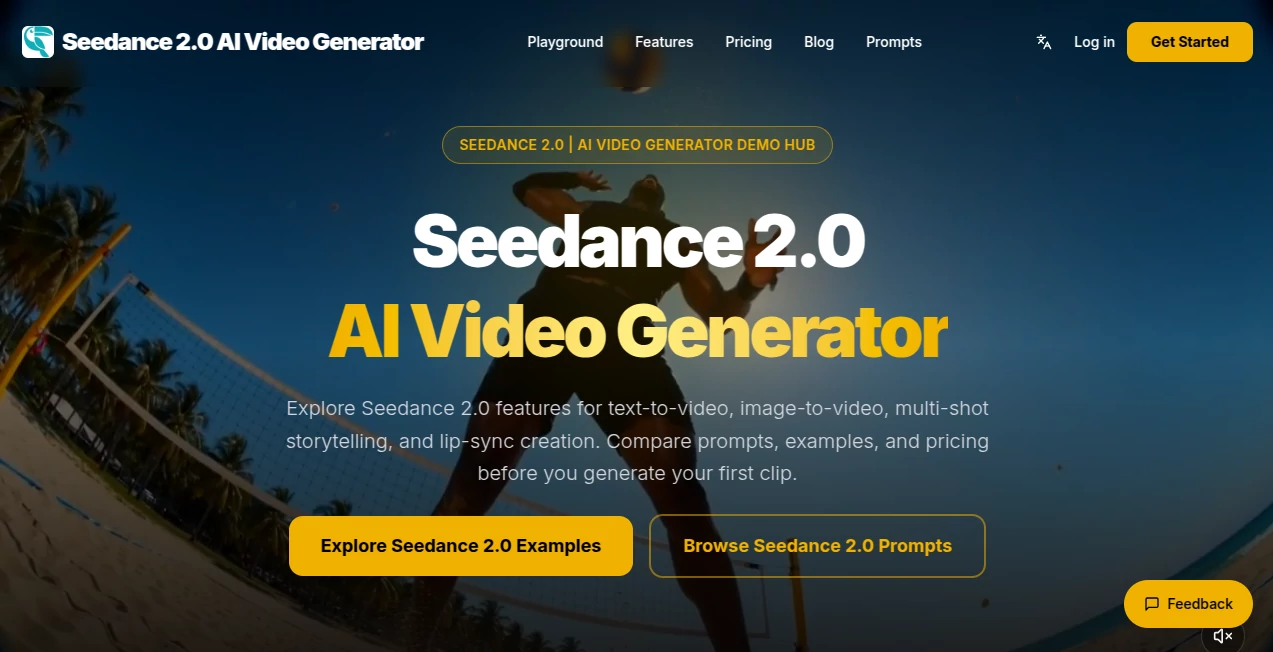
What is Seedance 2.0 AI Video Generator?
There’s something special about typing a few lines and watching a complete little film unfold—characters that stay consistent, lighting that feels right, motion that has weight, and transitions that make sense. This tool delivers that experience more reliably than most I’ve tried. You describe the scene, add a reference image if you want, and a short cinematic clip appears that actually feels directed. I’ve used it to mock up story ideas that previously lived only in my head, and the results were good enough to share immediately. For creators tired of stiff or inconsistent AI video, this one stands out by caring about coherence and mood.
Introduction
Creating video has always been time-consuming and expensive. Even simple concepts required storyboards, shooting, and editing. Seedance 2 changes the game by turning natural language prompts (and optional images) into short, polished cinematic clips. It understands storytelling basics—consistent characters, natural camera movement, emotional tone—and produces output that feels closer to real filmmaking than typical AI attempts. Whether you’re an indie creator testing ideas, a marketer needing quick visuals, or just someone who loves bringing imagination to life, it removes the biggest barriers and leaves room for creativity.
Key Features
User Interface
The workspace is clean and inviting. A large prompt box encourages you to describe your vision, with optional image uploads for stronger visual guidance. Simple controls for aspect ratio, duration, and style sit nearby without cluttering the screen. Generation previews load reasonably fast, so you can refine and try again without losing momentum. It feels designed by people who actually create, not just engineers—everything important is easy to reach, and nothing distracts from the story you’re building.
Accuracy & Performance
What impresses most is the consistency. Characters keep their appearance across shots, motion feels natural rather than robotic, and the overall scene holds together. It handles complex prompts involving multiple subjects and camera moves better than many competitors. Generation times are practical for short clips, and the quality stays high even when pushing creative boundaries. The results rarely suffer from the usual AI glitches—melting features, sudden style changes, or impossible physics—which makes the output feel professional right from the start.
Capabilities
It excels at text-to-video and image-to-video, with strong support for hybrid prompts that combine both. Multi-shot storytelling, natural camera movements, emotional consistency, and decent lip-sync make it suitable for narrative work. You can guide style, mood, and pacing through clear descriptions, and the tool respects your intent more often than not. Outputs work well for social media, storyboarding, concept testing, and short promotional pieces. It’s particularly strong when you want cinematic feel rather than raw novelty.
Security & Privacy
Your prompts and reference images are handled responsibly during generation. The platform focuses on delivering the clip without unnecessary data retention or sharing. For creators working on personal projects, client work, or sensitive concepts, that thoughtful approach provides welcome peace of mind.
Use Cases
A small brand creates elegant product lifestyle clips from a single hero photo. An indie filmmaker mocks up emotional key scenes to test tone before full production. A content creator builds consistent character Reels without daily shooting. A musician visualizes song lyrics with matching atmosphere. Teachers turn lesson concepts into short engaging animations. Wherever you need moving visuals quickly but still want them to feel crafted, this tool delivers.
Pros and Cons
Pros:
- Strong character and visual consistency across shots.
- Cinematic quality with natural motion and lighting.
- Hybrid text + image guidance gives precise control.
- Fast enough to support real creative iteration.
- Approachable for both beginners and experienced creators.
Cons:
- Clip lengths remain short, best for moments rather than full stories.
- Very abstract or contradictory prompts can still confuse it.
- Higher quality and longer generations require paid access.
Pricing Plans
Free daily credits let you explore and create several clips to experience the quality firsthand. Paid plans unlock higher resolutions, longer sequences, faster processing, and more generous limits. The structure feels fair—start free to fall in love with the results, then upgrade as your needs grow. Many creators find the value obvious after their first few successful generations.
How to Use Seedance 2
Describe your scene in the prompt box—be specific about mood, action, and camera movement for best results. Optionally upload a reference image to anchor characters or style. Choose your preferred aspect ratio and duration, then generate. Review the clip, tweak the prompt if needed, and create variations until it feels right. Download the final version and use it in your projects or social posts. The loop is quick and addictive, encouraging experimentation without frustration.
Comparison with Similar Tools
Many AI video generators still struggle with consistency, unnatural motion, or generic results. This one prioritizes cinematic coherence and respects your creative direction more thoughtfully. While some tools focus purely on speed or novelty, Seedance 2 balances quality and usability in a way that feels closer to real filmmaking tools. It’s especially strong when you want output that looks intentional rather than experimental.
Conclusion
Turning ideas into moving pictures shouldn’t require a big budget or technical expertise. This tool makes that leap feel exciting and achievable. It respects both your vision and the craft of storytelling, delivering clips that look and feel polished. For creators who have stories to tell but limited resources, it’s a genuine enabler—removing barriers while keeping the joy of creation intact. If you’ve ever wished your ideas could move, this is one of the better ways to make it happen right now.
Frequently Asked Questions (FAQ)
How long are the generated clips?
Typically 5–10 seconds, ideal for social media, teasers, and story moments.
Do I need reference images?
Not required—text alone works well—but adding one improves consistency dramatically.
What styles can I create?
From realistic cinematic to stylized and artistic—clear prompts help guide the look.
Is there a free way to try it?
Yes, daily credits let you create several clips without payment.
Can I use the videos commercially?
Paid plans include commercial rights; check current terms for details.
AI Animated Video , AI Image to Video , AI Video Generator , AI Text to Video .
These classifications represent its core capabilities and areas of application. For related tools, explore the linked categories above.
Seedance 2.0 AI Video Generator details
Pricing
- Free
Apps
- Web Tools
Categories

Seedance 2.0 AI Video Generator Alternatives Product

ImagineToVid…

Logo Animati…

ModelsLab

Framepack AI

PostPlus AI

Seedance 2.0

Voe4 AI Video
seedream vid…

Sora 2