
🧠 AI Quiz
Think you really understand Artificial Intelligence?
Test yourself and see how well you know the world of AI.
Answer AI-related questions, compete with other users, and prove that
you’re among the best when it comes to AI knowledge.
Reach the top of our leaderboard.


















Seedance 2 Pro
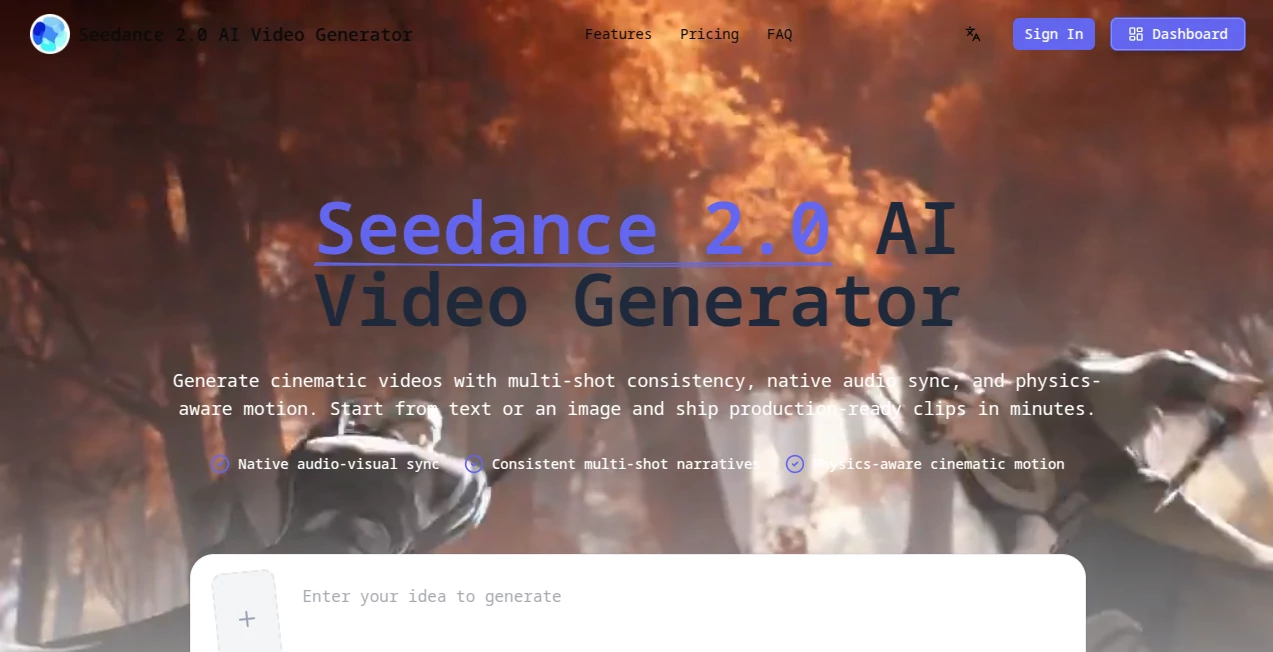
What is Seedance 2 Pro?
There’s something quietly thrilling about typing a simple scene description and watching it unfold into a full, flowing clip with characters that stay recognizably the same, sound that matches the action, and movement that feels grounded in real physics. This platform makes that happen in minutes rather than days. I’ve seen marketers turn product shots into mini-narratives that actually feel like mini-movies, and creators who used to dread editing loops now have drafts ready to polish before lunch. It’s the kind of tool that quietly shifts how you think about video—less about wrestling software, more about letting the idea breathe.
Introduction
Most AI video tools still feel like they’re stuck in short bursts: one scene, one idea, one-off clips that look pretty but lack real story glue. This one quietly breaks that pattern. It’s built around a single, focused model that understands narrative flow, keeps faces and outfits consistent across shots, and weaves in audio that syncs naturally instead of being slapped on later. The result is production-ready material you can actually use for campaigns, social series, or prototypes without spending hours in post. What stands out most is how reliable the continuity feels—characters don’t suddenly change hair or clothes mid-scene, motion respects gravity and weight, and the whole thing holds together like something directed by a human who cares. For anyone who’s ever stared at disconnected clips wishing they could just tell a story, this feels like a genuine step forward.
Key Features
User Interface
The dashboard is refreshingly calm. You type your story intent, set camera moves and mood if you want, upload an image or clip for reference, and everything stays in one clean workspace. No maze of tabs or hidden panels—just a clear prompt area, quick variant generation, and side-by-side previews that let you compare takes without losing your place. It’s designed so you spend time thinking about the story, not fighting the tool.
Accuracy & Performance
The consistency is honestly impressive. Faces stay the same person from shot to shot, clothing doesn’t morph, and physics gives motion real weight—hair sways naturally, objects fall convincingly, people move like they have mass. Generations are quick enough that you can run several versions, pick the strongest, and refine without losing momentum. Failed runs don’t burn credits, which removes a lot of the usual stress.
Capabilities
It turns text prompts or reference images into coherent multi-shot clips with native audio-visual sync, meaning sound effects and music align with the action instead of feeling tacked on. You can guide camera work, mood, timing, and subject behavior in detail, and it maintains style and character identity throughout. Batch generation lets you spin up variations fast, and exports are ready for social, ads, or further editing. The combination of narrative understanding and practical output makes it feel like a real production partner.
Security & Privacy
Your prompts, references, and generated clips stay handled with care—SOC 2, GDPR, and ISO 27001 compliance mean the basics are covered. Higher plans keep everything private by default, and there’s clear control over what gets stored or shared. For commercial work or sensitive ideas, that foundation of trust matters a lot.
Use Cases
A performance marketer needs a series of brand-consistent ads: one prompt defines the character and tone, and the tool delivers multiple connected shots that feel like a campaign instead of random clips. A social creator wants music-synced storytelling: upload a track, describe the visuals, and get a reel where the beat lands exactly where the action peaks. An e-commerce manager turns static product photos into short lifestyle narratives that show usage in real settings. Even educators or small filmmakers prototype longer sequences without the usual production headache. It fits wherever you need story, consistency, and speed to come together.
Pros and Cons
Pros:
- Multi-shot coherence that makes clips feel like real stories, not disconnected fragments.
- Native audio sync saves hours of manual alignment in post.
- Physics-aware motion and persistent character identity give professional polish.
- Fast iteration with no credit penalty on failed runs—experiment without fear.
Cons:
- Longer videos still require careful prompting to hold perfect continuity.
- Credit system means heavy users will need a paid plan for volume.
Pricing Plans
The Starter plan at around $16/month (billed annually) gives you a solid entry point with 3600 credits, perfect for testing workflows or occasional projects. Standard jumps to about $28/month for 8400 credits and premium models—great for weekly content creators. Premium at roughly $36/month unlocks 18000 credits and the fastest queues, ideal for frequent or larger-scale use. Annual billing saves noticeably, and credits are issued upfront with a one-year validity. It’s structured so you can start small and scale as the results prove themselves.
How to Use Seedance 2.0
Start by describing your scene—subject, action, mood, camera moves, timing—in the prompt box. Add an image or short reference clip if you want to lock in a character or style. Choose resolution and any audio preferences, then generate. Compare variants side-by-side, keep the best, and refine the prompt if needed for another pass. Export in the format that fits your platform—ready ratios for social or ads. The loop is fast: idea → generate → review → tweak → publish. Most first attempts are already strong enough to work with.
Comparison with Similar Tools
Many generators give you one pretty clip but fall apart when you try to string shots together. This one is built from the ground up for narrative continuity, with audio that actually belongs to the visuals instead of being bolted on. Where others struggle with character drift or robotic motion, the physics and consistency here make outputs feel directed rather than assembled. It’s less about raw spectacle and more about usable, story-driven results that save real time in production.
Conclusion
Video creation should feel exciting, not exhausting. This platform quietly removes so many of the old roadblocks—disconnected shots, mismatched audio, endless post fixes—that you’re left with the fun parts: dreaming up the story and seeing it come alive. Whether you’re building a brand presence, creating content that stands out, or simply exploring ideas faster, it delivers quality and coherence that make you wonder how you ever worked without it. Once you see a full, flowing clip emerge from a single thoughtful prompt, it’s hard to go back.
Frequently Asked Questions (FAQ)
How long can the videos be?
It excels at multi-shot sequences that feel like several minutes of continuous story, though exact length depends on prompt complexity and plan credits.
Does it really sync audio natively?
Yes—sound effects, music, and dialogue align with the action, cutting out most manual syncing later.
What if a generation isn’t perfect?
Failed runs don’t cost credits, and you can tweak the prompt or reference for another try without penalty.
Can I use reference images or clips?
Absolutely—upload keyframes or photos to lock in style, character, or specific elements.
Is it suitable for commercial use?
Yes, plans include commercial licenses and unrestricted usage rights, with responsibility for third-party IP.
AI Animated Video , AI Image to Video , AI Text to Video , AI Video Generator .
These classifications represent its core capabilities and areas of application. For related tools, explore the linked categories above.
Seedance 2 Pro details
Pricing
- Free
Apps
- Web Tools
Categories

Seedance 2 Pro Alternatives Product

Sora AI Vide…

Artifox

Free Sora Ge…

JSON to Video

AI Motion Co…

RenderFlow AI

Kling 3.0 – …

Wan AI Video…

soro2
