
🧠 AI Quiz
Think you really understand Artificial Intelligence?
Test yourself and see how well you know the world of AI.
Answer AI-related questions, compete with other users, and prove that
you’re among the best when it comes to AI knowledge.
Reach the top of our leaderboard.


















Seedream 4.5

What is Seedream 4.5?
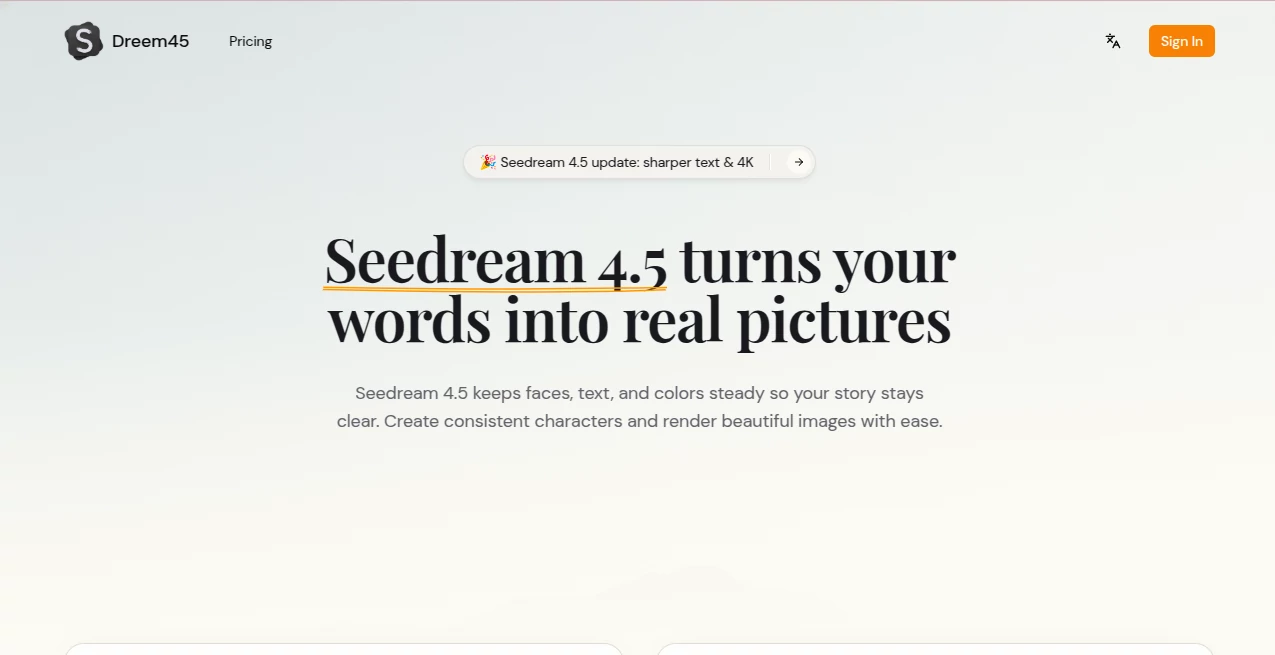
Seedream 4.5 steps into the creative spotlight as a reliable partner for turning ideas into seamless visual stories, ensuring every element stays true across a series of images. This tool catches the eye of designers and storytellers who need uniformity in their work, blending simple inputs with outputs that feel thoughtfully aligned. Many who've explored it highlight how it saves time on revisions, letting them build collections of scenes that flow naturally without constant fixes.
Introduction
Seedream 4.5 came about from the need to bridge gaps in visual consistency, sparked by creators frustrated with scattered results from earlier methods. It quickly found its place among those crafting narratives or campaigns, where keeping faces, settings, and details steady can make or break the flow. Over time, users have shared examples of projects that came together faster, like a set of ad visuals that matched perfectly or comic panels that read like a single breath. At its heart, it's designed to listen closely to your directions and references, delivering work that's not just pretty but purposeful, evolving with feedback to meet the demands of busy workflows.
Key Features
User Interface
The layout greets you with a clean, step-by-step flow that feels inviting from the first glance, starting with a spacious field for your description on one side. Slots for adding supporting pictures sit nearby, easy to fill without fumbling, and choices for looks or added words appear right where needed. Once you set it in motion, the viewing area lights up with previews that you can scan quickly, all wrapped in a design that keeps distractions low and progress clear.
Accuracy & Performance
It holds steady on the details you point out, like keeping a figure's expression or a room's light the same through a batch, often matching what you had in mind without extra nudges. Results roll in swiftly, handling groups of visuals in moments and handling changes with a light touch that doesn't drag. Those testing it out often mention how it cuts down on surprises, providing clear, usable pieces that fit right into the next stage without much rework.
Capabilities
From crafting a run of connected scenes to weaving in readable notes on surfaces, it covers the bases for building unified sets that tell a tale or sell a point. You can draw from a few guiding images to lock in colors or shapes, and it scales up to detailed, high-clarity files ready for sharing or printing. The strength lies in how it ties everything together, whether for quick mood sketches or fuller layouts that span multiple views.
Security & Privacy
Your shared elements and early drafts get treated with care, processed on the spot and not held onto longer than needed, giving you control over what lingers. It's the sort of setup that lets you share sensitive starting points without second thoughts, focusing on the creation rather than the concerns. Users value that straightforward approach, knowing their inputs stay in their hands throughout.
Use Cases
Ad teams pull together matching shots for a campaign, ensuring every angle reinforces the message without clashing tones. Comic artists map out page flows where characters carry over unchanged, speeding up the rough-to-final shift. Shop owners stage product views in varied setups, keeping the item front and center across listings. Video planners sketch frame sequences that align seamlessly, easing the handoff to production.
Pros and Cons
Pros:
- Keeps elements like faces and lights uniform across batches effortlessly.
- Handles added words on visuals with clarity that stands out.
- Delivers high-detail results quickly, fitting tight timelines.
- Welcomes beginners with its no-fuss steps and reliable turns.
Cons:
- Usage ties to a point system that might cap casual explorations.
- Best with focused inputs; broader ones can need refining.
- Lacks mentions of built-in sharing or team handoffs.
Pricing Plans
It starts with a tally system where each run draws from your points, keeping things measured for different paces. While specifics on bundles or ongoing access aren't spelled out, the entry feels open for trials, with options likely to scale as you dive deeper. This keeps the door wide for light users while supporting heavier pulls without overwhelming costs.
How to Use Seedream 4.5
Begin by jotting your main thought in the entry spot, then bring in one to four guides if you want to match certain looks. Pick a vibe or slip in surface notes next, and give it the nod to start. Review the lineup that appears, grab what works in full detail, and circle back with small changes for the perfect fit.
Comparison with Similar Tools
Where some options flood you with variety but lose the thread, Seedream 4.5 prioritizes that steady line, though it might not chase as many wild directions. Against broader editors, it zeros in on the unified output, saving steps for those who value flow over endless tweaks. It suits creators after dependable sets, standing firm where others might wander.
Conclusion
Seedream 4.5 quietly transforms how stories take shape on screen, offering a steady hand for visuals that connect without effort. It empowers those piecing together worlds to focus on the narrative, not the knots. As demands for cohesive content keep rising, this tool remains a solid ally, turning scattered sparks into series that shine.
Frequently Asked Questions (FAQ)
What makes it stand out for steady looks?
It locks in details like expressions and setups across every piece in the group.
Can it add notes to the visuals?
Yes, it places them neatly, from simple tags to fuller blocks.
Do I need guides to begin?
Not always, but they help tie in specifics like shades or shapes.
Is it welcoming for first-timers?
Absolutely, the clear path and quick feedback make it approachable.
What do I need to get going?
A basic outline and some points to spend, plus optional starters.
AI Text to Image , AI Photo & Image Generator , AI Art Generator , AI Design Generator .
These classifications represent its core capabilities and areas of application. For related tools, explore the linked categories above.
Seedream 4.5 details
This tool is no longer available on submitaitools.org; find alternatives on Alternative to Seedream 4.5.
Pricing
- Free
Apps
- Web Tools
Categories

Seedream 4.5 Alternatives Product

MAGIK FACE

Nano Figure

Banana Promp…

Flux2 Klein

upscayl

AIImageEdit

Consistent C…

Shutterstock

Flux 2 Cloud
