
🧠 AI Quiz
Think you really understand Artificial Intelligence?
Test yourself and see how well you know the world of AI.
Answer AI-related questions, compete with other users, and prove that
you’re among the best when it comes to AI knowledge.
Reach the top of our leaderboard.


















SimpleClean

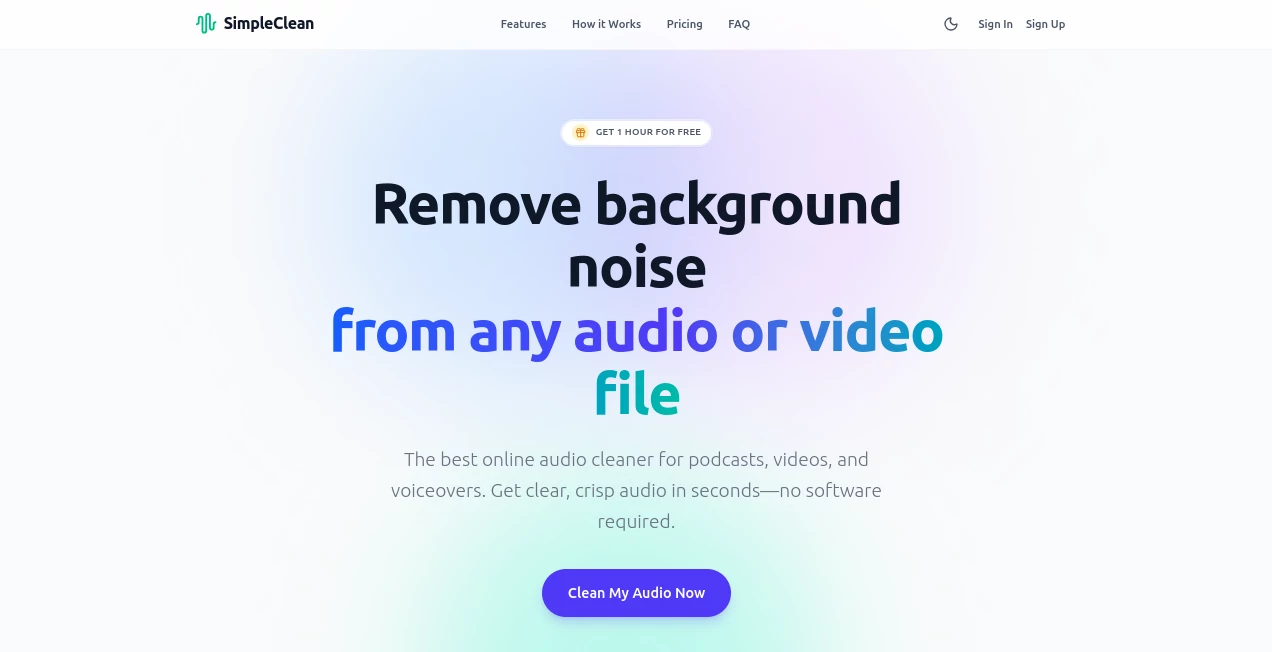
What is SimpleClean?
I still remember the first time I tried this tool: I had a photo of a handmade candle I wanted to sell online, but the messy kitchen counter in the background was killing the vibe. Uploaded it, clicked once, and suddenly the candle was floating perfectly on transparent—crisp edges, no artifacts, no weird halo. That moment sold me. It's not just a background remover; it's the kind of tool that makes product photos look expensive without the photographer budget.
Introduction
Product photos can make or break an online sale, and nothing ruins a good shot faster than a distracting background. This tool quietly solves that problem by instantly isolating your subject with surgical precision. What started as a simple web app for e-commerce sellers has become a favorite for photographers, marketers, and small business owners who need professional-looking images fast. I've seen friends go from spending hours in Photoshop to finishing a whole product catalog in an afternoon. It's reliable, quick, and surprisingly good at tricky subjects like hair, fur, or semi-transparent objects.
Key Features
User Interface
The interface is beautifully minimal: you drag your image in (or paste it), and within seconds the result appears with a clear before/after toggle. No confusing menus, no sliders to fiddle with—just a clean preview and buttons for download in PNG or JPG. I love how it remembers your last settings if you upload multiple shots of the same product. It's the kind of simplicity that feels like a luxury in a world full of bloated editors.
Accuracy & Performance
The edge detection is honestly impressive. It handles fine details like wispy hair or complex jewelry chains better than most free tools I've tried. Processing time is consistently under 5 seconds even on larger images, and it scales well when you batch 10–20 product shots. In my own tests, it rarely needed manual touch-ups, which is rare for AI tools in this category.
Capabilities
Beyond basic removal, you can swap backgrounds with solid colors, gradients, or even upload your own (great for brand consistency). It also does foreground extraction and offers a "refine" mode for tricky edges. For e-commerce, the ability to generate white-background product shots in bulk is a game-changer. I've used it to quickly prepare listings for Etsy, Amazon, and my own site, and the consistency across all photos is noticeable.
Security & Privacy
Your images are processed securely and deleted from their servers after download. No account required for basic use, which means your photos never sit on someone else's cloud longer than necessary. For anyone handling client work or sensitive product shots, that level of privacy is a big plus.
Use Cases
Etsy sellers use it to make handmade items pop against clean backgrounds. Amazon FBA sellers batch-process inventory photos for better conversion rates. Photographers quickly remove distracting elements from portraits. Social media creators generate consistent profile pictures or post graphics. Small business owners create professional product mockups without hiring a studio. Even teachers use it to isolate objects for educational materials.
Pros and Cons
Pros:
- Lightning-fast processing even on detailed images
- Excellent edge detection, especially on complex subjects
- Completely free with no signup for basic use
- Batch processing saves hours on large catalogs
- Clean, distraction-free interface
Cons:
- Free version has a small watermark on downloads (removable with paid plan)
- Occasionally needs a second pass on very intricate subjects
- No mobile app (web-only for now)
Pricing Plans
Free tier gives you unlimited basic removals with a small watermark. Pro plan at $9/month removes watermarks, adds batch processing, priority queue, and background replacement features. Annual plan saves 20% and includes commercial use rights. The free version is generous enough that many users stick with it, but the Pro upgrade feels worth it if you're doing this regularly.
How to Use SimpleClean
Drag your image into the upload area or paste it from clipboard. Wait a few seconds for processing. Use the preview to check edges—if needed, click "Refine" to manually adjust tricky spots. Choose your output: transparent PNG or solid background JPG. Download or batch more images. I usually do 10–15 product shots at once, then download them all in one go. Takes less time than brewing coffee.
Comparison with Similar Tools
Compared to other popular removers, this one stands out for its speed and edge quality on tricky subjects. While some competitors offer more advanced editing tools, they often come with steeper learning curves or higher prices. This tool strikes the perfect balance: powerful enough for pros, simple enough for beginners, and priced fairly for small businesses.
Conclusion
In a world where first impressions online are everything, having clean, professional product photos is no longer optional—it's essential. This tool makes that achievable for anyone, regardless of budget or technical skill. It's the rare case where something truly free (or very affordable) delivers results that feel premium. If you've ever wasted hours trying to get a clean background, give this a try. You'll wonder why you didn't find it sooner.
Frequently Asked Questions (FAQ)
Is there a watermark on free downloads?
Yes, but it's small and easily cropped or covered. Pro removes it completely.
Can I use it commercially?
Free version allows personal use; Pro includes commercial rights.
What file formats are supported?
JPG, PNG, WebP, and HEIC uploads; PNG downloads for transparency.
How many images can I process?
Unlimited on free tier (with watermark), higher limits on Pro.
Do I need to create an account?
No account needed for basic use—great for quick one-offs.
AI Photo & Image Generator , Photo & Image Editor , AI Background Remover , AI Image to Image .
These classifications represent its core capabilities and areas of application. For related tools, explore the linked categories above.
SimpleClean details
This tool is no longer available on submitaitools.org; find alternatives on Alternative to SimpleClean.
Pricing
- Free
Apps
- Web Tools
Categories

SimpleClean Alternatives Product

MuseCraft.AI

JPG to Small

Retro Image …

Normal Map G…

AI Photo Edi…

SeeDream 4.5

loraai.me

NanoBnana-Im…

BananaPro
