
🧠 AI Quiz
Think you really understand Artificial Intelligence?
Test yourself and see how well you know the world of AI.
Answer AI-related questions, compete with other users, and prove that
you’re among the best when it comes to AI knowledge.
Reach the top of our leaderboard.

















Subclip
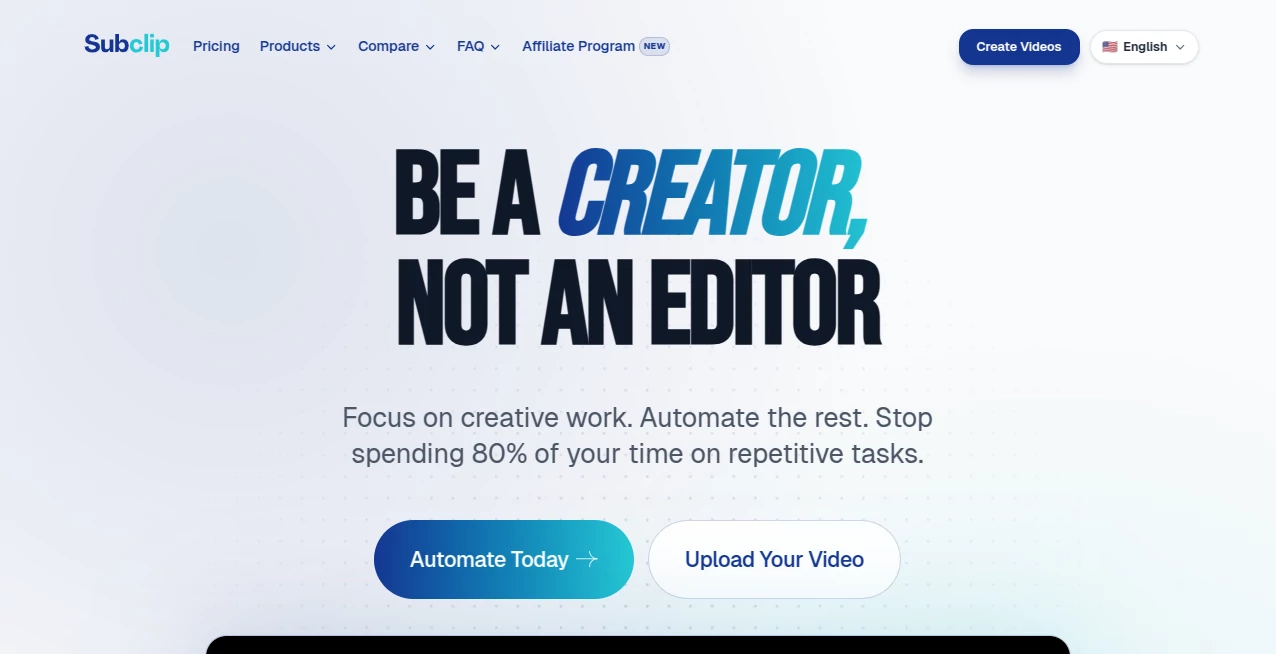
What is Subclip?
Creating content for multiple platforms used to mean juggling different apps, fighting with timelines, and spending hours on subtitles and dubbing. This tool brings most of that into one browser window and makes it feel almost effortless. You upload a video, get accurate transcription, beautiful animated subtitles, and even AI dubbing in over 20 languages—all while keeping your original tone and voice. I’ve watched creators go from raw footage to polished, platform-ready clips in minutes instead of hours. It’s the kind of practical magic that lets you focus on storytelling instead of technical headaches.
Introduction
Most video creators know the pain: record great content, then spend twice as long editing, captioning, and repurposing it for different platforms. Subclip was built to shorten that gap dramatically. It combines unlimited transcription, smart animated subtitles, AI dubbing, motion graphics from text prompts, and a clean browser-based editor into one cohesive workflow. Whether you’re making YouTube videos, TikTok/Reels, or professional explainers, it removes the friction so you can publish faster and more consistently. The best part? It doesn’t feel like a toy—it delivers results that look and sound professional without requiring a full editing suite or a big budget.
Key Features
User Interface
The workspace is clean and intuitive. Upload your video, and everything you need appears in logical tabs: transcription, subtitles, dubbing, motion design, and editing. The timeline is simple yet powerful, with one-click tools for common tasks. No overwhelming panels or hidden menus—just a focused environment that keeps you in flow. Even if you’re not a professional editor, you can navigate it comfortably within minutes.
Accuracy & Performance
The transcription is impressively accurate across accents and speaking styles, with word-level timing that makes subtitles sync perfectly. AI dubbing preserves the original speaker’s emotion and tone while delivering natural-sounding voices in many languages. Motion graphics generated from prompts add polish without looking cheap. Processing is fast enough that you stay in creative mode instead of waiting around.
Capabilities
It offers unlimited transcription, animated subtitles in 48+ languages with stylish templates, AI dubbing with voice cloning, prompt-based motion graphics, a full browser video editor with timeline controls, auto scene detection, thumbnail generation, and easy exports optimized for YouTube, TikTok, Instagram, and Shorts. You can repurpose long videos into short clips, add captions that pop, or create multilingual versions—all in the same place.
Security & Privacy
Your videos are processed securely, with strong compliance standards (GDPR & CCPA). The platform respects creator privacy and doesn’t use your content for training without clear permission. For those handling client work or sensitive material, this thoughtful approach builds real trust.
Use Cases
A YouTuber records a long tutorial and quickly turns it into multiple Shorts with perfect captions and trending audio. A language teacher creates dubbed versions of lessons for international students. A marketing team repurposes webinar footage into snackable social clips with eye-catching motion graphics. A podcaster adds animated subtitles and visual elements to turn episodes into engaging video content. Wherever you need to go from raw video to polished, multi-platform content quickly, it shines.
Pros and Cons
Pros:
- All-in-one workflow that replaces multiple tools and tabs.
- High-quality animated subtitles and dubbing that save hours.
- Fast, intuitive editing suitable for both beginners and pros.
- Strong focus on social and multi-platform optimization.
- Generous free tier to test real projects.
Cons:
- Very long videos may need to be processed in segments for best results.
- Some advanced motion graphics styles require practice with prompts.
- Full unlimited usage and premium features are behind paid plans.
Pricing Plans
The free plan gives meaningful access to transcription, subtitles, and basic editing—enough to handle real projects and see the difference. Paid plans unlock unlimited processing, advanced dubbing, priority speed, and more export options. Pricing is practical for creators and small teams, often paying for itself through time saved on just a few videos per month.
How to Use Subclip
Upload your video file to the dashboard. Let it generate an accurate transcript automatically. Choose a subtitle style and animate it with one click. For multilingual reach, select AI dubbing and pick target languages. Add motion graphics by typing simple prompts like “elegant line animation highlighting key points.” Trim, cut, or rearrange on the simple timeline, then export optimized versions for each platform. The entire process flows naturally from upload to publish-ready content.
Comparison with Similar Tools
Many tools do one thing well—subtitles or dubbing—but force you to switch between apps. This one combines the most useful post-production features into a single, coherent experience without sacrificing quality. Where other platforms feel clunky or limited in languages/styles, it offers broader support and better usability. For creators who want speed and quality without complexity, it stands out as a strong all-in-one choice.
Conclusion
Content creation doesn’t have to be slow and fragmented. This tool brings together the pieces you need—transcription, subtitles, dubbing, motion design, and editing—into one place that actually helps you move faster. It respects your time, delivers professional results, and makes the whole process feel enjoyable rather than exhausting. For anyone serious about video but tired of the usual workflow headaches, it’s a genuine game-changer worth trying.
Frequently Asked Questions (FAQ)
How accurate is the transcription?
Very high across most accents and speaking styles, with excellent word-level timing for subtitles.
Which languages are supported for dubbing?
Over 21 languages with natural-sounding voices that preserve original tone.
Can I edit the video timeline?
Yes, with a clean, easy-to-use browser timeline for trimming and arranging clips.
Is there a free way to try it?
Yes, the free plan includes meaningful daily usage so you can test real workflows.
Do my videos stay private?
Yes, with strong privacy practices and compliance standards.
AI Video Generator , AI Video Editor , AI Captions or Subtitle .
These classifications represent its core capabilities and areas of application. For related tools, explore the linked categories above.
Subclip details
Pricing
- Free
Apps
- Web Tools
Categories

Subclip Alternatives Product
Seedance 2.0

Quso AI

MixHub AI

Sora Waterma…

Ltx 2.3

Wan-Animate.…

Mimo AI

Pixelfox AI

Seedance 3.0…
