
🧠 AI Quiz
Think you really understand Artificial Intelligence?
Test yourself and see how well you know the world of AI.
Answer AI-related questions, compete with other users, and prove that
you’re among the best when it comes to AI knowledge.
Reach the top of our leaderboard.


















SwingVision

What is SwingVision?
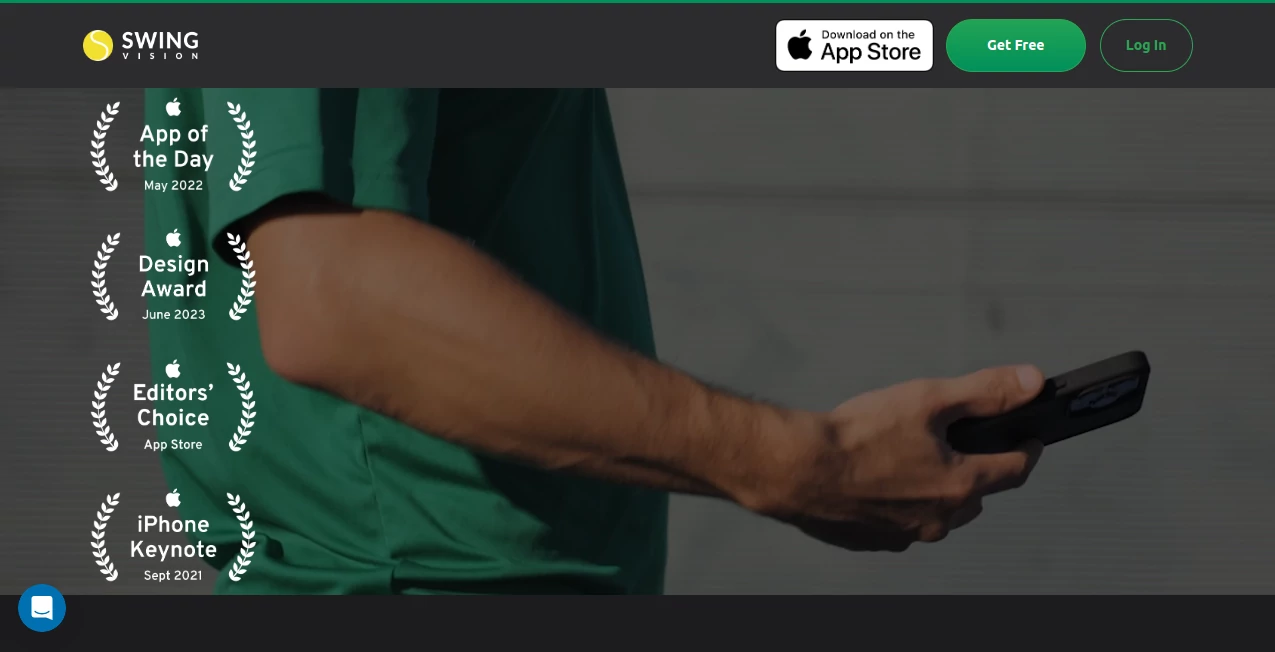
Ever hit the court wondering why your backhand keeps letting you down, or how your serve speed stacks up against the pros? This app steps in like that eagle-eyed coach you always wished for, capturing every rally in crisp HD and breaking it down into stats that actually make sense. I remember my buddy downloading it for a casual pickleball game, and by the end, he was geeking out over heatmaps showing his weak spots—next session, he adjusted and won three straight. It's the kind of tech that feels like a game-changer, trusted by over 200,000 players and even backed by legends like Andy Roddick, turning practice into progress without the hassle.
Introduction
For tennis and pickleball enthusiasts, getting better often means endless drills or pricey lessons, but this app flips the script by putting pro-level analysis right in your pocket. Built by AI whizzes from Apple and Tesla, it records matches, tracks shots, and delivers insights that help you spot patterns and fix flaws fast. Whether you're a weekend warrior or climbing the USTA ranks, it condenses hours of footage into bite-sized highlights and stats, saving time while boosting your game IQ. Users love how it celebrates wins too—those victory reels are pure motivation—and with features like live line calls, it's like having a ref and analyst rolled into one. No wonder it's snagged Apple's Editors' Choice and App of the Day nods; it's making smarter players out of everyone who picks it up.
Key Features
User Interface
The layout couldn't be friendlier if it tried—fire it up, mount your phone on a SwingStick for the best angle, and hit record; the app handles the rest with minimal taps. Session overviews pop up clean, letting you swipe through highlights, stats, and heatmaps like flipping cards in a deck. My first time out, I was impressed how it auto-tags shot types without me lifting a finger, and sharing clips with my coach was just a quick link away. It's designed for real courts, not desks, so everything's big, bold, and battery-friendly, even on sunny days.
Accuracy & Performance
Powered by on-device AI, it nails ball tracking and player movements with surprising precision, even in tricky lighting or fast rallies—I've seen it call lines spot-on where human eyes might argue. Processing happens quick, turning a two-hour match into a 15-minute edit without lag, and stats like shot speed feel reliable enough for serious training. Reviews from Division 1 players highlight how it helped tweak techniques that led to actual wins, and with features like audio feedback during play, it's as responsive as a live partner.
Capabilities
Beyond basic recording, it dives deep: automatic shot classification, placement heatmaps, outcome breakdowns, and even AI coaching tips that pinpoint improvements. Family sharing means everyone in your group can access sessions, and unlimited cloud storage keeps your progress archived for tracking trends over time. Throw in live scoreboards and line challenges, and it's a full toolkit for solo practice or team matches, all in 4K glory if your device supports it.
Security & Privacy
Your recordings stay under your control with flexible settings—make them public for community vibes, limit to friends, or keep private for just you and participants. No data gets shared without your say, and easy toggles per session mean you can switch it up anytime. It's the thoughtful setup that lets you focus on the game, not fretting over who sees what.
Use Cases
Coaches send breakdowns to remote players, spotting form issues from afar and speeding up feedback loops. Team captains record USTA matches, pulling stats that inform lineup tweaks and strategy shifts mid-season. Beginners track their first serves, celebrating small gains like faster speeds or better placements that build confidence. Pros like those in college recruiting use it for highlight reels that impress scouts, while families turn casual pickleball outings into fun, shareable memories with edited clips.
Pros and Cons
Pros:
- Transforms raw footage into actionable insights faster than any manual review.
- Live features like line calls add that competitive edge without extra gear.
- Endless updates and storage mean it's always getting better, no extra costs.
- Community love from pros and beginners alike keeps it feeling fresh and reliable.
Cons:
- Best with a mount like SwingStick—handheld can wobble accuracy a bit.
- Monthly limits on free recording hours push upgrades for heavy users.
Pricing Plans
It hooks you with a forever-free tier packing unlimited AI trims, highlights, stats, and cloud storage—plus two hours of recording monthly to get a real taste. Bump to Pro for $12.49 a month (annual billing) and unlock 30 hours, including a free SwingStick for perfect setups. Max plan at $24.99 monthly cranks it to 60 hours with all bells and whistles. Risk-free with a 30-day refund, it's priced to fit casual hitters or dedicated drillers without breaking the bank.
How to Use SwingVision
Grab it from the App Store, sign up quick, and pair with your Apple Watch if you've got one for heart rate tracking. Mount your iPhone or iPad at the back fence—SwingStick makes this a breeze—and start a session; the AI kicks in automatically. Post-game, dive into the app for breakdowns: swipe to stats, tap for highlights, and share via links that work even for non-users. Adjust privacy in settings, and over time, watch your progress charts climb—simple as that, and way more rewarding.
Comparison with Similar Tools
While some apps offer basic tracking, this one layers in AI coaching and live calls that others skip, making it feel more like a personal trainer than a mere recorder. It's lighter on your device than bloated suites, yet delivers deeper insights without subscriptions for core features—unlike competitors that watermark or limit shares. For tennis and pickleball specifically, it's the standout, blending ease with expertise that general video analyzers can't match.
Conclusion
This app isn't just tech; it's that nudge toward better play, wrapping pro tools in an approachable package that fits any level. Whether you're chasing rankings or just fun rallies, it turns every session into a stepping stone, with stats and clips that motivate and educate. Give it a swing—you might find yourself winning more, smiling wider, and wondering how you ever played without it.
Frequently Asked Questions (FAQ)
Does it really work without extra hardware?
Absolutely—mount your device, and the AI handles tracking; SwingStick just optimizes the angle for even better accuracy.
What if I'm not tech-savvy?
No worries; setup's a breeze, and it auto-does most of the work—users from kids to seniors love the simplicity.
Can I share with coaches who don't have the app?
Yes, links let anyone view videos and stats online, no account needed.
How accurate are the line calls?
Spot-on in most conditions, with audio cues during play—backed by real pros' endorsements.
What's the refund policy?
Full money back within 30 days—no questions, just contact support.
AI Coaching , AI Analytics Assistant , AI Sports , AI Video Recording .
These classifications represent its core capabilities and areas of application. For related tools, explore the linked categories above.
SwingVision details
This tool is no longer available on submitaitools.org; find alternatives on Alternative to SwingVision.
Pricing
- Free
Apps
- Web Tools
Categories

SwingVision Alternatives Product

Customer Fee…

core level

Goodnotes

Read

Kol find

ClearWork

Crawlly AI

HelloDay.ai

MacroMicro
