
🧠 AI Quiz
Think you really understand Artificial Intelligence?
Test yourself and see how well you know the world of AI.
Answer AI-related questions, compete with other users, and prove that
you’re among the best when it comes to AI knowledge.
Reach the top of our leaderboard.


















Uni-1
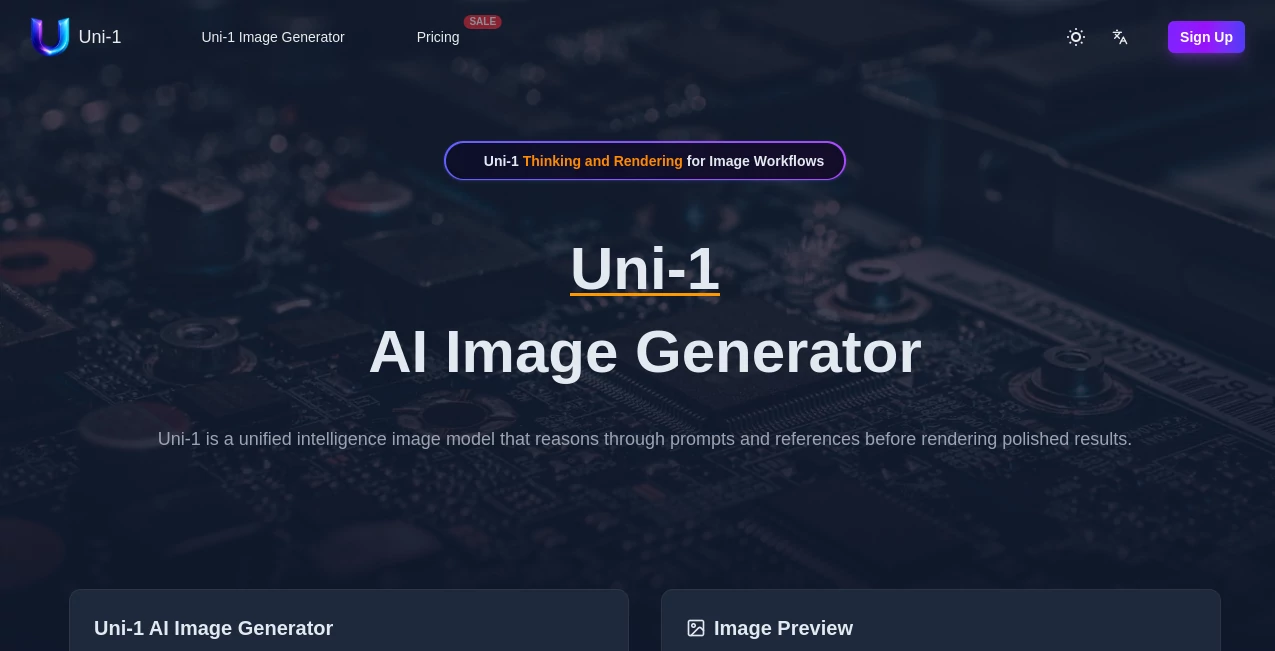
What is Uni-1?
There’s a noticeable difference when an AI doesn’t just spit out pixels but actually seems to understand what you’re asking for. This tool does exactly that. You give it a prompt, maybe a reference image or two, and it pauses, reasons through the details, and then delivers an image that feels thoughtfully composed rather than randomly generated. I’ve tried dozens of image tools, but the way this one respects lighting logic, object relationships, and creative intent keeps pulling me back. It turns vague ideas into visuals that often surprise you with how right they feel.
Introduction
Most AI image generators are fast but shallow. They react to words without truly understanding the scene. Uni1 takes a different path. It’s built as a unified intelligence model that thinks step by step—analyzing your prompt, considering references, and planning the composition before rendering. The result is higher coherence, better adherence to complex instructions, and images that look intentionally crafted. Whether you’re a designer needing precise concepts, a marketer creating campaign visuals, or just someone exploring ideas, it feels less like a slot machine and more like a creative collaborator that actually listens.
Key Features
User Interface
The interface is refreshingly calm and focused. A generous prompt box sits front and center, with easy options to upload reference images, choose aspect ratio, and adjust style strength. Everything loads quickly, previews appear fast, and you never feel buried under too many sliders or confusing options. It’s the kind of clean workspace that lets you stay in the creative flow instead of fighting the tool.
Accuracy & Performance
What stands out most is how well it follows detailed instructions. Complex scenes with multiple subjects, specific lighting, or precise compositions come out far more coherent than with many other tools. It maintains character consistency when using references and handles both photorealistic and artistic styles with impressive quality. Generation speed is solid, and the reasoning step noticeably reduces common AI mistakes like extra limbs or illogical object placement.
Capabilities
It excels at text-to-image, image-to-image transformations, and reference-guided editing. You can combine multiple references, give detailed style or composition instructions, and get results that respect your intent. The model handles everything from product mockups and concept art to cinematic scenes and stylized illustrations. The unified reasoning approach makes it particularly strong when you need precision and creative coherence in one go.
Security & Privacy
Your prompts and uploaded images are handled with care. The platform focuses on delivering value without unnecessary data collection or long-term storage of your creative work. For designers and professionals working with client concepts, that respectful approach matters.
Use Cases
A product designer uploads a rough sketch and gets polished 3D-style mockups ready for presentation. A content creator turns simple text ideas into scroll-stopping social visuals in minutes. A game developer generates consistent character and environment concepts that match their world bible. A marketer tests multiple campaign directions quickly without hiring photographers. It shines anywhere you need fast, intelligent visuals that actually match your vision instead of forcing you to compromise.
Pros and Cons
Pros:
- Strong reasoning leads to better prompt understanding and fewer weird artifacts.
- Excellent at handling references while keeping visual consistency.
- Clean, focused interface that supports creative flow.
- Versatile across photorealistic, artistic, and conceptual styles.
- Fast enough to support real iteration and experimentation.
Cons:
- Very complex or contradictory prompts can still need refinement.
- Higher resolution or unlimited usage requires paid access.
- Still growing, so some niche artistic styles may need clearer guidance.
Pricing Plans
It offers a generous free tier so you can test the quality and see how the reasoning step improves results. Paid plans unlock higher resolutions, faster generation, more references, and unlimited daily creations. The pricing feels fair for the leap in output intelligence—many users find the paid tier pays for itself quickly through saved time and better creative results.
How to Use Uni1 AI
Start with a clear prompt describing your vision. Upload one or more reference images if you want to guide style, composition, or character appearance. Adjust any available settings for aspect ratio or strength, then generate. Review the result—tweak the prompt or references if needed—and generate variations until it clicks. Download the high-quality image and use it in your project. The loop is fast and intuitive, encouraging you to experiment and refine until the output feels exactly right.
Comparison with Similar Tools
While many image generators are fast, they often miss the mark on complex prompts or produce inconsistent results. This one stands apart because of its built-in reasoning step, which leads to more logical compositions and better adherence to your instructions. It’s not the loudest tool, but it consistently delivers more usable, coherent images—especially when precision and creative intent matter more than raw speed.
Conclusion
Good visuals should feel intentional, not accidental. This tool brings that intention into AI image generation by making the model think before it paints. It respects your ideas, handles references intelligently, and delivers results you’re genuinely happy to use. For designers, creators, and anyone who works with visuals, it’s a meaningful step forward—quietly raising the bar for what we can expect from AI creativity. If you’ve been frustrated by generic outputs in the past, this one is worth experiencing.
Frequently Asked Questions (FAQ)
How detailed should my prompt be?
The more specific and clear, the better—but it also handles natural language surprisingly well.
Can I use reference images?
Yes, and it’s one of the strongest features. Multiple references work especially well for consistent characters or styles.
Is there a free way to try it?
Yes, there’s a solid free tier that lets you test quality before upgrading.
What styles can it generate?
It handles photorealistic, artistic, cinematic, concept art, and many stylized looks effectively.
Are the images commercially usable?
Check the terms on paid plans for full commercial rights; most users find them suitable for professional work.
AI Art Generator , AI Design Generator , AI Image to Image , AI Text to Image .
These classifications represent its core capabilities and areas of application. For related tools, explore the linked categories above.
Uni-1 details
Pricing
- Free
Apps
- Web Tools
Categories

Uni-1 Alternatives Product

string art g…
SurgePix

Nano Banana …
whisk ai

Z Image Turbo
imagen 5

qwen image 2…

X Grok Imagi…
Nano Banana 2
