
🧠 AI Quiz
Think you really understand Artificial Intelligence?
Test yourself and see how well you know the world of AI.
Answer AI-related questions, compete with other users, and prove that
you’re among the best when it comes to AI knowledge.
Reach the top of our leaderboard.


















Veo 3.2
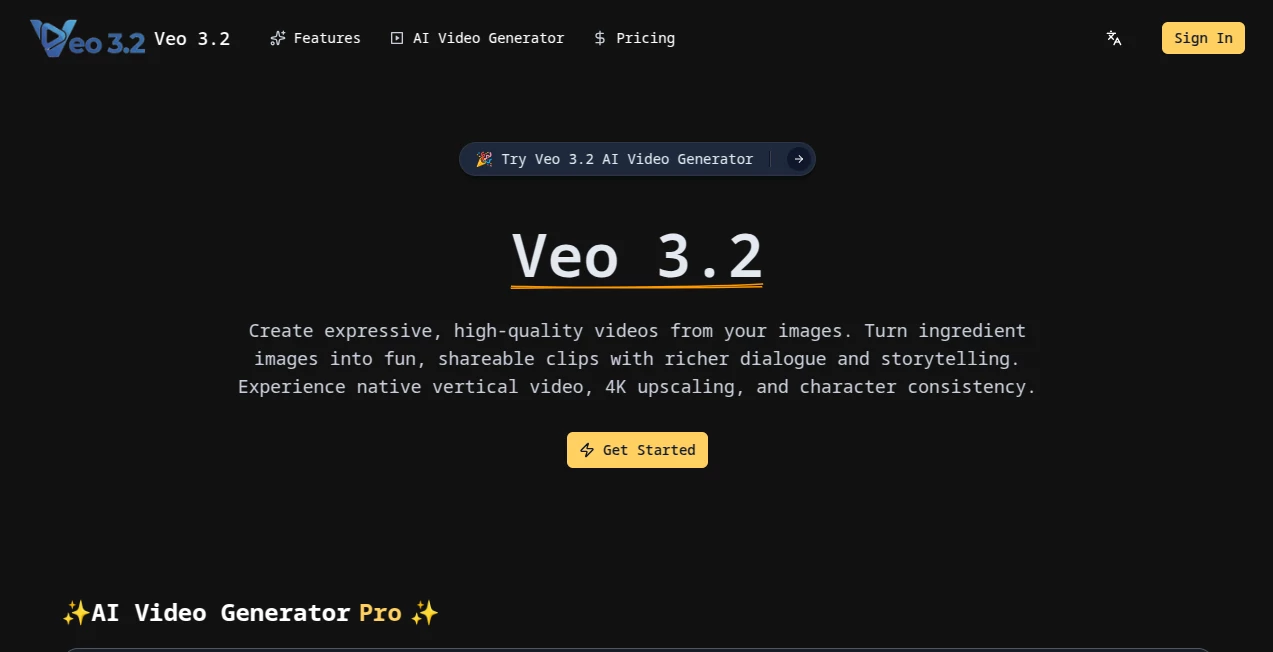
What is Veo 3.2?
You type a few lines about a lone astronaut drifting past a dying star, add a moody reference image, and minutes later a short film clip plays back with lighting that feels hand-crafted, camera moves that build tension, and colors that pull you right into the scene. That’s the quiet thrill this tool brings—turning half-formed ideas into videos that actually look and feel cinematic. I’ve seen creators go from “maybe I’ll try this” to posting clips that stop scrolls dead, all because the output carries real weight and polish instead of the usual AI flatness.
Introduction
Video has always been the most demanding medium—storyboarding, shooting, editing, color grading—and most AI generators still feel like clever toys next to real footage. This one changes the conversation. It understands cinematic language: lens choices, depth of field, motivated lighting, subtle camera language. You can feed it a script beat, a mood board, or even a still frame, and it stitches together coherent multi-shot sequences that respect continuity and emotion. People who’ve used it early keep coming back because the clips don’t just “look AI”—they look directed. For anyone who’s ever wished they could see their story move without renting gear or begging for render farm time, this feels like the future quietly arriving ahead of schedule.
Key Features
User Interface
The workspace is calm and focused: a wide prompt field that accepts both text and images, a clean preview pane that updates live as you refine, and controls that appear only when you need them. No cluttered toolbars, no ten nested menus. You describe the scene, drop in style references or character sheets, adjust motion strength or aspect ratio with simple sliders, and hit generate. It’s the kind of design that disappears while you work—exactly what you want when you’re chasing a feeling instead of fighting software.
Accuracy & Performance
Consistency across shots is where most tools collapse—this one holds character appearance, lighting direction, and spatial logic far better than expected. Motion is smooth and purposeful; camera pushes feel motivated, not random. Generation times are surprisingly reasonable for the quality level, and higher-resolution outputs don’t suddenly lose coherence. I’ve run the same prompt with slight wording changes and watched it stay on-model instead of drifting into nonsense. That reliability matters when you’re building a series or pitching to clients.
Capabilities
Text-to-video, image-to-video, multi-shot storytelling with maintained continuity, style and character reference control, cinematic camera language, dynamic lighting that responds to scene description, and export options up to 4K. You can guide pacing, mood, lens type, film grain—details that matter when the goal is something that could sit beside real footage. The ability to extend existing clips or remix with new prompts keeps creative flow alive instead of forcing you to start over.
Security & Privacy
Your prompts, reference images, and generated clips are treated with care—processed securely and not used for training unless you explicitly opt in. Commercial users especially appreciate the clarity around ownership: what you create is yours to use, sell, or keep private. It’s the kind of quiet professionalism that lets you experiment boldly without second-guessing who might see your rough ideas.
Use Cases
A short-film director mocks up key sequences to pitch investors, showing tone and rhythm before a single frame is shot. A musician visualizes an entire music video in one afternoon, syncing cuts to the track. Marketing teams create product hero shots with cinematic flair that would’ve cost thousands in a studio. Indie game studios prototype cutscenes that feel narrative-driven instead of static. Even writers who struggle to describe atmosphere now see their scenes breathe on screen—turning “maybe this works” into “this is exactly it.”
Pros and Cons
Pros:
- Genuine cinematic understanding—camera work and lighting feel intentional.
- Strong character and style consistency across shots.
- Fast enough iteration that you stay in creative flow.
- Reference control that actually influences the result meaningfully.
Cons:
- Still limited to shorter clips (though extensions help).
- Higher resolutions and longer generations eat credits quickly.
- Occasional need for prompt finesse on very specific shots.
Pricing Plans
Free tier gives you a generous taste—enough daily generations to really feel the quality. Paid plans unlock higher resolution, longer clips, faster queues, and more concurrent jobs. Credits scale sensibly: light users stay comfortable on lower tiers, while heavy creators appreciate the top-end unlimited options. No nasty surprises; you see exactly what each level adds before you commit.
How to Use Veo3-2
Start with a vivid prompt—describe the scene, mood, lens, movement. Add image references for style or character continuity if you have them. Choose aspect ratio and duration, then generate. Watch the preview, tweak wording or strength sliders, and regenerate until it feels right. Extend promising clips, remix sections, export clean. Save good seeds or reference sets so next time you pick up exactly where you left off. It rewards clear vision but forgives honest first tries.
Comparison with Similar Tools
Many generators still feel like fancy slideshows or suffer from drifting characters and random motion. This one treats video as a storytelling medium first—motion has purpose, lighting tells mood, cuts feel earned. Where others prioritize raw speed over coherence, this leans toward quality you’d proudly show a director or client. It’s not the cheapest or fastest, but it’s among the few where the output can genuinely sit beside real production work.
Conclusion
This isn’t about replacing filmmakers; it’s about giving storytellers—big and small—a way to see their vision move without waiting months or spending fortunes. The clips carry weight, emotion, craft. You finish a generation and think: “That’s actually it.” For anyone who’s ever stared at a script and wished they could just watch it play out, this tool quietly removes the biggest barrier. The future of moving images just got a lot closer—and a lot more exciting.
Frequently Asked Questions (FAQ)
How long can clips be?
Core generations go up to around 8–10 seconds; extensions let you push further seamlessly.
Do I need perfect prompts?
Clear, descriptive ones help most, but it forgives natural language better than most tools.
Can I keep characters consistent?
Yes—strong reference control keeps faces, outfits, and vibe locked across shots.
Is it suitable for commercial use?
Paid plans allow commercial licensing; check terms for your specific case.
What resolutions are available?
From 720p up to 4K depending on plan—higher tiers give noticeably sharper detail.
AI Animated Video , AI Image to Video , AI Video Generator , AI Text to Video .
These classifications represent its core capabilities and areas of application. For related tools, explore the linked categories above.
Veo 3.2 details
Pricing
- Free
Apps
- Web Tools
Categories

Veo 3.2 Alternatives Product

Earth Zoom O…

Nano Banana …

Klyra AI

Veo 3.1

SocialRails

Fast Wan

Wan-Animate.…

Nano Banana …

RunwayAI
