
🧠 AI Quiz
Think you really understand Artificial Intelligence?
Test yourself and see how well you know the world of AI.
Answer AI-related questions, compete with other users, and prove that
you’re among the best when it comes to AI knowledge.
Reach the top of our leaderboard.


















VicSee

What is VicSee?
There's something downright thrilling about typing a wild idea into a box and watching it explode into a full-blown video clip, complete with synced sounds and characters that don't glitch from one frame to the next. This platform nails that magic, pulling from some of the sharpest models out there to deliver clips and stills that look like they came from a seasoned crew. I tried it on a whim for a quick product mockup, and the result had that polished glow I'd usually chase with hours of editing—honestly, it's the kind of tool that makes you rethink how easy pro-level creatives can be.
Introduction
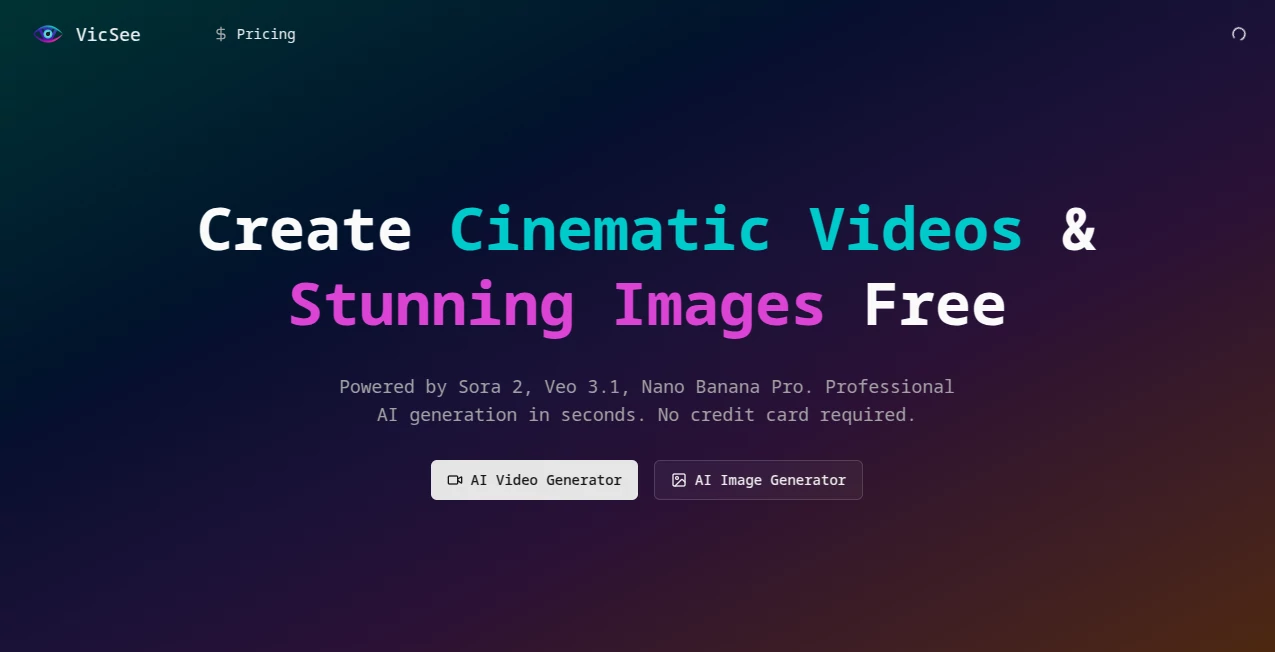
When you're juggling deadlines and need visuals that pop without the fuss of traditional production, this spot steps up with a lineup of heavy-hitters like Sora 2 for realistic motion, Veo 3.1 for ready-to-post filmmaking, and Nano Banana Pro for those jaw-dropping 4K details. It started strong with a generous free entry—no card needed—and has built a buzz among makers who share their wild prompts and the stunning outcomes. What stands out is the focus on real usability: audio that matches the action perfectly, characters that stay true across scenes, and physics that just feel right. It's not about overwhelming options; it's about delivering quality that feels effortless, whether you're crafting a quick social hook or fleshing out a brand story.
Key Features
User Interface
The whole setup keeps things breezy—a straightforward prompt area, spots for reference uploads, and clear picks for models or resolutions that don't bury you in menus. Community examples sit right there for inspiration, with the prompts revealed so you can tweak and try on the spot. It's the sort of clean flow that lets you jump in without a tutorial, feeling more like sketching ideas than wrestling software.
Accuracy & Performance
Consistency is king here: characters hold their look and feel through cuts, motions obey real-world rules with proper bounces and blurs, and audio lines up without a hitch. Generations fire off quick, often ready in moments, scaling to high-res without losing that crisp edge. From underwater whims to bustling markets, it captures the nuances that make scenes believable, turning good prompts into outputs that rarely need a redo.
Capabilities
Dive into multi-scene videos with native sound effects, dialogue that fits the lip movements, or ultra-sharp images up to 4K that catch every texture. Use references for guided control—upload a face or object, and it weaves them in seamlessly. Whether it's physics-heavy demos or abstract moods, the blend of models covers a wide playground, from short cinematic bursts to detailed stills perfect for prints or screens.
Security & Privacy
Your prompts and uploads get handled with care, processed securely and kept private unless you choose to share in the community gallery. It's built on compliant foundations that prioritize trust, so you can experiment freely, especially with commercial ideas, without nagging concerns about data drifting off.
Use Cases
E-commerce folks spin lifestyle shots or spinning product views that draw clicks like magnets. Social creators cook up engaging shorts with synced music or dialogue for reels that rack up views. Marketers prototype ad concepts fast, testing narratives before big spends. Designers grab hero images or mood boards in 4K clarity, while storytellers bring concepts to life with consistent characters across arcs—it's versatile enough to spark joy in daily workflows.
Pros and Cons
Pros:
- Audio sync and character hold that cut post-production time drastically.
- High-res options from sharp images to realistic videos in one spot.
- Reference control for precise, guided creations that hit the brief.
- Free start with real credits to feel the quality upfront.
Cons:
- Shorter clips keep it snappy, but longer tales might need stitching.
- Best results come from thoughtful prompts—quick ones can vary.
Pricing Plans
Kick off with free credits to generate a handful of pieces right away, no commitment required. Paid tiers unlock more volume and perks at reasonable steps, fitting everything from casual tries to heavy creative loads—flexible enough to grow with your ideas without breaking the bank.
How to Use VicSee
Drop in a descriptive prompt, pick your model flavor—say Veo for audio-rich clips or Nano Banana Pro for detail-packed stills—and upload references if you want tight control. Hit generate, browse the outcome, and refine with a tweaked prompt if needed. Download ready for use, or draw from community examples to spark your next batch—it's a loop that gets addictive fast.
Comparison with Similar Tools
While some focus on raw speed or single styles, this one balances cinematic depth with audio smarts and res options that feel more complete. It's less about endless tweaks and more about reliable, publish-ready results that stand tall against pricier or more fragmented options, especially for blended video-image needs.
Conclusion
This platform captures the joy of creation without the usual barriers, handing you tools that turn sparks into spectacles worthy of shares and sales. It's a welcoming space for turning "what if" into "watch this," with quality that punches high and access that's refreshingly open. Give it a spin; the results might just surprise you in the best way.
Frequently Asked Questions (FAQ)
What models power the generations?
Sora 2 for realistic physics, Veo 3.1 for audio-synced filmmaking, and Nano Banana variants for sharp images.
Can I add my own audio or references?
Yes—references guide characters or styles, and audio sync handles the rest natively.
What's the max resolution?
Up to 4K for images, with HD clips that move smooth and detailed.
Free to try?
Absolutely—start with credits that let you create real pieces upfront.
How long are videos?
10-15 seconds of multi-scene goodness, packed with story and sound.
AI Photo & Image Generator , AI Video Generator , AI Art Generator , AI Text to Image .
These classifications represent its core capabilities and areas of application. For related tools, explore the linked categories above.
VicSee details
This tool is no longer available on submitaitools.org; find alternatives on Alternative to VicSee.
Pricing
- Free
Apps
- Web Tools
Categories

VicSee Alternatives Product

Sovibe AI

Luma AI

Seedream 5.0

Nano Banana 2

Kling-4 Vide…

Chibi Art

bratgenerator

AI Raphael

sora video
