🧠 AI Quiz
Think you really understand Artificial Intelligence?
Test yourself and see how well you know the world of AI.
Answer AI-related questions, compete with other users, and prove that
you’re among the best when it comes to AI knowledge.
Reach the top of our leaderboard.


















VideoDubber's YouTube Copyright Checker
What is VideoDubber's YouTube Copyright Checker?
YouTube Copyright Checker acts as a watchful guardian for video creators, quietly sifting through uploads to flag hidden pitfalls that could derail a channel's momentum. This handy feature lets you peek behind the curtain of potential claims, offering a clear path to smoother publishing without the dread of surprise notices. Many who've made it part of their routine swear it saves headaches, turning what could be a tense wait into a confident go-ahead.
Introduction
YouTube Copyright Checker came about from the all-too-common tales of creators blindsided by claims that hit out of nowhere, sparked by a small team keen on leveling the playing field for everyday uploaders. It quickly found its footing among those juggling scripts and shots, with stories circulating of narrow escapes from strikes that kept channels humming. Over time, it's woven itself into workflows, evolving with the ebb of platform rules to stay one step ahead. At its heart, it's a simple yet savvy stopgap, reminding us that a quick once-over can keep the creative fire burning bright without the flicker of fines or freezes.
Key Features
User Interface
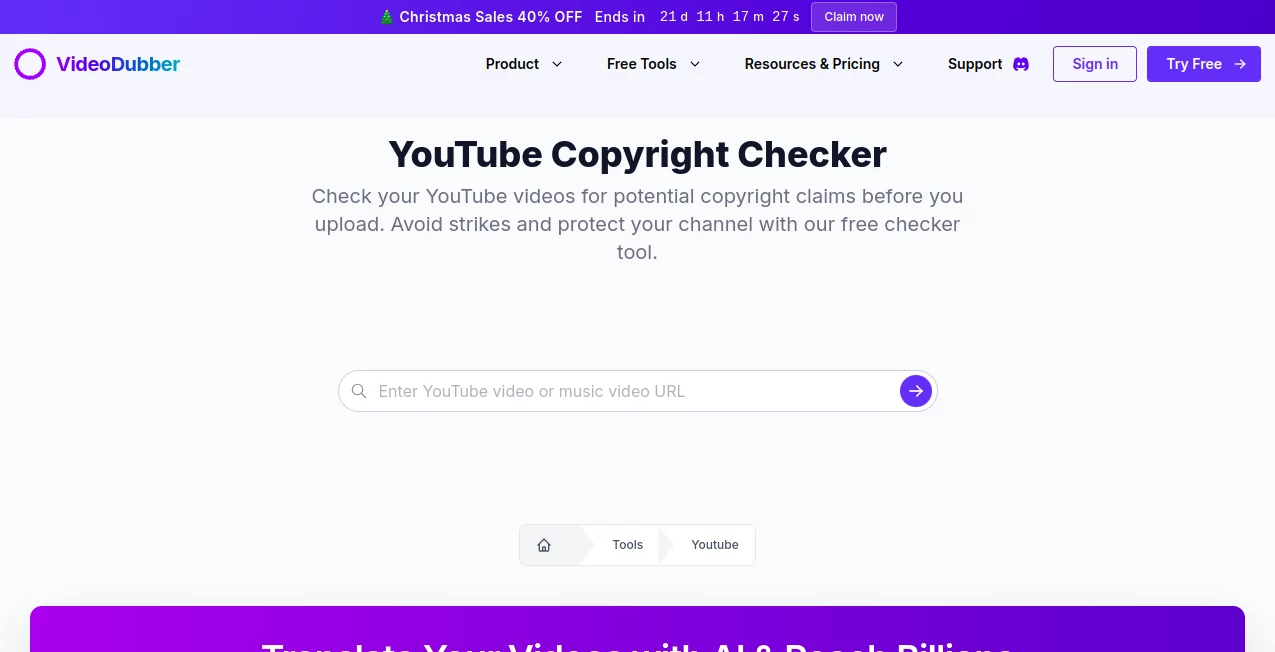
The setup unfolds with a no-fuss entry point, where you simply drop in a link and tap to kick things off, all wrapped in a layout that keeps distractions at bay. Results roll in as straightforward summaries, pinpointing spots with timestamps that make sense at a glance, without layers of menus that muddle the message. It's the sort of clean flow that invites even the busiest hands to give it a whirl, feeling more like a quick chat than a deep dive.
Accuracy & Performance
It draws from a broad pool of references to spot echoes of familiar tunes or sights, often catching what slips past the eye with a keenness that eases worries. Runs wrap up briskly for most clips, though longer ones might linger a touch, always delivering notes you can count on for the next move. Creators nod to its track record of flagging real risks without crying wolf too often, striking that balance that keeps trust high.
Capabilities
Beyond basic sweeps, it digs into both soundscapes and scenes, highlighting overlaps with known protected pieces and laying out where they land in your work. You get breakdowns that guide fixes, from swaps to skips, all tailored to keep things moving forward. It's built for the pre-flight check, ensuring your piece lands safely without the turbulence of take-downs.
Security & Privacy
Your clips pass through briefly, just long enough for the look-see, then slip away without a trace, leaving no digital footprint behind. The approach puts your peace first, with no holds or handoffs that could spark concerns, so you can test freely knowing the curtain drops clean after the show.
Use Cases
Solo storytellers run their latest edits through it to dodge demonetization dips, keeping earnings steady from the start. Agency hands check client reels for clean sails across campaigns, avoiding awkward amends down the line. Music minds monitor mashups for safe shares, blending beats without the backlash. Even educators preview lesson loops, ensuring shared screens stay snag-free for wide eyes.
Pros and Cons
Pros:
- No cost to dive in, making it a smart first stop for any upload.
- Pinpoints issues with clear markers, easing the edit path.
- Quick enough to fit rushed routines without stealing time.
- Keeps channels clear of clouds, fostering steady growth.
Cons:
- Serves as a heads-up, not a hall pass—final calls rest elsewhere.
- Longer pieces might stretch the wait, testing patience on big builds.
- Lacks bells for batch runs, suiting singles over stacks.
Pricing Plans
True to its open-door spirit, YouTube Copyright Checker swings wide without a whisper of fees, letting you scan as needed with no tiers or traps. It's all access from the jump, a rare find that puts power in your pocket without the pinch, though whispers hint at future folds into broader bundles for those craving more.
How to Use YouTube Copyright Checker
Start by grabbing your video's web address, then paste it into the waiting field on the page. Give the nod with a single click to set the scan in motion, and soon a rundown appears, flagging any flags with times and tips. From there, tweak as needed or green-light the go, wrapping your prep in a neat bow.
Comparison with Similar Tools
Where some scanners sprawl across suites with steep starts, YouTube Copyright Checker keeps it keen and cost-free, trading extras for that pure-play focus, though those might muster more for multi-platform minds. Against platform-built checks, it offers an outside eye that's quicker on the draw, skipping the wait but perhaps skimping on insider depth. It shines for swift, solo sweeps, outpacing the ponderous with poise.
Conclusion
YouTube Copyright Checker stands as a steadfast sidekick in the upload arena, quietly clearing paths so creators can chase the spotlight unburdened. It turns the tide on tentative takes, proving a small scan can safeguard big dreams. As channels keep chasing views, this tool tunes in to keep the harmony, one clear check at a time.
Frequently Asked Questions (FAQ)
Is there a charge to give it a go?
Not a bit—it's wide open for all to use without a wallet hit.
What does it hunt for in the hunt?
Familiar sounds and sights that might ring bells with rights holders.
How spot-on is the spotlight?
Sharp for starters, but always pair with platform peeks for full peace.
Does it flag the full field?
It eyes audio and visuals much like the big system's own scan.
How long till the lowdown?
A few minutes for most, though heftier ones might hum a tad longer.
What about my work's whereabouts?
It glances and goes, leaving no lasting look or lock on your files.
AI Video Search , AI YouTube Assistant , AI Analytics Assistant .
These classifications represent its core capabilities and areas of application. For related tools, explore the linked categories above.
VideoDubber's YouTube Copyright Checker details
Pricing
- Free
Apps
- Web Tools
Categories

VideoDubber's YouTube Copyright Checker Alternatives Product

Klyra AI

CoinIQ

Quso AI
AICosts.ai
Kol find

ModelsLab

Pinpoint Ans…

cznull

Pixelied