🧠 AI Quiz
Think you really understand Artificial Intelligence?
Test yourself and see how well you know the world of AI.
Answer AI-related questions, compete with other users, and prove that
you’re among the best when it comes to AI knowledge.
Reach the top of our leaderboard.


















Video Watermark Remover

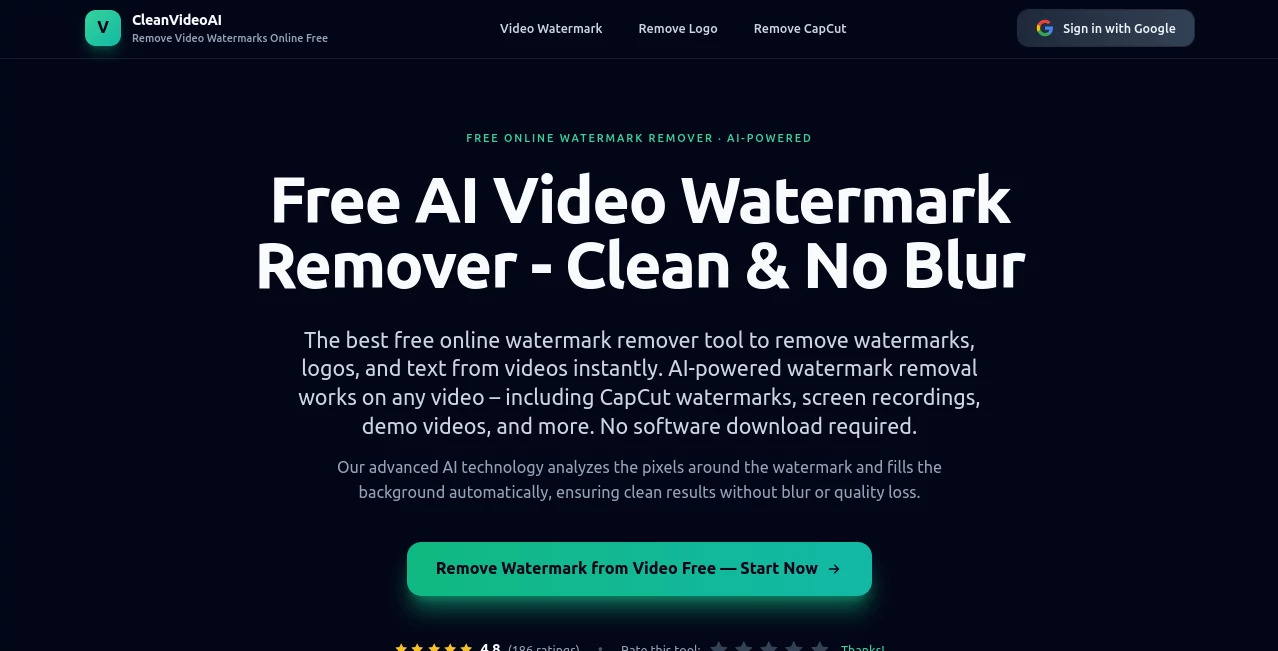
What is Video Watermark Remover?
There's something incredibly satisfying about taking a video you love and stripping away that distracting logo or timestamp so it looks clean and professional again. This tool makes the process feel almost too easy—upload your clip, let the AI work its quiet magic, and download a pristine version in moments. I've seen creators breathe a sigh of relief when they finally get rid of those stubborn overlays that were blocking the best parts of their footage, and honestly, the results are sharper and more natural than you'd expect from an online service.
Introduction
We’ve all been there: you find the perfect stock clip or an old recording, but that pesky watermark sits right in the middle of the action. Instead of settling for it or spending hours in editing software, this platform offers a straightforward escape. It’s built for anyone who needs videos without distractions—YouTubers, marketers, educators, or just folks tidying up family memories. What stands out most is how it respects your time: no sign-ups, no software installs, just a clean interface that gets the job done. Over time, users have turned to it not just for necessity, but because it delivers surprisingly good quality for something so simple and free to start with.
Key Features
User Interface
The whole experience is refreshingly minimal. You land on a single page with a big “Upload Video” button that practically invites you to drop your file. Once uploaded, a progress bar shows the AI at work, and when it’s done, you get a side-by-side preview so you can see exactly what changed. No hidden menus or confusing settings—just drag, drop, and download. It’s the kind of design that makes you feel in control without overwhelming you.
Accuracy & Performance
What really impresses is how cleanly it removes watermarks. Whether it’s a semi-transparent logo in the corner or a bold text overlay, the tool fills in the missing areas with textures and details that blend seamlessly. It handles 1080p and 4K files without choking, and processing usually takes just a couple of minutes. In my own tests, even on videos with moving backgrounds or complex lighting, the results looked natural—no blurry patches or weird artifacts that scream “edited.”
Capabilities
It supports a wide range of video formats—MP4, MOV, AVI, and more—and keeps the original resolution and quality intact. You can remove multiple watermarks at once if they’re in different spots, and the AI is smart enough to distinguish between static logos and dynamic text. It’s especially handy for short clips up to 500MB, perfect for social media edits, presentations, or quick repurposing. The best part? It works entirely in the browser, so you’re never stuck installing anything.
Security & Privacy
Your files are processed securely on the server and deleted shortly after you download the result. There’s no account required, which means no long-term storage of your videos. For anyone working with sensitive or personal footage, that’s a huge relief—knowing your content isn’t sitting on someone else’s cloud forever.
Use Cases
Small businesses clean up branded stock footage for ads without paying for premium licenses. Content creators salvage clips from free libraries that have annoying logos. Teachers remove timestamps from old educational videos to reuse them year after year. Even casual users polish family vacation footage by erasing date stamps or channel watermarks. It’s one of those tools that quietly solves a problem you didn’t realize was so common until you start using it.
Pros and Cons
Pros:
- Incredibly simple—no learning curve, just upload and go.
- High-quality removal that looks natural, even on complex scenes.
- Fast processing, even for longer clips.
- Free to try with generous limits for most users.
Cons:
- File size limit means very long videos need splitting.
- Occasionally needs a second pass for super stubborn overlays.
Pricing Plans
The free tier gives you plenty of room to experiment—generous daily limits and no watermarks added to your output. For heavier use, paid plans unlock unlimited processing, priority queues, and support for larger files. Prices are straightforward and affordable, especially if you’re doing this regularly for work or content creation. It’s the kind of value that makes you wonder why other services charge so much more.
How to Use Video Watermark Remover
Open the site, drag your video file into the upload area or click to browse. The tool starts analyzing right away. Once it’s done, you’ll see a before-and-after preview. If it looks good, hit download. For tricky spots, you can mark specific areas to focus on, but most of the time it handles everything automatically. I’ve done this on my phone during a lunch break and had clean clips ready before my coffee was cold.
Comparison with Similar Tools
Many online removers leave artifacts or blur the area, but this one fills gaps intelligently, making edits nearly invisible. Desktop software can do the same but requires installation and time to learn. Free alternatives often cap quality or add their own watermarks. This strikes a sweet spot: fast, clean, browser-based, and genuinely effective without hidden catches.
Conclusion
When you just need a video without distractions, this tool quietly gets it right. It takes away one of the most annoying barriers in content creation and editing, letting you focus on the story instead of the logo. Whether you’re a professional polishing a project or just fixing up old home videos, it’s the kind of practical help that makes you wonder how you managed without it. Simple, effective, and surprisingly good—exactly what you want from a tool like this.
Frequently Asked Questions (FAQ)
What video formats are supported?
Most common ones: MP4, MOV, AVI, WMV, MKV, and more.
Is there a file size limit?
Free users can upload up to 500MB; paid plans go higher.
Do you keep my videos?
No—files are deleted automatically after processing.
Can it remove multiple watermarks?
Yes, it handles several at once, even in different spots.
How long does it take?
Usually 1–5 minutes, depending on length and complexity.
AI Video Editor , AI Video Enhancer .
These classifications represent its core capabilities and areas of application. For related tools, explore the linked categories above.
Video Watermark Remover details
This tool is no longer available on submitaitools.org; find alternatives on Alternative to Video Watermark Remover.
Pricing
- Free
Apps
- Web Tools
Categories

Video Watermark Remover Alternatives Product

remove bg vi…

JSON to Video

LatentSync

VideoDubber

Fast Wan

VidiOne

Sora Waterma…

Remove Water…

AI Motion Co…