
🧠 AI Quiz
Think you really understand Artificial Intelligence?
Test yourself and see how well you know the world of AI.
Answer AI-related questions, compete with other users, and prove that
you’re among the best when it comes to AI knowledge.
Reach the top of our leaderboard.


















vidsbo

What is vidsbo?
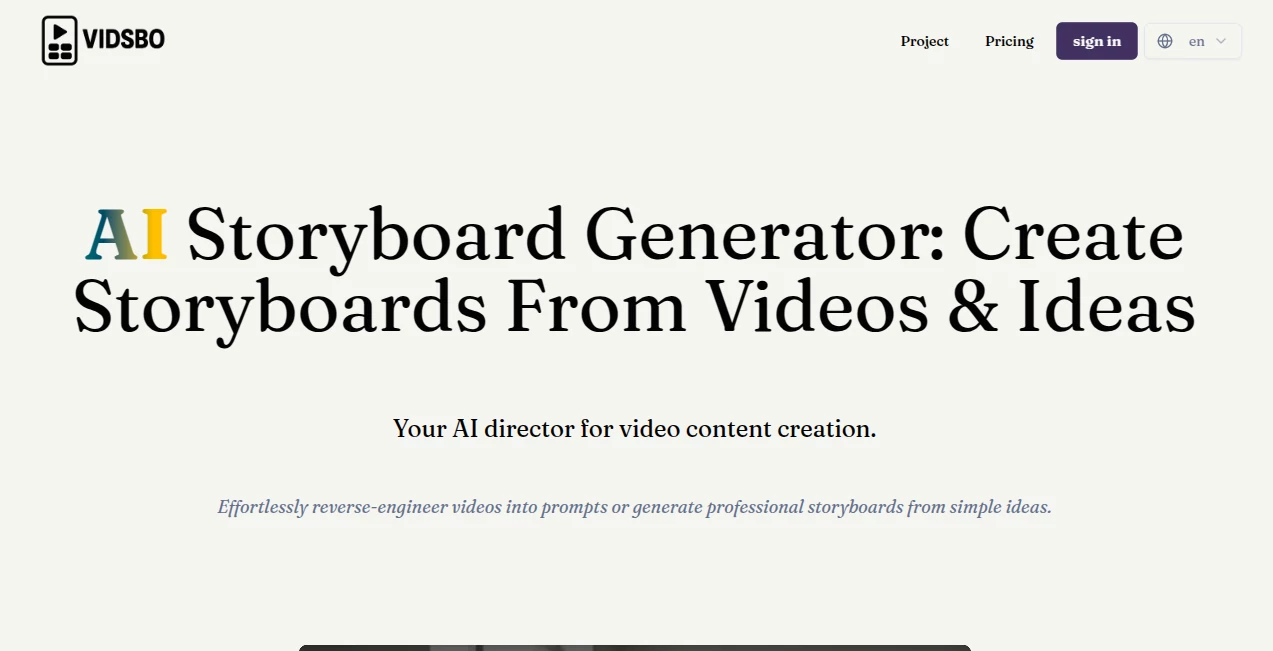
Vidsbo slips into the creative process like a trusted collaborator, taking rough video clips or half-formed thoughts and shaping them into clear, professional outlines that guide the whole shoot. This handy service cuts through the early stages of making moving pictures, letting filmmakers and content folks focus on the heart of their stories rather than the hassle of sketching every frame. Those who've given it a whirl often talk about how it turns what used to feel like a slog into something almost fun, with results that look like they came from a seasoned team.
Introduction
Vidsbo came together a while back when a few folks in the video world got tired of staring at blank pages, trying to map out shots that matched the vision in their heads. They built it as a way to lend a hand right at the start, pulling apart existing footage or spinning fresh ideas into something solid you could hand off to a crew. Pretty soon, word spread among independent creators and small shops, with shares of quick wins like breaking down a hit clip to reuse its magic in new work. It's grown into that reliable spot where the grunt work fades, leaving room for the sparks that make a project sing, all while keeping things simple enough for anyone to jump in without a film degree.
Key Features
User Interface
The setup feels welcoming from the first glance, with a big open area that invites you to drop in your clip or jot down a notion, no complicated menus to muddle through. Once you pick your outline style, a button lights up to kick things off, and soon a clean list of frames fills the screen, each one with its own spot for peeks or changes. It's the kind of flow that keeps you moving, like talking through a scene with a buddy who gets it right away, without extra clicks that pull you out of the moment.
Accuracy & Performance
When you hand over a piece of footage, it picks apart the beats with a keen eye, spotting the shifts in angle or pace that really drive the tale, often nailing the details on the first pass. Things wrap up without much wait, even for longer rolls, giving you a full rundown that holds together like it was planned that way all along. Creators mention how it catches those little turns you might overlook, turning a jumble of clips into a sequence that flows smooth and true to what you started with.
Capabilities
It digs into whatever you bring, whether a full video to unpack or a quick scribble of an idea, laying out shots with notes on views, sounds, and even the feel of the moment. You can tweak the setup to fit your needs, adding bits like movement hints or extra thoughts, and it pulls it all into a tidy package ready for the next step. The real draw is how it bridges from loose concepts to structured plans, handling everything from tight close-ups to sweeping overviews, all while keeping the story's thread intact.
Security & Privacy
Your uploads get treated with care, processed on the spot and cleared out once the outline's in hand, so nothing hangs around longer than it needs to. It gives you full say over what stays or goes, making sure private rough cuts don't stray where they shouldn't. Folks building sensitive projects find comfort in that straightforward approach, letting them share ideas freely without the nagging doubt about loose ends.
Use Cases
Small production outfits feed in reference reels to map out similar vibes for client pitches, saving days of back-and-forth on visuals. Solo YouTubers turn a napkin sketch into a shot list that keeps their episodes tight and on brand. Ad teams reverse a competitor's spot to spot what works, then build their own with a fresh twist. Even educators whip up simple breakdowns for class demos, turning abstract lessons into frames that click for students right away.
Pros and Cons
Pros:
- Shrinks setup time down to minutes, freeing up headspace for the good stuff.
- Pulls out details from clips that spark new directions you hadn't seen.
- Flexible enough to bend to different project shapes without breaking.
- Outputs feel pro without needing a pro's touch from the start.
Cons:
- Shines brightest on clear inputs; fuzzy ones might need a second round.
- Custom tweaks take a bit of fiddling if you're new to the format.
- Longer videos could push the edges of quick turns.
Pricing Plans
It starts with a no-cost entry that lets you test the waters on a few runs, perfect for seeing if it fits your flow. From there, options likely open up for more frequent use or bigger files, keeping things scaled to how often you dive in. The approach stays approachable, with room to grow without jumping straight to steep commitments, making it easy to stick around as projects pile up.
How to Use Vidsbo
Drop your video or type out the spark into the main slot, then pick or shape a basic frame guide that matches your goal. Give it the go-ahead, and watch as it unpacks the pieces into a neat lineup of moments. Glance over the list, adjust any off notes, and pull it down in a format that slots right into your planning book. Keep at it for the full arc, building a roadmap that carries through to the edit bay.
Comparison with Similar Tools
Where some apps lean heavy on manual drags and drops, Vidsbo's smarts take the wheel early, though those might suit folks who love hands-on layouts. Against broader editors, it zeros in on that first crucial map, skipping extras but delivering depth where it counts most. It stands out for creators who want quick insight over endless options, bridging the gap from thought to take with less fuss than the field average.
Conclusion
Vidsbo wraps up the front-end scramble in a neat bow, handing over plans that let stories breathe without the usual bottlenecks. It turns the 'how do I start' puzzle into a prompt that pushes forward, proving a little guidance goes a long way in bringing visions to the screen. As more hands reach for video tools, this one's poised to keep easing the path, one frame at a time.
Frequently Asked Questions (FAQ)
What sorts of videos work best?
Short to mid-length clips with clear action come through sharpest, but it handles a range.
Can I change the output after it's made?
Yes, tweak the details right there before saving, to match your exact beat.
Does it suggest new ideas?
It builds on what you give, often highlighting angles that add fresh layers.
How long until I see results?
Most come back in under a minute, depending on the clip's length.
What formats can I save in?
Straightforward lists or structured files that plug into common planning apps.
AI Script Writing , AI Story Writing , AI Animated Video , AI Video Editor .
These classifications represent its core capabilities and areas of application. For related tools, explore the linked categories above.
vidsbo details
This tool is no longer available on submitaitools.org; find alternatives on Alternative to vidsbo.
Pricing
- Free
Apps
- Web Tools
Categories

vidsbo Alternatives Product

seedance 2

Wan-Animate.…

DomoAI

Seedance 3.0
Video to GIF…

Riverside.fm

Sora AI Vide…

wan2-6.org

Kling 3 AI
