
🧠 AI Quiz
Think you really understand Artificial Intelligence?
Test yourself and see how well you know the world of AI.
Answer AI-related questions, compete with other users, and prove that
you’re among the best when it comes to AI knowledge.
Reach the top of our leaderboard.


















VividManga

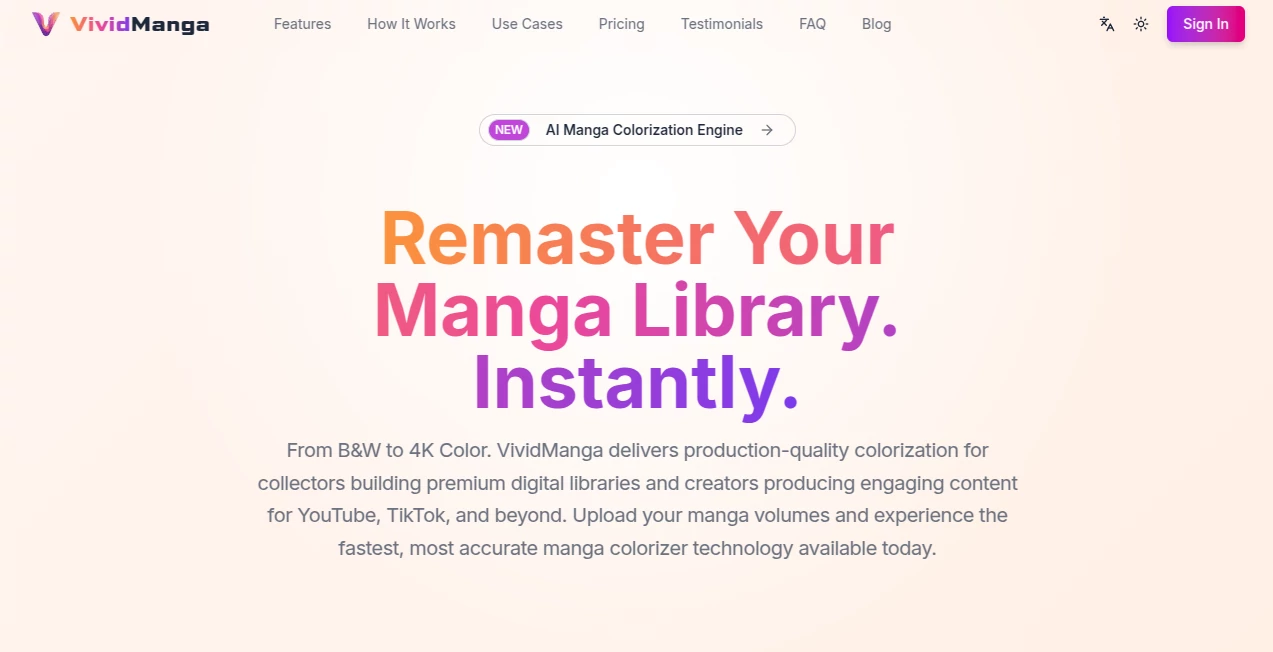
What is VividManga?
There's something truly special about watching a classic black-and-white manga burst into vibrant color, with every panel feeling fresh yet faithful to the original spirit. This tool makes that happen effortlessly, handling entire volumes at once and delivering results that look like they came from a dedicated studio team. I've tried colorizing a few pages manually before—hours spent on one spread—and this changes everything, saving time while producing consistent, professional-grade work that enhances the story without overpowering it.
Introduction
For fans and creators who've longed to see their favorite series in full color, or archivists building premium digital collections, this platform steps in as the go-to solution. It specializes in remastering black-and-white manga, applying thoughtful colors that stay true across hundreds of pages, preserving line art and text while adding depth that makes action sequences pop and emotions hit harder. What sets it apart is the deep understanding of manga as a narrative flow—not just isolated images—ensuring characters keep their signature looks from cover to cover. A friend recently ran an old favorite through it, and the transformation was stunning: suddenly, fights felt more dynamic, and subtle details shone in ways the monochrome original couldn't capture. It's a love letter to the medium, making color editions accessible without the endless manual labor.
Key Features
User Interface
Everything starts with a simple drag-and-drop zone that accepts whole archives or single pages, guiding you through style choices like Natural or Vibrant with clear previews. Define character palettes once via easy cards, and the dashboard tracks progress smoothly, notifying you when it's ready. It's refreshingly uncluttered—one-click launches, intuitive sorting for uploads, and no overwhelming options that bog you down, just the tools you need to get stunning results fast.
Accuracy & Performance
The consistency here is remarkable: set a character's hair or outfit once, and it sticks perfectly, no random shifts that break immersion. Processing flies—around 40 minutes for a 200-page volume—while intelligently isolating text bubbles to keep them crisp and readable, even in complex scripts. Outputs hit 4K lossless quality, with layers for easy post-edits, turning what used to take days into a quick, reliable routine.
Capabilities
Batch the whole volume via ZIP or CBZ, and it auto-extracts, sorts, colorizes, and repacks seamlessly. Choose from styles that range from subtle to bold, with surgical precision on speech bubbles and effects that stay untouched. Exports include layered files for pro workflows, making it ideal for everything from personal reads to content creation.
Security & Privacy
Your archives are processed securely, with notifications handling downloads privately—no lingering data or shared access unless you choose. It's built with respect for creators' work, giving peace of mind when uploading rare or personal scans.
Use Cases
YouTubers and TikTokers breathe new life into reviews, pulling layered 4K frames for edits that draw viewers in. Archivists upgrade digital libraries to premium colored editions, enhancing readability for modern audiences. Fans revisit classics with fresh eyes, where colors clarify chaotic battles or highlight emotional beats. Even small publishers prototype colored versions, testing appeal before full commitments.
Pros and Cons
Pros:
- Unmatched character consistency that keeps stories immersive across volumes.
- Batch processing saves massive time, handling full books without manual fuss.
- Prisine text protection and high-res layered outputs for pro use.
- Manga-specific smarts that generic tools just can't match.
Cons:
- Focused solely on colorization, not creation from scratch.
- Best results need clean B&W scans to start with.
Pricing Plans
Kick off with three free pages to see the magic firsthand—no card required. The Pro yearly plan lands at $199, unlocking unlimited volumes, priority queues, and that full power for serious projects, with a sweet deal that includes extra months free.
How to Use VividManga
Upload your archive or pages, set character cards for key folks (hair, eyes, clothes), pick a style that fits the mood, and launch. Sit back as it processes—email ping when done—then download the colored volume, ready for reading or editing. Tweak cards if needed for perfect matches, and you're building colored collections in no time.
Comparison with Similar Tools
Generic colorizers often randomize hues page to page, breaking the flow, while this one remembers characters and narrative threads like a true manga expert. It skips the per-page grind, batching volumes with precision that feels tailored, outpacing scattered alternatives in speed, consistency, and respect for the original art.
Conclusion
This tool rekindles the joy of manga in a whole new light, making color remasters feel authentic and exciting rather than forced. It's a bridge between classic lines and modern vibrancy, empowering fans and creators to experience stories richer than ever. If you've got a shelf of black-and-white treasures gathering dust, this is the spark to bring them roaring back to life.
Frequently Asked Questions (FAQ)
How consistent are character colors?
Perfectly—define once via cards, and it applies flawlessly across every panel.
What formats does it support?
ZIP/CBZ uploads, with lossless PNG/TIFF exports in 4K.
Does it mess with text bubbles?
No—it isolates them surgically, keeping dialogue clean and white.
How long for a full volume?
Around 40 minutes for 200 pages, lightning compared to manual work.
Any free start?
Yes, three pages to try before going pro.
AI Manga & Comic , Photo & Image Editor , AI Art Generator , AI Colorize .
These classifications represent its core capabilities and areas of application. For related tools, explore the linked categories above.
VividManga details
This tool is no longer available on submitaitools.org; find alternatives on Alternative to VividManga.
Pricing
- Free
Apps
- Web Tools
Categories

VividManga Alternatives Product

AI Picture G…

GPT Image 2

Gemini AI Ph…

Seedream 5.0

KOOX AI

Free AI Kiss…

Art-Neurona

AI Ease AI P…

Nano Banana 2
